作者:adsturbo.ai|发布日期:2026-09-01|更新日期:2026-09-01
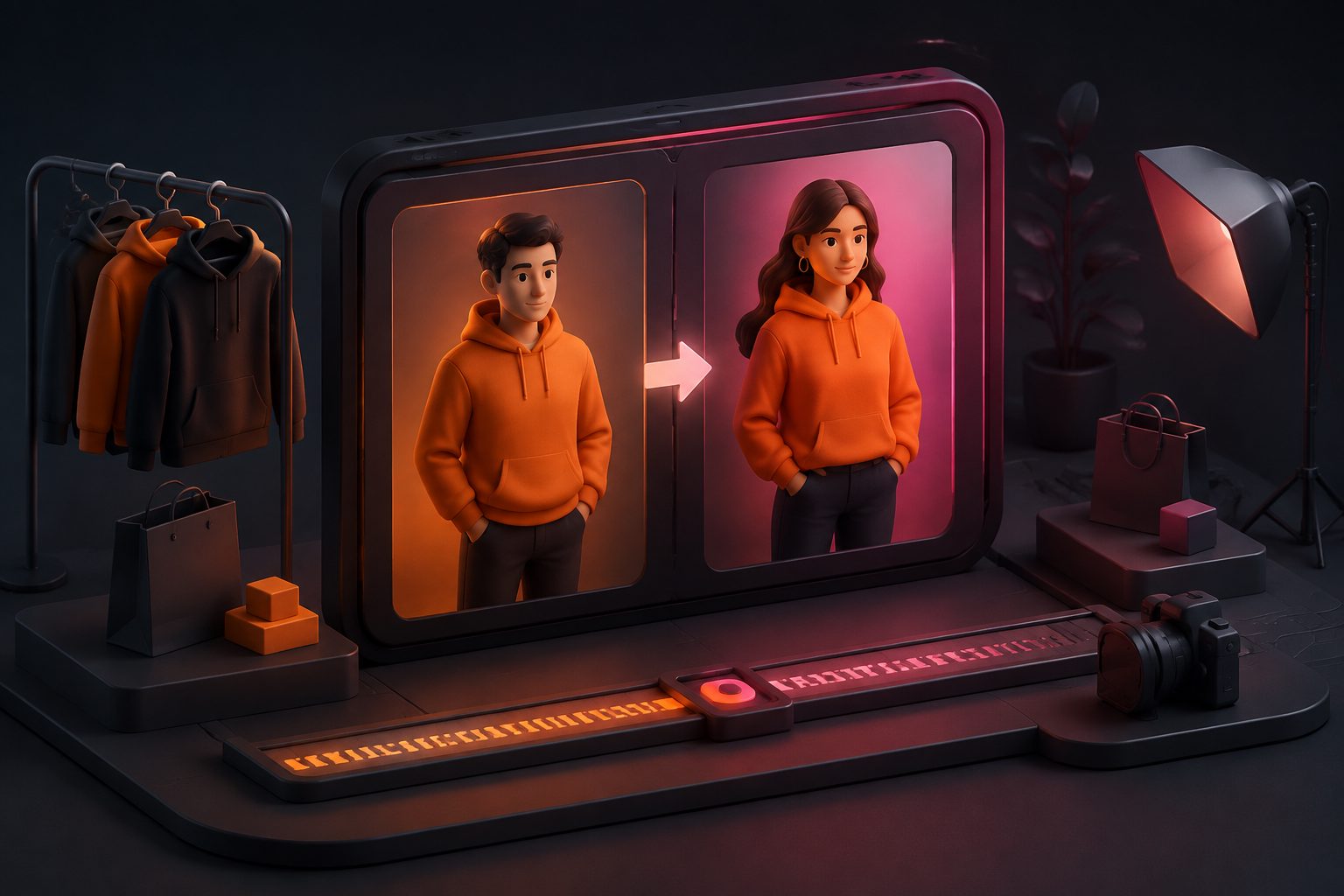
Character swap ai is a way to replace the person or character in a video while keeping the original motion, framing, and scene feel. For ecommerce brands, that means one working ad can become many audience-specific versions without reshooting.
What character swap AI actually does
Character swap AI changes who appears in a video, not what the camera saw. The best use case is a product ad that already has a strong hook, a clear demo, and a working CTA, but needs a different spokesperson, persona, or local face.
With AdsTurbo, Character Swap supports source video or image input plus a target character image. The goal is to preserve the original action, lighting, and scene realism while replacing the person in frame. That makes it useful for ad localization, creator-style testing, and cross-market adaptation.
For a practical overview of the production angle, see Character Swap for Ecommerce Video Ads and Replace Character in Video AI: A Practical Guide for Ecommerce Ads.
When ecommerce teams should use it
A simple filter helps: use character swap AI when the ad is already structurally good, but the human presentation is the part that needs changing.
A useful 3R framework is:
- Reuse the hook, pacing, and offer when the core message already works.
- Recast the presenter when a different face, age group, or persona fits the audience better.
- Retarget the same product story for a new market, language, or platform format.
That is especially useful for ecommerce sellers running multiple audience tests. A single product demo can be adapted into regional versions, creator-style variants, or localized spokesperson cuts. AdsTurbo also supports AI video translation, lip sync, motion control, and background replacement, so character swaps can fit into a broader creative system rather than a one-off edit.
Character swap AI vs face swap, lip sync, and motion control
These tools are related, but they solve different problems. Picking the right one saves time and avoids awkward edits.
| Tool | Best for | What changes |
|---|---|---|
| Character Swap | Replacing the person in a video | The visible character or actor |
| Face Swap | Changing a face while keeping the body scene | Facial identity |
| Lip Sync | Matching spoken audio to mouth movement | Mouth and speech alignment |
| Motion Control | Moving action onto a static character | Motion and pose behavior |
AdsTurbo provides all four capabilities, which matters when a brand needs more than a simple cut. For example, Control Motion in AI Video Ads: A Practical Guide for Ecommerce Creative Teams is useful when the movement itself is the key creative asset, while character swap is better when the presenter is the main variable.
If the visual environment also needs a refresh, Background Replacement for Ecommerce Creative Workflows explains how to change the scene without manual cutouts.
A practical workflow for ecommerce video ads
For ecommerce teams, the cleanest workflow is usually: analyze the reference ad, swap the character, localize the speech or captions, then export the right formats for each channel.
-
Start with a proven reference.
Use an ad with a clear opening, a product-focused middle, and a direct CTA. If the structure is weak, changing the character will not fix the creative. -
Choose the right asset set.
AdsTurbo Character Swap uses a source video or image plus a target character image. For video-specific use cases, make sure the original subject is visible enough for realistic replacement. -
Decide whether character swap is enough.
If the ad needs a new persona and new structure, Ad Clone may be the better fit. AdsTurbo’s Ad Clone workflow can deconstruct the reference video’s structure, pacing, shot logic, and CTA structure, then rebuild variants. A deeper guide is here: Swap Characters in Product Ad Videos Without Reshooting. -
Localize the message.
AdsTurbo Video Translation supports more than 40 target languages and can generate translated voice and subtitles from uploaded files or links. Video Subtitle can also create time-synced subtitles and export either burned-in captions or separate subtitle files. -
Send it to the right formats.
Short-form ad teams usually need versions for TikTok, Instagram Reels, and YouTube Shorts. AdsTurbo Video Subtitle supports caption styling for those formats, which helps the swapped character feel native to the channel. -
Automate the production handoff.
All generation tasks run asynchronously in AdsTurbo. Teams can track status by polling or receive completion events by webhook. Higher-tier plans add team workflows and custom workflow support (API access itself is available on every plan).
How to judge whether the result is good enough
A realistic swap is not just about visual quality. The ad still needs to read as a real, usable creative asset.
Use this checklist before publishing:
- The replacement looks natural in the scene.
- Lighting and color temperature stay consistent.
- The character matches the intended audience or market.
- The CTA is still visible and easy to understand.
- Subtitles do not cover the product or key demo moment.
- The final export fits the platform format you plan to run.
If the goal is a fast creative test, perfection is less important than clarity. If the ad is going into a branded campaign, the standard should be higher: the swap must support the offer, not distract from it.
Production planning, credits, and what to budget
AdsTurbo uses a credit system, so planning matters. For video functions, character swap is billed at 20 credits per second of output. Ad Clone is 10 credits per second, while video translation, AI upscaling, and watermark removal are 5 credits per second.
That matters in ecommerce because a short test set can stay lean, but longer product explainers can become expensive quickly. A good rule is to reserve character swap for ads where the presenter truly affects conversion, trust, or local relevance. If the only goal is to change text overlays, simpler edits may be enough.
AdsTurbo also offers 300+ AI actors and 100+ product ad templates, which makes it easier to match a brand style without starting from zero. For teams that want automation, AdsTurbo API uses standard REST architecture with Bearer API Key authentication and supports asynchronous jobs, status polling, and webhook callbacks.
Common mistakes to avoid
Character swap AI works best when the source is controlled. It struggles more when the original footage is noisy, tightly cropped, or visually inconsistent.
Avoid these mistakes:
- Replacing a character in an ad that has no clear product story.
- Using source footage where the subject is hard to separate from the background.
- Ignoring lip movement when the script is spoken on camera.
- Swapping the person but leaving the local context unchanged.
- Publishing a synthetic ad without checking platform and regional disclosure rules.
A stronger approach is to combine character swap with the rest of the ad system. For example, use Ad Clone when the structure is proven, Character Swap when the presenter is the variable, and Video Translation when the market itself changes. If the task starts from a product page instead of a finished ad, UGC Video Ad Generator: A Practical Ecommerce Playbook is the better starting point.
What AdsTurbo adds for ecommerce teams
AdsTurbo is not just a single effect. It is a broader AI video ad workflow with Character Swap, Lip Sync, Video Translation, Motion Control, AI Upscaling, AI Eraser, Background Replace, Product Video, and Ad Clone.
That combination matters because ecommerce creatives rarely need only one edit. A product launch may need a clean swap, translated subtitles, a higher-resolution export, and a background adjustment before the ad is ready for testing. AdsTurbo’s async workflow is built for that kind of multi-step production.
For brands that want to turn one asset into many market-ready variants, character swap ai is most useful when it sits inside a larger creative pipeline rather than as a standalone trick.
FAQ
What is character swap AI used for?
It is used to replace the person or character in a video while preserving the original scene, movement, and visual style. Ecommerce teams use it to create new ad variants without full reshoots.
Is character swap the same as face swap?
No. Face swap changes the face, while character swap replaces the visible person or character in the scene more broadly. The right choice depends on how much of the original performer must change.
When should a brand use Ad Clone instead?
Use Ad Clone when the reference ad’s structure, pacing, and CTA are already strong and the goal is to rebuild that winning logic for a new product or market. Use character swap when the same ad mainly needs a different on-screen person.
What does AdsTurbo need as input?
For Character Swap, AdsTurbo requires a source video or image and a target character image. For AI Lip Sync, it requires a clear JPG or PNG portrait plus MP3 or WAV audio.
Can AdsTurbo handle localization after the swap?
Yes. AdsTurbo Video Translation supports more than 40 target languages, and Video Subtitle can generate synchronized subtitles for short-form platforms such as TikTok, Instagram Reels, and YouTube Shorts.