By adsturbo.ai | Published 2026-10-17 | Updated 2026-10-17
A D2C brand video AI generator can turn a few product images, a brand story, and a clear creative direction into a polished short video without a studio shoot. For early-stage ecommerce brands, the goal is not to make a generic AI commercial. It is to create a recognizable piece of brand content that explains what the product is, why it exists, and why the viewer should care.
This workflow is especially useful when your budget is limited but your store needs content for TikTok, Instagram Reels, YouTube Shorts, product pages, and paid social campaigns.
What is a D2C brand video AI generator?
A D2C brand video AI generator is a creative workflow that uses product assets, messaging, and visual direction to produce short-form videos for direct-to-consumer brands. Unlike a basic slideshow maker, it should connect product presentation with a narrative, visual identity, pacing, captions, and a clear next step.
Leading AI video workflows for DTC brands commonly combine product images, AI presenters or actors, cinematic product scenes, captions, hooks, and multiple output formats. (finaltake.ai)
For a small brand, the most practical input set is:
- One or more clear product images
- A short explanation of the product’s purpose
- One customer problem or desire
- A brand origin or point of view
- The offer, launch detail, or call to action
- Preferred visual mood, such as warm, minimal, premium, playful, or founder-led
The output can be a founder-style story, product introduction, launch teaser, behind-the-brand concept, or short advertisement.
Why brand story videos matter for budget-conscious D2C brands
Product-only videos show what something looks like. Brand story videos explain why the product deserves attention. That distinction matters when a new company has limited reviews, low awareness, or a product category full of similar alternatives.
A strong short brand film can answer three questions in sequence:
-
What tension exists?
Show the routine, frustration, inefficiency, or unmet preference that inspired the product. -
What did the brand create?
Introduce the product clearly and show its most relevant visual or functional detail. -
What should the viewer do next?
Invite the viewer to explore, join a launch, shop the collection, or learn more.
This structure avoids a common mistake: generating visually attractive scenes without a commercial idea. The video may look premium, but the viewer still does not understand the product or its role in their life.
For a deeper product-focused workflow, see this guide to turning product images into short video ads.
A low-cost framework: the Brand Story Compression Method
The most useful original framework for early-stage brands is to compress a long brand story into five visual beats. Each beat should have one job.
| Beat | Purpose | Example visual |
|---|---|---|
| 1. Origin | Establish why the brand exists | Founder note, raw material, or early sketch |
| 2. Friction | Show the problem or unmet need | Messy routine, wasted time, poor fit, or visual contrast |
| 3. Product reveal | Make the product unmistakable | Hero shot, packaging detail, texture, or use moment |
| 4. Proof of choice | Explain what makes the product different | Detail shot, process, ingredient, construction, or design |
| 5. Invitation | Give the viewer a reason to continue | Launch message, offer, community, or shop CTA |
This is more effective than trying to tell the entire company history. A 15–30 second short usually needs one audience, one tension, one product promise, and one action.
Example: a small skincare brand
A skincare startup might use this sequence:
- “We wanted a simpler evening routine.”
- A cluttered shelf and multiple unfinished products.
- The hero product appears against a clean background.
- Close-ups show the bottle, texture, and application.
- “Discover the first collection.”
The story remains emotional, but every scene supports product recognition. This balance is the difference between a brand video and an abstract mood film.
How to create a brand story short from static product images
1. Prepare a reliable product asset
Start with a clear JPG or PNG product image. A photo with a plain, solid-color background generally gives the cleanest starting point for product-image generation and compositing.
Avoid images with:
- Reflections covering the label
- Cropped packaging
- Heavy shadows across important details
- Multiple products overlapping
- Small or unreadable text
- Unapproved logos or claims
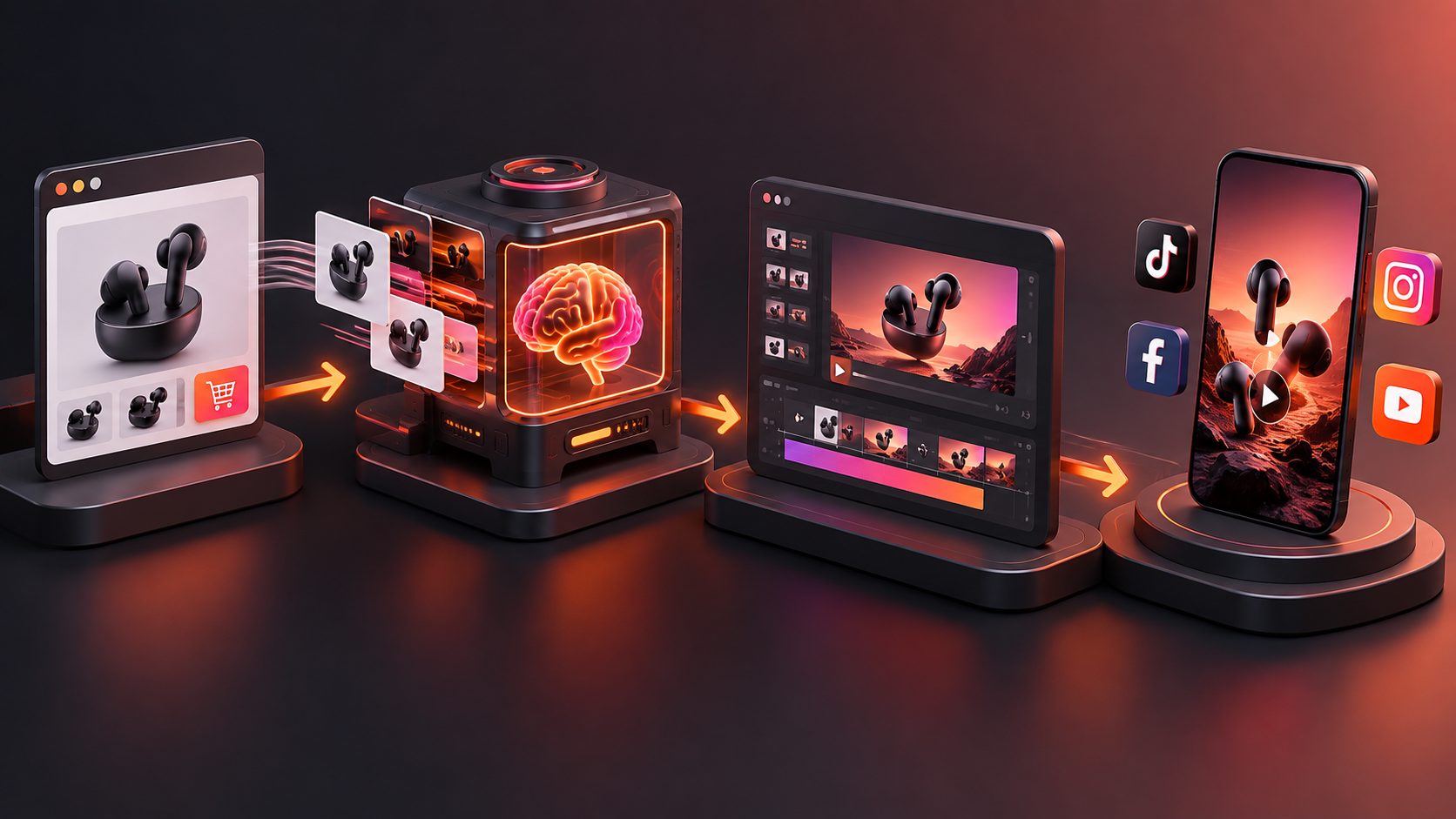
AdsTurbo Product Image can analyze a product’s shape, color, and category, then generate multiple image types such as hero banners, lifestyle scenes, detail views, usage instructions, and brand visuals.
2. Write the story before choosing the style
Do not begin with “make it cinematic.” Begin with a one-sentence message:
“This product helps [specific audience] move from [problem] to [desired outcome] through [distinctive product idea].”
Then convert that sentence into five beats. This prevents the generator from filling the video with disconnected scenes.
3. Create supporting visuals
Static product images can become the foundation for:
- Hero product shots
- Lifestyle environments
- Close-ups of materials and packaging
- Before-and-after visual contrasts
- Product-in-use scenes
- Promotional frames
For product pages and campaign landing pages, a short supporting clip can make the shopping experience more visual. This ecommerce landing page video workflow explains how to plan clips around the buyer’s decision rather than around decoration.
4. Add motion carefully
Motion should reveal information, not simply make the image move. Useful motions include:
- A slow product rotation
- A push-in toward a texture or label
- A hand placing the product into a real setting
- A transition from the problem state to the product state
- A controlled camera move around the hero shot
Keep the product’s proportions, colors, packaging, and text consistent. If a scene changes the product’s identity, replace it instead of trying to save it with editing.
5. Add captions for silent viewing
Short-form videos are often watched without sound, so captions should carry the essential message. Use one idea per caption, keep lines short, and place text where it does not cover the product.
AdsTurbo Video Subtitle can automatically transcribe speech and generate time-synced captions. It also supports social-friendly subtitle formatting and can export either a video with embedded captions or a separate subtitle file.
How to make one video feel like a real brand asset
A low-budget production can still feel intentional when it follows a simple consistency system:
- Use one dominant color family.
- Repeat the same product lighting direction.
- Keep the typography and caption style consistent.
- Give every scene the same emotional temperature.
- Use one voice, narrator, or character perspective.
- Repeat a visual motif, such as a material, shape, hand movement, or location.
A useful test is to remove the logo from the final three seconds. If the video has no recognizable visual identity without the logo, the brand system needs more work.
You can also create variations without recreating the entire concept. Change only one variable at a time:
- Hook
- Opening scene
- Narrator
- Product benefit
- Background
- CTA
- Language
- Aspect ratio
AdsTurbo supports multiple AI video workflows, including product video generation, advertising concept variations, character replacement, lip sync, video translation, motion control, and video upscaling. This allows a single brand concept to become several audience or channel-specific versions.
Common mistakes to avoid
Treating AI video as a replacement for positioning
AI can create scenes quickly, but it cannot decide which customer tension matters most. Define the audience and product promise first.
Showing the product too late
For ecommerce, visual recognition is essential. Introduce the product early, then use the brand story to add meaning.
Using too many claims
A brand story should build interest without making unsupported promises. Use claims that your product documentation, packaging, and compliance review can support.
Creating one universal edit
A homepage brand film, a TikTok ad, and a product-page clip have different viewing contexts. Produce a core story, then adapt its opening, duration, caption density, and CTA.
For a systematic way to improve the first seconds of a video, review this video ad hook rate troubleshooting guide.
FAQ
Can I make a D2C brand video from only one product photo?
Yes. One clear JPG or PNG product image can serve as the starting asset for hero shots, lifestyle scenes, detail images, and short product videos. More images can improve consistency and provide additional visual references.
Should a brand story video use an AI actor?
Not always. An AI actor can help explain the product or deliver a founder-style message, but some brands are better served by product close-ups, text-led storytelling, lifestyle scenes, or animated packaging.
What length works best for a short brand video?
Use the shortest version that communicates the story. A 15-second cut can focus on one tension and one product promise, while a 30–60 second version can include more origin, process, or proof.
How can one video support multiple markets?
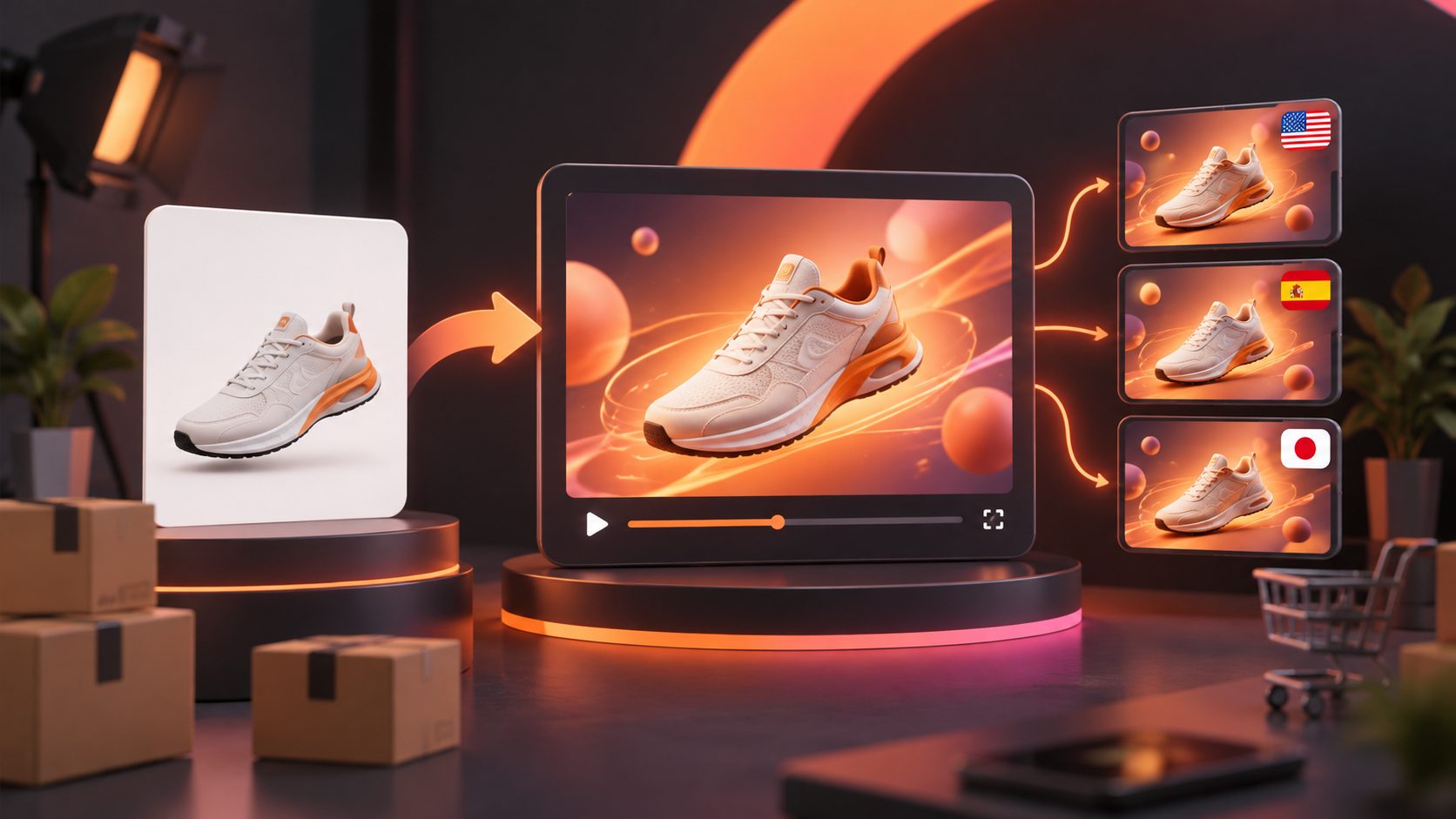
Create a master edit with a stable visual structure, then adapt the narration, subtitles, character, and CTA. AdsTurbo supports video translation, multilingual subtitles, character replacement, and lip sync workflows for localization.
What should I review before publishing?
Check product shape, label text, colors, claims, captions, voiceover, music rights, logo usage, and the final CTA. AI-generated scenes should be treated as creative drafts until the brand team verifies them.
Final takeaway
A D2C brand does not need a large production budget to communicate a memorable point of view. The strongest low-cost workflow starts with a real product image, compresses the brand story into five visual beats, and creates controlled variations for different audiences and placements.
Use product visuals to establish recognition, storytelling to create meaning, and testing to learn which message earns attention. Explore AdsTurbo’s AI video and ecommerce creative workflows to turn that process into repeatable brand content.