作者:adsturbo.ai|发布日期:2025-06-10|更新日期:2025-06-10
An ecommerce landing page product video is a short, conversion-focused video placed on a product or campaign landing page that demonstrates the item, handles objections, and pushes visitors toward the buy button. Done right, it is the single highest-leverage asset on the page — yet most Shopify and DTC sellers either skip it or reuse a generic brand reel. This guide covers the structure that actually converts, the placement and technical specs that keep pages fast, and an AI workflow for producing videos across a whole catalog without a production team.
Why a Landing Page Product Video Converts Better Than Images Alone
The short answer: video compresses the decision journey. A shopper can read your bullet points, but a 20-second demo answers "will this work for me?" faster than any copy block.
The mechanism is simple. Landing page visitors arrive with one question — is this worth my money? — and video answers it with evidence: the product in real hands, at real scale, in real use. Industry benchmarks commonly cited by conversion researchers put the uplift of on-page product video in the range of 20–80% higher conversion, with the biggest gains for products that need demonstration (apparel fit, gadgets, beauty textures). Where static images show what a product is, video shows what it does — and that difference is what moves a hesitant visitor to checkout.
There's a second, quieter benefit: dwell time. Pages with an embedded video keep visitors engaged longer, which supports both on-page conversion and the behavioral signals that feed your broader funnel.
What Is the Ideal Structure of an Ecommerce Landing Page Product Video?
A converting landing page video follows a four-part arc: hook (0–2s), problem/agitate (2–6s), product demonstration (6–18s), and CTA with risk reversal (18–25s). Total length: 20–30 seconds for hero placement.
The four-part structure in detail
- Hook (0–2 seconds): Show the end result or the product mid-action. Never open with a logo animation — visitors on a landing page already know your brand; they're deciding on the product.
- Problem or desire (2–6 seconds): Name the pain your buyer recognizes. "Tired of chargers that fray in a month?" works better than feature lists.
- Demonstration (6–18 seconds): The core. Show the product solving the problem, with 2–3 concrete proof moments: scale reference, texture close-up, before/after.
- CTA + risk reversal (18–25 seconds): "Shop now — free returns for 30 days." Pair the action with the objection killer.
Common structural mistakes sellers make
- Autoplaying with sound. Use muted autoplay with captions, or a click-to-play thumbnail. Forced audio spikes bounce rates.
- Reusing a 90-second brand film. Landing page videos are decision aids, not storytelling.
- Burying the video below three scrolls. If the video is your closer, it needs to be visible near the buy box.
Where Should the Video Sit, and What Specs Keep the Page Fast?
Place the primary video within the first viewport or directly beside the add-to-cart module, and keep the file under 5 MB via compressed MP4 (H.264) at 1080px width. Speed is non-negotiable: Google's Core Web Vitals documentation ties Largest Contentful Paint and interaction latency directly to both rankings and user experience, and heavy video embeds are a common LCP killer.
Practical placement rules:
- Hero position: muted, looping, captioned background-style clip of the product in use.
- Buy-box position: a click-to-play demo with a strong first frame — treat that first frame like an ad thumbnail.
- Further down: a UGC-style review clip or comparison video to catch scrollers.
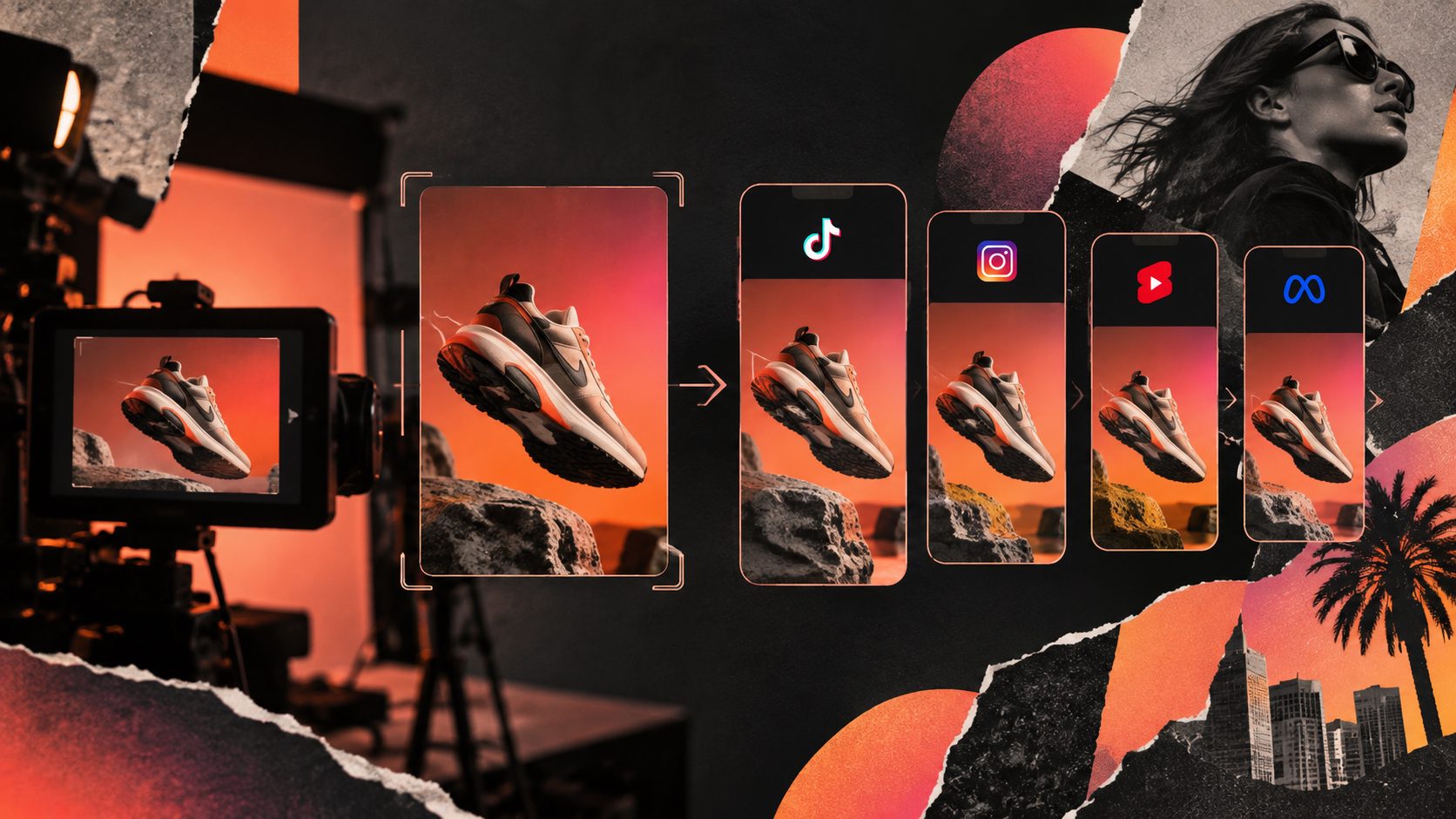
On specs: upload MP4 (H.264/AAC), 1920×1080 or 1080×1080 for hero modules, and 1080×1920 if you're reusing vertical ad creative. Lazy-load below-the-fold embeds. If you're also running that creative as ads, an ecommerce video ad resizing tool lets you adapt one master clip to 16:9, 1:1, and 9:16 without re-editing.
The Objection Map: A Framework Most Guides Skip
Before writing any script, map your top five purchase objections to specific video moments. This is the step nearly every "how to make a product video" article omits — and it's why their videos look nice but don't convert.
Here's the framework we use when planning landing page videos for ecommerce SKUs:
| Objection | Video moment that answers it | Typical timestamp |
|---|---|---|
| "Will it fit / look right on me?" | On-body or in-hand scale reference | 6–10s |
| "Is the quality real?" | Macro close-up of material, seams, texture | 10–14s |
| "Is it hard to use?" | One-take usage demo, no cuts | 14–18s |
| "What if I don't like it?" | Returns/warranty line in CTA | 20–25s |
| "Is this worth the price?" | Before/after or cost-per-use framing | 16–20s |
Pull your real objections from reviews, support tickets, and post-purchase surveys — not guesses. Sellers who work through this map typically find that two objections account for most abandoned sessions, which tells you exactly what the demo section must show. Customer reviews can even become the video itself; see our workflow for turning customer reviews into video ads.
How to Batch-Produce Landing Page Videos for Every SKU with AI
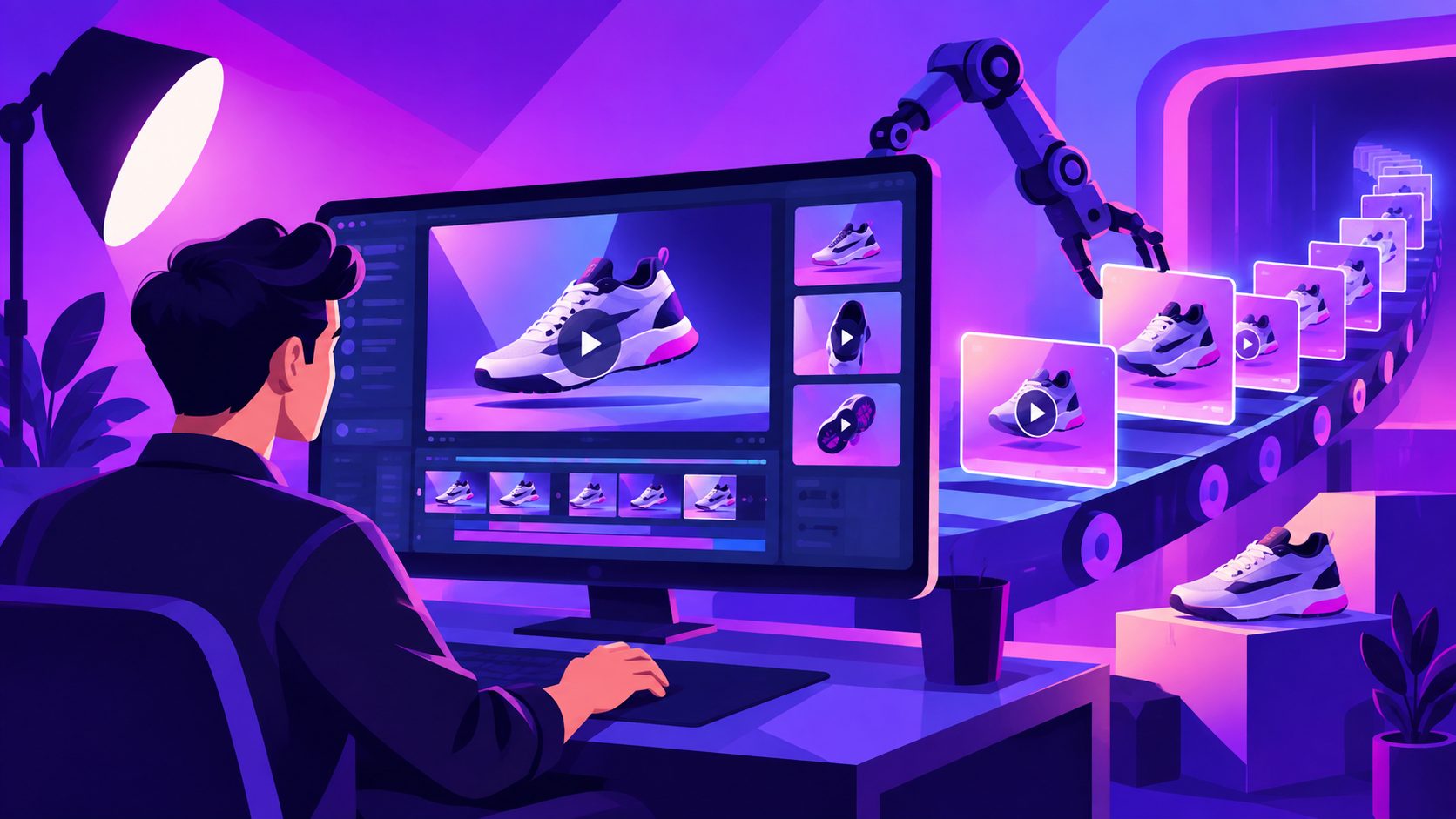
The scalable approach: define one proven template, then generate per-SKU variants with AI instead of filming each product. This is where AI video generation changes the economics — a 500-SKU catalog no longer means 500 shoots.
A practical AI batch workflow looks like this:
- Lock the template. Take your best-converting video structure (the four-part arc above) and treat it as the master skeleton.
- Feed product inputs per SKU. With AdsTurbo's Product Video tool, you upload a JPG or PNG product image (clear shots on a solid background work best), optionally add selling points and promo info, and generate UGC-style short videos — product reviews, introductions, or demos.
- Clone proven structures. If a competitor or your own past ad is converting, Ad Clone deconstructs the reference video's pacing, shot logic, and CTA structure, then rebuilds it around your product — including exporting 9:16, 1:1, and 16:9 variants for TikTok, Meta, and Shorts from one source.
- Localize per market. Video translation and lip sync turn one master video into multi-language versions for regional landing pages, billed per output second.
- Refresh on fatigue. When a page's conversion rate decays, regenerate the hook and first frame rather than the whole video.
For the broader catalog-scale version of this process, our guide to bulk SKU video ad generation walks through the full pipeline, and the product features to video ads workflow covers how to translate spec sheets into hooks.
Frequently Asked Questions
How long should an ecommerce landing page product video be?
20–30 seconds for hero or buy-box placement. Landing page visitors are mid-decision; they want evidence fast, not a story. Save 60–90 second content for ads or social.
Should landing page videos autoplay?
Muted autoplay with captions works for hero background clips. For demo videos with narration, use click-to-play with a strong thumbnail frame to avoid annoying visitors and hurting bounce rate.
Does an embedded video slow down my page?
Only if implemented poorly. Compress to MP4 under 5 MB, lazy-load below-the-fold embeds, and avoid third-party player scripts in the hero. Done right, the conversion gain far outweighs a sub-100ms LCP cost.
Can I reuse my TikTok ad creative on a landing page?
Yes — vertical ad creative often outperforms polished brand video on landing pages because it feels authentic. Resize to fit your page module and add captions for muted viewing.
How many variants should I test per product?
Start with 3 hook variants per hero SKU. AI generation makes this cheap; let 1–2 weeks of conversion data pick the winner before scaling the template to the rest of the catalog.