How to Make a Live Photo Into a Video

Summarize with
Summary
Learn how to make a Live Photo into a video on iPhone, combine clips, fix common export issues, and turn the result into an ecommerce ad. Start creating.
By adsturbo.ai | Published 2026-11-14 | Updated 2026-11-14
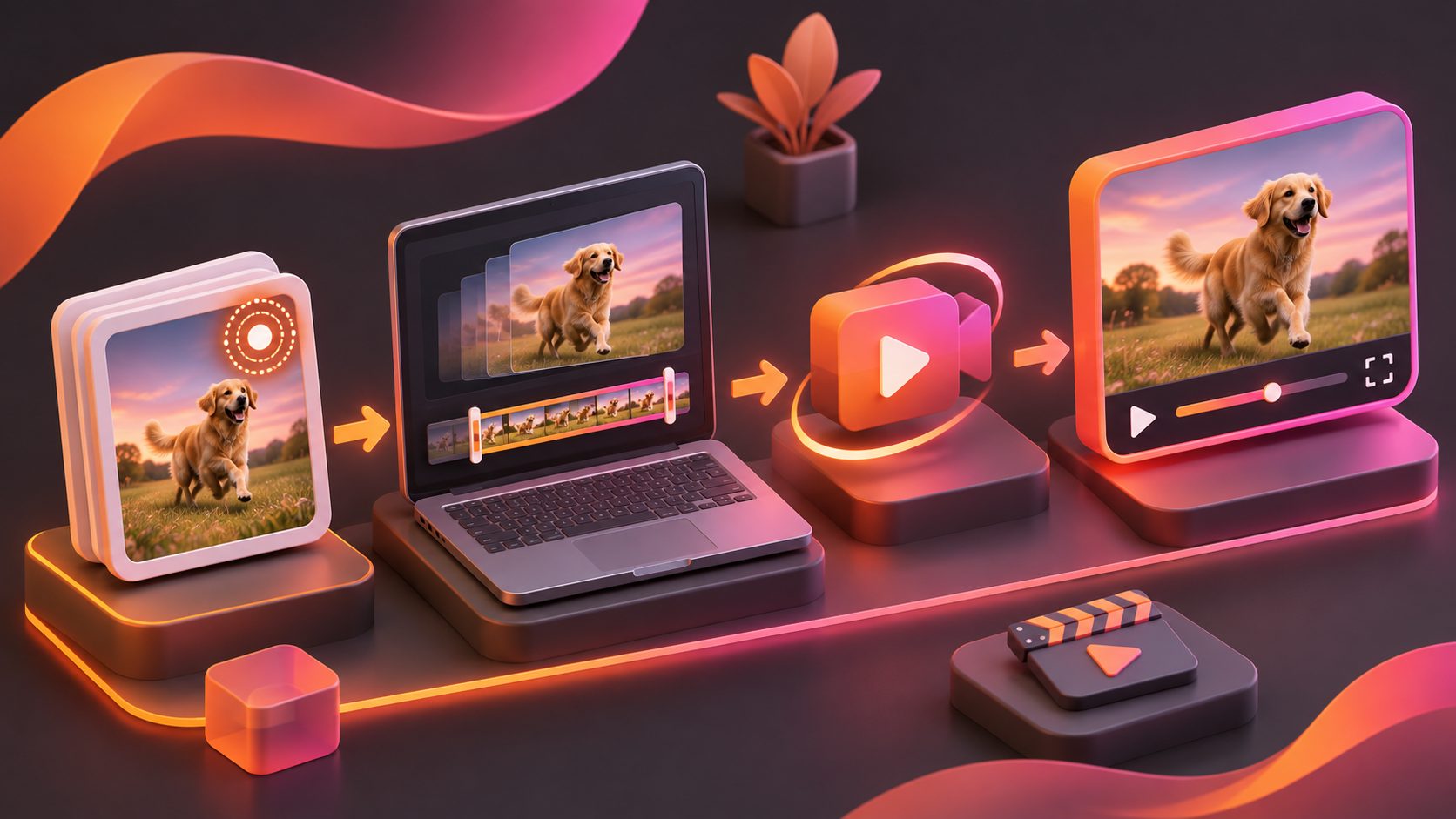
If you want to know how to make a Live Photo into a video, the fastest method is built into the iPhone Photos app: open the Live Photo, tap the More button, and choose Save as Video. The original Live Photo stays in your library, while a separate video copy appears in Recently Saved. (support.apple.com)
For ecommerce sellers, that export is only the first step. A short Live Photo can become a useful product hook, texture shot, lifestyle moment, or opening scene for a vertical ad—provided you prepare the clip for sound-off viewing, platform framing, and a clear call to action.
What is a Live Photo video?
A Live Photo is a still image paired with a short motion and audio sequence captured around the moment the photo was taken. Saving it as a video converts that motion into a standard video file that is easier to share, edit, and place into social media projects. Apple’s official workflow preserves the original Live Photo as well as the exported video. (support.apple.com)
The exported clip is usually brief, so it works best as:
- A product detail movement, such as fabric shifting or liquid pouring
- A natural reaction or gesture in a creator-style shot
- A transition between a problem and a product benefit
- B-roll behind a voiceover or caption
- A visual hook before a product demonstration
A Live Photo is not automatically a complete advertisement. It gives you a moment of motion; editing supplies the narrative.
How do you make a Live Photo into a video on iPhone?
Use these steps to convert one Live Photo without a third-party app:
- Open the Photos app.
- Tap Albums and scroll to Media Types.
- Select Live Photos.
- Open the Live Photo you want to export.
- Tap the More button in the upper-right corner.
- Choose Save as Video.
- Find the exported file in Recently Saved or your video library.
Apple documents this as the standard way to save a Live Photo for sharing with people or services that do not support the Live Photo format. (support.apple.com)
Before editing, play the new video with sound on and off. Check whether the motion begins too late, whether the subject is cut off, and whether the final frame is strong enough to support a transition.
How can you turn several Live Photos into one video?
To combine multiple moments, export the selected Live Photos as videos first, then place the clips in a video editor. Apple notes that iMovie can be used to combine videos created from Live Photos. (support.apple.com)
A simple sequence for an ecommerce product is:
- Hook: show the product entering the frame or moving naturally.
- Detail: cut to a close-up of the material, texture, feature, or result.
- Use case: show the product in a realistic setting.
- Proof: add a demonstration, comparison, or visible outcome.
- CTA: finish with the product name, offer, or next action.
Do not simply arrange clips in chronological order. Arrange them according to the viewer’s decision process. A product detail that makes sense as the second shot may be a stronger opening than the original first image.
What should you check before using a Live Photo in an ad?
A useful way to evaluate a Live Photo is the H-M-C-F test:
| Check | Question | Why it matters |
|---|---|---|
| Hook | Is something visibly happening in the first moment? | Static openings can lose attention quickly. |
| Message | Can viewers identify the product or benefit? | Motion without meaning does not sell. |
| Composition | Is the subject clear in a vertical crop? | Reframing may remove the key detail. |
| Finish | Does the clip lead naturally to a CTA? | A polished scene still needs a next step. |
This framework is an editorial quality check, not a platform benchmark. It helps separate a visually pleasing clip from a commercially useful one.
For product ads, prioritize Live Photos with:
- Clear subject separation
- Stable lighting
- A recognizable product silhouette
- Motion that demonstrates use or benefit
- Enough empty space for captions
- A natural loop or clean cut point
Avoid clips where the product is hidden by hands, reflections, clutter, or an abrupt camera movement. Those issues become more noticeable after cropping to a 9:16 format.
How do you turn the exported clip into an ecommerce video ad?
After exporting, build the ad around one claim rather than adding every selling point. For example, a short clip of a water bottle can support a “fits your daily routine” angle, while a close-up of a bag zipper can support a durability or convenience angle.
A practical 15-second structure is:
- 0–2 seconds: visual movement and a short hook
- 2–6 seconds: product close-up or use demonstration
- 6–11 seconds: one benefit supported by on-screen text
- 11–15 seconds: offer, product name, and CTA
Add captions because many social viewers watch without sound. AdsTurbo’s video subtitle generator for ecommerce content can support a caption-first workflow, while its subtitle tool can create synchronized subtitles and export either a captioned video or a separate subtitle file.
If the Live Photo looks soft after cropping or exporting, an AI video enhancer can improve the presentation before you add text and resize the final creative. Review the result at the actual mobile viewing size; sharpening that looks helpful on a large monitor can appear harsh on a phone.
Can AI expand a Live Photo into a stronger product video?
Yes, but AI should extend the commercial idea rather than invent unsupported product claims. A Live Photo can serve as a real visual reference for a product video, while additional scenes introduce context, benefits, or alternate angles.
For ecommerce production, combine the exported clip with:
- A product image for a clean opening or closing frame
- A short script focused on one benefit
- Captions for sound-off viewing
- A product demonstration or lifestyle scene
- Multiple aspect ratios for different placements
AdsTurbo provides product video generation, advertising creative workflows, video subtitles, background replacement, AI upscaling, and other editing controls. Its Product Video workflow accepts JPG or PNG product images, while product image tools can analyze the product’s shape, color, and category.
The safest workflow is to keep factual product details grounded in your listing, packaging, or approved brand copy. AI can help create variations in pacing, framing, and presentation; it should not be used to manufacture performance results or features the product does not have.
Why does a Live Photo become a still image when shared?
A Live Photo may appear as a still image when the receiving app or device does not support Apple’s Live Photo format. Exporting it with Save as Video creates a standard video file that is more broadly compatible. Apple specifically describes video export as a way to share the motion with people outside Apple’s ecosystem. (support.apple.com)
If the export still looks wrong, check these points:
- Confirm that you selected the Live Photo, not its still frame.
- Play the exported file from the Photos video library.
- Check whether the destination app accepts the file format.
- Reframe the clip for 9:16 before uploading.
- Add captions and a clear CTA outside the central product area.
- Keep the original Live Photo as a backup for future edits.
Frequently asked questions
Can I make a Live Photo into a video without an app?
Yes. The iPhone Photos app includes Save as Video, so one Live Photo can be exported without installing another app. (support.apple.com)
Does converting a Live Photo delete the original?
No. The exported video is saved separately, and the original Live Photo remains accessible in the Live Photos album. (support.apple.com)
Can I use a Live Photo in a TikTok or Reel?
Yes, after exporting it as a standard video. For better performance, place it in a vertical sequence, add readable captions, and connect the motion to a product benefit rather than uploading it as an unedited clip.
Can I add music or captions directly during export?
The built-in export creates a video copy, but a complete ad usually requires a separate editing step for music, captions, pacing, overlays, and a CTA.
What is the best use of a Live Photo for ecommerce?
Use it as a short, authentic motion asset: a product detail, lifestyle moment, demonstration fragment, or visual hook. Its strongest role is usually inside a larger ad structure, not as the entire ad by itself.