Peel Off Unboxing Video Ad AI for Beauty and Tech Products


Summarize with
Summary
Learn how peel off unboxing video ad AI creates sample-free macro ASMR ads for beauty and tech products, with prompts, shot structure, QA, and testing tips.
By adsturbo.ai | Published 2026-10-24 | Updated 2026-10-24
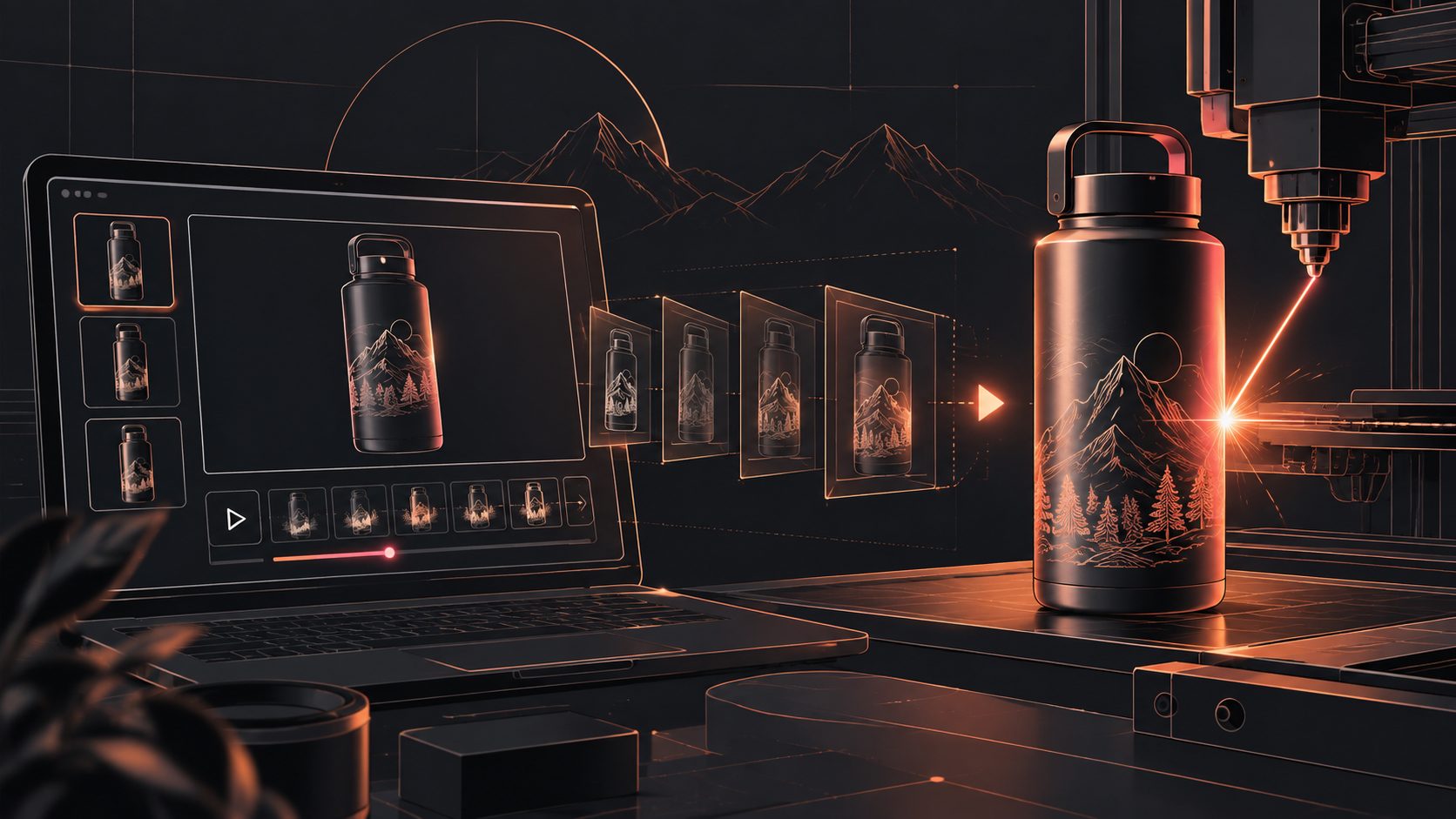
A peel off unboxing video ad AI workflow turns a product image and a visual brief into a close-up reveal: a seal lifts, protective film pulls away, a surface catches the light, and the product becomes ready for use. For beauty and consumer electronics sellers, this format can create attention-grabbing ad concepts before every sample reaches a creator or studio.
The strongest version is not a generic “box opening” clip. It is a controlled sequence built around texture, resistance, sound, and product accuracy.
What is a peel-off unboxing video ad?
A peel-off unboxing video is a short product reveal centered on removing a seal, protective film, label, lid, or packaging layer. Unlike a standard talking-head UGC ad, it relies on tactile visual cues: the edge of the film, the tension in the pull, the change from covered to uncovered, and the final product hold.
AI unboxing tools commonly position this format as a way to create creator-style reveals without shipping physical samples. Search results also show that leading tools emphasize product photos, hands-only scenes, creator POV, short-form formats, and the need to review packaging accuracy before publishing. (fireplaceugc.com)
For ecommerce, the format is especially useful when:
- A product has protective film, a tamper seal, or a satisfying closure.
- The launch team needs creative concepts before inventory is widely distributed.
- One SKU needs several hooks for TikTok, Reels, Shorts, or paid social testing.
- The product is visually recognizable but does not require a long explanation.
- The seller wants a faceless or hands-only ad rather than a presenter-led video.
The key distinction is this: unboxing creates anticipation; a product demo proves function. A peel-off ad should not pretend to demonstrate a result it cannot visibly verify.
Why macro ASMR works for beauty and 3C products
Macro ASMR gives the first seconds a clear job: make the viewer want to see what is underneath. A close-up of a skincare jar seal, compact mirror film, keyboard keycap cover, phone screen protector, or earbud case can communicate novelty without a long voiceover.
Beauty products benefit from:
- Glossy lids and reflective packaging
- Cream, powder, glass, and embossed textures
- Protective seals and foil details
- Color reveals after the outer layer is removed
- Clean, controlled lighting
Consumer electronics benefit from:
- Screen films and edge tabs
- Clicks, snaps, and magnetic closures
- Charging ports and tactile buttons
- Protective foam or paper layers
- The first powered-on screen
The creative opportunity is not simply “make it realistic.” It is to assign each shot one sensory purpose. A useful sequence is:
- Recognition: show the package or product silhouette.
- Resistance: show the tab, corner, seal, or edge being found.
- Release: show the film or cover separating.
- Reveal: hold the clean product in frame.
- Proof cue: show one safe, visible detail such as a texture, port, finish, or interface.
A practical five-layer framework for better AI unboxing ads
Most existing guides focus on generating an unboxing clip quickly. The missing issue is what must remain accurate while the scene becomes more cinematic. Use this five-layer framework to brief and review each output.
1. Identity layer
The product must keep its recognizable shape, color, label placement, and major components. Upload a clear JPG or PNG product image. AdsTurbo Product Image supports JPG and PNG uploads, and clear product photos on a plain background are recommended for stronger input consistency.
2. Packaging layer
Specify what is being removed: shrink film, paper seal, foil, sleeve, screen protector, or lid. If the product has no real removable layer, use a visual reveal without inventing a misleading package feature.
3. Motion layer
Describe the action in physical order. For example: “fingertip locates the corner tab, lifts slowly, film stretches slightly, then separates in one continuous pull.” This is more useful than asking for “a satisfying peel.”
4. Sound layer
Treat sound as a separate design decision. Use a soft tear, crisp snap, paper slide, click, or low-friction pull only when it matches the material. Avoid adding dramatic sounds that imply a feature the product does not have.
5. Conversion layer
End with a product-led message: a benefit, offer, launch cue, or next action. Keep the final frame stable enough for readable text and platform cropping.
This framework creates a useful separation between visual spectacle and commercial accuracy. The peel can be cinematic, but the product identity and claim must remain grounded.
How to create a sample-free peel-off ad workflow
Start with a clean product asset rather than a complicated lifestyle image. A plain background makes it easier to inspect the product’s outline, color, and category before placing it in a scene.
Then build the ad in short clips:
- Choose the reveal angle. Use overhead, first-person, tabletop macro, or side close-up.
- Write a five-shot brief. Give each shot one action and one visual purpose.
- Generate several opening hooks. Test “find the tab,” “first reveal,” “premium packaging,” and “hidden finish.”
- Edit clip by clip. AdsTurbo supports Clip by Clip editing for adjusting individual sections instead of rebuilding the entire concept.
- Add captions or translation. AdsTurbo Video Subtitle can transcribe speech, create synchronized captions, and export either a captioned video or a separate subtitle file.
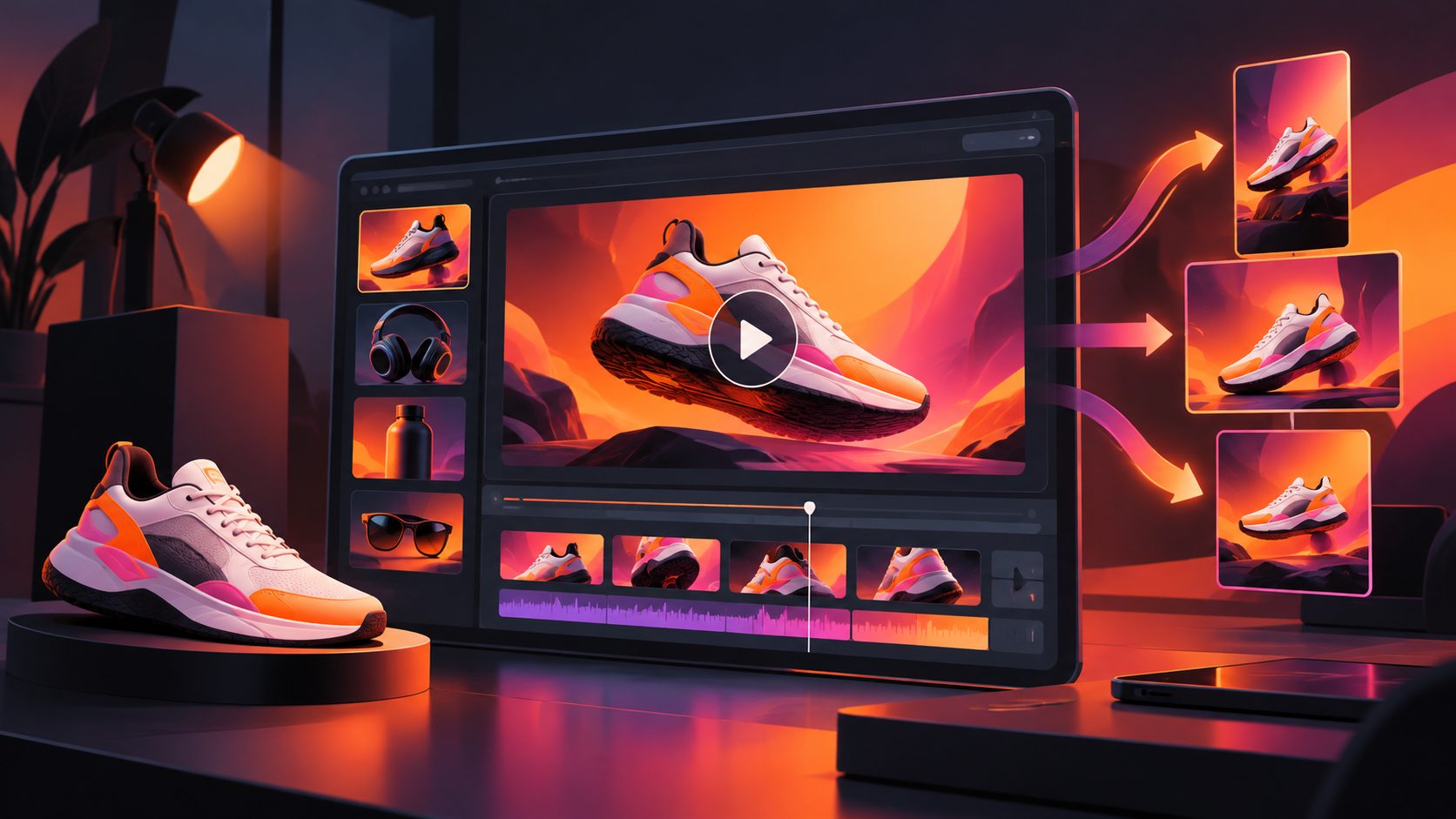
- Create platform versions. Prepare vertical, square, and landscape versions where the campaign requires different placements.
- Review before publishing. Check labels, colors, accessories, hand contact, film direction, shadows, and claims frame by frame.
For a broader product-video workflow, see this guide to creating a product video from a single product image. For captioned social variants, the automatic captions workflow for ecommerce video ads provides a useful production reference.
Prompt examples for beauty and electronics
Beauty product prompt
Create a 9:16 macro unboxing ad for a premium face cream jar. Use the uploaded product image as the exact product reference. Show a clean fingertip lifting the corner of the inner seal, slowly peeling it back in one continuous motion. Reveal the cream surface and jar label in soft diffused light. Use restrained paper and foil ASMR, no invented claims, no extra packaging text, and a final two-second product hold with space for a short offer caption.
Consumer electronics prompt
Create an 8-second vertical macro unboxing ad for the uploaded wireless earbuds case. Show a hand removing the transparent protective film from the case lid, followed by a gentle magnetic click as the lid opens. Preserve the case shape, logo position, hinge, and color. Use a clean desk, controlled reflections, realistic hand motion, and a final close-up of the earbuds seated inside. Do not invent ports, buttons, accessories, or performance claims.
The prompts work because they specify reference fidelity, action order, duration, sound behavior, and exclusions.
What to check before using the ad
AI-generated unboxing footage needs stricter QA than ordinary mood footage because viewers notice small physical errors in close-up shots.
Use this checklist:
| Review area | What to verify |
|---|---|
| Product identity | Shape, color, logo, label, buttons, ports |
| Peel action | Correct starting point, natural tension, continuous motion |
| Materials | Film looks like film; paper, foil, glass, and plastic remain distinct |
| Hands | Finger count, contact points, nail style, and object grip |
| Text | Packaging and captions are readable and accurate |
| Claims | No unsupported performance, ingredient, or safety promise |
| Cropping | Product and CTA remain inside the platform-safe area |
| Audio | Sounds match the visible action and do not overpower speech |
For localization, AdsTurbo supports video translation, subtitles, lip syncing, and other post-production controls. A localized version should preserve the same visual sequence while changing only the language, voice, captions, or offer details.
Common questions
Can I create an unboxing ad without sending a product to a creator?
Yes. A product image and a detailed scene brief can be used to develop a sample-free concept. However, review the output carefully and avoid presenting simulated footage as independent customer testimony.
Is a peel-off ad better than a normal product demo?
They serve different purposes. A peel-off ad is strongest for anticipation and visual stopping power. A product demo is stronger when shoppers need to understand operation, size, compatibility, or use cases.
How long should the video be?
For short-form placements, keep the reveal focused. An 8–15 second cut is often enough for one peel, one reveal, and one CTA. Longer versions should add a meaningful proof step rather than repeat the same action.
What product image produces the best result?
Use a clear JPG or PNG with the full product visible, strong contrast, and minimal clutter. For product-image generation, AdsTurbo recommends clear photos on a plain background.
How can I make multiple versions for testing?
Change one variable at a time: opening frame, peel speed, background, hand style, sound design, offer, or CTA. AdsTurbo also supports ad cloning and creative variations for restructuring a reference ad into new product-led versions.
A peel-off unboxing ad is most effective when it balances sensory satisfaction with product truth. Use AI to explore angles, formats, and variations quickly, then keep the final selection grounded in accurate packaging, visible details, and an honest purchase message.