作者:adsturbo.ai|发布日期:2025-06-10|更新日期:2025-06-10
Performance Max video ads specs define what Google accepts when you upload video into an asset group: MP4/MOV uploads of 1:1, 16:9, or 9:16, at least 15 seconds ideally, HD resolution recommended, max 5 videos per asset group. Get these wrong and Google auto-generates a slideshow video from your images — which usually performs worse. This guide consolidates every spec, the asset group logic behind it, and a repeatable workflow to produce compliant video variants at scale.
What Are Performance Max Video Ads Specs?
Performance Max video ads specs are the technical requirements Google applies to video assets uploaded to a PMax asset group — covering file format, aspect ratio, duration, and quantity limits. Per Google's official asset requirements documentation, each asset group accepts up to 5 videos, and videos must be horizontal (16:9), vertical (9:16), or square (1:1).
If you upload no video at all, Google will auto-assemble one from your images and text. Advertisers consistently report these auto-generated videos underperform custom creative, so owning the specs means owning your creative quality.
PMax Video Spec Cheat Sheet
Here is the consolidated spec table sellers ask about most:
| Spec | Requirement |
|---|---|
| File format | MP4, MOV (uploaded via YouTube) |
| Aspect ratios | 16:9, 9:16, 1:1 (cover all three) |
| Resolution | 1920×1080 or higher recommended |
| Duration | 10–60s recommended; max 5 min |
| Videos per asset group | Up to 5 |
| File size | Effectively limited by YouTube upload rules |
| Audio | Clear voiceover or music; avoid copyrighted tracks without rights |
The most common rejection or quality issue comes from missing a vertical 9:16 version. PMax serves heavily on YouTube Shorts inventory, so a campaign with only 16:9 video is leaving reach on the table.
What Asset Groups Require Beyond Video
Video is only one asset type. A complete PMax asset group also includes:
- Up to 20 images (logos and product shots, multiple ratios)
- Up to 5 headlines (30 characters max)
- Up to 5 long headlines (90 characters max)
- Up to 5 descriptions (90 characters each, one up to 60)
- Business name and final URL
- Optional: audience signals, sitelinks, callouts
A subtle but important point many spec roundups miss: Google mixes these assets programmatically. Your 15-second vertical video might get paired with any headline you wrote. That means every headline must work with every video — no asset-specific copy like "watch until the end for the code."
Recommended Creative Formula for Ecommerce PMax Videos
Specs tell you what fits; structure determines what converts. From our production work with ecommerce sellers, the highest-leverage pattern is:
- 0–3 seconds: product in use or a bold claim — the hook that survives skippable placements.
- 3–10 seconds: two or three benefit shots with on-screen text (many placements run muted).
- 10–15 seconds: offer plus a clear CTA ("Shop now," discount code on screen).
Keep the CTA and product visible in the safe center of 9:16 so YouTube Shorts UI elements don't cover it. And always add captions — silent autoplay is the norm on several PMax placements. For a hands-on captioning process, see our guide on automatic captions for ecommerce video ads.
What Most Spec Guides Miss: The Variant Math
Here is the gap in nearly every ranking article on this topic: they list specs for one video, but PMax rewards many. Google's algorithm needs creative diversity across the three aspect ratios, plus fresh hooks to fight ad fatigue. A realistic target for a single product campaign is 3 ratios × 3 hook variants = 9 videos per asset group, refreshed every 4–6 weeks.
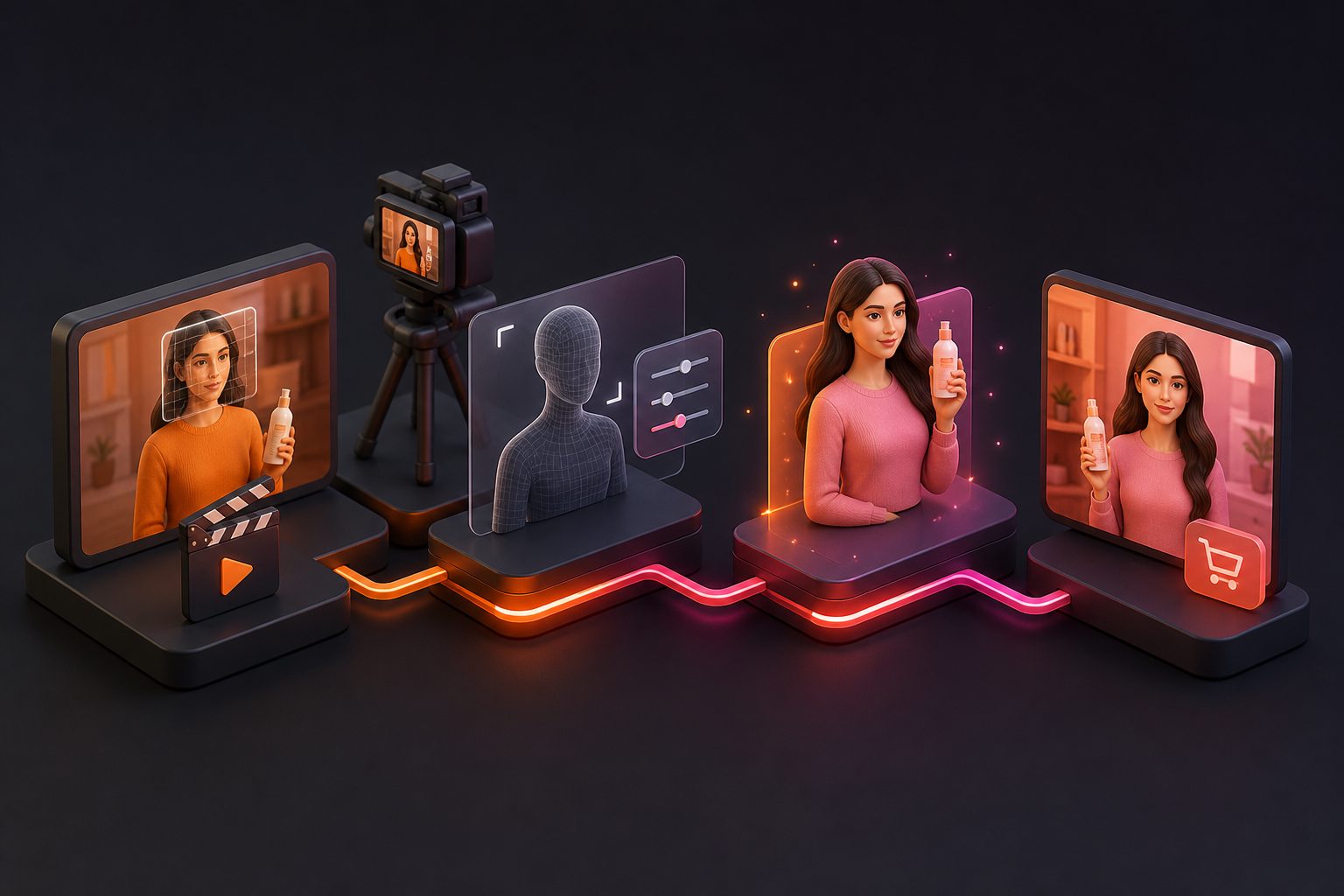
Manually editing 9 compliant videos per SKU is where most sellers stall. This is exactly the bottleneck we built AdsTurbo around. A typical batch workflow:
- Upload a product photo (JPG/PNG, max 10MB) and optional selling points.
- Generate a UGC-style product video with one of 300+ AI actors.
- Use resizing and subtitle tools to export 9:16, 1:1, and 16:9 versions with synced captions.
- Produce hook variants via Ad Clone or character swap for A/B testing — pricing is per second of output (ad cloning at 10 credits/sec, lip sync at 20 credits/sec).
If you run Shopping-adjacent campaigns, our Google Shopping video ad maker workflow covers the feed-to-video side, and the ecommerce video ad resizing tool guide details adapting one master ad across ratios without re-editing.
Common Rejection and Performance Issues
- Auto-generated video fallback: no custom video uploaded — always upload at least one.
- Blurry footage on big screens: upscale low-res source clips to 1080p/4K before uploading.
- Muted-viewing failure: no captions or on-screen text — viewers never hear your pitch.
- Headline truncation: text over 30 characters gets cut in some placements.
- CTA covered by Shorts UI: critical text placed at the bottom edge of 9:16.
Frequently Asked Questions
What video length works best for Performance Max?
15–30 seconds is the sweet spot for most ecommerce placements. Google allows up to 5 minutes, but skippable YouTube inventory punishes slow starts — put the product and hook in the first 3 seconds.
Does PMax require all three aspect ratios?
Not strictly, but uploading 16:9, 9:16, and 1:1 is strongly recommended. Missing vertical means losing Shorts and mobile inventory to advertisers who have it.
Can I use AI-generated videos in Performance Max?
Yes. Google accepts AI-generated creative as long as it complies with Google Ads policies. Disclose synthetic content where required and avoid misleading claims.
How many videos should each asset group have?
Use the full allowance of 5 when possible, mixing ratios and hooks. One hero video plus variants consistently outperforms a single asset in our testing workflows.
Do PMax videos need sound?
Videos should include audio, but design for muted playback: captions and on-screen text carry the message when sound is off.