By adsturbo.ai | Published 2026-10-11 | Updated 2026-10-11
Plus size clothing video ads without models can be made from clean product photos, representative AI-generated on-body images, and controlled motion. The goal is not merely to animate a dress or top. Each video should provide credible evidence about silhouette, fabric behavior, coverage, length, and fit-sensitive areas before asking the shopper to buy.
What must a model-free plus size clothing ad show?
A useful plus size fashion ad must answer three questions quickly: What will the garment look like on a larger body, how will it move, and which size should the shopper consider? Attractive scenes create attention, but visible fit evidence builds confidence and can prevent mismatched expectations.
Size and fit are major sources of uncertainty in online fashion. Zalando reports that European fashion return rates can reach approximately 50%, with size and fit contributing to as many as half. A research paper on fashion ecommerce likewise identifies size and fit as major return drivers.
For plus size garments, prioritize these visual zones:
- Bust shaping and button tension
- Upper-arm room and sleeve opening
- Waistband position while standing and sitting
- Abdomen drape rather than artificial flattening
- Hip, thigh, and seat allowance
- Rise, inseam, hem length, and garment coverage
A beautiful AI fashion video that hides these areas may generate clicks while increasing disappointment after delivery.
How do you turn white-background photos into video?
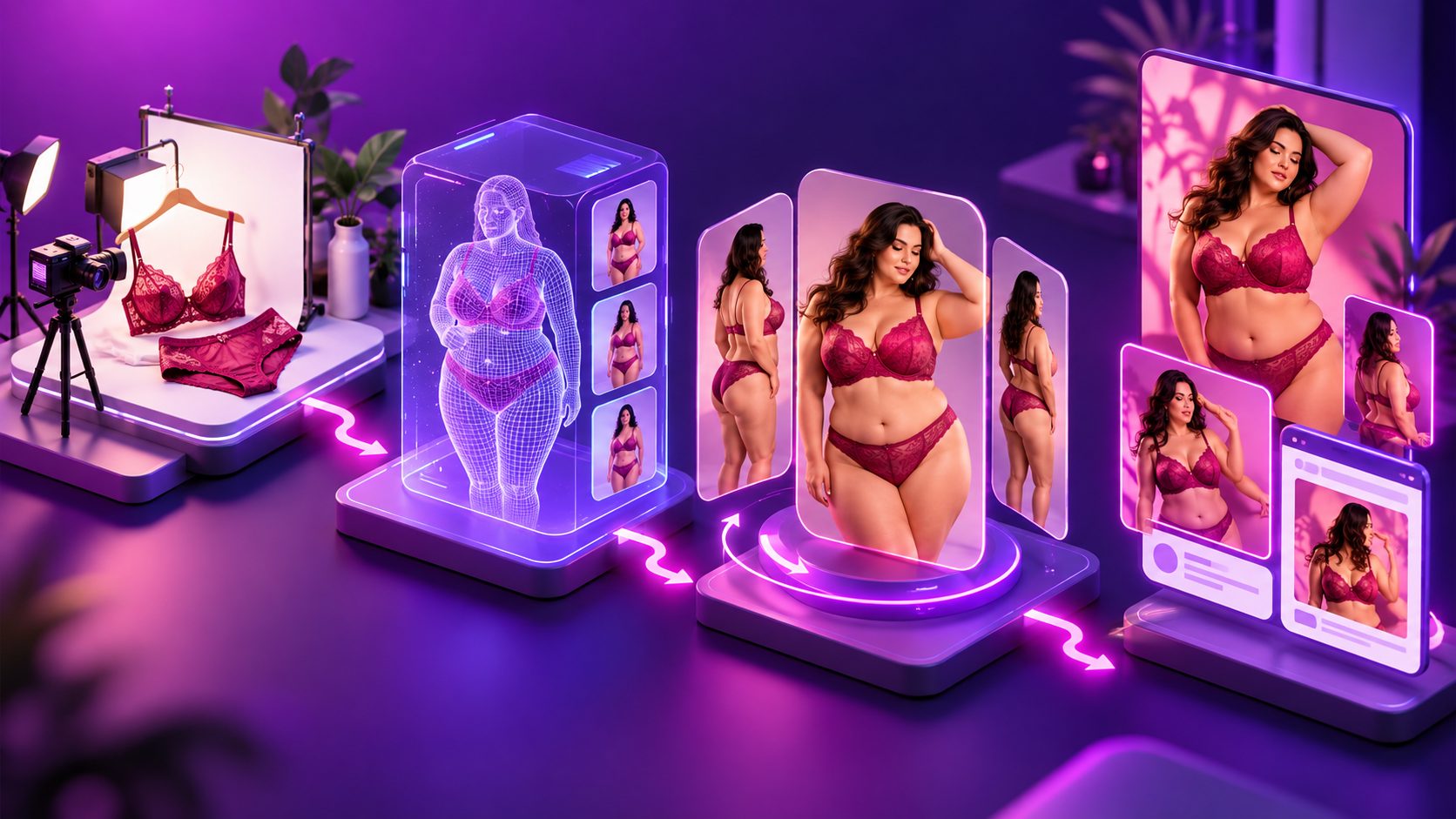
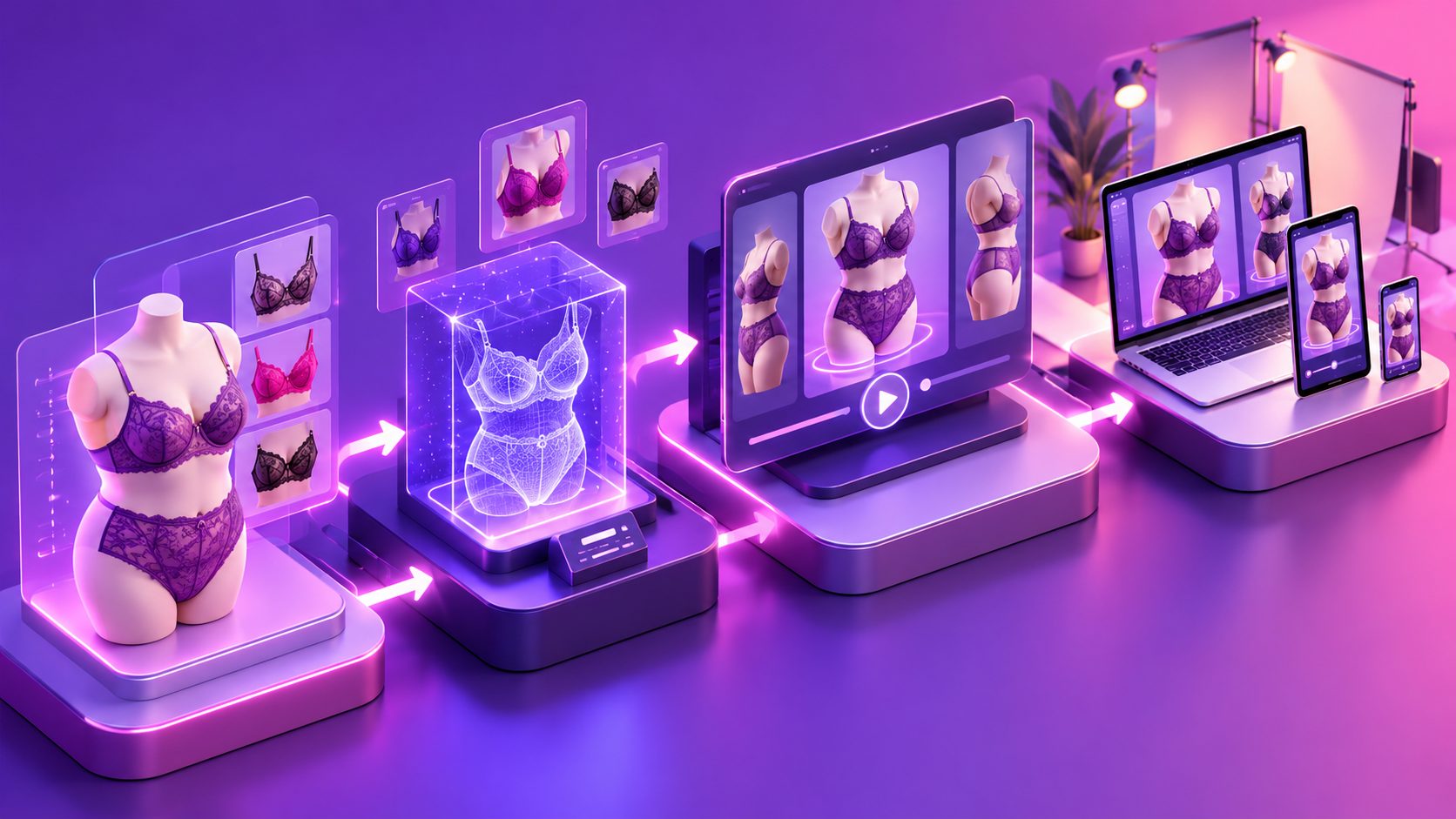
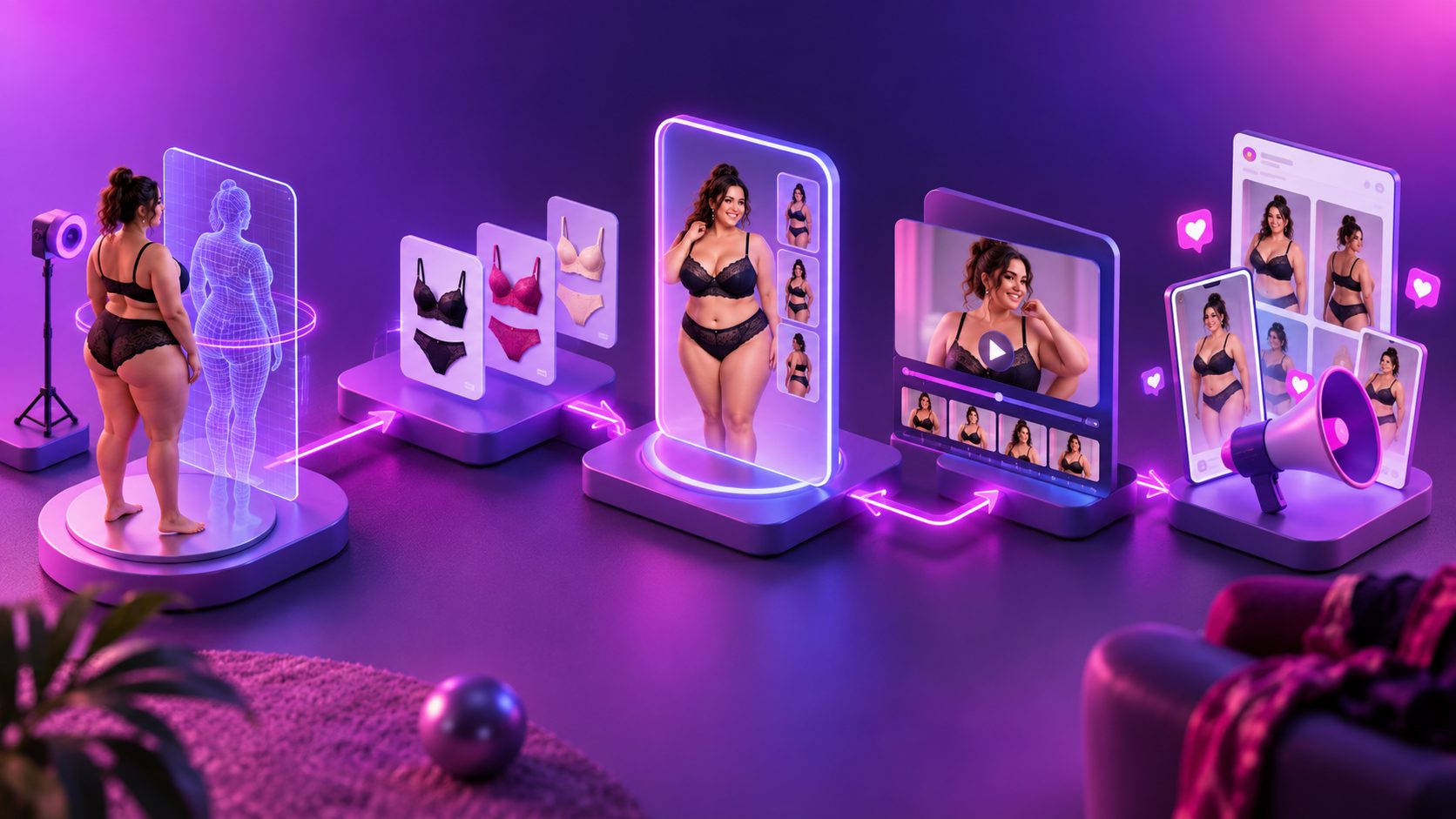
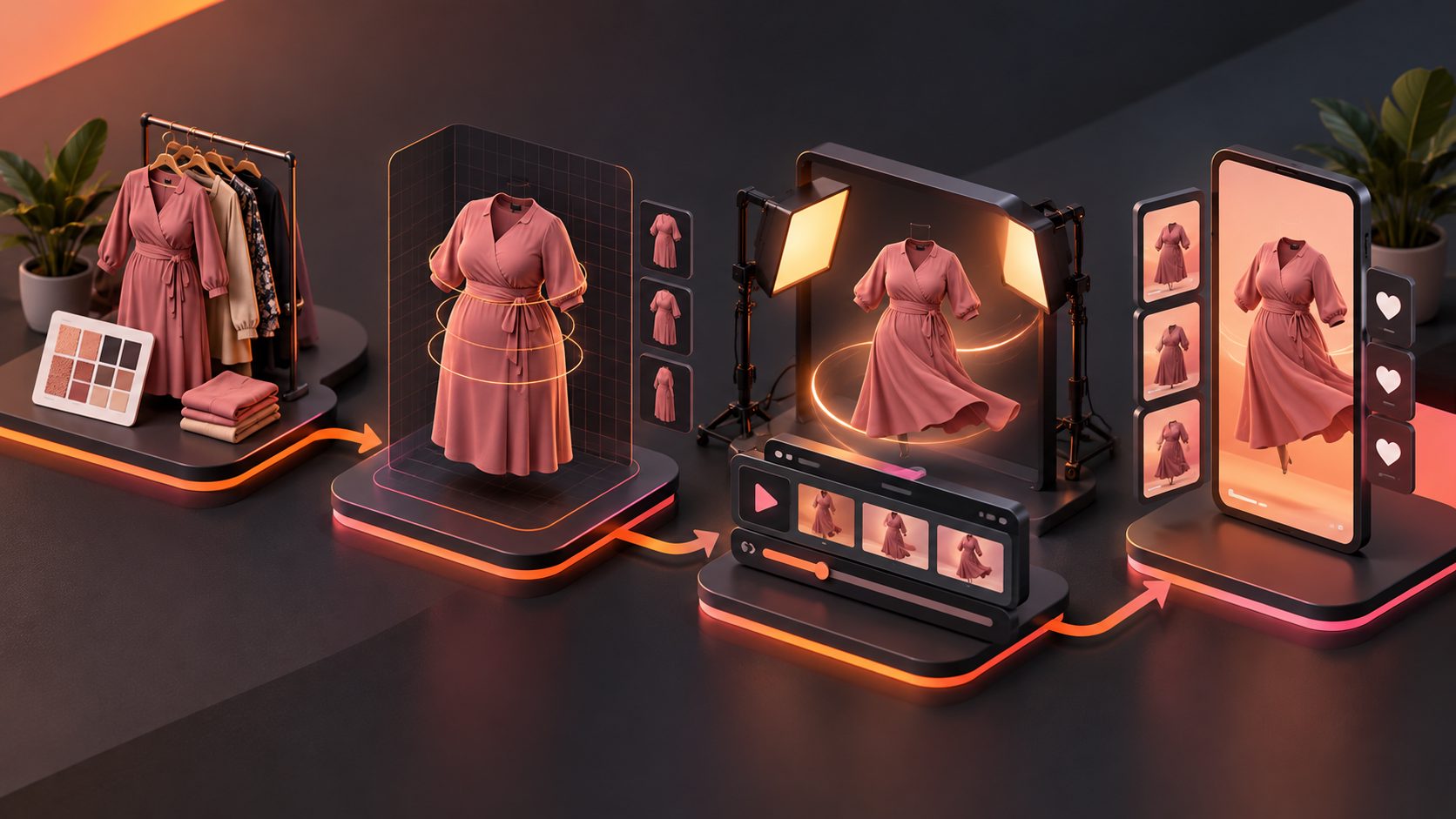
Start with accurate, high-resolution product images, create a representative on-body still, verify the garment against the real SKU, and animate only the approved image. This sequence reduces the risk of generating polished motion around an incorrect neckline, print, sleeve, or hem.
- Prepare the source image. Use a front-facing JPG or PNG with the full garment visible. Remove wrinkles that are not part of the design, but retain real texture, seams, closures, and proportions.
- Record the SKU facts. List fabric composition, stretch level, garment measurements, closure type, lining, model size, and intended fit.
- Generate an on-body concept. Select a body presentation that reflects the target customer rather than simply enlarging a conventional fashion silhouette.
- Run a product-accuracy review. Compare the output with the physical sample or approved technical images.
- Add controlled motion. Use walking, quarter-turn, arm-lift, and seated movements that reveal fit without extreme deformation.
- Add sizing context. Display the represented body measurements, garment size, and fit note on screen.
AdsTurbo Product Image accepts JPG or PNG product photos, with clear images on solid-color backgrounds producing the best inputs. Sellers preparing source assets can use this white-background image-to-ad workflow before building motion variants.
Which shots communicate fit instead of hiding it?
A 15-second apparel ad should contain at least one full-body view, one side view, one movement test, and one close-up of a fit-sensitive area. Rapid lifestyle cuts alone cannot show whether a blouse pulls at the bust or whether a skirt rides upward when the wearer walks.
A practical six-shot structure is:
| Time | Shot | Evidence provided |
|---|---|---|
| 0–2 sec | Front view with product promise | Overall silhouette and hook |
| 2–4 sec | Side quarter-turn | Abdomen, bust, and seat drape |
| 4–7 sec | Three-step walk | Fabric weight and hem movement |
| 7–9 sec | Arm lift or reach | Sleeve room and coverage |
| 9–12 sec | Waist, seam, or texture close-up | Stretch, construction, and finish |
| 12–15 sec | Size note, offer, and CTA | Purchase context and next action |
For trousers, replace the arm-lift shot with a seated or shallow-squat movement. For dresses, include a turn that shows the back and hem. For jackets, show the garment both open and fastened.
How can AI motion stay visually honest?
AI motion should demonstrate a verified design, not invent product performance. Lock the garment’s color, print placement, closures, hemline, and proportions before adding movement. Reject clips in which fabric passes through the body, patterns drift, buttons disappear, or the waist changes shape between frames.
AdsTurbo provides Product Video, Motion Control, Character Swap, Lip Sync, subtitles, video translation, and upscaling workflows. Motion Control can transfer movement from a reference video to a target character image, which is useful after an on-body still has passed product review. Product Video can also generate short product-review, introduction, or demonstration formats from a JPG or PNG image of up to 10 MB.
Use a no-filming ecommerce video production SOP to organize source assets and variants. However, generated visuals should not be presented as an exact virtual fitting simulation unless the underlying workflow validates fit against customer measurements.
What is the 20-point Fit-Evidence Score?
The Fit-Evidence Score is an original pre-publish framework for grading generated apparel ads across five dimensions. Each dimension receives zero to four points. A suggested editorial threshold is 16/20, with no zero in product accuracy or sizing clarity; this is a quality-control recommendation, not an industry benchmark.
| Dimension | 4-point standard |
|---|---|
| Product accuracy | Color, print, seams, closures, and proportions match the SKU |
| Body representation | Body shape is plausible, consistent, and relevant to the audience |
| Fit visibility | Front, side, movement, and one pressure-sensitive area are visible |
| Sizing clarity | Garment size, fit note, and represented measurements are disclosed |
| Conversion readiness | Hook, captions, offer, and CTA remain readable on mobile |
Score the exported video rather than the best individual frame. Frame-by-frame review often reveals changing prints, narrowing arms, disappearing pockets, or unstable hems that normal-speed playback can conceal.
A scorecard also makes creative testing more useful. Instead of comparing “video A versus video B,” sellers can test one variable at a time: body presentation, hook, movement, fit note, offer, or CTA.
How do you use video to reduce avoidable returns?
Video reduces uncertainty only when it connects visible movement with concrete product data. Pair the ad with garment measurements, a plain-language fit note, and consistent sizing information on the product page. Never let a generated model become the sole source of fit guidance.
For each featured SKU, include:
- The garment size represented in the video
- Relevant body or mannequin measurements
- Whether the item runs small, true to size, oversized, or fitted
- Fabric stretch described as none, low, moderate, or high
- Length guidance tied to a stated height
- A note explaining where shoppers should size up or down
For marketplaces with multiple size variations, align the video with the same measurements used in your listing. The Amazon parent-child size-chart video workflow explains how to map visual evidence to variation-level sizing.
Track results by SKU rather than at the store level. Compare return reason codes, size exchanges, conversion rate, and “not as expected” feedback before and after adding the video. Do not credit video for all changes if pricing, traffic sources, promotions, or the size chart changed simultaneously.
How should one ad become multiple testable variants?
Create one verified master and vary only the marketing layer: opening hook, voiceover, language, offer, character presentation, or aspect ratio. Keeping the approved garment depiction stable makes it easier to identify which message improves performance without introducing new product inaccuracies.
A simple testing batch might include:
- Fit hook: “Room through the arms without a boxy waist”
- Comfort hook: “Soft stretch for sitting, walking, and all-day wear”
- Length hook: “A maxi that shows the actual hem position”
- Occasion hook: “One wrap dress for work, dinner, and weekends”
- Proof hook: “See the side view before choosing your size”
AdsTurbo can generate subtitles, translate video, and apply lip synchronization for localized variants. Its subtitle workflow can export a captioned video or a separate subtitle file, while this AI dubbing and lip-sync QA guide helps teams review multilingual versions.
Frequently asked questions
Can AI completely replace plus size models?
AI can reduce dependence on repeated shoots for rapid creative testing, but it should not replace real fit validation. Physical samples, garment measurements, customer feedback, and real-person content remain important when making precise comfort or sizing claims.
Can a flat-lay image become a realistic clothing video?
Yes, but the source image should clearly show the entire garment, color, texture, and construction. An intermediate on-body image usually needs careful review before animation because motion cannot correct an inaccurate product representation.
Should the ad disclose that the model is AI-generated?
Disclosure requirements vary by platform and jurisdiction. Regardless of labeling, sellers should avoid implying that a generated body proves exact fit. Product and sizing claims should remain traceable to real garment specifications.
What is the best length for plus size clothing video ads without models?
A focused 12–20-second ad is usually enough to show the silhouette, side view, movement, product detail, sizing note, and CTA. Longer videos are useful when comparing sizes, explaining measurements, or demonstrating several styling options.