By AdsTurbo | Published 2026-10-17 | Updated 2026-10-17
A plus size lingerie try on video ai workflow can help ecommerce sellers turn one clean product image into more inclusive visual concepts, short-form ads, and body-diverse creative tests. The goal is not to replace real fit evidence. It is to show how a lingerie design may look across different styling directions while keeping product details, sizing information, and advertising claims under control.
What is a plus-size lingerie AI try-on video?
A plus-size lingerie AI try-on video is a short visual asset that presents a lingerie product on an AI-generated or digitally adapted model with a fuller body shape. It may combine product photography, virtual model imagery, motion, captions, voiceover, and a clear call to action.
Most search results focus on virtual fitting rooms that let shoppers preview clothing on their own bodies or choose from predefined body types. Some platforms also emphasize plain-background product photos as the best input and warn that virtual try-on should not replace size charts. (robosize.com)
For a lingerie seller, that distinction matters:
- Try-on visualization answers: “How might this style look on a fuller body?”
- Fit guidance answers: “Which size and construction are right for me?”
- Advertising video answers: “Why should I consider this product now?”
A strong creative workflow keeps these three questions separate instead of presenting an AI image as proof of exact fit.
Why plus-size lingerie ads need a different creative framework
Plus-size lingerie advertising is not simply standard fashion advertising with a larger model. The visual needs are more specific because shoppers often want to understand coverage, support, stretch, band placement, strap position, leg opening, and how the fabric behaves during movement.
A useful ad should communicate at least one practical product benefit:
- Adjustable straps or closure details
- Stretch level and fabric feel
- Coverage around the bust, waist, hips, or thighs
- Support features such as wider bands or reinforced panels
- Available size range and measurement guidance
- Styling context, such as sleepwear, bridal, everyday comfort, or occasion wear
The biggest creative mistake is to use a visually attractive AI model while leaving the product unclear. Thin lace, elastic edges, seams, hardware, and transparent panels can easily be distorted during image or video generation. Research into video virtual try-on also identifies garment identity and temporal consistency as core technical challenges, especially when the subject moves. (arxiv.org)
That is why the product should remain the anchor in every scene.
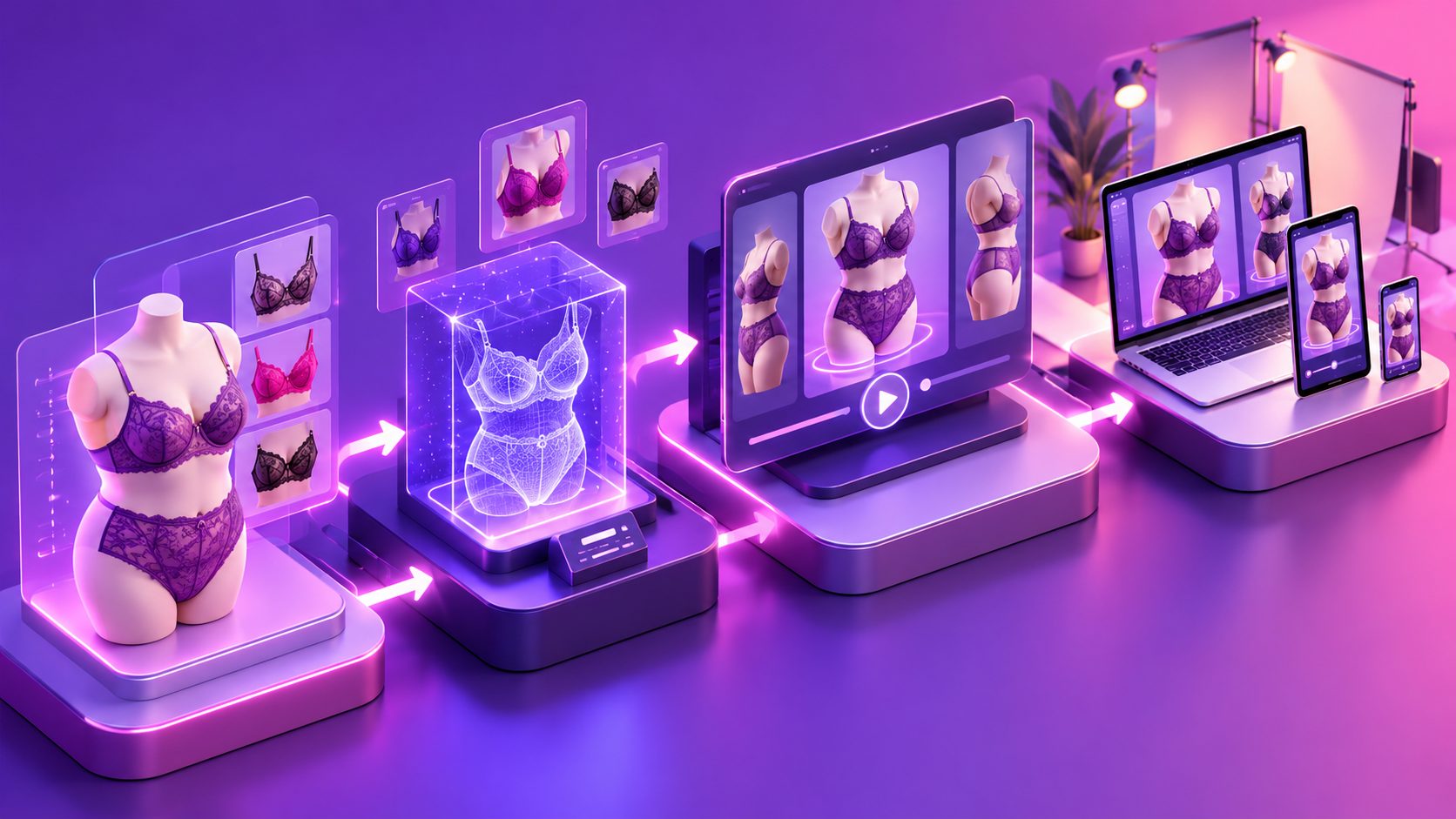
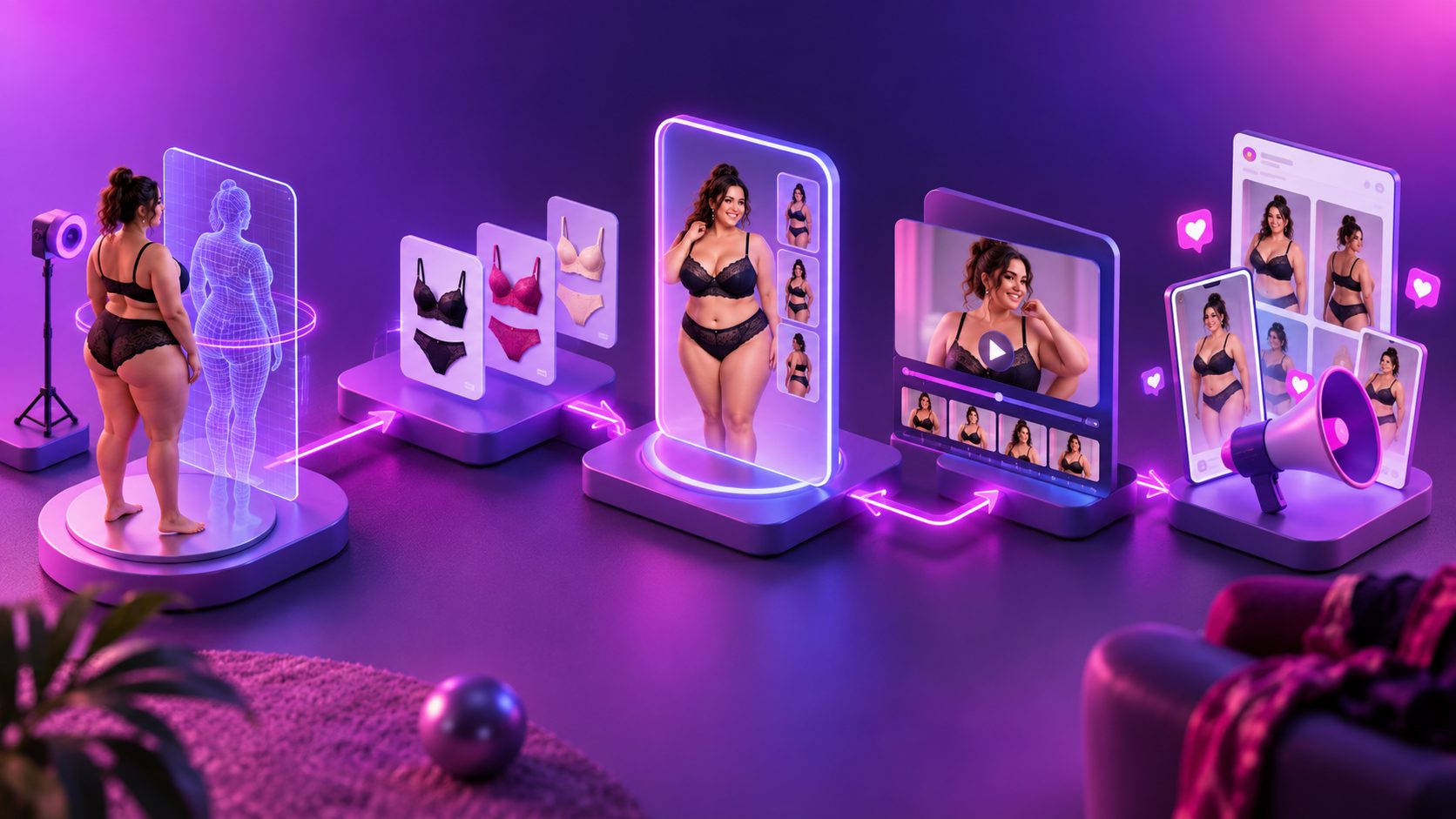
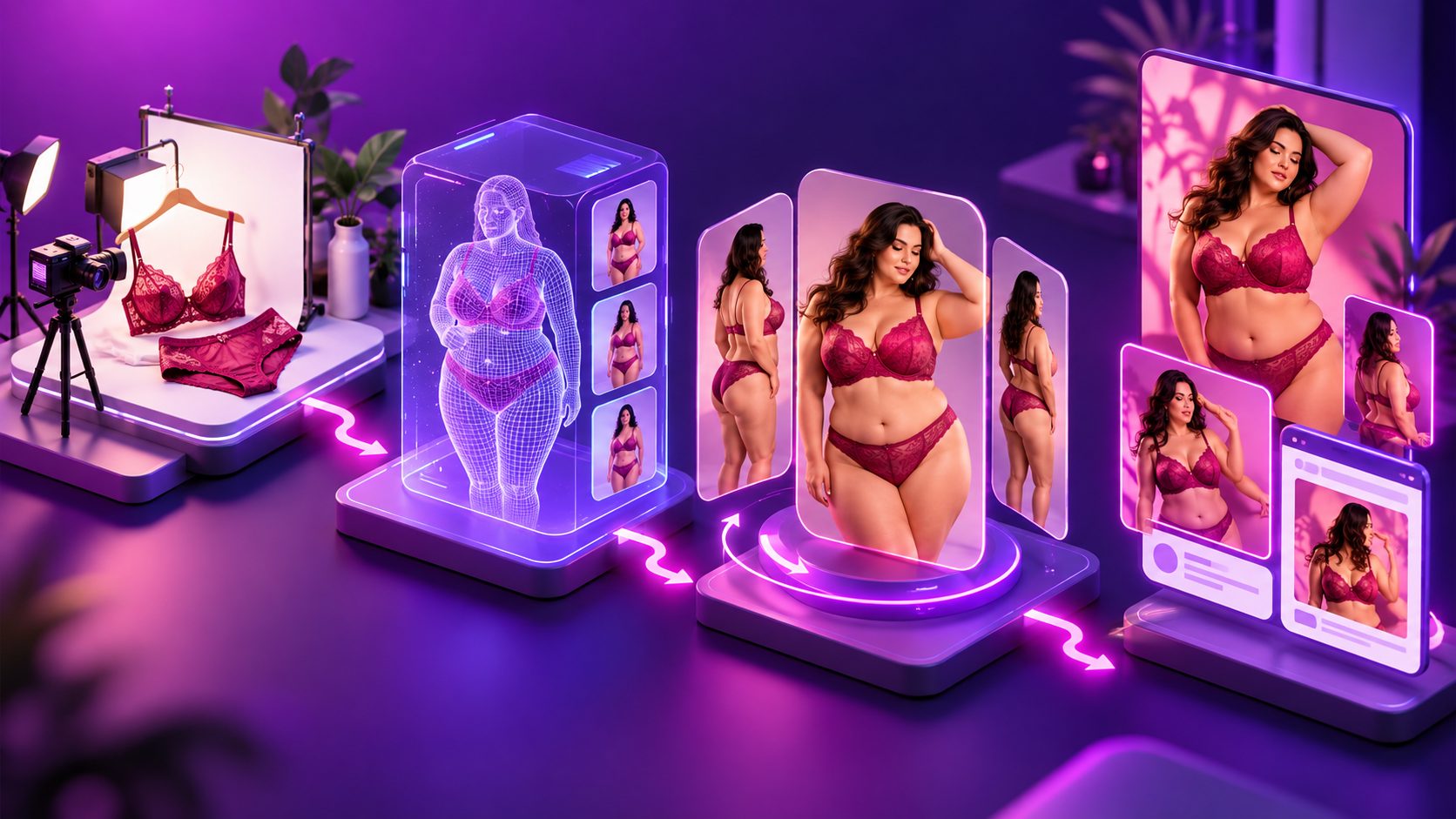
How to create the video from one product image
A practical workflow has five stages. It is designed for ecommerce teams that need multiple creative directions without organizing a new photoshoot for every SKU.
1. Prepare a product image that preserves construction details
Start with a clear JPG or PNG product image. A solid-color background is preferable because it makes the product outline, color, and category easier to analyze.
Before generating anything, check:
- The full garment is visible
- Straps, hooks, lace, and trims are not cropped
- The product color is accurate
- The image is sharp enough to show texture
- Similar colorways are labeled separately
- The size range and fit notes are available for the final ad
AdsTurbo Product Image supports JPG and PNG product uploads, analyzes product shape, color, and category, and allows individual or batch downloads. Product-image outputs can also be adapted to multiple aspect ratios for channels such as Amazon, Shopify, TikTok Shop, and Instagram.
2. Define a body-diversity matrix before generating scenes
Do not ask for “a plus-size model” as if one body represents every shopper. Build a small matrix based on the customers you actually serve.
For example:
| Variable | Test options |
|---|---|
| Body shape | Fuller bust, fuller hip, balanced curve |
| Styling angle | Front, three-quarter, side detail |
| Product message | Support, softness, confidence, occasion |
| Environment | Bedroom, dressing room, neutral studio |
| Creative format | 9:16, 1:1, 16:9 |
This is an original planning framework for reducing creative ambiguity: body shape × product proof × buying context. Each generated variation should change one major variable at a time. Otherwise, a winning or losing result cannot be explained.
3. Use motion to demonstrate, not exaggerate
A short video does not need dramatic movement. For lingerie, controlled motion is often more useful:
- Begin with the product and a benefit-led hook.
- Show a front or three-quarter view.
- Add one gentle movement, such as turning, adjusting a strap, or walking.
- Overlay a specific product detail.
- End with size guidance and a call to action.
AdsTurbo Product Video can use a JPG or PNG product image to generate short UGC-style product videos, including product review, introduction, and demonstration formats. For more advanced variations, Character Swap can replace a person in a source image or video while preserving the surrounding action, lighting, and scene structure.
This supports creative testing, but the final visual still needs manual review for garment continuity, anatomy, skin rendering, and misleading fit impressions.
4. Build the ad around evidence instead of appearance
A useful 15-second structure might look like this:
- 0–3 seconds: “Designed for fuller bust support”
- 3–7 seconds: Show the garment from two angles
- 7–11 seconds: Highlight stretch, closure, coverage, or lining
- 11–15 seconds: Display size range, measurement reminder, and CTA
Avoid unsupported claims such as “fits every body” or “no returns.” Instead, show what the product actually provides and direct shoppers to the size chart.
For multilingual campaigns, AdsTurbo supports video translation and AI-generated subtitles. Its Video Subtitle workflow can transcribe speech, synchronize captions, and export either a video with embedded subtitles or a separate subtitle file. Caption styling can be adapted for TikTok, Instagram Reels, and YouTube Shorts.
A related workflow for testing hooks and structured ad variations is covered in the guide to video ad creative variation generation for ecommerce.
How to test whether the creative is useful
The most valuable test is not “Which model looks best?” It is “Which product message helps shoppers understand the item?”
Create three controlled batches:
- Batch A: Coverage-led — focus on neckline, waist, hips, and opacity.
- Batch B: Support-led — focus on straps, band, closure, or structure.
- Batch C: Emotion-led — focus on confidence, styling, and occasion.
Keep the product, offer, landing page, and audience consistent. Change only the opening hook and visual emphasis. Then compare thumb-stop rate, three-second hold rate, click-through rate, add-to-cart rate, and comments about sizing or fit.
This method produces better information than generating dozens of unrelated AI videos. It also reveals whether the problem is the creative angle, the product page, or the underlying fit expectation.
For a deeper production pipeline, product-image-to-video workflows for TikTok Shop can help connect catalog assets with short-form ad formats. If the source footage is low quality, upscaling video to 4K for ecommerce ads provides a related post-production path.
What AI try-on video cannot prove
AI-generated try-on content should not be presented as exact sizing evidence, verified fit testing, or a substitute for customer photos. It may also alter garment tension, seam placement, opacity, proportions, or body contours.
Use these safeguards:
- Label digitally generated model visuals when needed by the platform or brand policy.
- Keep real measurements and size charts prominent.
- Avoid using AI visuals to imply a guaranteed fit.
- Review intimate apparel outputs for unwanted exposure or anatomical errors.
- Obtain permission for any source model, voice, or likeness used in the workflow.
- Use real customer reviews to support comfort and fit claims.
The most reliable use of AI is as a creative scaling layer, not as a replacement for product truth.
Frequently asked questions
Can one product photo create a plus size lingerie try on video ai asset?
Yes, one clear product image can serve as the starting point for product-focused image and video concepts. It should be treated as a creative input, not as proof that the final visual represents exact fit across every body type.
Is AI lingerie try-on the same as a virtual fitting room?
No. A virtual fitting room usually helps a shopper preview an item on their own image or receive a fit recommendation. An AI advertising video is primarily a marketing asset designed to explain the product and test creative messages.
What product image works best?
A sharp JPG or PNG with the full garment visible and a plain background usually provides the clearest starting point. Important details such as straps, lace, closures, and color should not be hidden or cropped.
How should sellers avoid misleading plus-size shoppers?
Show specific product details, keep the size chart visible, avoid guaranteed-fit language, and review every generated scene for distortion. Use AI visuals to broaden representation while preserving accurate product information.
Can the same creative be localized?
Yes. AdsTurbo supports video translation, subtitles, lip sync, character replacement, and multiple advertising workflows. These tools can help adapt a product concept to different languages, voices, and audience segments without rebuilding every asset from scratch.