How to Create Video Ads for Shopify

Summarize with
Summary
Learn how to create video ads for Shopify from product-page insights, scripts, formats, and testable creative variants—then launch a repeatable workflow.
作者:adsturbo.ai|发布日期:2026年9月10日|更新日期:2026年9月10日
The most reliable way to create video ads for Shopify is to turn your product page into a short creative brief, then produce several variations around different hooks, demonstrations, and calls to action. This workflow helps you move from one product image or existing asset to testable videos for TikTok, Instagram Reels, YouTube Shorts, and paid social campaigns.
What makes a Shopify video ad effective?
A Shopify video ad is a short piece of creative content that shows what a product does, why it matters, and what the viewer should do next. The strongest versions usually combine a clear opening hook, a visible product benefit, proof or demonstration, and a direct CTA.
Shopify’s guide to product video best practices highlights several recurring principles: understand the audience, write a focused script, choose an appropriate length, use clear audio and visuals, add captions, and include a CTA. These principles apply whether you film a creator, animate product photos, or use AI-generated footage.
For most ecommerce products, the goal is not to explain everything. The goal is to answer one buying question quickly:
“Why should this person stop scrolling and consider this product now?”
A practical structure is:
- Hook: Identify a problem, desire, or unexpected product benefit.
- Product proof: Show the item in use or demonstrate the relevant feature.
- Reason to believe: Add a detail, comparison, use case, or customer-oriented proof point.
- CTA: Tell viewers to shop, learn more, claim an offer, or view the product.
How do you turn a Shopify product page into a video brief?
Start with the product page rather than a blank editing timeline. Extract the product’s primary promise, best feature, audience, objections, visual assets, offer, and buying action. This keeps the video aligned with the landing page instead of creating an attractive ad that fails to match the post-click experience.
Use this product-page extraction table:
| Product-page element | Video creative decision |
|---|---|
| Product title | The clearest way to name the item on screen |
| Main benefit | The opening hook or first spoken line |
| Feature list | Demonstration shots and supporting text |
| Customer objections | FAQ, comparison, or problem-solution section |
| Product images | Product close-ups, animation, or scene composition |
| Discount or promotion | Offer card and CTA wording |
| Product-page CTA | Final action, such as “Shop now” or “See details” |
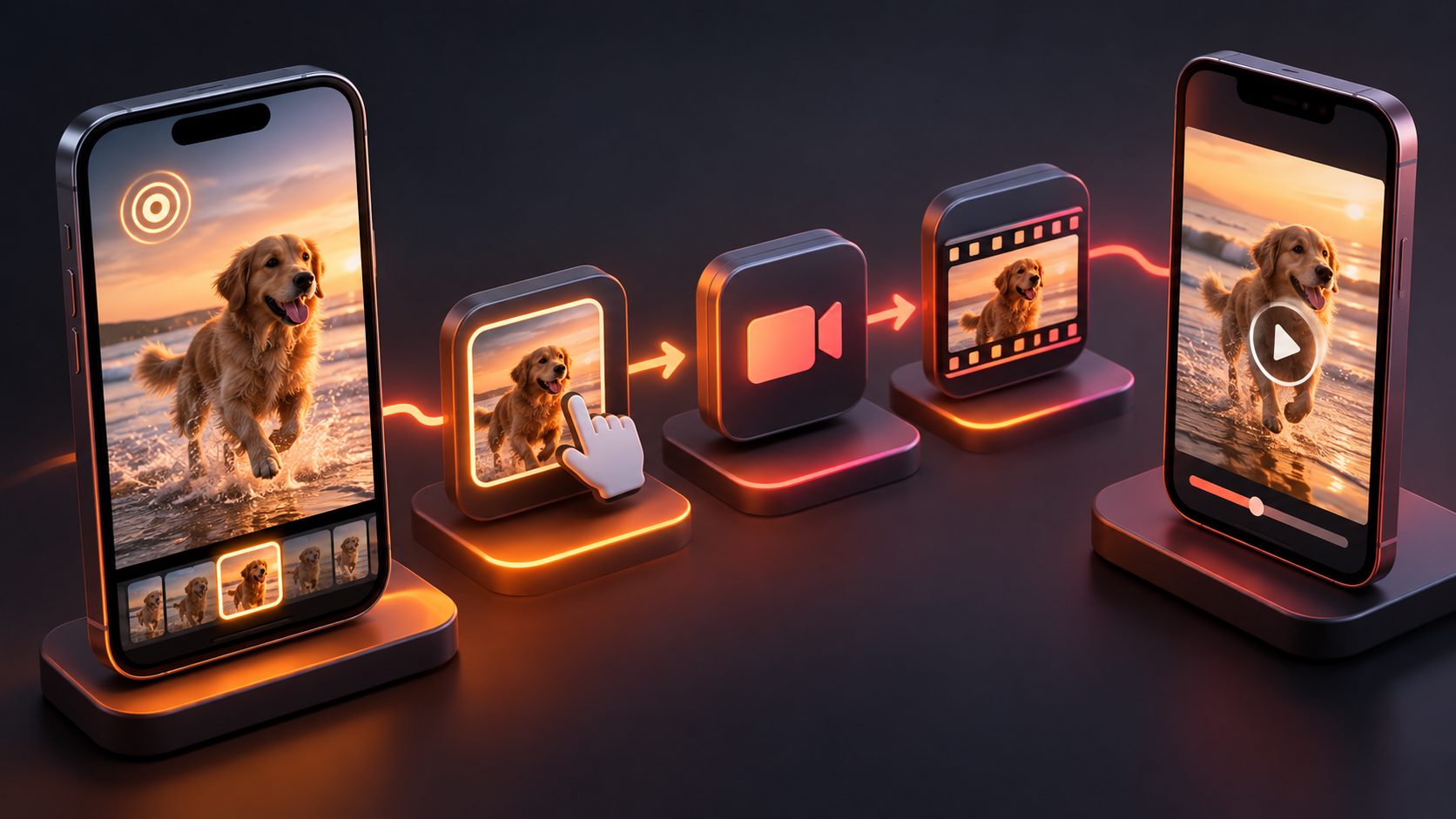
For sellers starting with limited assets, AdsTurbo Product Video accepts JPG or PNG product images and can generate UGC-style product review, introduction, or demonstration videos. Clear product photos on a solid-color background generally provide the best starting material.
For more control over product visuals, AdsTurbo’s AI product video workflow can be paired with product-image generation, background replacement, or additional creative variations.
How should you write a short video ad script?
Write the script around one selling angle, not the entire product catalog. A 15-second script often needs only three or four sentences, supported by fast visual changes.
A simple 15-second script template
- 0–2 seconds: “Still dealing with [specific problem]?”
- 2–7 seconds: Show the product solving that problem.
- 7–12 seconds: Explain one differentiating feature or use case.
- 12–15 seconds: Present the offer and CTA.
For example, a reusable structure for a home product could be:
“Small spaces get cluttered fast. This organizer turns unused room into accessible storage in seconds. It fits into your daily routine without complicated installation. Shop the collection today.”
Avoid placing three unrelated benefits in the first few seconds. One strong angle is easier to understand, easier to test, and easier to connect to a product page.
A useful rule is one video, one promise, one action. If the product serves several audiences, create separate versions instead of forcing every audience into one script.
Which video formats should Shopify sellers create?
Use the platform and placement to determine the canvas before production. Vertical video is generally the starting point for mobile-first placements such as TikTok, Instagram Reels, and YouTube Shorts. Square versions can support feed placements, while landscape versions may fit websites, YouTube placements, or broader brand campaigns.
Create a small export set:
- 9:16 vertical: Short-form social and mobile placements
- 1:1 square: Feed-oriented placements and catalog testing
- 16:9 landscape: Website, YouTube, or presentation environments
AdsTurbo Ad Clone can analyze a reference video of up to 12 seconds and use its structure to generate advertising variations. That makes it possible to study the pacing, scene order, and CTA logic of a reference ad without copying the original brand’s product or claims.
For a deeper creative breakdown, video ad script cloning for ecommerce tests explains how to separate a reference ad into its hook, rhythm, product reveal, and closing action.
How many creative variations should you test?
Do not change every part of an ad at the same time. A better approach is to create a controlled creative matrix where each group tests one major variable.
A practical 3 × 3 creative matrix
Create:
- 3 hooks: Problem-led, benefit-led, and curiosity-led
- 3 visual bodies: Product demonstration, lifestyle scene, and creator-style explanation
- 2 CTAs: Direct purchase CTA and softer information CTA
This produces up to 18 combinations, but you do not need to launch all of them immediately. Begin with six versions: three hooks paired with two visual bodies. Keep the product, offer, and landing page constant. Once one hook generates stronger early engagement, test CTA language against that winning opening.
This framework provides more useful learning than producing six videos that differ in music, font, color, and editing style but use the same message. The key question becomes clear: did the hook, demonstration, or CTA create the performance difference?
AdsTurbo supports ad variations, multilingual localization, AI actors, lip sync, character replacement, and product-focused video creation. These features can help sellers adapt a core creative into different audiences, voices, characters, and markets without rebuilding the entire concept manually.
How do you add captions and localize Shopify video ads?
Add captions because many social users encounter ads without sound. Captions should be short, high-contrast, and positioned away from interface controls. Each caption should reinforce what is visible rather than repeat a long voiceover transcript word for word.
AdsTurbo Video Subtitle can automatically transcribe speech, create time-synchronized captions, and export either a video with embedded subtitles or a separate subtitle file. Caption styling can be adapted for TikTok, Instagram Reels, and YouTube Shorts.
For international campaigns, localize more than the text layer. Review the voiceover, timing, product terminology, discount language, and CTA. AdsTurbo supports video translation and lip sync, which can help create localized versions from an existing video. Always review translated claims before publishing, especially for regulated categories or promotions with specific terms.
How do you measure whether a Shopify video ad works?
Measure the video in stages instead of judging it only by final purchases. Early metrics indicate whether the creative earns attention; later metrics show whether the message and product page support conversion.
Track:
- Thumb-stop or first-second retention: Whether the opening earns attention
- Three-second and average watch time: Whether the message holds interest
- Click-through rate: Whether the ad creates intent
- Landing-page view rate: Whether the click leads to a usable page load
- Add-to-cart rate: Whether the product page supports consideration
- Purchase conversion rate: Whether the complete funnel produces sales
- Cost per acquisition or return on ad spend: Whether the result is commercially viable
Use the results diagnostically. High watch time with low clicks may indicate weak product framing or CTA language. Strong clicks with low add-to-cart activity may point to a mismatch between the ad and product page, unclear pricing, or insufficient product information.
For sellers managing multiple SKUs, a SKU-to-test ecommerce creative workflow can help organize product, audience, format, and message variations.
Common mistakes to avoid
Making the video look polished but unclear
A cinematic video can still fail if viewers cannot identify the product or benefit. Show the product early and make the main promise visible in text or speech.
Reusing one version everywhere
A video that works in a feed may not work in a full-screen vertical placement. Reframe the opening, captions, and CTA for each format.
Testing too many variables at once
If the hook, actor, offer, music, product angle, and CTA all change, the result is difficult to interpret. Use controlled batches.
Sending traffic to an unprepared product page
The product page should repeat the ad’s core promise, display consistent imagery, explain key details, and make the purchase action easy to find.
Frequently asked questions
Can I create Shopify video ads from product photos?
Yes. Product photos can be animated, placed into lifestyle scenes, or used in UGC-style product videos. Clear JPG or PNG images with visible product edges and a simple background are usually the strongest starting point.
What length should a Shopify video ad be?
Start with a short version, often around 15 seconds, when testing a single benefit. Longer videos can work for demonstrations, comparisons, testimonials, or complex products. Testing multiple lengths is more reliable than assuming one duration works for every category.
Should I use UGC-style or polished product videos?
Use both when possible. UGC-style videos can communicate relatability and product use, while polished product videos can emphasize details, design, and brand consistency. Test the creative angle rather than choosing solely by production style.
Do Shopify video ads need captions?
Captions are strongly recommended for social placements because viewers may watch without sound. Keep them readable, synchronized, and positioned where platform controls will not cover them.
How can I create more ad variations without filming every version?
Build one core concept, then vary the hook, product demonstration, actor, voice, language, aspect ratio, and CTA. AdsTurbo provides tools including Ad Clone, AI actors, lip sync, character replacement, video translation, subtitles, and product video generation for this type of workflow.
Final checklist
Before launching a Shopify video ad, confirm that:
- The first seconds communicate a specific problem or benefit.
- The product is visible early.
- The script focuses on one core promise.
- The video matches the destination product page.
- Captions are readable on mobile.
- At least two hooks or creative angles are ready for comparison.
- The CTA matches the campaign objective.
- The correct aspect ratio has been exported.
- Performance metrics are defined before spending begins.
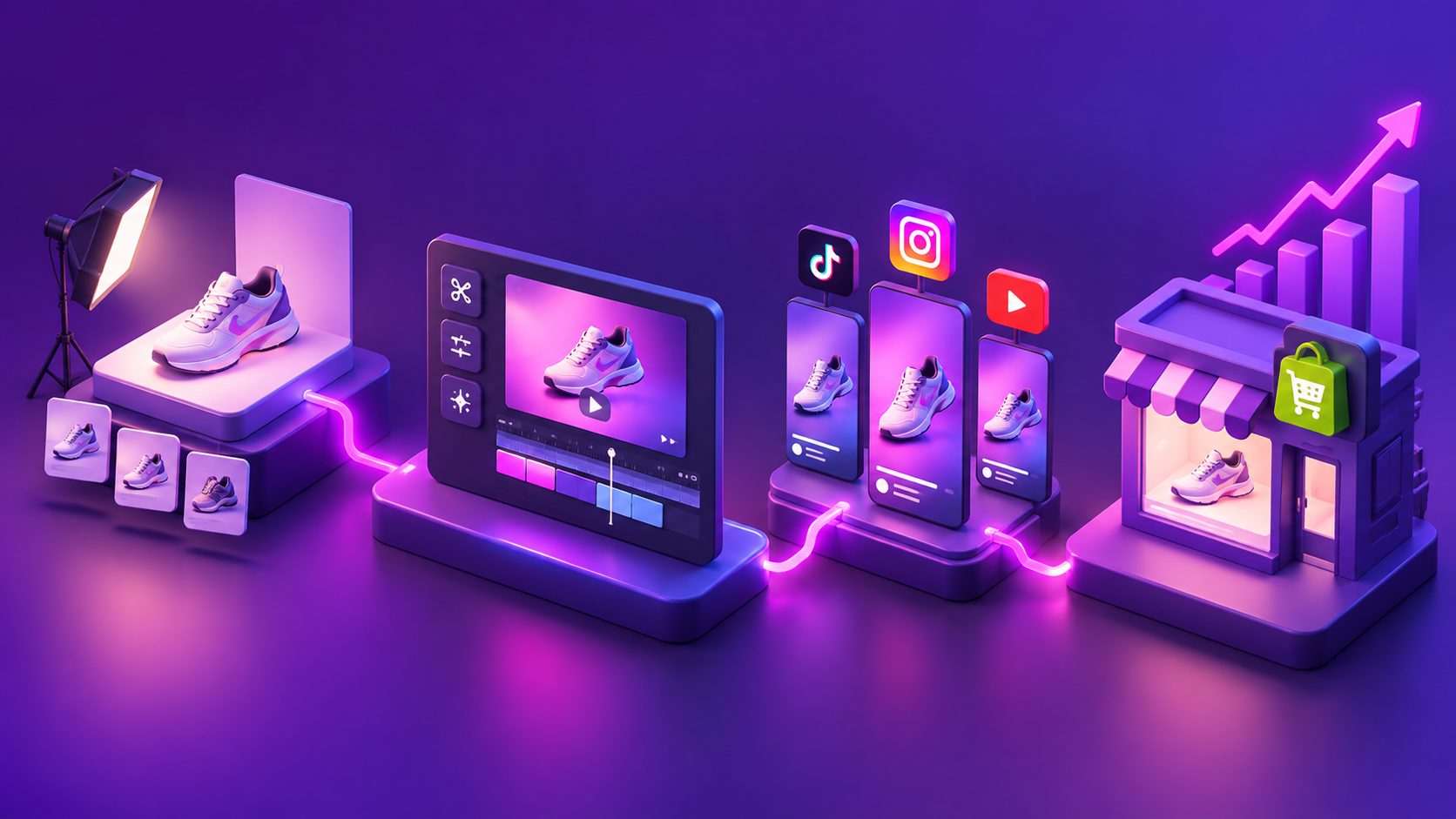
The best Shopify video workflow is not a single production event. It is a repeatable system: extract insight from the product page, create a focused script, produce controlled variations, distribute them in the right formats, and use performance data to decide what to make next.