By AdsTurbo Team | Published 2026-10-18 | Updated 2026-10-18
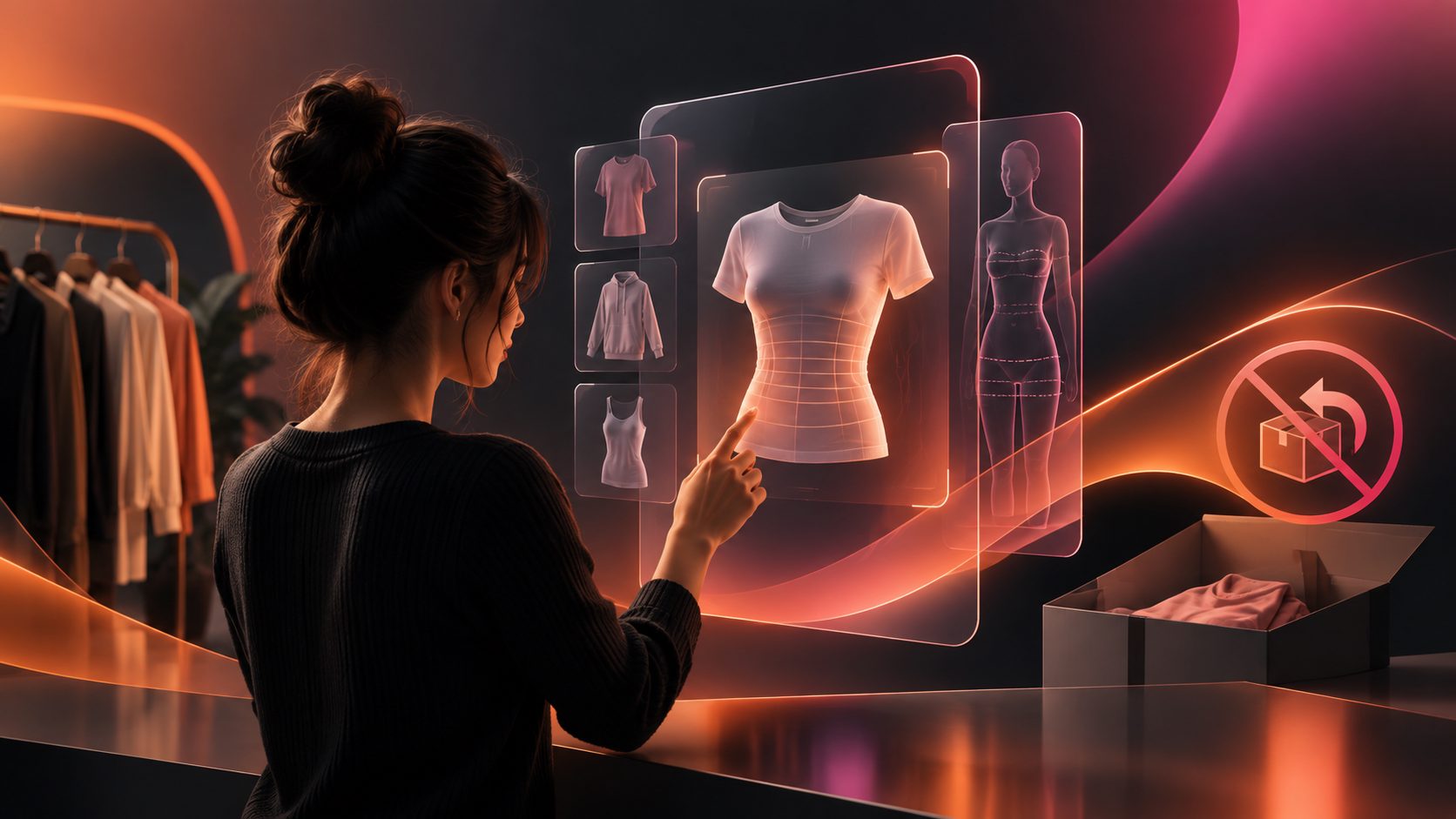
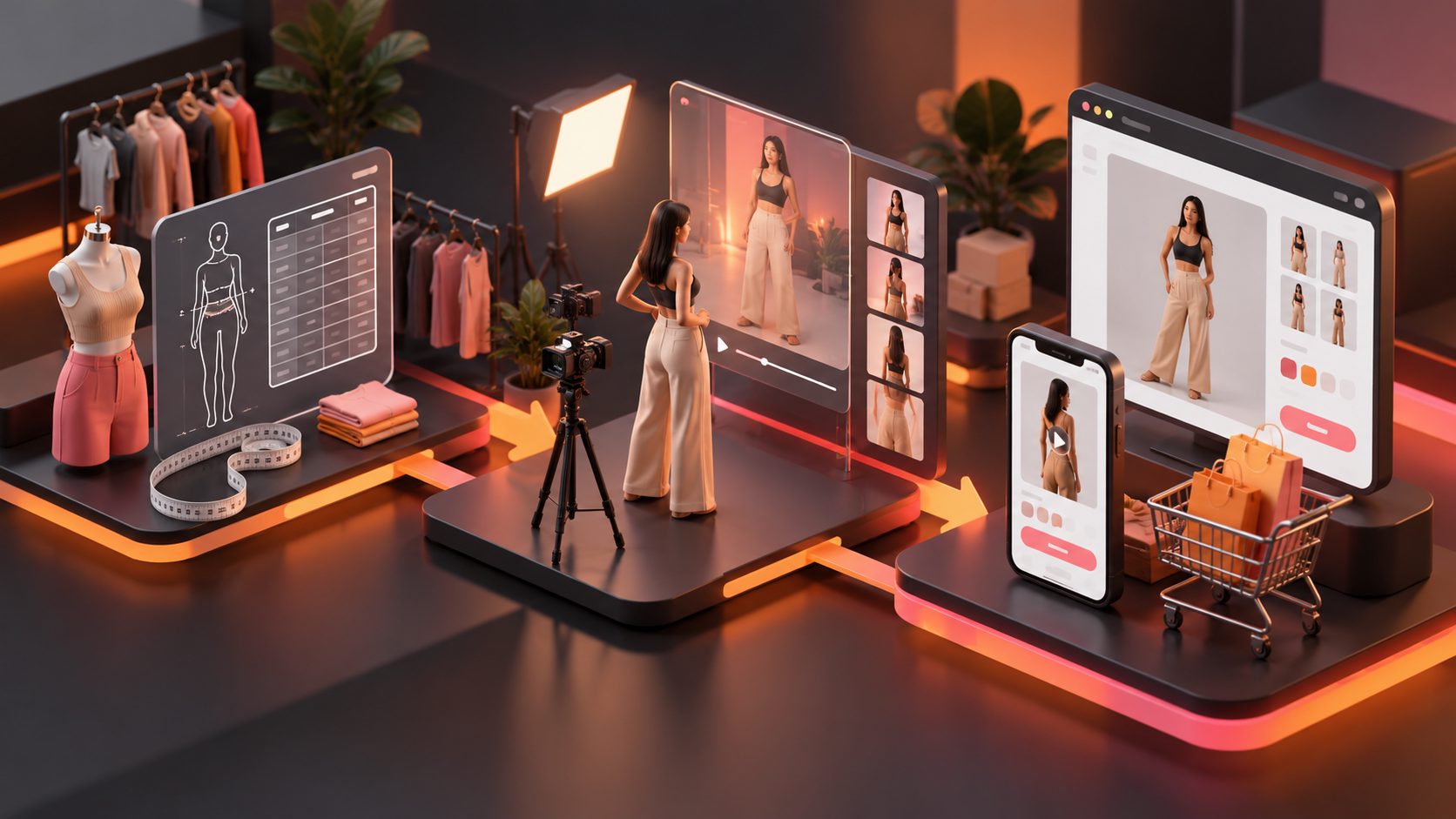
A size chart to video ecommerce workflow turns abstract measurements into visible evidence: how a garment sits, moves, stretches, and compares across body types. The goal is not to replace a sizing table. It is to help shoppers understand what the numbers look like before they choose a size.
For apparel sellers, this matters because online sizing uncertainty can create expensive returns. The National Retail Federation estimated that 19.3% of online sales would be returned in 2025, although returns are influenced by many factors beyond fit. (nrf.com)
What is a size chart video for ecommerce?
A size chart video is a short product-page or advertising video that combines verified garment measurements with model context, fit notes, and movement. It answers practical questions that a static table cannot fully show: where the hem lands, whether the fabric pulls when sitting, and whether the cut feels slim, regular, or relaxed.
A useful video should support—not contradict—the original size chart. Treat the chart as the source of truth, then use video to make that information easier to interpret.
The four-layer fit evidence framework
The following framework is designed for reviewing a size-guide video before publishing:
| Evidence layer | What to show | Shopper question |
|---|---|---|
| Identity | Model height, relevant measurements, and worn size | “Is this person comparable to me?” |
| Dimensions | Chest, waist, hip, sleeve, rise, inseam, or garment length | “Where will the item sit?” |
| Movement | Walking, turning, sitting, bending, or reaching | “Will it pull, ride up, or restrict movement?” |
| Comparison | Two sizes, body types, or fit outcomes | “Should I stay with my usual size or size up?” |
The important distinction is fit evidence versus visual theater. A polished model walking toward the camera may look attractive, but it does not necessarily explain the garment’s proportions. A short turn, seated position, or reach often provides more sizing information than another close-up detail shot.
Why convert a static size chart into video?
A chart requires shoppers to translate numbers into a mental image. Video reduces that translation gap by placing measurements beside a person and showing the garment under movement.
It is especially useful for products where fit changes with shape or activity:
- Jeans with different rises, inseams, or stretch levels
- Fitted dresses and skirts
- Blazers with structured shoulders
- Activewear that must move with the body
- Oversized shirts where chest width and hem length matter
- Plus-size products where proportion cannot be explained by height alone
The video should not promise a universal fit. One model cannot represent every shopper. Instead, present the model as a reference point and explain the garment’s intended fit clearly.
For a broader production workflow, see this guide to creating clothing product videos for ecommerce ads.
How to create an ecommerce size guide video
1. Prepare a verified measurement brief
Start with the finished garment measurements for each relevant size. Separate them from body measurements, because a garment’s dimensions are not the same as the shopper’s dimensions.
Your brief should include:
- Product category and intended fit
- Available sizes and size labels
- Finished garment measurements
- Model measurements and worn size
- Fabric stretch or structure notes
- The most important fit risk
- A size-selection instruction
For stretch garments, distinguish between the relaxed measurement and any verified comfortable stretch range. Do not animate or invent measurements from a product photo. If a measurement has not been checked against the physical sample, leave it out.
2. Choose the right visual proof
A 12–20 second video can usually communicate the essentials without becoming a general fashion commercial.
Use this sequence:
-
0–3 seconds: establish the reference
Show the full garment and add the model’s height, key measurements, and worn size. -
3–7 seconds: highlight dimensions
Use clean overlays for the most relevant points. For jeans, show waist, rise, hip, and inseam. For a jacket, prioritize chest, shoulder, sleeve, and back length. -
7–14 seconds: show movement
Add a turn and one product-specific action, such as sitting in trousers, raising an arm in a jacket, or walking in a fitted skirt. -
14–20 seconds: give a selection rule
End with a concise instruction such as: “Choose your usual size for a close fit” or “Size up for a relaxed fit,” provided that the rule matches your verified fit guidance.
Captions are essential because many social and product-page videos are watched without sound. AdsTurbo Video Subtitle can automatically transcribe speech, create synchronized captions, and export either a captioned video or a separate subtitle file. Its subtitle layouts are designed for formats such as TikTok, Instagram Reels, and YouTube Shorts.
3. Create variants without changing the facts
The strongest use of AI is not to fabricate more sizing information. It is to produce consistent creative variations from approved product and fit inputs.
Useful variants include:
- Different hooks for paid social testing
- Separate 9:16, 1:1, and 16:9 exports
- Localized voiceover and subtitles
- Different model or character references
- A PDP version focused on fit
- An ad version focused on the product benefit
AdsTurbo Product Video supports JPG and PNG product-image uploads up to 10MB and can generate product review, introduction, and demonstration videos. For model variation, Character Swap can replace a person in a source video or image while preserving the action, lighting, and scene context. Always review the garment afterward for color, logo, seam, length, and proportion accuracy.
For a more structured creative testing system, use this product variant video ad framework for ecommerce.
How to place the video on a product page
The best location is close to the sizing decision, not hidden in a general brand-video section. Consider placing it:
- Beside the size chart
- In the product media gallery
- Below the fit or materials description
- Inside a “How it fits” accordion
- In post-click landing pages for paid ads
Keep the chart visible. The video should clarify the chart rather than force shoppers to choose between two conflicting sources.
For search visibility, make sure the video is genuinely watchable on the page and that its title, description, thumbnail, and structured data describe the same asset. Google recommends following its video indexing and structured-data requirements, and notes that structured data should be validated before deployment. (developers.google.com)
How to measure whether the video helps
Do not judge a size-guide video only by views. Track behavior closer to the sizing decision:
- Size-guide open rate
- Video play rate
- Completion rate
- Add-to-cart rate
- Size-related customer-service questions
- Exchange rate by SKU and size
- Return reasons mentioning fit
- Conversion rate for visitors exposed to the video
A practical test compares the same product page with and without the video, while keeping price, traffic source, offer, and inventory conditions as consistent as possible. Review results by product, not only in aggregate. A video may help a fitted blazer while adding little value to a loose T-shirt.
Create a simple “fit uncertainty score” for each SKU:
Fit uncertainty = number of fit-related questions and returns ÷ orders
Use it to prioritize production. High-uncertainty products deserve measurement overlays and movement proof first; low-uncertainty products may only need a short garment demonstration.
Common mistakes to avoid
Can a video replace the size chart?
No. A video adds visual context, but it cannot provide every measurement or account for each shopper’s proportions. Keep the complete, product-specific size chart available.
Is an AI try-on video the same as a guaranteed fit prediction?
No. A generated try-on or model variation can illustrate appearance and movement, but it should not be presented as a precise fit guarantee unless the underlying sizing method has been independently validated.
Should every size appear in one video?
Not always. Showing every size can make a short video difficult to follow. Start with the most common size and add a second comparison when it answers a real shopper question, such as petite versus tall length or fitted versus relaxed styling.
What source images work best?
Use clear JPG or PNG product images with accurate color, visible construction details, and minimal obstruction. For product-image workflows, AdsTurbo Product Image performs best with a sharp product photo on a plain background.
How can one reference video become multiple ad formats?
AdsTurbo Ad Clone can analyze a reference video of up to 12 seconds and generate advertising variations. Its outputs can be adapted for TikTok, Meta, and Shorts formats, while captions, translations, and product-specific fit information should still be reviewed before publishing.
Final checklist
Before publishing, confirm that the video:
- Uses verified measurements
- Shows the model’s worn size and relevant body context
- Demonstrates at least one meaningful movement
- States the intended fit clearly
- Keeps the product accurate across every variant
- Includes captions for silent viewing
- Links naturally to the full size chart
- Uses the correct aspect ratio for its placement
- Is tested against a measurable return or conversion objective
A size chart becomes more useful when shoppers can see how it translates into real clothing behavior. The best ecommerce fit video is not the most cinematic one; it is the one that removes the next sizing doubt quickly and honestly.