Author: adsturbo.ai|Published: 2026-09-05|Updated: 2026-09-05
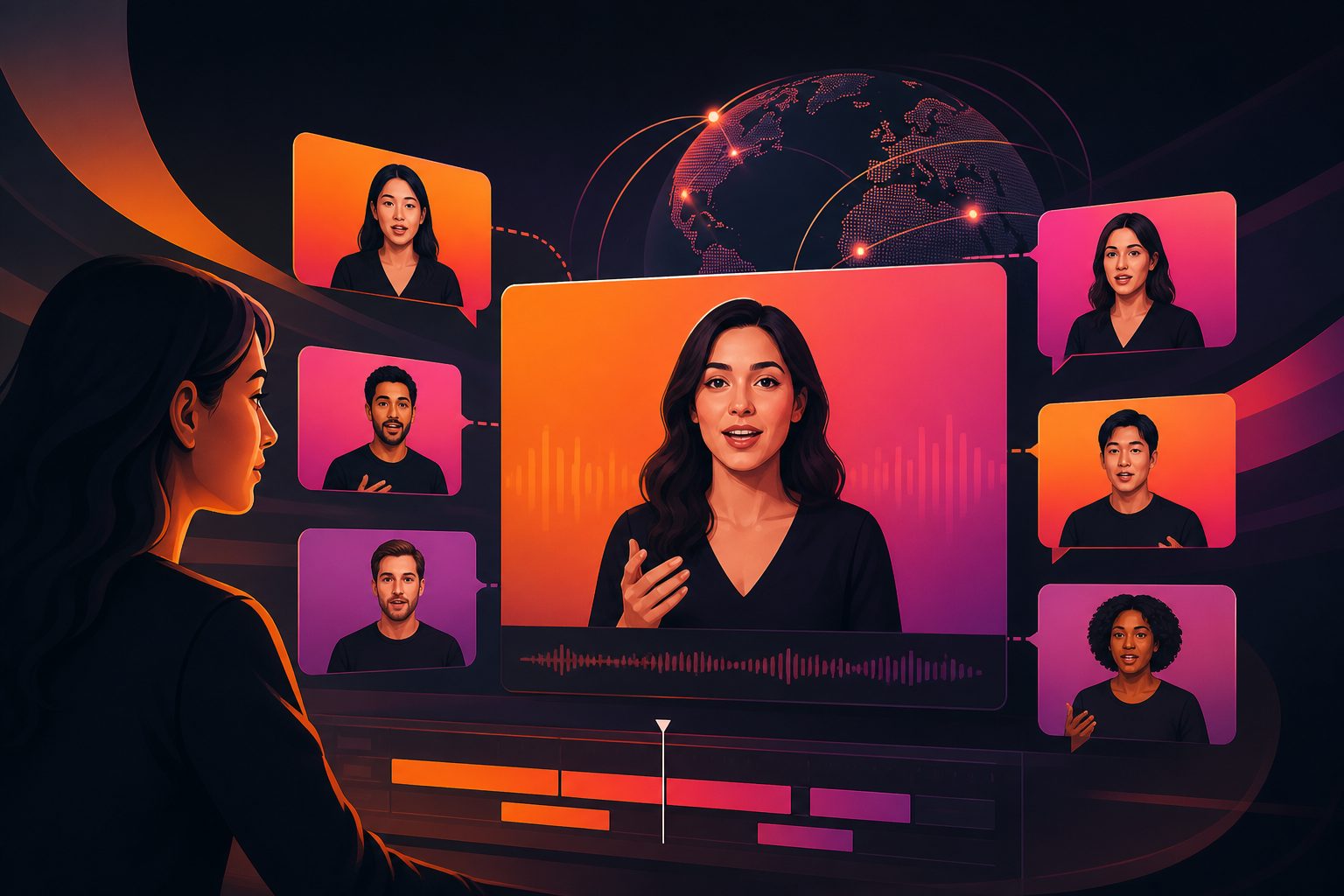
An AI Facebook ad generator is software that helps turn product assets, scripts, or reference videos into Facebook-ready ad creatives. For ecommerce sellers, the best choice is usually not the tool with the flashiest demo. It is the tool that can create enough video variants, fit Meta placements, preserve product facts, and localize captions without slowing down testing.
Facebook and Instagram ad delivery increasingly rewards creative volume and placement fit. Meta’s own Reels guidance says vertical video with audio and key messages inside the safe zone performed better in its Reels ad tests, including a reported 34.5% lower cost per result versus image ads in one Meta analysis of Reels-only campaigns (Meta for Business Reels ads guidance).
That does not mean every ecommerce team needs a huge production stack. It means the tool should help you create, review, resize, subtitle, and iterate ads quickly enough to learn what customers actually respond to.
What is an AI Facebook ad generator?
An AI Facebook ad generator is a tool that creates or adapts ad creative for Facebook and Meta placements using generative AI. It may produce scripts, product videos, UGC-style clips, captions, voiceovers, localized versions, static images, or multiple creative variants for testing.
For ecommerce teams, the key output is usually a testable ad package, not a single polished video. A useful package might include:
- A 9:16 vertical video for Reels and Stories
- A 4:5 or 1:1 version for Feed testing
- Three to six hook variations
- Captions or subtitles for sound-off viewing
- Localized text, voice, or subtitles for cross-border campaigns
- A clean product shot or end card for offer clarity
Meta announced in June 2025 that Facebook would simplify video posting so that new videos shared on Facebook become reels over time (Meta product update). For advertisers, the practical lesson is clear: choose creative tools that treat vertical, mobile-first video as a primary format, not an afterthought.
Why ecommerce sellers should evaluate generators by testing capacity
The right tool is the one that lowers the cost of learning. One ad rarely reveals whether the winning factor was the hook, product angle, actor, subtitle style, offer, or placement. A generator should make controlled variation easy.
A simple ecommerce testing matrix can expose this need:
| Variable | Lean test | Larger test |
|---|---|---|
| Hooks | 3 | 5 |
| Personas or actors | 2 | 3 |
| Product angles | 2 | 4 |
| Aspect ratios | 2 | 3 |
| Languages/subtitle sets | 1 | 3 |
| Total possible assets | 24 | 540 |
Most small teams should not launch 540 assets at once. The point is that ad creation expands fast. A strong Facebook video ad generator should let you batch intelligently: generate enough combinations to test one variable at a time, while keeping the message and product claims consistent.
For example, start with 12 assets: three hooks, two audience angles, and two placements. If one hook wins, expand only that branch into new actors, subtitles, or localized versions. This avoids the common mistake of testing many visuals with no clear reason why one worked.
Which features matter most for Facebook video ad variants?
The most important features are controlled variant generation, placement-aware export, subtitle handling, product accuracy, and post-editing. A tool that only writes ad copy is helpful, but it is incomplete for ecommerce teams running video ads on Meta.
Use this scoring model before choosing a platform:
| Evaluation area | What to check | Why it matters |
|---|---|---|
| Input quality | Product image, product URL, script, reference video, brand assets | Better inputs reduce factual errors and generic claims |
| Variant control | Hooks, CTAs, angles, actors, pacing | Enables structured A/B testing |
| Video-first output | UGC clips, product demos, presenter videos | Meta placements are highly visual and mobile-first |
| Aspect ratios | 9:16, 4:5, 1:1, 16:9 where needed | Prevents awkward cropping across Feed, Reels, and Stories |
| Subtitles | Auto transcription, styling, export options | Supports sound-off viewing and review workflows |
| Localization | Translation, dubbing, lip sync, multilingual subtitles | Helps cross-border sellers reuse winning ads |
| Editing controls | Clip-by-clip changes, background replacement, upscaling | Saves reshoots and manual editing time |
| Workflow scale | Team access, API, async jobs, webhook support | Matters when generating many SKU-level assets |
AdsTurbo fits this video-first use case because it provides Ad Clone, Product Video, Lip Sync, Character Swap, Video Translation, AI Upscaling, Background Replace, Video Subtitle, and API services. Ecommerce sellers can also use one-click ecommerce product video generation when they need product-led short video ads for testing.
How should a tool handle Facebook and Meta placement sizes?
A practical generator should export separate assets for full-screen and feed placements instead of relying only on automatic cropping. In most ecommerce workflows, that means creating 9:16 for Reels/Stories and 4:5 or 1:1 for Feed.
Meta’s Reels guidance emphasizes vertical video, audio, and keeping key creative elements inside safe zones. It also describes placement customization and aspect-ratio adjustment inside Ads Manager (Meta Reels ads setup guidance).
For ecommerce sellers, the problem is not only technical acceptance. It is readability. A product claim that looks fine in 9:16 can be cut off in a feed crop. A coupon code can sit under interface overlays. A product demo can lose the hand movement that explains the benefit.
A useful workflow is:
- Generate the original video in 9:16.
- Keep product, face, subtitle, price, and CTA away from edges.
- Create a 4:5 feed version manually or with placement-aware resizing.
- Export a 1:1 backup only when the campaign structure needs it.
- Review each placement preview before launch.
How can AI help with subtitles and localization?
AI helps by turning one video into multiple language and caption versions without reshooting. For cross-border ecommerce, the best tools combine transcription, translation, subtitle styling, dubbing, and lip-sync review in one workflow.
This matters because localization is not just translation. A good localized ad version should check:
- Product name and SKU facts
- Local measurement units
- Discount terms and dates
- Subtitle length and line breaks
- CTA wording by market
- Cultural fit of the hook
- Whether the spoken audio still matches mouth movement
AdsTurbo provides Video Subtitle for automatic speech transcription and time-synced subtitles. It supports downloading videos with embedded subtitles or exporting separate subtitle files. AdsTurbo also offers video translation, lip sync, face swap, and character replacement, which can help teams adapt existing ads for different audiences. For a deeper workflow, see AI lip sync for multilingual ads and AI video ad translation for ecommerce localization.
What is the best workflow for batch-testing ecommerce Facebook ads?
The best workflow starts with one product truth, then creates controlled creative branches. Do not ask AI for “10 high-converting ads.” Ask it to vary one or two variables while keeping the offer and product proof stable.
A reliable batch workflow looks like this:
- Define the product truth. Add the product category, top benefit, proof points, restrictions, price or offer rules, and forbidden claims.
- Choose one test question. Example: “Does a problem-solution hook beat an unboxing hook?”
- Create a small matrix. Use three hooks, two presenters, and two ratios for 12 first-round assets.
- Generate video variants. Keep duration, CTA, and offer consistent.
- Add subtitles and safe-zone review. Check mobile readability before upload.
- Launch with clean naming. Name files by hook, angle, ratio, and language.
- Iterate only from evidence. Expand the winning hook before changing everything else.
AdsTurbo’s Ad Clone workflow can support this approach by analyzing a reference ad’s opening, rhythm, shot logic, and CTA structure, then helping rebuild variants around your product. Teams that already have a strong video can use Ad Clone for ecommerce test variations rather than starting from a blank page.
Where AdsTurbo fits in an ecommerce Meta creative stack
AdsTurbo is best understood as an AI video ad creation and editing platform for ecommerce sellers that need reusable creative workflows. It is not limited to static banners or copy prompts.
Relevant capabilities include:
- Ad Clone for rebuilding ad structure from a reference video
- Product Video for generating product review, introduction, and demo videos from JPG or PNG product images
- Video Subtitle for automatic transcription, time-synced captions, embedded subtitle exports, or separate subtitle files
- Lip Sync, Character Swap, Video Translation, Motion Control, AI Upscaling, AI Eraser, and Background Replace for post-production control
- Product Image for generating ecommerce image types and multiple aspect ratios from a product photo
- Event Poster for promotional visuals across nine aspect ratios and seven copy languages
- API access on every plan, with asynchronous generation tasks that support status polling or webhook callbacks
For teams producing ads across many products, AdsTurbo’s composable API modules—image generation, Persona, AI actor, ad clone, video generation, and task processing—can support a more automated production pipeline. Sellers planning broader paid-social production can also compare workflows in AI video ad generator for ecommerce product ads.
Common mistakes when choosing a Facebook ad AI tool
The most common mistake is choosing based on a beautiful single demo. Ecommerce teams need repeatable learning, not one impressive sample. A tool should make it easy to revise, localize, and compare ads after the first render.
Watch for these red flags:
- No clear support for multiple aspect ratios
- Captions that cannot be edited or exported
- No way to preserve product claims across variants
- “Viral” or performance guarantees
- No batch download or task history
- No team workflow for review and approval
- Weak editing controls after generation
- No API path for catalog-scale production
Also avoid testing too many variables at once. If every asset has a different hook, actor, CTA, length, language, and background, the result may identify a winner but not explain why it won.
FAQ
Is an AI Facebook ad generator only for video ads?
No. Some tools create static images, copy, or carousels, but ecommerce sellers often get more value from video-first tools because they can support Reels, Stories, Feed videos, UGC-style clips, subtitles, and product demos in one workflow.
What inputs should ecommerce sellers prepare?
Prepare a clean product image, core selling points, target audience, offer terms, forbidden claims, brand logo, reference videos, and preferred CTA. AdsTurbo Product Video supports JPG or PNG product images up to 10MB, and clean product photos on simple backgrounds work best for product image workflows.
Should one ad be resized for every Facebook placement?
Usually no. A 9:16 video can be a strong starting point, but feed crops may hide text or product details. Create placement-specific versions, especially 9:16 for Reels/Stories and 4:5 or 1:1 for Feed.
How many variants should a small ecommerce team test first?
Start with 8–12 variants. A practical first round is three hooks, two audience angles, and two aspect ratios. Expand only after a signal appears, such as a hook or product angle outperforming the rest.
Can AdsTurbo support localized Facebook ads?
Yes. AdsTurbo provides video translation, lip sync, character swap, and Video Subtitle features. These can help ecommerce teams adapt ad videos with localized subtitles, translated audio, or different presenter versions without reshooting every market.