By adsturbo.ai | Published 2026-10-02 | Updated 2026-10-02
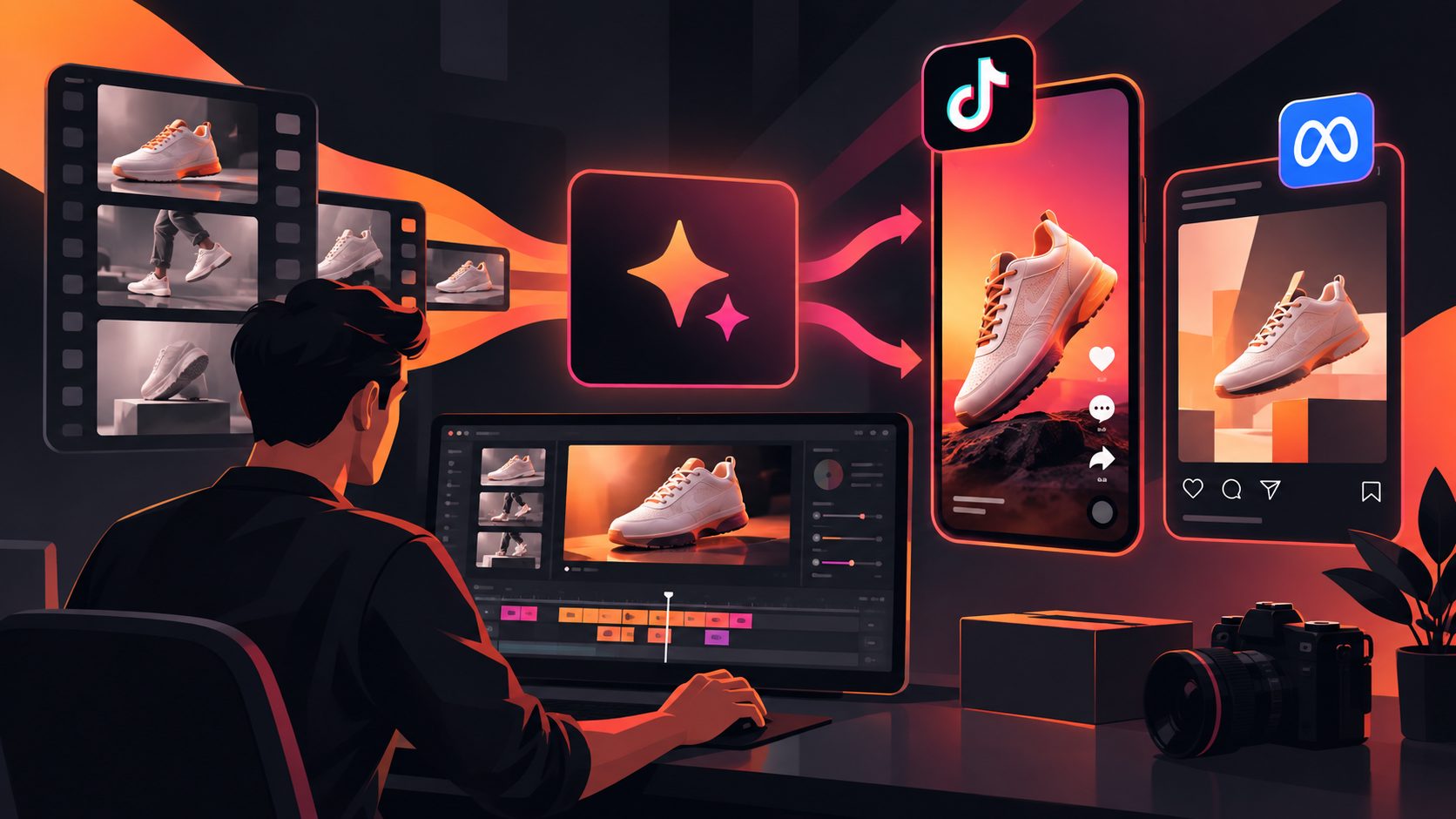
Low-resolution product videos often contain valuable proof: a winning hook, a strong demonstration, or creator footage that already fits your audience. AI upscaling video can improve that material without requiring a new shoot, but the best result is not automatically “the sharpest 4K file.” It is a clean, credible, platform-ready ad that preserves product details and keeps the original creative logic intact.
What is AI upscaling video?
AI upscaling video is a video super-resolution process that enlarges footage while predicting missing visual detail across frames. Unlike basic resizing, it can reduce the visible effects of blur, compression, and pixelation. It cannot reliably recover information that was never captured, however, so the output should be treated as an enhancement rather than a replacement for good source footage.
Traditional scaling stretches existing pixels. AI-based enhancement analyzes patterns such as edges, textures, faces, and motion before generating a higher-resolution result. Professional tools commonly combine upscaling with denoising, sharpening, stabilization, or frame interpolation, although these are separate operations and should not be enabled automatically. (topazlabs.com)
For ecommerce sellers, the practical question is:
Can this asset become clear enough to reuse in paid media without making the product, text, or person look artificial?
That question is more useful than simply asking whether a tool can export 1080p or 4K.
When should ecommerce sellers upscale a video?
AI enhancement is most valuable when the creative idea is already proven or expensive to recreate. Consider upscaling when the footage has one or more of these characteristics:
- A strong first three seconds but soft detail caused by messaging-app compression.
- A creator or customer demonstration that cannot easily be reshot.
- Product footage recorded in 720p that needs a cleaner mobile presentation.
- An older ad with useful comments, engagement history, or recognizable brand structure.
- A localized version that needs clearer captions and product visibility.
- A product demo that will be adapted to additional placements or aspect ratios.
Upscaling is usually a poor choice when the original file is severely blurred, heavily cropped, full of motion smear, or missing important product details. It is also risky when the source contains tiny packaging text, reflective surfaces, hair, smoke, or fast hand movements. These areas can expose hallucinated texture or unstable edges.
A useful rule is “preserve the proof, improve the presentation.” If the product claim itself depends on detail the camera never captured, generate new footage or use a different asset instead of asking an enhancer to invent evidence.
AI upscaling video versus ordinary resizing
The distinction matters because sellers often expect a larger file to look sharper automatically.
| Method | What it does | Best use | Main limitation |
|---|---|---|---|
| Basic resizing | Changes pixel dimensions using interpolation | Fast exports and minor format changes | Does not restore meaningful detail |
| Sharpening | Increases edge contrast | Slightly soft but clean footage | Can create halos and harsh outlines |
| AI upscaling | Predicts and reconstructs likely detail | Low-resolution or compressed footage | May introduce temporal or product artifacts |
| Re-shooting | Captures new source detail | Important claims and hero products | Higher production cost and time |
The output resolution alone is not a quality guarantee. A 4K export from an extremely poor source may still look less credible than a clean 1080p version. Topaz’s own workflow documentation emphasizes choosing an output multiplier, selecting an appropriate model, and previewing the result before exporting. (topazlabs.com)
For ad production, resolution should therefore be judged alongside legibility, temporal consistency, product accuracy, and compression behavior.
A practical quality-control workflow
Use this five-step process before replacing the original ad file.
1. Inspect the source before processing
Check the original frame size, bitrate, frame rate, crop, and compression history. Watch the video at 100% and pause on:
- Product edges
- Logos and packaging
- Hands and fingers
- Faces and hair
- On-screen text
- Fast movement
- Fine textures such as fabric, skin, or metallic surfaces
Write down the three most important visual elements. These become your quality-control priorities after enhancement.
2. Process a short representative sample
Do not begin with the entire campaign library. Select a short section containing the hook, the main product demonstration, and the CTA. A practical test set is:
- One close-up product shot
- One moving or handheld shot
- One frame with text or a logo
- One human face or hand, if present
This sample gives a better decision signal than checking a single attractive frame.
3. Compare motion, not only still images
A still frame can look impressive while the video flickers from frame to frame. Watch the processed clip at normal speed and inspect whether:
- Product edges pulse or wobble
- Facial features change between frames
- Text becomes unstable
- Background patterns crawl
- Hands merge with the product
- Sharpening creates a bright outline
- Fine detail appears and disappears
This is the most important quality check for advertising because viewers experience the asset as motion, not as a gallery of screenshots.
4. Rebuild text and captions when necessary
Upscaling should not be used as a substitute for clean typography. If captions are damaged by compression, recreate them in the editing stage. AdsTurbo Video Subtitle can automatically transcribe speech, generate time-synchronized captions, and export either a video with embedded subtitles or a separate subtitle file.
For platform-specific delivery, captions should be checked for safe zones and readability on mobile screens. Google notes that video presentation and discoverability depend on how content is technically exposed and structured, but no markup can compensate for a poor viewing experience. (developers.google.com)
5. Export platform-specific versions
Keep the enhanced master separate from delivery files. Then create versions for the intended placements, such as vertical short-form ads, square catalog placements, or landscape product pages.
If the creative needs a new background, different framing, or additional product context, combine enhancement with a broader production workflow. For example, an AI video background changer for ecommerce ads can address scene consistency, while Amazon main image video formats provide a useful placement-oriented planning reference.
The ecommerce-specific decision scorecard
A simple scorecard helps prevent sellers from approving an attractive but unreliable result. Rate each category from 0 to 2:
| Check | 0 points | 1 point | 2 points |
|---|---|---|---|
| Product accuracy | Distorted | Minor uncertainty | Clearly accurate |
| Text legibility | Unusable | Readable with effort | Clean and stable |
| Motion consistency | Flicker or warping | Occasional issue | Stable throughout |
| Human features | Artificial | Minor artifacts | Natural enough for the ad |
| Compression resilience | Breaks after export | Acceptable | Still clear on mobile |
A result scoring 8 or higher out of 10 is a reasonable candidate for a controlled creative test. A lower score does not always mean the asset is worthless; it may indicate that only certain sections should be retained, captions should be rebuilt, or the ad should be recreated from its original script and structure.
This scorecard is an operational framework rather than a universal performance benchmark. It separates visual usability from conversion performance, which must still be measured through the ad platform.
How to connect enhancement with ad testing
Upscaling improves the asset’s presentation, but it does not automatically improve the hook, offer, or audience match. Test the enhanced file against the original using the same:
- Audience
- Budget conditions
- Attribution window
- Placement mix
- CTA
- Offer
- Landing page
Change one major variable at a time where possible. If the enhanced version receives stronger engagement but weaker purchases, the visual improvement may be attracting attention without improving the promise or product explanation.
For new ecommerce launches, combine the cleaned footage with product benefits and promotional information in a structured workflow. AdsTurbo supports product-video creation from JPG or PNG product images, while its broader creative tools can support ad cloning, translation, subtitles, motion control, and background replacement. A first video ad workflow for a new ecommerce store can help organize the creative from product proof to CTA.
For teams handling many variants, AdsTurbo’s video generation API includes endpoints for video analysis, lip sync, watermark removal, translation, upscaling, face swap, motion control, and subtitles. All generation tasks run asynchronously, with completion available through status polling or webhook callbacks. Use the API when enhancement is part of a repeatable asset pipeline rather than a one-off export.
Common questions
Can AI upscaling make a blurry video truly sharp?
It can improve perceived clarity, especially when blur comes from compression or moderate resolution loss. It cannot reliably reconstruct product details, text, or facial features that were never captured clearly.
Should I upscale directly to 4K?
Not always. Start with the delivery requirement and compare a moderate enhancement with a larger output. A clean 1080p file may be more credible than an overprocessed 4K export.
Does upscaling improve conversion rate by itself?
No. It may improve clarity, attention, and trust, but conversion still depends on the offer, product-market fit, creative structure, audience, landing page, and placement. Measure the enhanced asset in a controlled test.
Should captions be upscaled or regenerated?
Regenerate them when they are damaged, small, or unstable. Clean captions are easier to read and easier to localize than text reconstructed from compressed pixels.
Can I use AdsTurbo for video enhancement?
AdsTurbo provides AI video resolution enhancement together with tools for subtitles, translation, ad cloning, character replacement, lip sync, motion control, and product-video creation. Its Video Upscaling workflow includes before-and-after preview and export support for enhanced video.
Final takeaway
AI upscaling video works best as a creative reuse system, not a magic repair button. Preserve proven hooks and demonstrations, inspect motion as carefully as still frames, rebuild damaged text, and validate the final asset in the actual ad environment.
The strongest ecommerce workflow is usually: audit the source, enhance a representative sample, score product accuracy and motion stability, export platform-specific versions, then test performance against the original.