作者:adsturbo.ai|发布日期:2026-09-19|更新日期:2026-09-19
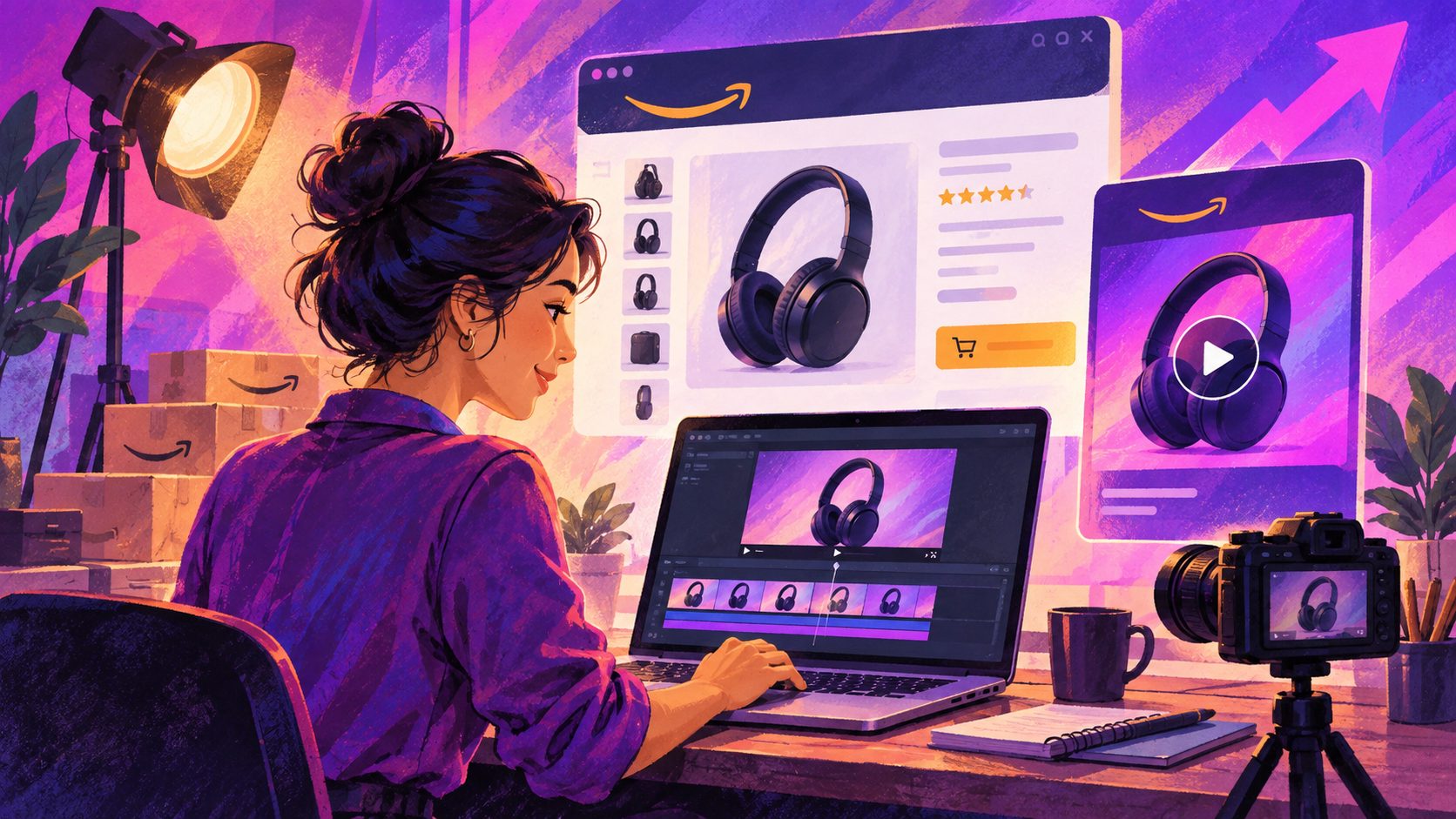
An Amazon Brand Store background video generator helps sellers turn product images, brand footage, and campaign concepts into short, silent videos designed for Amazon Store background video tiles. The key is not simply generating attractive motion: the asset must fit Amazon’s tile limits, remain readable behind overlays, and loop without an obvious reset.
Amazon’s current Store guidelines specify that background videos autoplay and replay silently while visible. They require only a video file, not a separate cover image. (advertising.amazon.com)
What is an Amazon Brand Store background video?
An Amazon Brand Store background video is a short MP4 placed in a background video tile to add motion and atmosphere to a Store page. Unlike a standard video tile, it does not give shoppers player controls, so the creative should work without sound, pausing, or manual playback. (advertising.amazon.com)
This makes the format different from a product listing video or Sponsored Brands video ad:
| Format | Shopper interaction | Best use |
|---|---|---|
| Background video tile | Autoplays and replays silently | Brand atmosphere, product motion, visual storytelling |
| Standard video tile | Play, pause, volume, and fullscreen controls | Product explanation, tutorial, demonstration |
| Sponsored Brands video | Autoplay behavior depends on ad placement | Paid search visibility and Store traffic |
| Product listing video | Viewed within a product detail page | Product education and purchase consideration |
The practical implication is simple: a Store background video should communicate through movement, composition, and visible product cues rather than narration.
What are Amazon Brand Store background video specs?
Amazon’s published background video specifications vary by tile size, but the core requirements are consistent: MP4 format, H.264 codec, a minimum resolution of 1,280 × 640 pixels, and a duration between 2 and 20 seconds. (advertising.amazon.com)
| Tile size | Minimum resolution | Maximum height | Duration | Aspect ratio |
|---|---|---|---|---|
| Full width | 1,280 × 640 px | 1,500 px | 2–20 seconds | 6:4 to 8:3 |
| Large | 1,280 × 640 px | 640 px | 2–20 seconds | 3:4 to 8:3 |
| Medium | 1,280 × 640 px | 320 px | 2–20 seconds | 6:4 to 8:3 |
For production, export an MP4 using H.264 and keep the final composition inside the aspect-ratio range for the selected tile. Amazon also advises previewing Store content on both desktop and mobile, because cropping and overlays can affect how important elements appear. (m.media-amazon.com)
A useful distinction: the Store header’s hero image is not the same asset as a background video tile. Amazon lists the header hero image at a minimum of 3,000 × 600 pixels, while background videos have their own video-specific requirements. (advertising.amazon.com)
How should you design a seamless Amazon Store video loop?
A seamless loop is a video whose ending connects naturally to its beginning, so shoppers do not see a hard jump when Amazon replays it. The most reliable structure is a closed visual cycle, not a long commercial with a final end card.
Use this five-part loop framework:
- Opening state: Begin with the product already visible or with a clean background that matches the final frame.
- Single motion: Use one controlled movement, such as a slow rotation, gentle camera push, product reveal, or flowing background element.
- Product emphasis: Keep the product in the visual center or within the area least likely to be cropped.
- No dependent audio: Treat sound as unavailable because background videos autoplay silently.
- Matched ending: Return the product, lighting, and background to a visual state close to the opening frame.
Avoid adding a long logo animation, complicated transitions, or a CTA that appears only for a fraction of a second. Since the video has no player controls, shoppers may enter the page halfway through the loop. Every frame should still make sense on its own.
A practical safe-zone method
Amazon states that some Store hero images may lose up to 30% of their width through cropping, with as much as 15% removed from each side. While this guidance is specifically stated for hero images, it provides a useful planning principle for motion assets: keep the product, logo, and primary visual action away from the outer edges. (advertising.amazon.com)
For a background video, divide the composition into three areas:
- Core zone: Product, face, packaging, or essential visual action.
- Support zone: Secondary motion, color, texture, or environmental context.
- Risk zone: Decorative details that can be cropped without damaging the message.
This framework is an independent production recommendation based on Amazon’s safe-zone and preview guidance. It is more reliable than designing only for one desktop screenshot.
How can AI generate a Brand Store background video?
An AI workflow is most useful when it separates creative planning from technical finishing. A product seller can begin with one or more JPG or PNG product images, then create a short concept around a benefit, seasonal theme, or visual mood.
A practical workflow looks like this:
- Prepare the source image. Use a clear product photo, preferably with a simple or solid-color background. AdsTurbo Product Image supports JPG and PNG product uploads and can analyze the product’s shape, color, and category.
- Define the visual action. Choose one motion objective: rotate the product, reveal a feature, simulate use, or create a clean lifestyle transition.
- Generate several short variants. Produce different openings, camera movements, and background treatments rather than one long video.
- Add captions only when necessary. If text is used, keep it brief, high contrast, and away from areas likely to be covered or cropped.
- Export and inspect. Confirm MP4, H.264, duration, aspect ratio, resolution, and mobile readability before uploading.
AdsTurbo provides Product Video generation, background replacement, motion control, video subtitles, and AI upscaling. Its asynchronous generation model supports status polling or Webhook callbacks, which can help teams process multiple creative tasks without waiting for each job manually.
For sellers building a larger asset library, the Amazon product video size guide can help separate listing-video requirements from Store and advertising formats. The distinction matters because an asset that works on a product detail page may not be appropriate for an autoplaying background tile.
What should Amazon sellers avoid in Store background videos?
Amazon’s content policy requires Store media to be high-resolution, relevant, correctly streamed, and free from obvious distortion or stretching. It also says that Store content should be checked in desktop and mobile previews so cropping does not hide important elements. (m.media-amazon.com)
Avoid these common problems:
- Audio-dependent messaging: The background format is silent by design.
- Tiny embedded text: Amazon notes that text must remain legible, and its policy lists a minimum height of 32 pixels for hero, gallery, and full-width image contexts. (m.media-amazon.com)
- Overloaded compositions: Too many products or fast movements reduce clarity.
- Fake controls: Do not make a non-clickable element look like a play button or CTA. Amazon identifies fake functionality as prohibited. (m.media-amazon.com)
- Unsupported claims: Brand or product claims need substantiation within the Store and associated product information. (m.media-amazon.com)
- Amazon interface imitation: Amazon policy prohibits Amazon logos and interface elements that mimic Amazon controls. (m.media-amazon.com)
For compression and export checks, sellers can also review this guide to video compression for ecommerce ads, especially when balancing visual quality against file size and page performance.
How does this fit into a broader Amazon creative system?
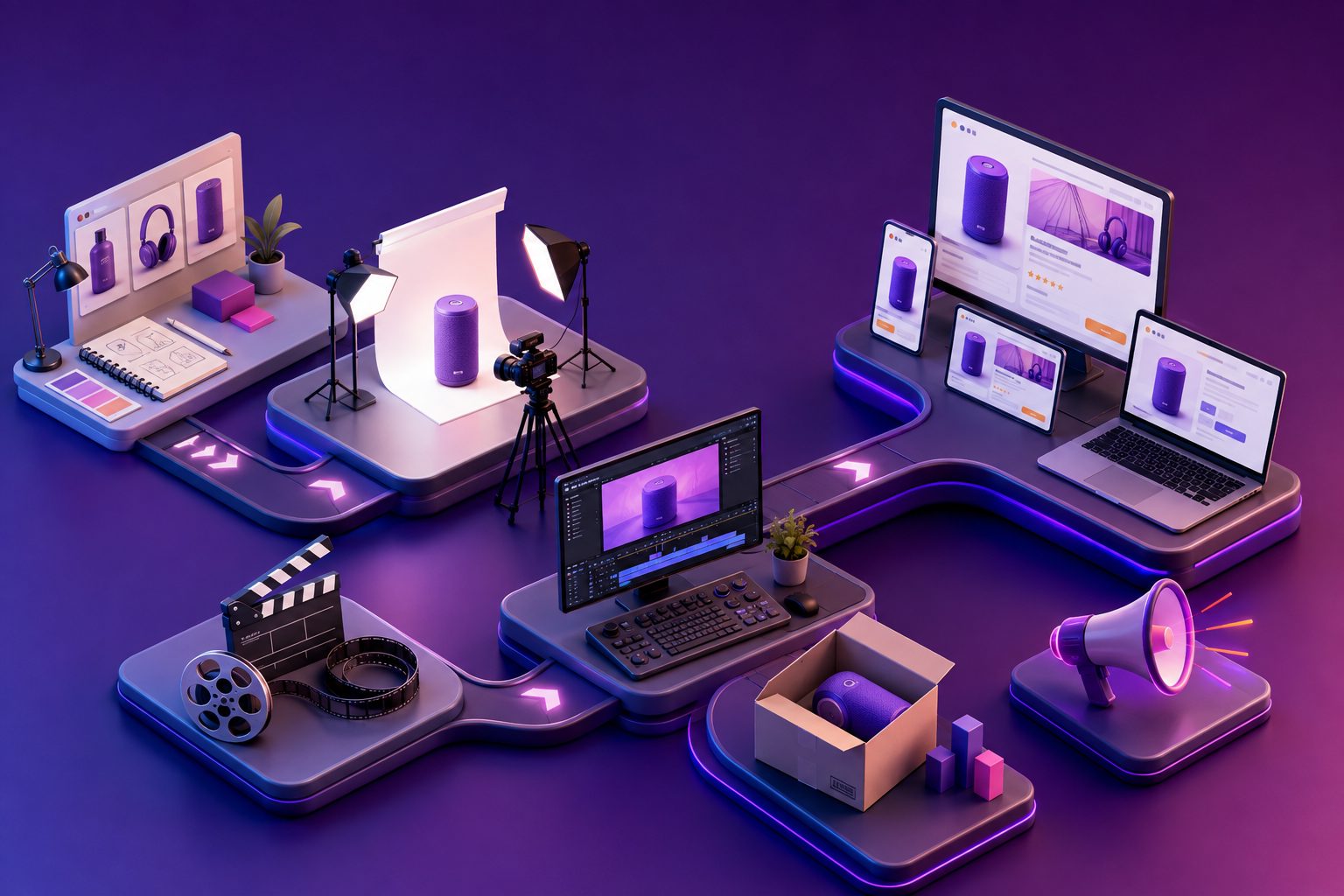
A background video should not be treated as an isolated asset. It works best as the visual entry point to a Store page where the following section explains the product, groups related SKUs, or directs shoppers to a relevant collection.
One source image can support several deliverables:
- A silent Store background loop
- A product detail page video
- A Sponsored Brands video variation
- A social vertical cut
- A translated version for another marketplace
- A seasonal version with a different color system
AdsTurbo supports product video creation, Ad Clone, video translation, AI upscaling, background replacement, and subtitle generation. For high-volume sellers, its API includes image generation, Persona, AI actors, Ad Clone, video generation, and task-processing modules. A bulk SKU video generation workflow can help organize this kind of production across a catalog.
The strategic advantage is consistency: keep the same product truth and brand visual language while changing the opening motion, background, crop, or campaign theme.
Frequently asked questions
Can an Amazon Store background video include sound?
It should not rely on sound. Amazon says background videos autoplay and replay on silent, and shoppers do not receive video player controls in this tile type. (advertising.amazon.com)
Does a background video need a cover image?
No. Amazon’s current guidance says only the video file is required for a background video tile; a separate cover image is not needed. (advertising.amazon.com)
What is the maximum length?
The published duration range for Amazon Store background video tiles is 2 to 20 seconds, depending on the selected tile and creative configuration. (advertising.amazon.com)
Should the product be centered?
Usually, yes—but not blindly. Keep the main product inside a central safe area while leaving enough negative space for Store overlays, responsive cropping, and visual balance.
Can one video be used everywhere on Amazon?
Not automatically. Store background videos, standard Store videos, product listing videos, and Sponsored Brands videos have different specifications and shopper behaviors. Export format-specific versions instead of forcing one file into every placement.