By adsturbo.ai | Published 2026-10-03 | Updated 2026-10-03
An Amazon Brand Store background video is a 2–20-second MP4 that automatically plays and repeats without sound inside a Store tile. The best version is not a compressed commercial. It is a simple, crop-safe motion layer that shows the product, survives silent playback, and returns naturally to its opening frame.
What Is an Amazon Brand Store Background Video?
A background video is an inline Store asset designed to add atmosphere and product motion without asking shoppers to press play. Amazon provides no playback or volume controls for this tile, and no separate cover image is required.
That behavior distinguishes it from a standard Store video tile, which shoppers can play, pause, enlarge, and hear. A standard video can explain a product; a background loop should make the product or campaign instantly recognizable at any point in playback.
Use it for controlled visual actions such as:
- A bottle rotating against a branded background
- A cosmetic texture spreading across a surface
- A tent opening or fabric repelling simulated rain
- A cable bending through one repeatable motion
- Products entering and leaving a seasonal composition
Amazon allows full-width, large, and medium background video tiles—but not small tiles. A Store page can contain up to four background video tiles under Amazon’s current Stores creative guidelines.
What Are the Current Background Video Specifications?
Amazon requires an MP4 file encoded with H.264, at least 1,280 × 640 pixels, and between 2 and 20 seconds long. The permitted aspect-ratio range and maximum height depend on the selected tile size.
| Tile size | Minimum video resolution | Maximum height | Duration | Aspect-ratio range |
|---|---|---|---|---|
| Full width | 1,280 × 640 px | 1,500 px | 2–20 seconds | 6:4 to 8:3 |
| Large | 1,280 × 640 px | 640 px | 2–20 seconds | 3:4 to 8:3 |
| Medium | 1,280 × 640 px | 320 px | 2–20 seconds | 6:4 to 8:3 |
These are minimum acceptance specifications, not a guarantee that every composition will look good. Export at a higher resolution when practical, but preserve the selected tile’s ratio and preview the page on both desktop and mobile.
Do not confuse the background tile with the Store header. Amazon lists a separate 3,000 × 600-pixel minimum for the header hero image. Likewise, a product detail page video or Amazon main image video format should be exported as a separate placement-specific asset.
How Do You Design a Seamless Silent Loop?
A seamless loop ends in nearly the same visual state in which it begins. The safest structure uses one reversible or circular action rather than multiple scenes, title cards, and a conventional final CTA.
Use this six-step timeline for an 8–12-second promotional loop:
- Establish the product: Show the product clearly in the first frame.
- Begin one motion: Add a slow rotation, camera push, reveal, pour, bend, or environmental effect.
- Reach the visual peak: Demonstrate the feature or campaign mood without changing to a new scene.
- Hold briefly: Give shoppers enough time to recognize the product.
- Reverse or complete the cycle: Return the camera, product, or background element toward its initial position.
- Match the boundary: Align the last frame’s color, lighting, scale, and object position with the first.
Avoid fades to black. They create a visible flash when playback restarts. Also avoid dialogue-dependent storytelling: shoppers may enter the page halfway through the loop, and the asset always plays silently.
For proof-oriented product motion, the same single-action principle appears in this cable bending test video framework.
Where Should Products, Text, and Offers Be Placed?
Keep essential content in a centered core zone, supporting motion in a middle zone, and disposable decoration near the edges. This three-zone layout protects the message when Amazon adjusts a tile across screen sizes.
A practical composition map is:
- Core zone: Product, packaging, logo, or defining product action
- Support zone: Hands, props, texture, lighting, and secondary motion
- Risk zone: Particles, gradients, scenery, and other elements that can be cropped
Treat promotional details differently from brand imagery. Discount percentages, coupon codes, dates, and campaign terms can become outdated, so place them in an adjacent editable text or featured-deals tile when possible. Let the video carry stable visual information: the product, use case, season, and brand mood.
This creates a reusable two-layer system: video for durable motion, Store modules for changeable messaging. A Black Friday loop, for example, can use evergreen product motion while nearby text carries the current offer.
How Can You Produce the Video With AI?
Start from a clean product image, define one visible action, generate several short motion options, and finish the strongest variant to Amazon’s technical requirements. Separating generation from final encoding reduces wasted revisions.
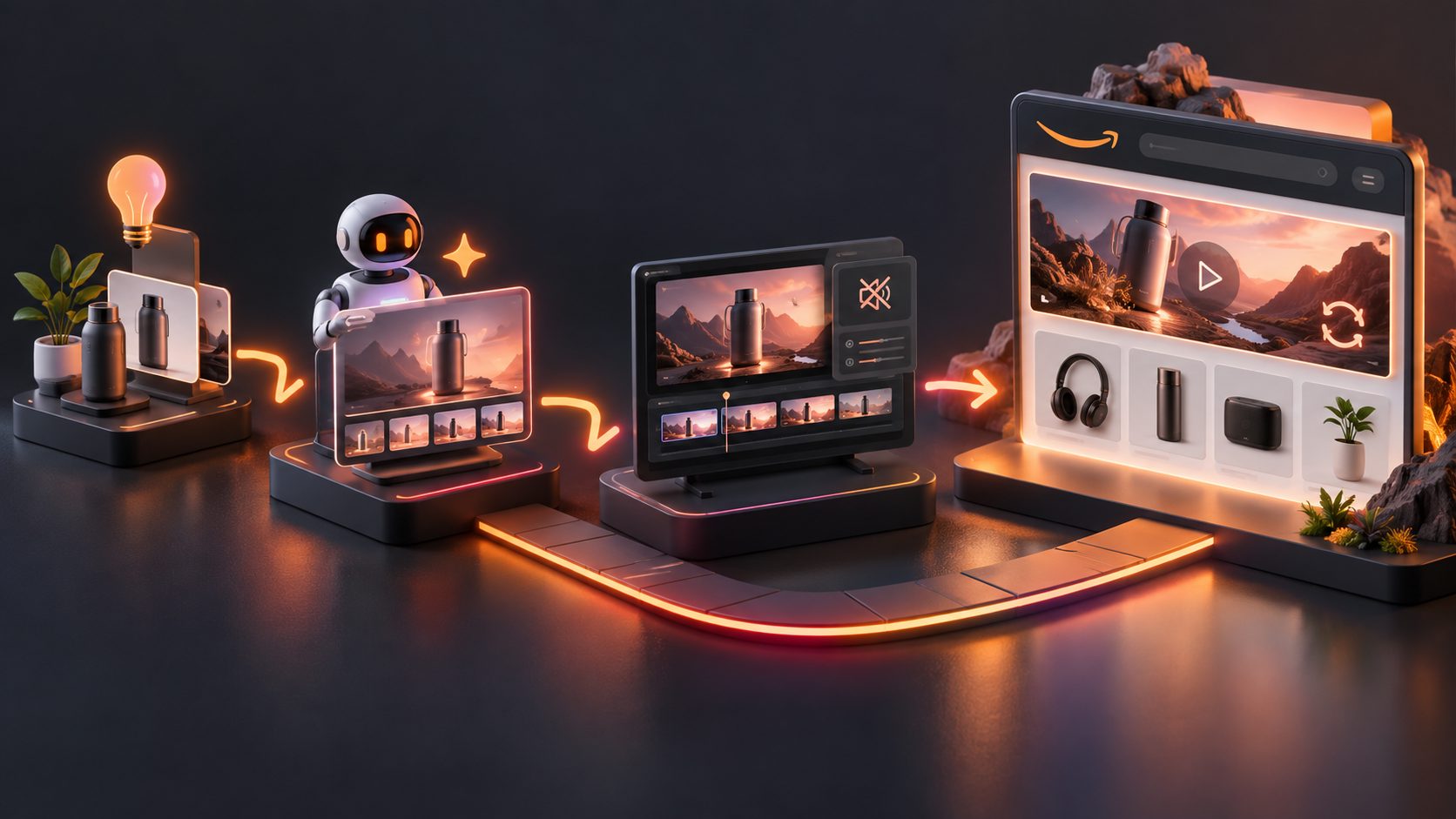
A practical workflow is:
- Prepare the source asset. Use a sharp JPG or PNG product photo. A plain background and clear product edges generally make compositing easier.
- Build the scene. Create a lifestyle setting or campaign color system while keeping the product visually accurate.
- Choose one motion instruction. Ask for a slow orbit, controlled push-in, fabric movement, liquid flow, or product interaction—not several actions at once.
- Generate short variants. Test different starting positions and motion speeds instead of producing one complex edit.
- Repair the loop boundary. Trim at matching poses or reverse a compatible motion segment.
- Finish the file. Export MP4 with H.264, confirm 2–20 seconds, and inspect the first-to-last-frame transition.
- Preview both devices. Verify that cropping does not remove the product, logo, or primary action.
AdsTurbo provides Product Video, Motion Control, Background Replace, Clip by Clip editing, and AI Upscaling tools that can support these stages. Low-resolution source footage can also be prepared using an AI video upscaling workflow for ecommerce before final export.
For larger creative operations, AdsTurbo generation tasks run asynchronously and can return completion events through status polling or Webhooks. Advanced plans also support API access and custom workflows for processing multiple variants.
How Should You Audit the Loop Before Uploading?
Use a five-part “SILVA” check: Start, Identity, Loop, Viewport, and Adaptability. This original framework catches creative failures that basic file validation cannot detect.
| Check | Pass condition |
|---|---|
| Start | The first frame is complete, attractive, and free of blank or black frames |
| Identity | The product or brand is recognizable without narration |
| Loop | The final frame connects to the first without a flash, jump, or lighting change |
| Viewport | Essential content remains visible in desktop and mobile previews |
| Adaptability | Temporary pricing, dates, and offer terms are kept outside the reusable video |
Watch the video muted three times in succession. Then pause at five random points. If any paused frame looks confusing, distorted, or disconnected from the campaign, simplify the motion.
Amazon’s content policy also requires Store videos to be relevant, high resolution, correctly streamed, and free from obvious stretching or pixelation. Technical compliance should therefore be checked alongside visual continuity.
Frequently Asked Questions
Does an Amazon Store background video need audio?
No. Background videos autoplay and replay silently, and shoppers do not receive volume controls. Remove any storytelling that depends on dialogue, music, or sound effects.
Does the video need a cover image?
No. Amazon requires only the video file for a background video tile. Standard playable video tiles require a cover image, but background tiles do not.
What is the best length for a seamless loop?
Amazon permits 2–20 seconds. In practice, use only enough time to complete one readable visual action. A controlled 8-second cycle is usually more loop-friendly than a 20-second miniature commercial.
Can the same file be used for Sponsored Brands video?
Not without checking and re-editing it. Sponsored Brands video has different playback behavior, layout requirements, and campaign objectives. Sellers considering that placement should review how Sponsored Brands video can support Amazon traffic acquisition.
Should promotional text be embedded in the video?
Only when it is brief, legible, and unlikely to change. Dates, coupon codes, prices, and discount details are usually easier to maintain in adjacent Store modules instead of permanently embedding them in the loop.