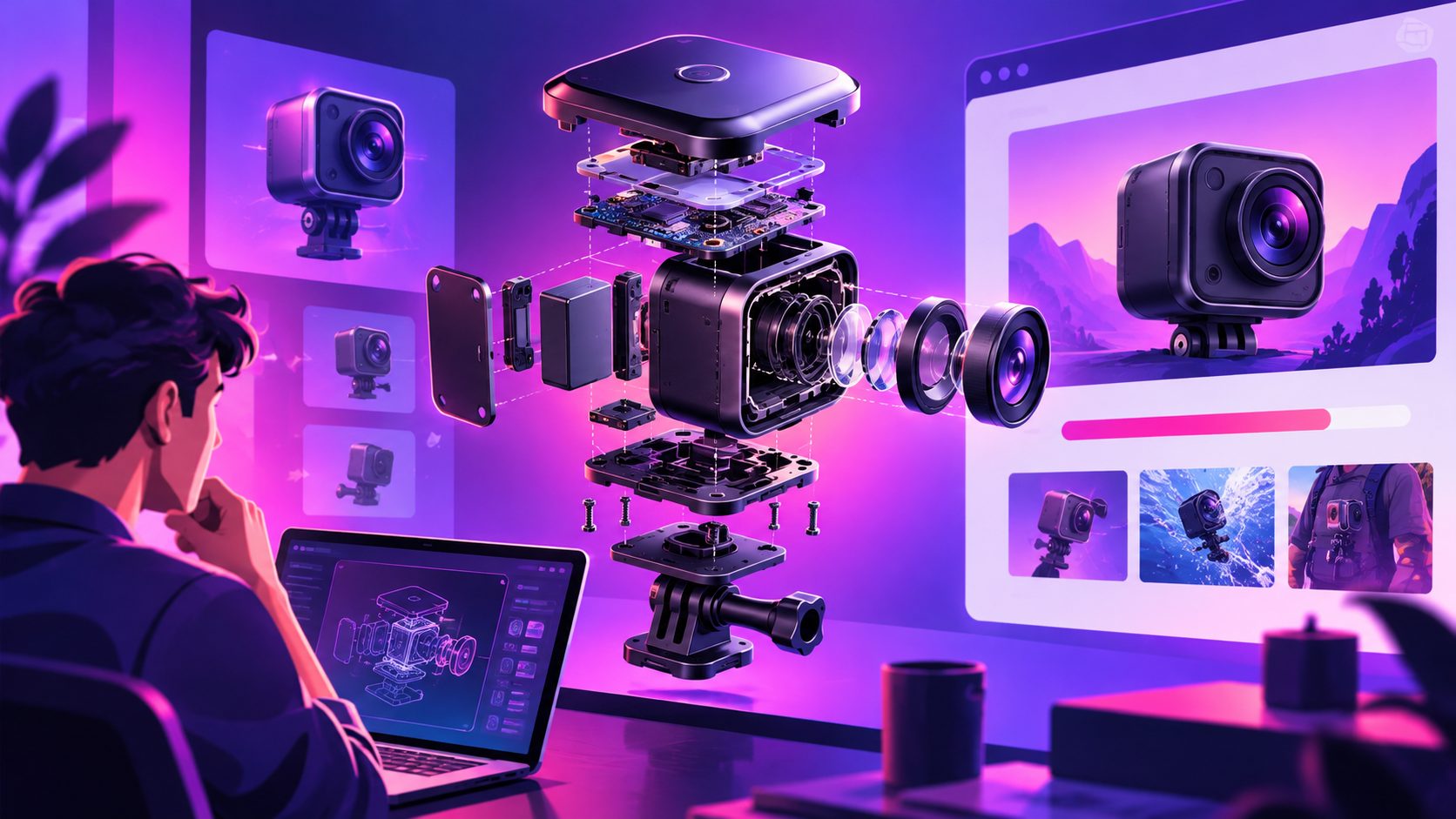
Crowdfunding Stretch Goal Video Maker: Kickstarter and Indiegogo Guide


Summarize with
Summary
Build a crowdfunding stretch goal video maker workflow with milestone animations, backer-focused scripts, and platform-ready variants for Kickstarter or Indiegogo. Start planning your next update.
By adsturbo.ai | Published 2026-11-02 | Updated 2026-11-02
A crowdfunding stretch goal video maker helps campaign creators turn a funding milestone into a short, persuasive update. The strongest videos do more than announce a new target: they show what backers unlock, explain why it matters, and give the community one clear next action.
For Kickstarter and Indiegogo campaigns, a stretch goal video should feel like a progress report, product reveal, and social sharing asset in one. This guide explains the structure, script, motion design, and production workflow behind an effective milestone announcement.
What is a crowdfunding stretch goal video?
A crowdfunding stretch goal video is a short campaign update published after the main funding target is reached or when a new milestone needs additional momentum. It typically combines a thank-you message, a progress indicator, a preview of the unlocked feature or reward, and a direct request for continued support.
Indiegogo defines stretch goals as additional targets that can unlock features, rewards, or other campaign opportunities. Its platform supports manual goals as well as automatic goals based on backed funds, backer count, or campaign day. (help.indiegogo.com)
Kickstarter campaign guidance also treats updates and behind-the-scenes videos as useful ways to keep backers informed and engaged after launch. (kickstarter.com)
The key distinction is purpose:
- A launch video explains the product and the original campaign.
- A stretch goal video explains what happens next.
- A final-days video creates urgency around the remaining time.
- A progress update builds confidence through evidence.
Do not reuse the full launch video with a new end card. Backers need a fresh reason to watch and share.
What should a stretch goal video include?
The most reliable structure is a five-part sequence: celebrate, quantify, reveal, justify, activate.
1. Celebrate the milestone
Open with the achievement in the first two seconds:
“We did it—our first funding goal is unlocked.”
Use a large number, animated progress bar, or quick montage of supporter comments. Keep the opening visual simple enough to understand without sound.
2. Quantify the next target
Show the exact next milestone and the remaining gap. A vague line such as “Help us go further” is weaker than:
“At $75,000, every backer unlocks the upgraded storage case.”
The target should appear on screen as readable text, not only in narration. This makes the video easier to understand in feeds and campaign updates.
3. Reveal the benefit
Show the new feature, accessory, production improvement, content expansion, or reward visually. If the goal is still conceptual, label the footage as a prototype, rendering, mock-up, or planned feature.
A useful rule is one stretch goal per video. If three goals are announced together, the viewer may remember none of them.
4. Explain why it matters
Backers do not only want a bigger reward list. They want to know how the milestone improves the project. Connect the goal to a practical outcome:
- Better durability
- More customization
- Faster setup
- Expanded compatibility
- Additional content
- Improved packaging or delivery experience
5. Activate the audience
End with one primary action:
- Pledge or increase a pledge
- Share the campaign
- Comment on the next feature
- Send the campaign to a friend
- Follow the next update
A video can mention secondary actions, but the final frame should prioritize one.
How do you script a 30-second stretch goal announcement?
A 30-second script should communicate the milestone without forcing viewers to read dense copy. This timing model is an editorial framework designed for fast campaign updates:
| Time | Visual job | Example message |
|---|---|---|
| 0–3 sec | Achievement hook | “Funded in 48 hours.” |
| 3–8 sec | Thank backers | “This happened because of you.” |
| 8–16 sec | Goal reveal | “Next: the upgraded travel case at $75K.” |
| 16–24 sec | Value proof | “It protects the product and adds room for accessories.” |
| 24–30 sec | CTA | “Back, share, and help us unlock it.” |
This structure creates a clear information rhythm: proof of progress → new value → community action.
A longer 45- to 60-second version can add a founder explanation, prototype demonstration, or manufacturing detail. Avoid using the extra time for repeated thank-you messages.
For more campaign-specific messaging, the crowdfunding early bird video script guide provides a useful foundation for urgency, reward framing, and backer-facing calls to action.
Which motion graphics work best?
Stretch goal videos benefit from motion design that makes progress visible. Use animation to clarify the campaign state, not to decorate every second.
Recommended elements include:
- Progress bar: Show the current amount, next target, and remaining gap.
- Unlock animation: Move from a locked icon to an unlocked product or feature.
- Feature callout: Use two or three words such as “More capacity” or “New color.”
- Backer counter: Include this only when the number supports the story.
- Before-and-after comparison: Useful for packaging, materials, size, or performance changes.
- CTA end card: Keep the campaign URL, QR code, or platform prompt on screen long enough to read.
A practical design test is the three-second mute test: pause the video at three random moments with audio off. If the milestone, benefit, and next action are not understandable, simplify the text and composition.
Export separate versions for 9:16, 1:1, and 16:9 placements. The same campaign update may appear in a vertical social feed, a square post, an email, or the campaign page. AdsTurbo’s event poster workflow supports nine aspect ratios and can create promotional visuals around products, discounts, and campaign themes.
How should Kickstarter and Indiegogo videos differ?
The core storytelling is similar, but the campaign context can change the wording.
For Kickstarter, emphasize the backer community, project development, and what the next milestone adds to the original vision. Kickstarter updates are distributed through the campaign’s update system and can appear on the project page. (kickstarter.com)
For Indiegogo, explain the goal mechanics clearly, especially when a campaign uses manual or automatic stretch goals. The platform’s guidance allows creators to define a goal name, target value, image, and description, so the video should match those details exactly. (help.indiegogo.com)
In both cases, avoid promising a reward before confirming its production cost, fulfillment impact, and eligibility. A stretch goal video is a public commitment, not just a creative concept.
How can creators produce multiple versions efficiently?
The most efficient workflow separates the stable story from the variable campaign data.
Keep these elements stable:
- Founder introduction
- Product demonstration
- Brand colors
- Music bed
- Visual transition style
- General CTA format
Create variables for:
- Current funding amount
- Next milestone
- Remaining amount
- Feature name
- Product image
- Voice-over language
- End-card URL
- Aspect ratio
This makes it easier to generate versions for different funding levels or audiences without rebuilding the entire edit. AdsTurbo supports product image generation, product videos, video subtitles, translation, background replacement, and clip-by-clip editing. Its subtitle tool can generate synchronized captions and export either a burned-in version or a separate subtitle file.
For cross-border campaigns, create localized versions rather than simply adding translated text. Use a translated voice track, synchronized lip movement when appropriate, and platform-safe captions. AdsTurbo provides video translation, lip sync, face swap, motion control, upscaling, and subtitle workflows for this type of asset adaptation.
The crowdfunding pre-launch video and email list guide can also help connect the stretch goal video to email traffic before and during the campaign.
Common mistakes to avoid
Making the goal sound like a surcharge
Do not imply that backers must pay extra unless the campaign terms explicitly require it. Use language such as “unlocks for all eligible backers” only when that promise is accurate.
Showing too many unreleased features
One clearly explained goal usually performs better as a communication asset than a rapid list of five uncertain additions.
Hiding the funding gap
Show the current amount and next target together. Transparency gives viewers a concrete reason to share.
Forgetting captions
Many viewers encounter campaign videos without sound. Captions should be concise, high contrast, and placed inside safe areas for TikTok, Instagram Reels, YouTube Shorts, and other vertical placements.
Using the same CTA everywhere
A backer update may ask for a pledge increase, while a social cut may ask for a share. Match the CTA to the viewer’s relationship with the campaign.
Frequently asked questions
How long should a stretch goal video be?
Use 20–30 seconds for social posts and quick campaign updates. Use 45–60 seconds when the feature needs a demonstration or founder explanation.
Should the stretch goal appear in the original campaign video?
Usually, no. Keep the main pitch focused on the product’s core promise. Reveal later goals in updates so they create new communication moments.
Can one video support both Kickstarter and Indiegogo?
Yes, if the target amount, campaign terms, URL, and reward language are replaced for each platform. Always verify that the final claims match the destination page.
What format should be created first?
Create a clean master version, then adapt it to 9:16, 1:1, and 16:9. Design the key text inside platform-safe margins before exporting each cut.
How can a campaign team produce updates faster?
Use reusable scenes, editable variables, product image assets, and caption templates. A structured workflow lets the team update the milestone number and feature details without recreating every shot.
A strong stretch goal video turns progress into a visible reason to participate. With one milestone, one benefit, and one clear action, creators can keep the campaign narrative moving without overwhelming backers.
Start with the Adsturbo.ai platform to plan product visuals, captions, localized versions, and reusable campaign video variations.