Author: AdsTurbo.ai | Published: September 19, 2026 | Updated: September 19, 2026
A print on demand video ad maker turns a static design, product mockup, or listing image into short-form creative that shows the item in motion. For Shopify and Etsy sellers, the most useful output is not a decorative slideshow. It is a practical product video: a model wearing the design, a lifestyle scene, a close-up of the print, or a concise offer-led ad for TikTok, Instagram Reels, and product pages.
What is a print on demand video ad maker?
A print on demand video ad maker is a tool or workflow that converts POD product assets into short videos for listings, organic social content, or paid advertising. The input may be a transparent design file, a garment mockup, a product photograph, or a reference video. The output should communicate three things quickly: what the product is, how it looks in use, and why the shopper should care.
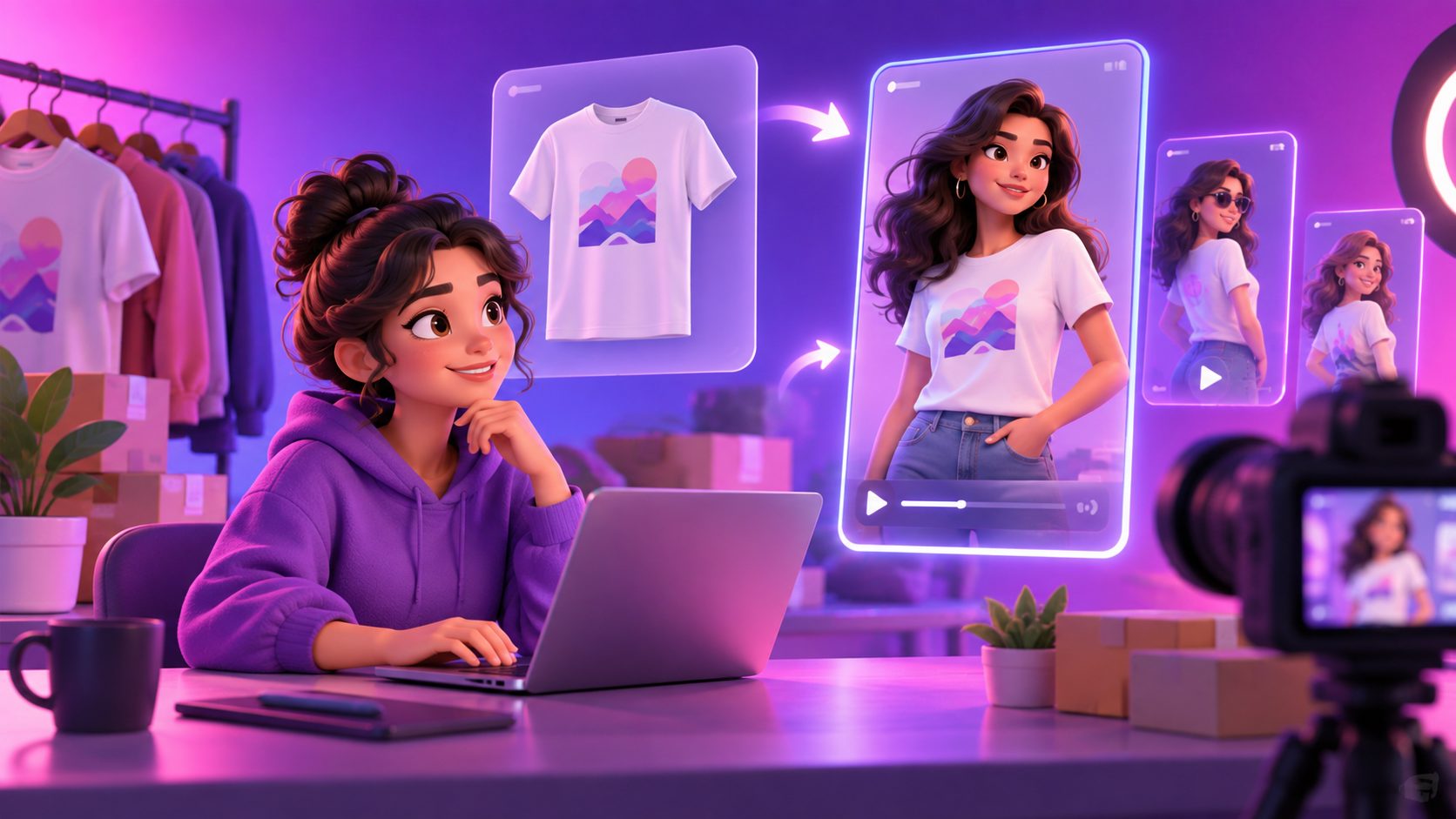
For clothing, the strongest transformation is usually:
- Start with a flat shirt or hoodie mockup.
- Place the design into a realistic model or lifestyle scene.
- Add controlled movement, such as a turn, walking shot, or camera push-in.
- Overlay the product benefit, niche, or offer.
- Export versions for the intended channel.
This is different from simply adding zoom effects to a product image. A static mockup proves the design exists; a try-on video helps the viewer imagine owning or wearing it.
Why POD sellers need motion, not only mockups
Static mockups remain useful for product pages, but they often fail to demonstrate scale, fit, texture, or context. A video can show the same design from multiple angles and place it in a scene associated with the target buyer—for example, a gym, coffee shop, hiking trail, nursery, or gift-opening moment.
The channel also changes the production requirement. Etsy accepts listing videos between 3 and 15 seconds, with a maximum file size of 100 MB, and uploaded listing videos play without audio. Etsy also recommends at least 1080 pixels for ideal resolution. (help.etsy.com) Shopify product pages can include images, videos, and 3D models, while Shopify Shop pages support video sections and shoppable video formats. (help.shopify.com)
That creates a useful principle:
Make one product concept, then create channel-specific cuts instead of forcing one video everywhere.
A silent 8-second Etsy listing video needs a different structure from a 20-second TikTok ad with voiceover and captions.
The Mockup-to-Motion Ladder: a better POD video framework
Most POD sellers begin with a mockup and jump directly to “make an ad.” A more reliable approach is to build creative in four levels. This Mockup-to-Motion Ladder is the practical framework that adds value beyond a basic image-to-video workflow.
Level 1: Product proof
Show the design clearly before adding dramatic movement. Use a front-facing view, a clean background, and a close-up of the print area. This is especially important for typography, small illustrations, and personalized products.
Goal: remove uncertainty about what the buyer receives.
Level 2: Human context
Place the product on a model or in a realistic scene. Apparel may show a person wearing the item; mugs can appear on a desk; wall art can appear in a room; tote bags can be shown in use.
Goal: help the shopper visualize ownership.
Level 3: Motion cue
Add one controlled action rather than random animation. Good options include a slow turn, walking movement, a handoff, a camera push-in, or a product reveal.
Goal: earn attention while keeping the product recognizable.
Level 4: Conversion message
Add a short message tied to the buyer’s reason for purchase:
- “Made for dog moms”
- “Personalized for your next adventure”
- “A simple gift for new homeowners”
- “Limited holiday drop”
- “Designed for weekend coffee lovers”
Goal: connect the product to an identity, use case, or buying moment.
The ladder prevents a common POD mistake: creating visually impressive footage that never makes the product, audience, or offer clear.
How to turn a POD mockup into a product video
1. Prepare the source image
Use a clean JPG or PNG product image. For product-image generation, a clear photo on a plain background generally produces more reliable results than a cluttered image with harsh shadows, folds, or overlapping objects.
For apparel, check these details before generating:
- The design is not cropped.
- Text is legible at mobile size.
- The garment color is accurate.
- The product category is obvious.
- The mockup does not include another brand’s watermark.
AdsTurbo Product Image supports JPG and PNG uploads and can analyze a product’s shape, color, and category. It can also generate outputs in multiple aspect ratios for channels such as Amazon, Shopify, TikTok Shop, and Instagram.
2. Choose the buyer scene
Do not select a lifestyle scene only because it looks attractive. Match the scene to the product’s niche.
A few examples:
| POD product | Better scene direction | Useful message |
|---|---|---|
| Hiking graphic tee | Trail, outdoor sunlight, backpack | “Made for the next trail day” |
| Nursery wall print | Calm child’s room | “A softer space for little ones” |
| Personalized mug | Morning desk or kitchen | “A small daily reminder” |
| Pet-themed hoodie | Casual weekend walk | “For people who treat pets like family” |
A scene should answer the buyer’s silent question: “When would I use this?”
3. Add one motion action
Motion should reveal the item, not distort it. For clothing, a model turn or subtle walking clip is usually more useful than an aggressive effect. For a mug or poster, a camera push-in can create depth without changing the product shape.
If you have an existing reference ad, AdsTurbo Ad Clone can analyze a reference video of up to 12 seconds and help reconstruct its structure, pacing, shot logic, and CTA into new variations. That makes it useful for testing different POD designs against a proven creative pattern rather than copying the original product.
4. Build captions for silent viewing
Etsy listing videos play without audio, and many social viewers also encounter short-form content muted. Use readable captions that carry the core message without covering the design.
A simple 8-second structure is:
- 0–2 seconds: Show the product and niche.
- 2–5 seconds: Show the model, use case, or detail.
- 5–8 seconds: Add the benefit, personalization angle, or CTA.
AdsTurbo Video Subtitle can automatically transcribe speech, generate time-synced subtitles, translate captions, and export either a burned-in video or a separate subtitle file. Its subtitle layouts can be adapted for TikTok, Instagram Reels, and YouTube Shorts.
Shopify and Etsy export strategy
The same product can need three creative versions:
- Etsy listing cut: 3–15 seconds, product-first, readable without audio, minimal promotional clutter.
- Shopify product-page cut: Show fit, texture, details, or use context so the video supports purchase confidence.
- Social ad cut: Lead with a niche hook, use faster visual changes, and test several openings.
Shopify lets merchants add video to product media, but the theme must support displaying product videos correctly. (help.shopify.com) For TikTok research, the platform’s Creative Center provides examples, trends, top ads, and creative tools that can help sellers study hooks and visual patterns before producing variants. (ads.tiktok.com)
For a deeper testing workflow, see TikTok ad creative variations for ecommerce. For apparel-specific planning, how to create clothing product videos for ecommerce ads covers product presentation and scene selection in more detail.
A practical batch workflow for Shopify and Etsy sellers
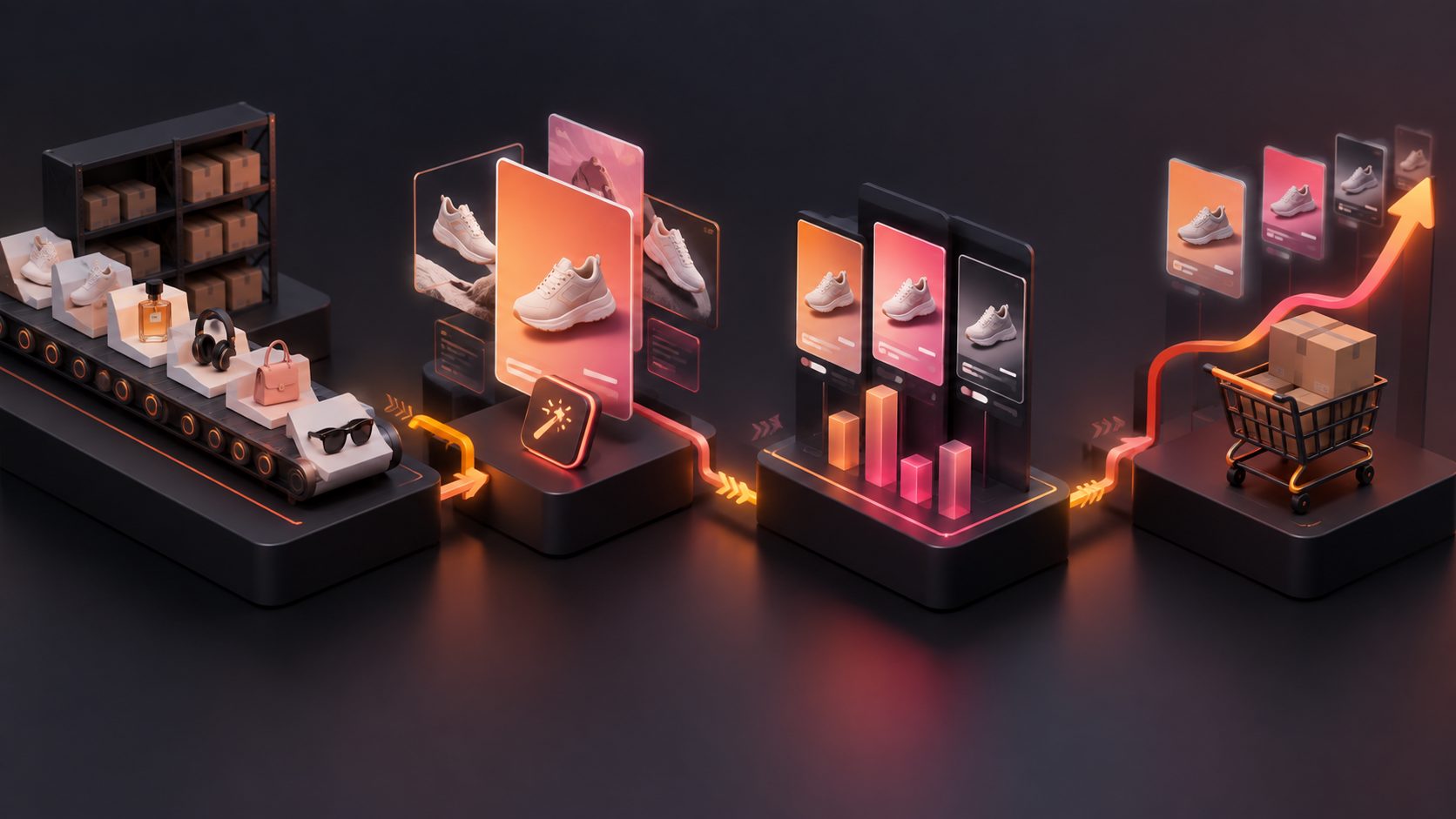
POD stores often have dozens or hundreds of designs. Producing one custom video per SKU becomes inefficient unless the process is standardized.
Use this batch system:
- Group products by niche, such as pets, occupations, hobbies, or holidays.
- Select one consistent visual style for each group.
- Create three hooks for the group.
- Generate one model or lifestyle scene per hook.
- Export vertical, square, and product-page versions where needed.
- Name files by SKU, niche, hook, and channel.
- Track performance by creative concept, not only by product.
AdsTurbo supports product video generation, ad cloning, clip-by-clip editing, background replacement, motion control, character replacement, translation, upscaling, and subtitle generation. Its asynchronous generation system can be monitored through status polling or webhook callbacks, while higher-tier plans support team workflows, API access, and custom workflows.
The key information gain is operational: the scalable unit is not “one video per design”; it is “one creative system per product niche.” A good system lets you reuse scene logic, caption structure, motion style, and CTA while changing the artwork and buyer message.
Common questions
Can I make a POD video ad from one product image?
Yes. A single clear JPG or PNG product image can serve as the starting point for a model scene, lifestyle visual, or short product video. Results are usually more dependable when the product is isolated and clearly visible.
Should Etsy listing videos include voiceover?
Not as the only source of information. Etsy listing videos do not retain audio after upload, so the product, benefit, and key message should remain understandable through visuals and on-screen text. (help.etsy.com)
What is the best video length for a POD product?
Use the shortest length that communicates the product clearly. Etsy requires listing videos to stay within 3–15 seconds, while social ads can use longer versions when the story or demonstration needs more context. Create a short proof-focused cut first, then expand only when the extra seconds add useful information.
Can I turn one POD video into multiple ad variations?
Yes. Change one variable at a time: the opening hook, model, scene, caption, CTA, or product design. This makes performance easier to interpret than changing every element in every version.
Is a mockup video enough for a paid ad?
It can be a useful testing asset, but it should still have a clear audience, visual hook, product proof, and CTA. For higher-stakes campaigns, compare AI-generated mockup videos with creator footage or customer-generated content rather than assuming one format will win in every audience.
Final takeaway
A print on demand video ad maker is most valuable when it turns static product assets into a repeatable creative system. Start with product clarity, add a buyer-relevant scene, introduce one controlled motion cue, and finish with captions that work without sound. For Shopify and Etsy sellers, this approach produces more than attractive mockups: it creates testable product stories that can be adapted across listings, social channels, and paid campaigns.