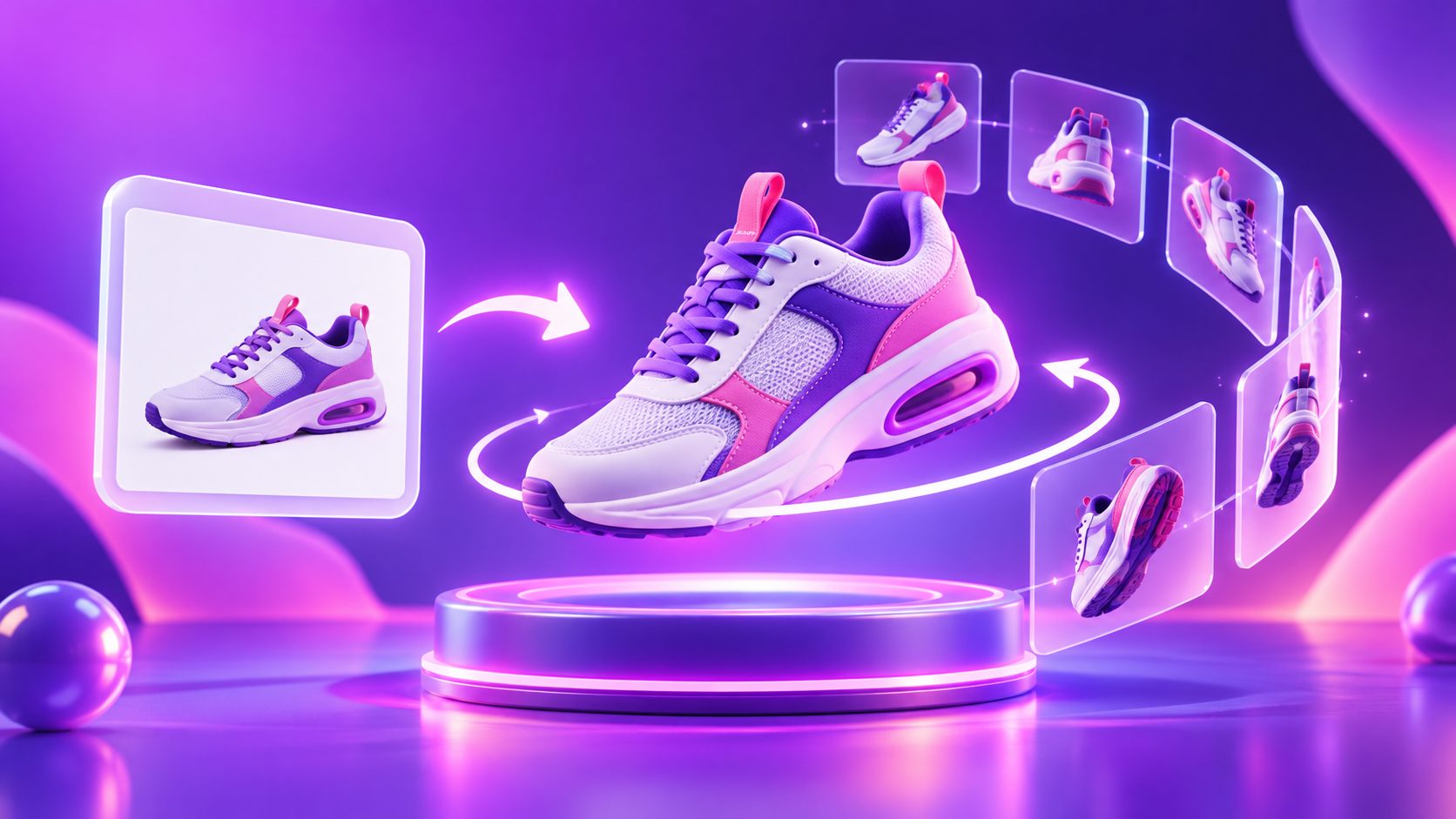
Product Link to Video AI: Turn Amazon, Shopify, or TikTok Shop Pages Into Ads


Summarize with
Summary
Learn how product link to video AI extracts page data, builds a 15-second ad, and helps you choose, edit, and review the right creative angle.
By AdsTurbo | Published 2026-11-16 | Updated 2026-11-16
A product link to video AI workflow turns a public product page into a short video ad by extracting the product’s name, description, specifications, selling points, and images. Instead of starting with a blank timeline, you begin with information your store already uses—then review the creative direction before producing the video.
For ecommerce sellers, this approach is useful when a product page is complete but the advertising team needs more short-form creative for TikTok, Instagram Reels, YouTube Shorts, or paid social testing.
What does product URL to video mean?
Product URL to video means pasting a public product page into an AI video workflow so the system can convert page content into a structured video draft. The process usually combines page reading, product-image selection, script creation, scene planning, and video generation.
The important distinction is that the system should use the product information and visuals found on the page—not invent a different product or make unsupported claims. Search results for URL-to-video tools commonly describe this same pattern: extract product details and images, create an editable script or brief, and then generate an ad in a social-friendly format.
AdsTurbo’s product URL to video workflow supports public product page links from Amazon, Shopify, TikTok Shop, App Store, and Google Play. It extracts the product name, description, specs, selling points, and images, then lets you review and edit the information before choosing a video style.
Which product links work best?
Public product pages with clear product data work best. A usable page should make the product identity, main benefit, specifications, and visual appearance easy to understand.
Common starting points include:
- Amazon product pages
- Shopify product pages
- TikTok Shop product listings
- App Store product pages
- Google Play product pages
A link is less useful when the page is blocked, requires a private login, contains incomplete product information, or relies on images that do not clearly show the product. A product page can technically load while still being a weak creative source if its title is vague or its selling points are buried.
What information gets extracted?
The workflow is most valuable when it creates a reviewable “creative brief” from the page. The extracted material may include:
| Page element | How it helps the video |
|---|---|
| Product name | Establishes what the viewer is seeing |
| Description | Supplies the basic product explanation |
| Specifications | Adds concrete detail to the script or overlays |
| Selling points | Provides possible hooks and benefits |
| Product images | Supports close-ups, demonstrations, and visual proof |
This is where human review matters. A product page is written for browsing and purchasing; a video ad is written for stopping attention. The strongest selling point on a page may not be the best opening hook.
How to turn a product page into a short video ad
The most reliable workflow is a five-step review process:
- Paste a public product link. Use the page that best represents the product customers will buy.
- Check the extracted facts. Confirm the name, specifications, product category, and key selling points.
- Edit the message. Remove weak claims, simplify technical language, and identify one primary benefit.
- Choose a creative style. Match the format to the product and the audience’s buying question.
- Review the generated video. Check visual accuracy, text, pacing, and the final call to action before publishing.
AdsTurbo creates a 15-second video ad for review after the product information and style are selected. This makes the workflow better suited to rapid creative testing than to producing one “perfect” brand film on the first attempt.
For a broader production system, sellers can also compare this workflow with a 15-second product benefits video script, especially when the product page contains many features but only one or two should appear in the opening seconds.
Which video style should you choose?
The best style depends on what a first-time buyer needs to understand.
Creator-style hook, explain, recommend
Choose this style when trust and quick explanation matter. The structure is simple:
- Hook: name the problem or desired outcome
- Explain: show what the product does
- Recommend: summarize why it may fit the viewer
This format works well for products that need context before purchase. Keep the language conversational rather than copying the product description word for word.
POV hands-on demonstration
Choose a POV format when the product’s value is visible through use. Show the product being opened, handled, applied, assembled, or used in a realistic sequence.
The key is to show one task clearly. A short video that demonstrates one use case is usually easier to understand than a montage of every possible feature.
Pain-solution demonstration
Choose this style when the product solves a recognizable inconvenience. Start with the problem, introduce the product, then show the solution.
For example, a storage product might move from clutter to organized space. A phone accessory might move from a frustrating setup to a simpler one. The claim should remain tied to what the product page actually supports.
Product showcase or visual sizzle
Use this approach when appearance, materials, packaging, or design are major purchase drivers. Product images can be arranged into close-ups, detail shots, and a final product-plus-benefit frame.
When source images are small or heavily compressed, an AI video enhancer can help improve the visual quality of existing footage or product media before it is reused in an ad. Enhancement should improve clarity, not change the product’s real appearance.
What should you edit before generating?
Do not treat the first extracted brief as final copy. Use this editing checklist:
- Product name: Is it clear within the first few seconds?
- Primary benefit: Can one sentence explain why the product matters?
- Specifications: Are dimensions, materials, compatibility, or included items accurate?
- Selling points: Which benefit is most relevant to the intended audience?
- Visual proof: Does each major claim have a matching image or scene?
- Call to action: Does the ending tell viewers what to do next?
- Restrictions: Are unsupported guarantees, exaggerated results, or ambiguous claims removed?
An original operational rule for ecommerce teams is the one-page, one-promise test: choose one product page, one audience problem, and one promise for each video variant. If a 15-second draft tries to cover five benefits, create separate versions instead of shrinking every message into unreadable captions.
Is URL to video AI a video downloader?
No. URL to video AI is a product-content-to-ad workflow, not a video downloader. It reads eligible information from a public product page and uses that information to create a new short video draft.
That distinction matters for asset management and publishing. A seller should review whether the page images, claims, logos, and other materials are appropriate for advertising use. The generated result should also be checked for inaccurate text, unsuitable scenes, or a call to action that does not match the destination page.
Frequently asked questions
Can I use an Amazon product page?
Yes. AdsTurbo’s URL-to-video workflow accepts public Amazon product page links and extracts relevant product information and images for review.
Can I use a Shopify or TikTok Shop link?
Yes. Public Shopify and TikTok Shop product pages are supported inputs. Clear page structure and complete product information generally provide better material for the video brief.
Does the workflow automatically create the final ad?
It creates a 15-second video ad for review after extracting the page information and applying the selected creative style. You should still review the script, visuals, specifications, captions, and CTA.
Can I change the product claims?
Yes. Review and edit the extracted product name, specifications, selling points, and other content before generating the video. Editing is essential when the page contains outdated, overly technical, or legally sensitive wording.
Is this better than starting from a product image?
It depends on the quality of the product page. A URL is more useful when it contains structured information, multiple relevant images, and clear selling points. If the page is incomplete, a product-image workflow may be a better starting point.
A product link is not the finished creative brief. It is the raw material. The strongest results come from checking what the page says, selecting one buyer problem, choosing a format that demonstrates the product clearly, and reviewing the generated ad before distribution.