Size Chart Explainer Video for Ecommerce Product Page

Summarize with
Summary
Turn complex size charts into clear measurement, conversion, and fit guidance videos for ecommerce product pages. Use this practical framework to reduce sizing friction.
By adsturbo.ai | Published 2026-11-03 | Updated 2026-11-03
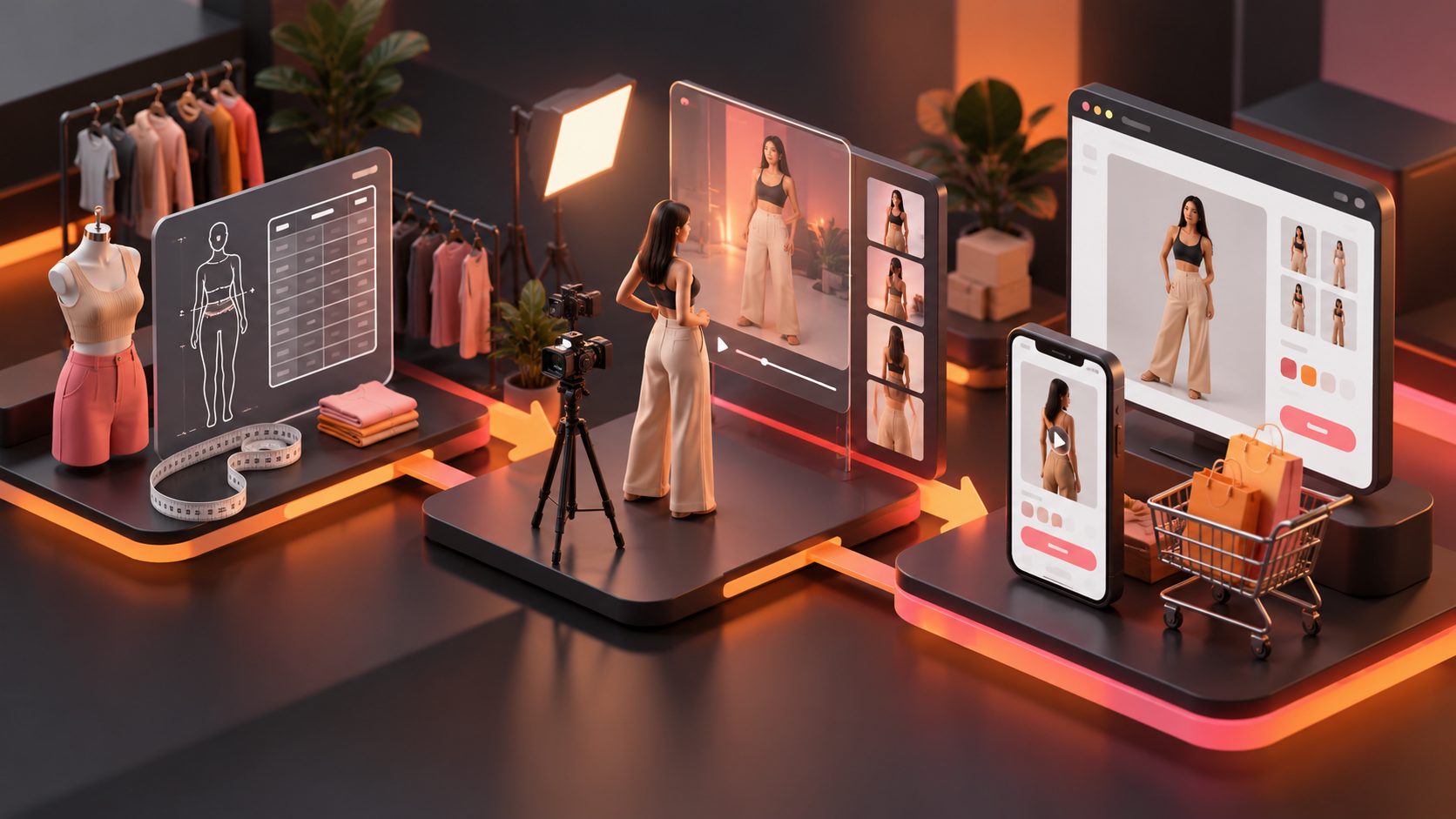
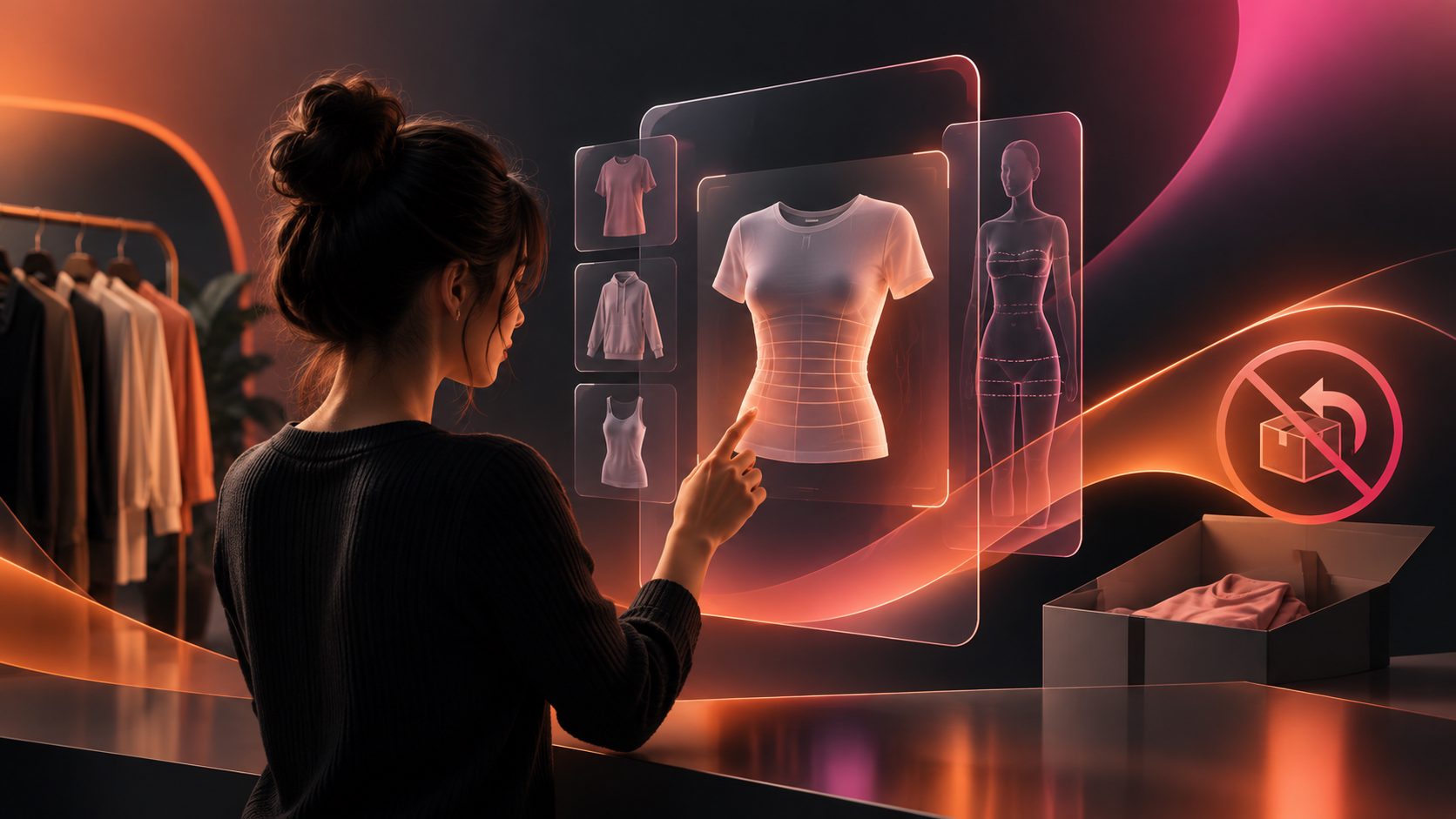
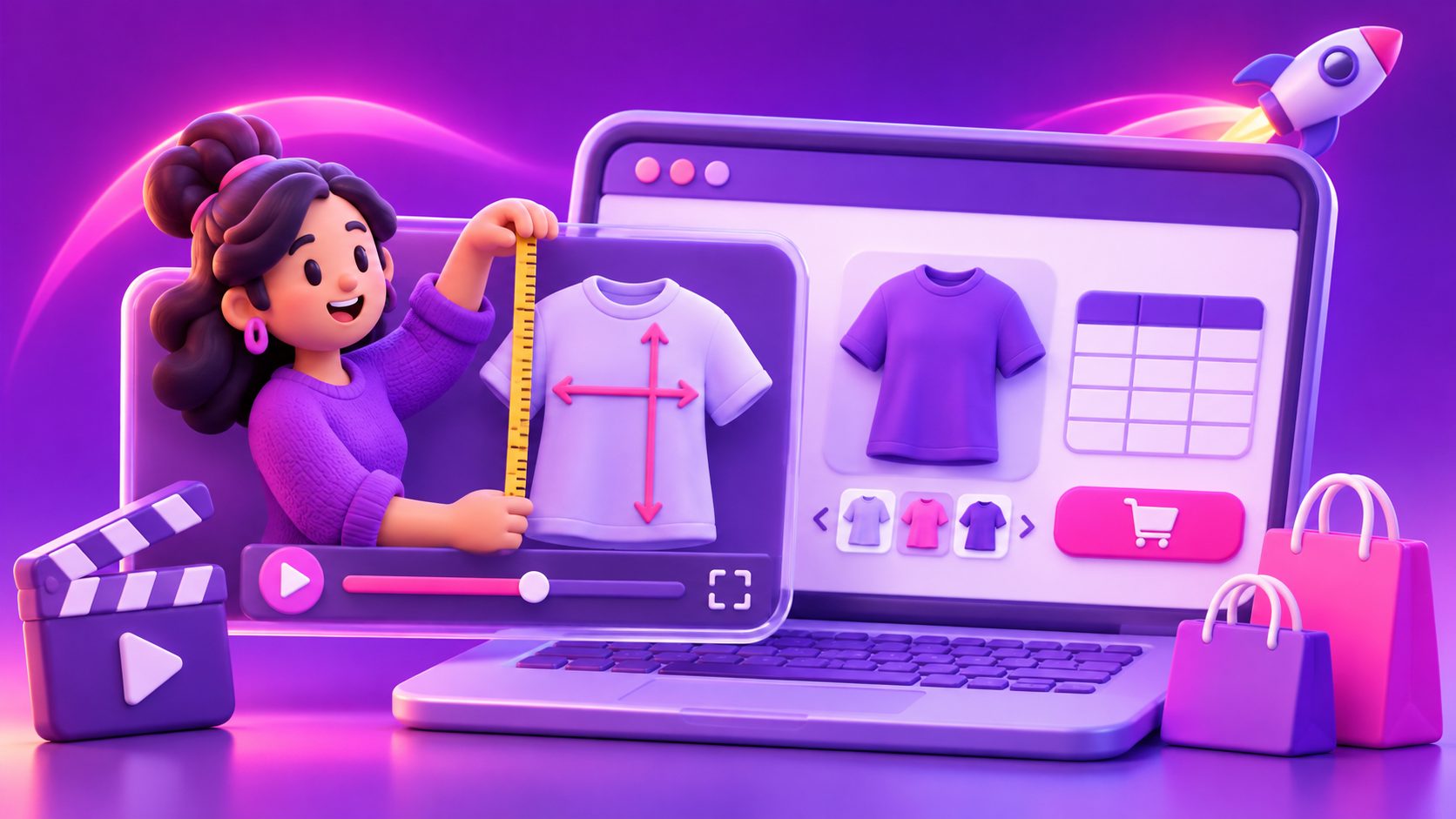
A size chart explainer video for ecommerce product page content turns a dense table into a visual buying guide. Instead of asking shoppers to interpret unfamiliar measurements, the video shows where to measure, how to convert sizes, and what the final fit should look like.
This matters most for independent stores and cross-border sellers with multiple SKUs, regional sizing systems, or products that fit differently by style. A useful video does not replace the size chart. It explains how to use it.
What is a size chart explainer video?
A size chart explainer video is a short product-page video that demonstrates how shoppers should measure themselves, compare those measurements with a seller’s chart, and choose the correct variant.
The strongest version answers three questions in order:
- What should I measure?
- Which unit or regional size system applies?
- How will this size fit when worn or used?
This is different from a general product advertisement. A promotional video sells the product’s benefits; a sizing video removes uncertainty at the point where the customer is choosing a variant.
Shopify identifies videos, images, and other product media as useful for helping customers understand products and make purchase decisions. Its product-page guidance also emphasizes detailed sizing information and model measurements when fit affects the buying decision. (help.shopify.com)
Why static size charts often fail on mobile
A static chart can contain accurate information and still be difficult to use. On a phone, shoppers may need to zoom, switch between inches and centimeters, remember several body measurements, and then map those numbers to a regional size label.
The main problem is not always missing data. It is interpretation friction.
Common failure points include:
- Mixing body measurements with garment measurements.
- Showing US, UK, EU, and Asian sizes without explaining the relationship.
- Using abbreviations such as “CB,” “HPS,” or “inseam” without visual labels.
- Giving one size chart to several product cuts with different fits.
- Hiding fit notes below the fold or inside a separate FAQ.
- Showing a model without stating height, measurements, or worn size.
A video can connect the chart to physical actions. For example, it can show the tape staying level around the bust, waist, or hips, then highlight the corresponding row in the chart.
The goal is not to make the chart more decorative. The goal is to make the shopper’s decision path shorter.
A three-layer framework for converting complex charts into video
A practical way to plan the content is to separate the video into measurement, conversion, and fit layers. This framework is especially useful when one store sells multiple products with different size logic.
Layer 1: Measurement
Start with the minimum measurements required for the product.
For apparel, this may include:
- Bust or chest
- Waist
- Hips
- Shoulder width
- Sleeve length
- Inseam
For shoes, focus on foot length and width where relevant. For furniture, luggage, or equipment, replace body measurements with the dimensions that determine compatibility.
Show the measuring action rather than only naming it. Use a clean overlay such as:
Measure around the fullest part of the chest. Keep the tape parallel to the floor.
Keep each measurement instruction tied to one visual. This reduces the chance that shoppers confuse “body size” with “finished garment size.”
Layer 2: Conversion
Cross-border shoppers often need more than a single size label. They may compare their usual local size with your store’s chart, or switch between centimeters and inches.
Use a simple sequence:
- Display the shopper’s measurement.
- Show the unit conversion.
- Highlight the matching product-size row.
- State whether the chart uses body or garment measurements.
Do not imply that US-to-EU or US-to-Asian conversions are universal. Brand cuts, materials, and manufacturing standards vary. Present the regional label as a navigation aid, while making the actual measurement the primary decision rule.
A helpful screen might say:
Compare measurements first. Use the regional size label as a reference.
Layer 3: Fit
The final layer explains what the selected size looks and feels like.
Include details such as:
- Slim, regular, relaxed, or oversized fit
- Stretch or non-stretch material
- Where the product sits on the body
- Whether shoppers between sizes should review a specific fit note
- The model’s height, measurements, and worn size
This is where a size chart becomes a fit guide. Two products can share the same nominal size but create very different expectations because of fabric, cut, rise, or intended layering.
How to script a 30-second sizing video
A short script is usually easier to watch and maintain across product variants. Use this structure:
| Time | Video content | On-screen message |
|---|---|---|
| 0–3 seconds | Show the product and size selector | “Not sure which size to choose?” |
| 3–9 seconds | Demonstrate the key measurement | “Measure around the fullest area.” |
| 9–15 seconds | Show the chart and unit system | “Match your measurement, not your usual label.” |
| 15–23 seconds | Show the product on a model or in use | “This style has a relaxed fit.” |
| 23–27 seconds | Explain the between-size rule | “Between sizes? Check the fit note.” |
| 27–30 seconds | Point to the chart and variant selector | “Choose your size using the chart below.” |
Keep captions visible because many shoppers browse product pages with sound muted. A size guide should also be understandable when paused; shoppers may stop the video while comparing their measurements.
For more general ecommerce explainer principles, a practical product video should answer the single question that still images cannot resolve and place that answer close to the buying decision. (30secondproductions.com)
How to handle multiple SKUs without making one long video
A common mistake is producing one large video that explains every product, color, cut, and region. That creates a reference manual rather than a product-page aid.
Use a master-plus-variant system:
- Master section: Explain how to measure and read the chart.
- Product section: Explain the specific fit, material, and measurement priorities.
- Regional section: Add localized units, labels, captions, or voiceover.
- Variant section: Show differences between slim, regular, and relaxed cuts.
For example, a clothing store could reuse the same 10-second measurement sequence while changing only the final 15 seconds for a fitted blouse, relaxed hoodie, or wide-leg trouser.
This approach reduces production work while keeping each product page relevant. AdsTurbo supports product video creation from JPG or PNG product images, and its broader video workflow includes subtitles, translation, character replacement, and resolution enhancement. That makes it suitable for adapting one sizing concept into different product and language variations without presenting the video as a generic advertisement.
For a related workflow, see this guide on turning a Shopify product page into a sizing video.
Where to place the video on the product page
Place the video near the point where shoppers choose a size, not only in a general video gallery.
Useful placements include:
- Beside the size chart link
- Directly below the size selector
- Inside a size-guide modal
- After the main product image but before long descriptions
- In a product-page FAQ section
Shopify supports video sections and product media, although the exact placement depends on the theme and sales channel. Its documentation lists MP4, MOV, and WebM as supported upload formats for product videos, with video length and file-size limits that should be checked before publishing. (help.shopify.com)
Keep the video lightweight, legible, and mobile-first. A high-resolution file is not useful if the first meaningful sizing instruction appears after a long intro.
How to evaluate whether the video helps
Do not judge the asset only by views. A sizing video is designed to improve decision quality on a product page.
Track these signals before and after publishing:
- Size-chart opens
- Video play rate
- Video completion rate
- Variant-selection rate
- Add-to-cart rate
- Size-related customer questions
- Size-related exchanges or returns
Use one product family as the test group and compare a similar product family without the video when possible. Keep the measurement period and traffic source consistent. A simple test is more useful than comparing unrelated products with different prices, audiences, or demand.
The clearest success signal is not necessarily a higher play count. It is fewer unresolved sizing questions alongside stronger variant selection and add-to-cart behavior.
Common questions
Should a sizing video replace the size chart?
No. The video should explain the chart, while the chart remains the precise reference shoppers can inspect and compare.
How long should a product-page sizing video be?
Aim for approximately 20–45 seconds for one product type. Longer videos can work when the product requires several measurements, but each extra section should answer a real sizing question.
Should the video show body measurements or garment measurements?
State which one you use. If both matter, explain the difference visually and tell shoppers which measurement should determine the selected size.
Should every SKU have a separate video?
Not necessarily. Reuse the measurement section, but customize the fit explanation when product cuts, materials, or construction differ.
Can the same sizing video be localized?
Yes. Create localized captions, units, terminology, and voiceover where needed. AdsTurbo provides video translation and subtitle tools, supporting adaptation for cross-border ecommerce content.
Final checklist
Before publishing, confirm that the video:
- Shows the correct measuring action.
- Names the measurement unit.
- Explains body versus garment measurements.
- Identifies the product’s fit.
- Includes model measurements when a model is shown.
- Uses readable captions.
- Matches the product’s actual size chart.
- Appears near the size selector or chart.
- Works without sound.
- Has a clear final instruction.
A good size chart explainer video for ecommerce product page content does not overwhelm shoppers with more information. It turns the information already in your chart into a sequence they can understand, verify, and act on.