By adsturbo.ai | Published 2026-09-23 | Updated 2026-09-23
Temu product testing batch video ads work best when a single product image becomes several clearly different creative hypotheses—not ten versions with the same hook. For cross-border sellers and dropshippers, the goal is to test demand, angle, and message quickly before investing in inventory, filming, or full-scale production.
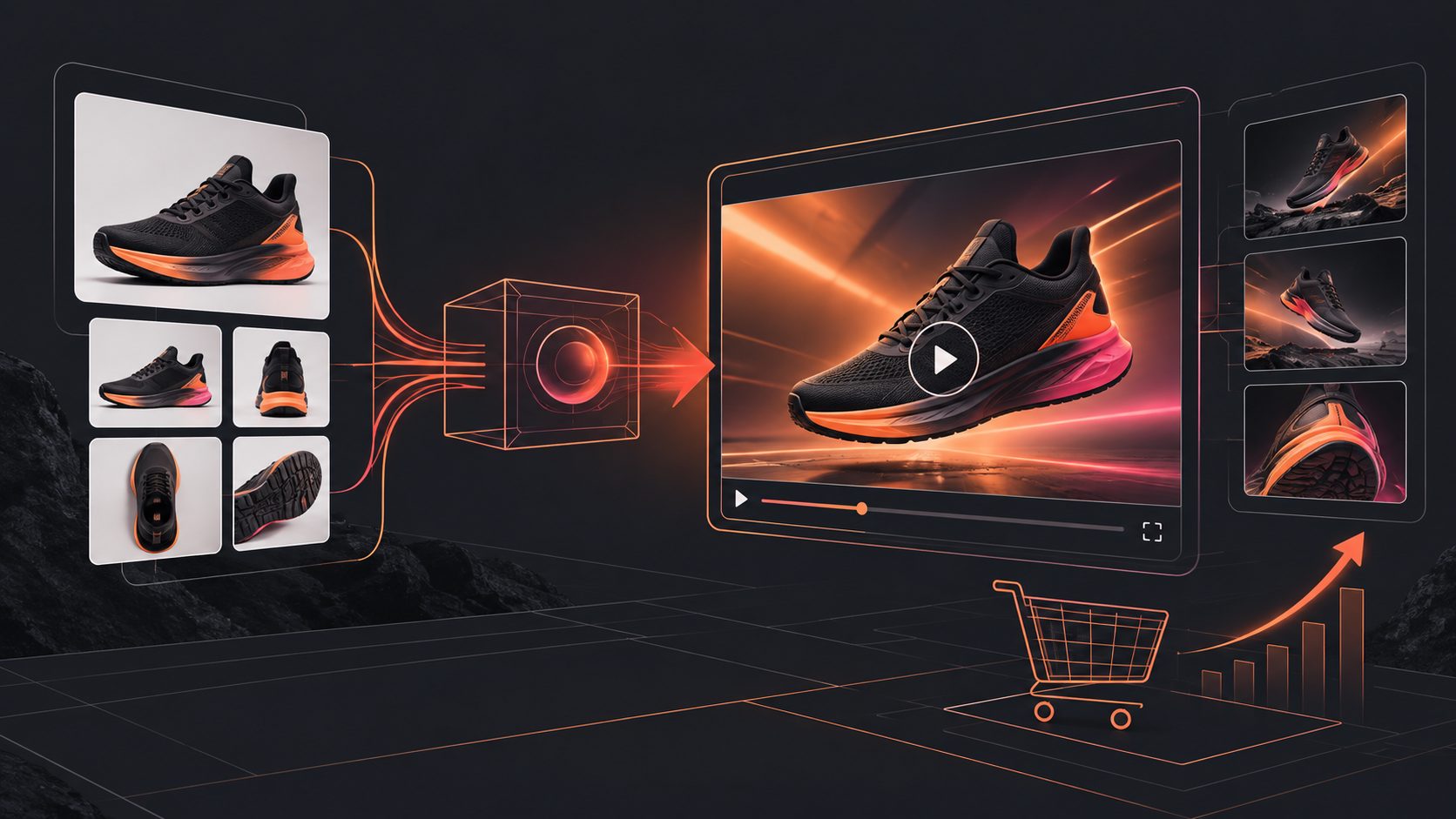
A practical workflow starts with a clean product image, extracts the strongest selling point, then produces short videos around different hooks: problem-solution, product demonstration, offer-led, review-style, and use-case storytelling. AdsTurbo Product Video supports JPG or PNG product uploads, optional selling points, promotional information, captions, scripts, and multilingual voiceover workflows. (adsturbo.ai)
What are Temu product testing batch video ads?
Temu product testing batch video ads are a controlled set of short product videos created from the same SKU to compare different hooks, benefits, visual sequences, and calls to action. The purpose is not to make one “perfect” video, but to discover which creative direction deserves more traffic and production effort.
A useful batch separates variables instead of changing everything at once. For example:
| Batch variable | Example options | What it helps evaluate |
|---|---|---|
| Hook | “Stop doing this,” product reveal, price contrast | Scroll-stopping power |
| Angle | Problem-solution, feature-led, gift idea | Buyer motivation |
| Proof | Demo, close-up, comparison, use case | Product understanding |
| CTA | Shop now, limited offer, see details | Action intent |
| Format | 9:16, 1:1, 16:9 | Placement fit |
This structure reflects a broader ecommerce video principle: the product should appear early, the benefit should be easy to understand, and the ending should give the viewer a clear next step. (adsturbo.ai)
Why white-background photos are useful—but incomplete
A white-background product photo is a strong starting asset because it presents the item clearly and reduces visual distractions. It is especially useful for products with recognizable shapes, colors, packaging, or functional details.
However, a white-background image usually does not prove how the product fits into a real situation. It may show what the product is, but not necessarily:
- Who uses it
- What problem it solves
- How large it is in context
- How it works step by step
- Why the shopper should care now
That limitation creates the central testing opportunity. Instead of pretending one image can communicate everything, build each video around one missing piece of information.
For example, a portable kitchen tool can be turned into several distinct concepts:
- Problem hook: Show the frustrating task before introducing the product.
- Demo hook: Animate or sequence the product around its core action.
- Size hook: Place it beside familiar objects to communicate scale.
- Use-case hook: Show the product in a kitchen, office, car, or travel setting.
- Offer hook: Lead with a discount, bundle, or limited-time promotion.
The visual scene should support the claim. If the image cannot prove a feature, leave the claim out or request a real product demonstration before scaling.
How to build a batch from one product image
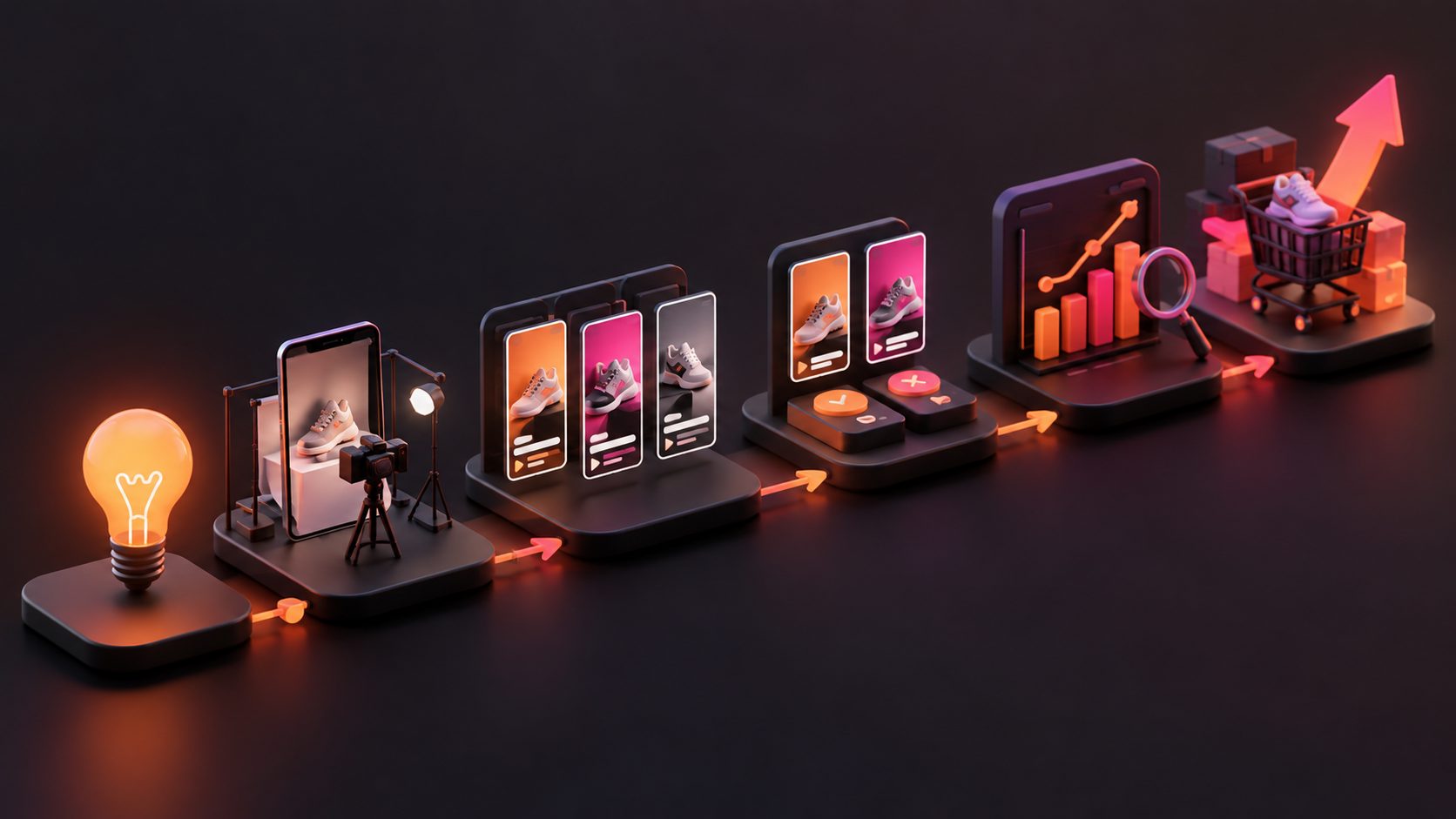
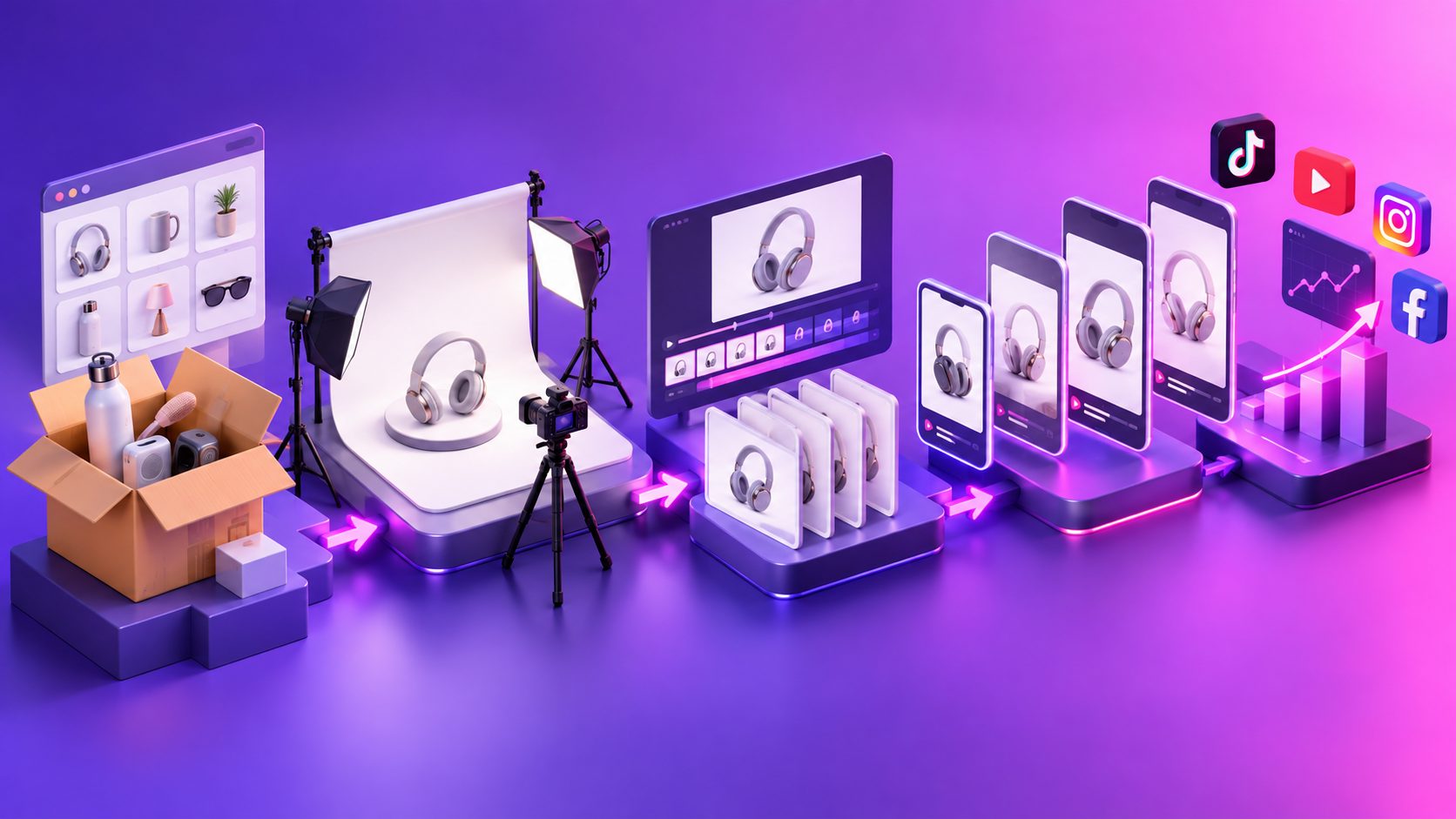
The most efficient workflow is a four-stage pipeline: asset preparation, angle design, generation, and measurement.
1. Prepare the product asset
Use a sharp JPG or PNG image with the product fully visible. A plain background is usually easier to process because the shape, color, and category are more distinguishable. AdsTurbo’s Product Image workflow is designed to analyze product shape, color, and category, while Product Video accepts JPG or PNG product images up to 10MB. (adsturbo.ai)
Before generating, create a small SKU brief:
- Product name
- Three verified features
- One primary customer problem
- One practical use case
- Price or promotional information
- Claims that must not be made
This brief prevents creative volume from turning into factual inconsistency.
2. Create an angle matrix
For a first product test, use four angles with three variants each, creating a 12-video test set:
| Angle | Variant A | Variant B | Variant C |
|---|---|---|---|
| Problem-solution | Frustration hook | Mistake hook | Before-and-after setup |
| Product demo | How it works | Close-up detail | Three-step use |
| Lifestyle | Home use | Travel use | Gift or seasonal use |
| Offer-led | Discount | Bundle | Urgency or scarcity |
The 12-video structure is a practical operating framework, not a guaranteed performance formula. Its value is diagnostic: when one angle gets stronger engagement across several variants, you have more evidence that the message—not just one lucky edit—is working.
For a deeper hook-testing approach, see Video Ad Hook Testing for Creative Fatigue, which focuses on refreshing the first three seconds instead of replacing an entire campaign concept.
3. Generate short, platform-ready drafts
Keep the opening visually specific. A generic statement such as “This product is amazing” gives the viewer no reason to continue. A stronger opening identifies a task, inconvenience, visual transformation, or product detail.
A simple short-form structure is:
- 0–2 seconds: Show the product or problem immediately.
- 2–6 seconds: Demonstrate one benefit or use case.
- 6–10 seconds: Add supporting detail, proof, or close-up.
- Final seconds: Display the offer and CTA.
Use captions because many viewers encounter short-form video without relying on audio. AdsTurbo Video Subtitle can automatically transcribe speech, create time-synced captions, and export either a subtitled video or a separate subtitle file. (adsturbo.ai)
If the same product is sold across regions, generate localized versions only after the core angle is clear. Video Translation and multilingual subtitle workflows can help adapt an existing concept, but translation should not be used to scale a weak message.
How to measure a batch without confusing the results
The first test should answer which creative deserves another test, not prove the product will scale indefinitely.
Track results at three levels:
Attention
Review the first meaningful signal available in your advertising or analytics setup, such as early-view retention, thumb-stop behavior, or video completion. If viewers leave before the product or benefit appears, revise the opening before changing the entire concept.
Consideration
Look at clicks, product-page visits, saves, or other signs that the video created interest. A strong click rate with weak downstream action may indicate a mismatch between the video promise and the product page.
Commercial intent
Compare add-to-cart activity, checkout starts, conversion rate, and contribution margin where data is available. A video with lower click volume may still be more valuable if it attracts shoppers with clearer purchase intent.
Use a simple decision table:
- Low attention, low clicks: Replace the opening or visual order.
- Strong attention, weak clicks: Clarify the benefit or CTA.
- Strong clicks, weak conversion: Audit the product page, offer, shipping, and claim accuracy.
- Strong conversion in one angle: Produce more variations of that angle before expanding to new styles.
This prevents a common testing mistake: judging a product based on one underdeveloped creative.
How AdsTurbo fits the batch workflow
AdsTurbo can support the workflow from product asset creation through video variation and post-production. Relevant tools include Temu Product Video Generator, Product Photo to Video Ads Maker, Product Video, Video Subtitle, Background Replace, AI Upscaling, and Ad Clone.
For advanced teams, AdsTurbo provides asynchronous task execution with status polling or Webhook completion events. Its API includes composable modules for image generation, Persona, AI actors, Ad Clone, video generation, and task processing. (adsturbo.ai) This makes it possible to connect creative generation with a SKU spreadsheet, internal approval process, or batch testing dashboard rather than producing every asset manually.
Ad Clone can also help analyze a short reference ad and reconstruct its structure, pacing, shot logic, and CTA pattern for a different product. The safer use is to study the creative structure and produce original product-specific assets—not to copy another seller’s footage or claims.
Common questions
Can one white-background image create multiple product videos?
Yes. One clean product image can support multiple scripts and visual directions, but each version should focus on a different buyer question or use case. The image is an input asset, not proof of every product claim.
How many videos should a first batch include?
A practical starting point is 12 videos: four angles with three variants each. Smaller batches can work for low-risk exploration, while larger batches make sense after the product brief and compliance checks are stable.
Should every video use a UGC-style format?
No. UGC-style videos can make product explanations feel conversational, but demos, close-ups, offer-led edits, and lifestyle scenes may be better for products whose value depends on visible function or design.
What should be changed when every video performs poorly?
Change the earliest point of failure. If viewers do not stay, revise the hook. If they stay but do not click, clarify the benefit and CTA. If they click but do not buy, inspect the listing, price, delivery promise, reviews, and product-message match.
Can the same batch be localized for multiple markets?
Yes, after selecting a viable creative angle. Translate the script and captions, then check whether the offer, idioms, product use case, and visual references make sense for each market.
Final checklist for a Temu testing batch
Before publishing, confirm that every video:
- Shows the product or its relevant use immediately
- Makes one main promise instead of listing every feature
- Uses verified product information
- Includes readable captions where appropriate
- Has a clear CTA and offer
- Is exported in the required aspect ratio
- Is labeled by SKU, angle, hook, and version
- Can be compared with other variants fairly
The strongest batch is not the one with the most visual effects. It is the one that makes each creative answer a different customer question, records the result by angle, and turns early performance into the next production decision.