TikTok Shop Creator Outreach Sample Unboxing Video: A Practical Seller Workflow

Summarize with
Summary
Learn how to use a TikTok Shop creator outreach sample unboxing video to improve creator replies, sample fulfillment, and content clarity. Get scripts, shot lists, and an AI workflow.
By AdsTurbo.ai | Published 2026-10-29 | Updated 2026-10-29
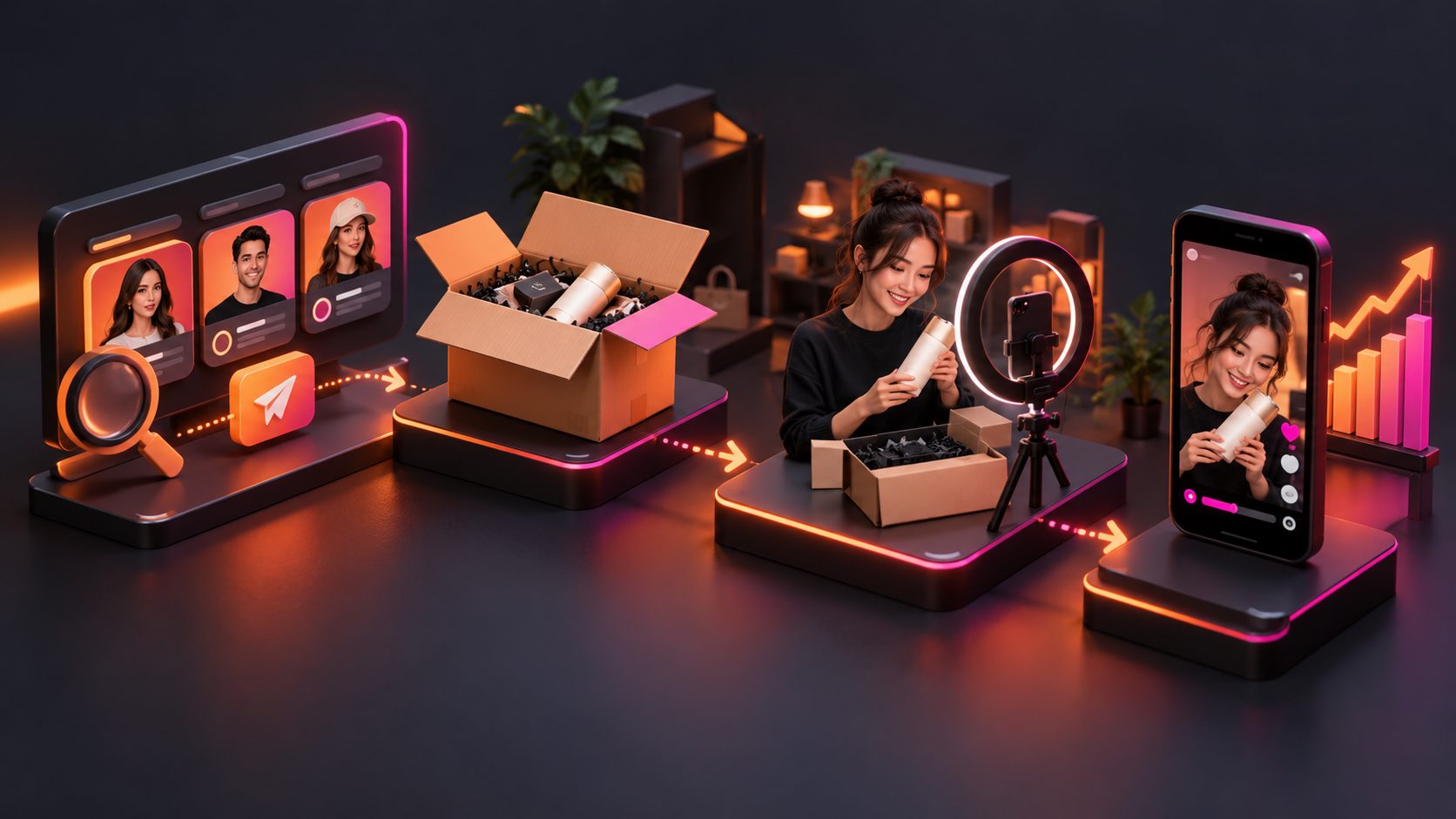
A TikTok Shop creator outreach sample unboxing video is a short concept preview sent with a creator invitation before the physical product sample arrives. It shows the possible opening, product reveal, use case, and call to action without pretending to be a real customer review.
For sellers, the goal is not to control the creator’s final video. The goal is to remove creative uncertainty. A creator should understand what the product is, why it may fit their audience, and what kind of content they could make within a few seconds.
TikTok’s US seller guidance describes unboxing content around four moments: arrival, opening, product reveal with real-life use, and a clear shopping CTA. (seller-us.tiktok.com)
What should a pre-sample unboxing video accomplish?
A pre-sample unboxing video should make the collaboration easier to imagine, not manufacture fake enthusiasm. It works best as a 10–20 second creative preview with a clear “concept” label or message context.
The preview should answer four questions immediately:
- What product would the creator receive?
- What would the first three seconds look like?
- What practical benefit could be demonstrated?
- How much creative freedom would the creator have?
A simple structure is:
- 0–2 seconds: Package arrival or curiosity hook
- 2–6 seconds: Opening and product reveal
- 6–14 seconds: One visible use case or demonstration
- 14–20 seconds: Suggested CTA, offer, or next step
Do not present an AI-generated preview as a genuine testimonial, actual customer reaction, or completed creator post. Calling it a concept preview builds trust and leaves room for the creator’s authentic experience.
Why visual outreach can outperform a text-only invite
A text-only invitation makes the creator do the creative planning. A visual preview gives them a starting point before they request or accept a sample.
The difference is especially important for products that need demonstration. A product photo may show appearance, but it does not show how the item could be opened, handled, tested, worn, installed, or used in a daily routine.
A practical way to evaluate the outreach asset is the 3C framework:
| Factor | Question to ask | Weak signal | Strong signal |
|---|---|---|---|
| Clarity | Can the creator understand the content idea instantly? | Product beauty shot only | Reveal plus use case |
| Credibility | Does the preview avoid pretending to be real user content? | Fake reaction or unsupported claim | Clearly labeled concept |
| Choice | Can the creator adapt the idea? | Rigid script and forced wording | Suggested angle with creative control |
This framework is an original diagnostic model rather than a platform performance benchmark. Its purpose is to help sellers identify why a creator may ignore a message even when the product itself is attractive.
A creator outreach message that pairs with the video
Keep the first outreach message short. Lead with a specific observation about the creator, explain the offer, and ask for one low-friction action.
Sample TikTok Shop outreach message:
Hi [First Name] — your recent [specific video or format] is close to how we think [Product Name] could be introduced. We would love to send you a free sample, plus [commission or payment details], and made a short concept preview showing one possible unboxing angle. If it feels like a fit, would you like the sample details?
This message works because it does four things without overloading the creator:
- Shows that the seller has seen their content
- Explains why the product may fit
- Makes the sample and compensation clear
- Gives the creator permission to decide
Avoid “guaranteed viral,” “easy money,” or “this will definitely convert.” Generic praise based only on follower count is also weak. Specific references to a creator’s format, audience, or recent product category make the invitation more credible. Other outreach templates commonly use the same principles: personalization, clear sample terms, and a simple yes-or-no question. (gmvize.com)
How to personalize the same product for different creators
The product footage can stay consistent while the opening angle changes. This reduces production work without sending every creator an identical message.
| Creator type | Suggested opening | Product emphasis |
|---|---|---|
| Review creator | “Let’s see what is actually inside.” | Packaging, details, honest evaluation |
| Lifestyle creator | “A small upgrade for my daily routine.” | Convenience and context |
| Deal creator | “Here is what arrived for this offer.” | Value, bundle, discount, CTA |
| Tutorial creator | “Here is how I would use this.” | Steps and demonstration |
| Niche expert | “A closer look at this specific feature.” | Category-specific proof |
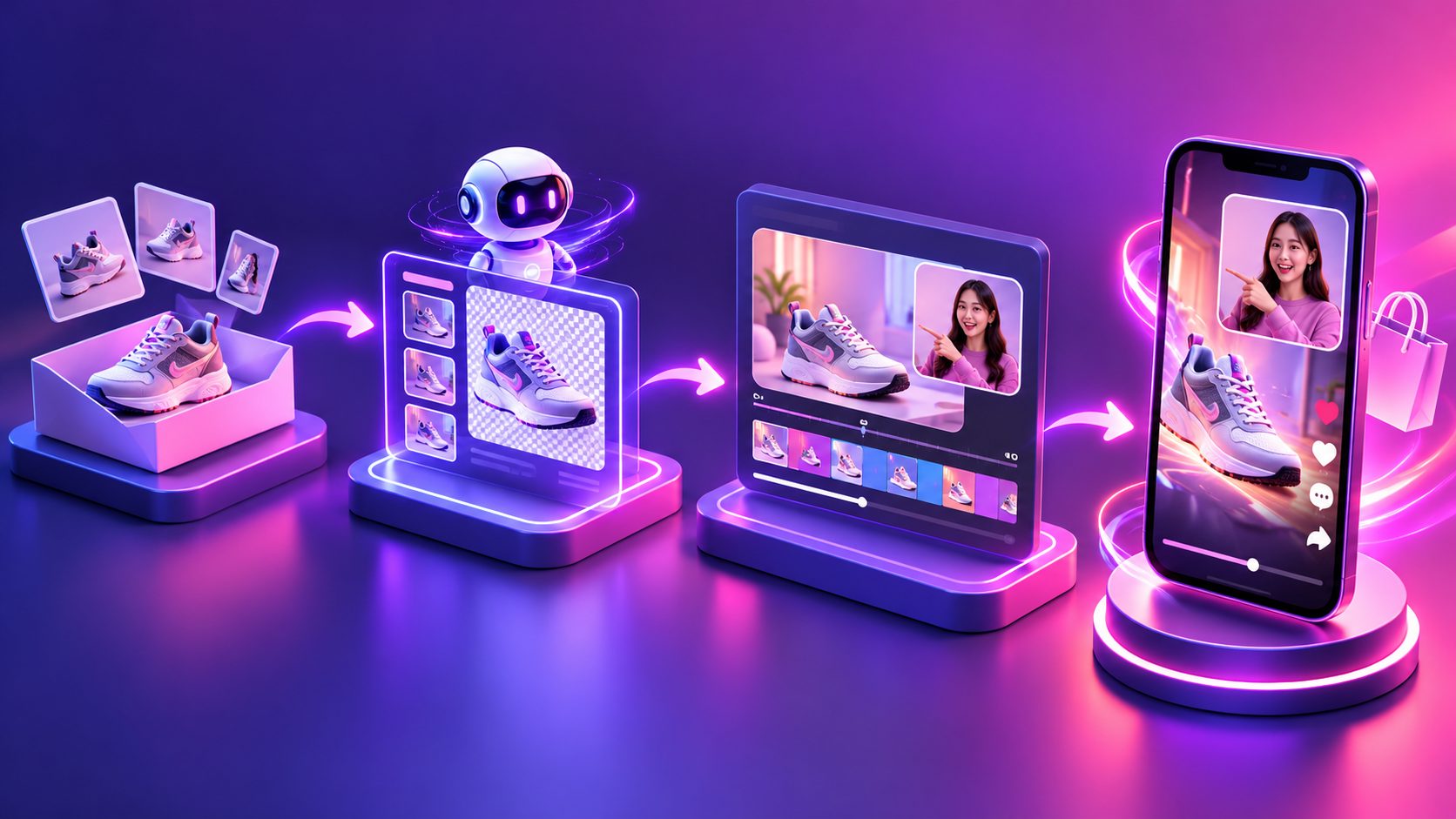
For sellers producing several variants, AdsTurbo can create product videos from JPG or PNG product images and optional selling points or promotional information. Its product-video workflow supports review, introduction, and demonstration-style UGC concepts.
For a low-budget workflow, start with one product image and create three concepts:
- Reveal-led: packaging and first impression
- Problem-led: product introduced as a solution to a common use case
- Proof-led: one feature demonstrated clearly
This gives the creator options while keeping the campaign message consistent.
How to make the preview with AI without misleading creators
An AI-generated preview is most useful when it communicates structure, not false evidence. Use it to visualize the sequence, then let the creator produce the real experience after receiving the sample.
A practical production workflow is:
- Upload a clear product photo, preferably with a simple background.
- Select a vertical format for TikTok Shop.
- Create a short opening, reveal, demonstration, and CTA.
- Add on-screen text such as “Concept preview for creator collaboration.”
- Generate two or three hooks for different creator niches.
- Send the preview with the personalized outreach message.
- Replace assumptions with real product details after the creator receives the sample.
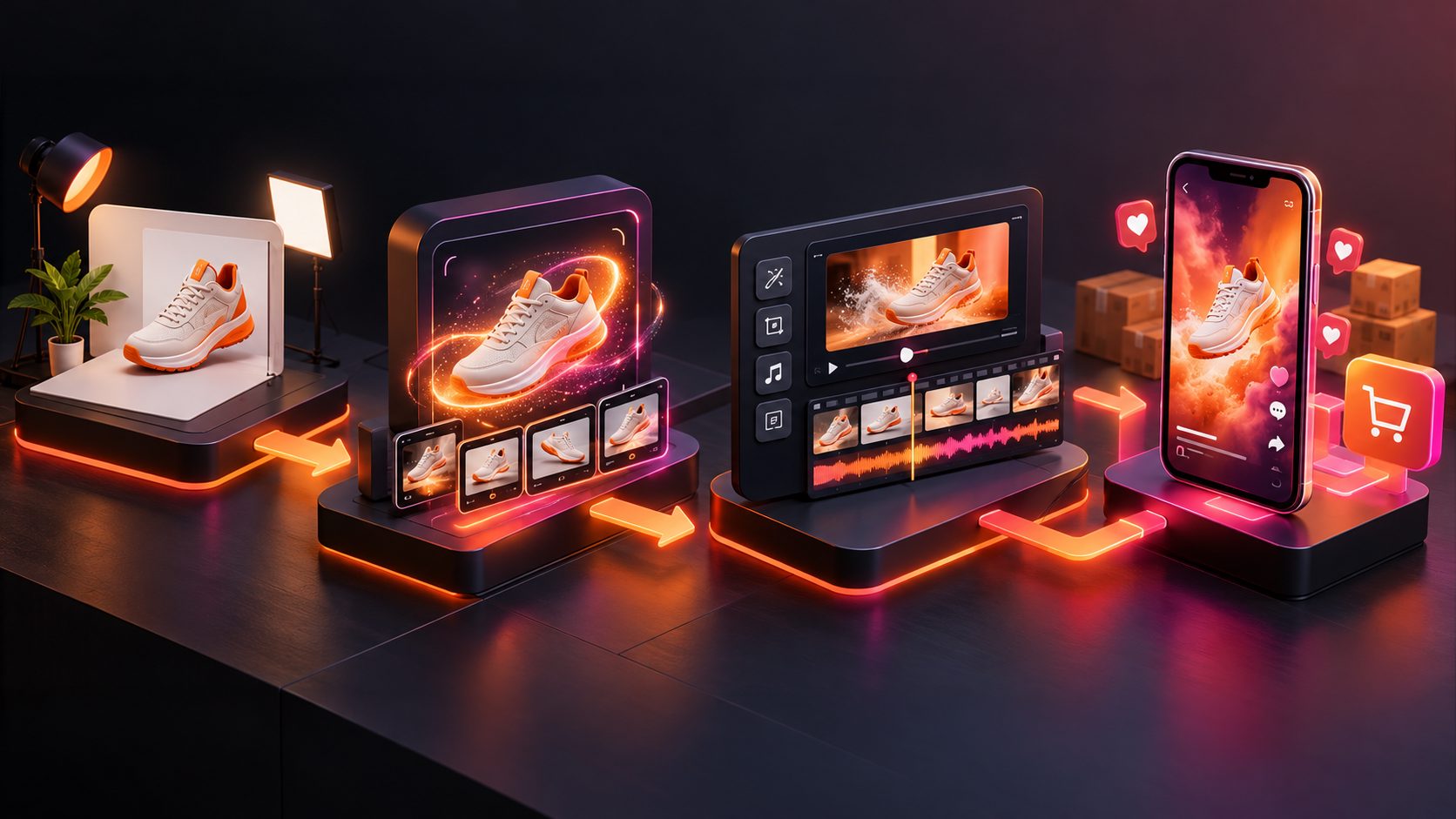
AdsTurbo supports clip-by-clip editing, product image generation, background replacement, subtitles, and video translation. Its Video Subtitle tool can automatically transcribe speech and generate time-synced captions, with exports available as either a captioned video or a separate subtitle file.
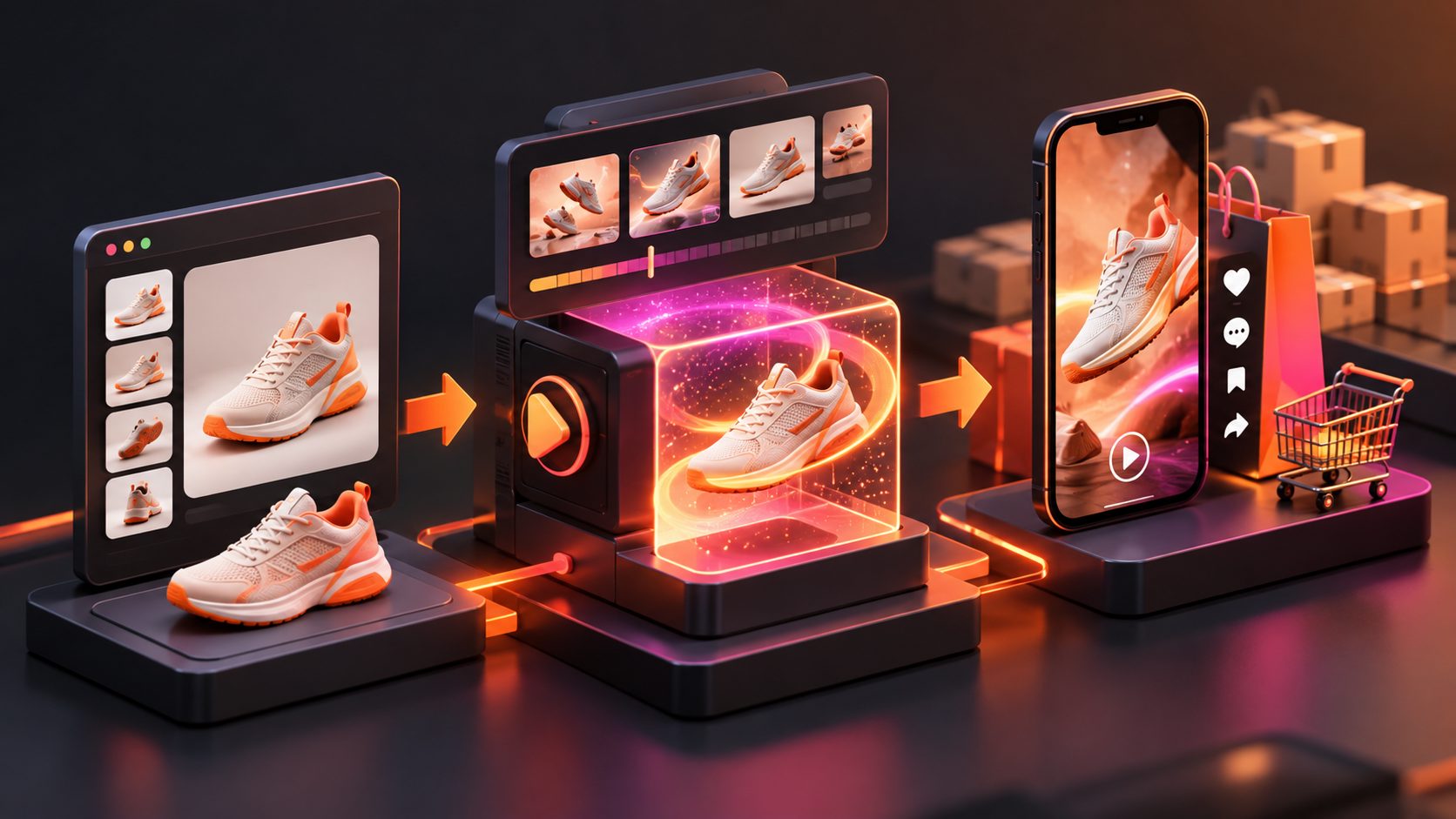
For campaign visuals beyond video, TikTok Shop product photo-to-video workflows can help sellers turn basic listing assets into more usable creative concepts. A TikTok Shop PiP product video workflow is also useful when the planned format needs the creator’s face or commentary alongside the product.
What to confirm after a creator replies
The first message should be light. Once the creator shows interest, confirm the operational details before shipping.
Clarify:
- Product variant and shipping information
- Sample terms and whether a post is expected
- Commission, flat fee, or both
- Content type and approximate length
- Posting channel and timing
- Required product facts or prohibited claims
- Whether the brand may reuse the finished content
- Whether the creator has creative control
TikTok Shop sample programs may include posting expectations after receipt, so sellers should confirm the applicable campaign terms instead of relying only on an informal direct message. (adsturbo.ai)
After delivery, use helpful follow-ups rather than pressure. A useful message might be:
Hi [Name] — tracking shows that your [Product] arrived. Here are three optional openings: [Hook 1], [Hook 2], and [Hook 3]. The main detail we would love viewers to see is [specific feature]. Let me know if anything is missing.
If the creator does not respond, send one concise follow-up with new information, then close the loop politely. A repeated “just checking in” message adds no value.
How to improve sample fulfillment, not just reply rate
A creator accepting a sample is not the same as a creator producing content. The strongest outreach system tracks the full path:
Invite sent → Reply received → Sample accepted → Sample delivered → Content posted → Content approved for reuse
Review the drop-off between each stage. For example:
- Many views but few replies: improve personalization and the first message
- Replies but few sample requests: clarify product fit and terms
- Samples delivered but few posts: simplify the brief and follow-up process
- Posts created but weak sales: improve the product angle, offer, or landing page
This is the key information gain beyond a basic outreach template: reply rate and sample fulfillment are separate problems. A better preview may earn more replies, but shipping clarity, creator fit, and a usable product angle determine whether those replies become published videos.
Common questions
Should the preview show a fake creator reaction?
No. Show the proposed sequence, product handling, and possible use case. Do not present an invented reaction as authentic user content.
How long should a creator outreach preview be?
Start with 10–20 seconds. It should be long enough to show the concept but short enough to understand in one viewing.
Should every creator receive the same video?
No. Keep the product facts consistent, but adapt the hook and use case to the creator’s content style.
Can sellers use AI before sending physical samples?
Yes, as a concepting and communication tool. The preview should clearly represent an idea, not the creator’s actual experience.
What product assets are useful for production?
A clear JPG or PNG product image is a practical starting point. Product photos with a clean, solid-color background generally produce the clearest results in product-image workflows.