TikTok Style Short Video Generator for Ecommerce: From Product Photo to 9:16 Ads

Summarize with
Summary
Learn how to turn ecommerce product images into 9:16 TikTok-style ads with stronger hooks, captions, and testable creative variations. Build your workflow with AdsTurbo.
By adsturbo.ai | Published 2026-11-14 | Updated 2026-11-14
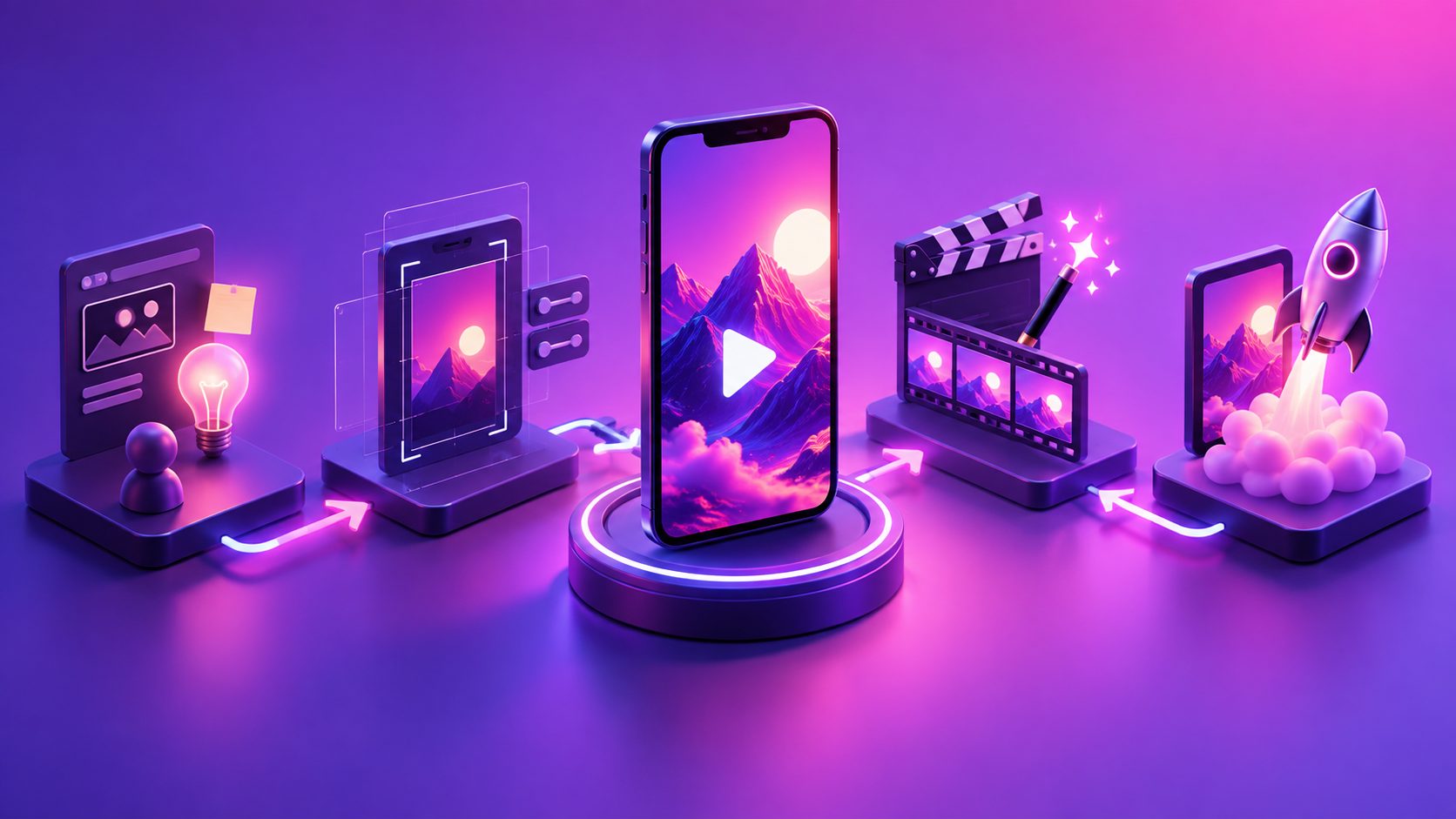
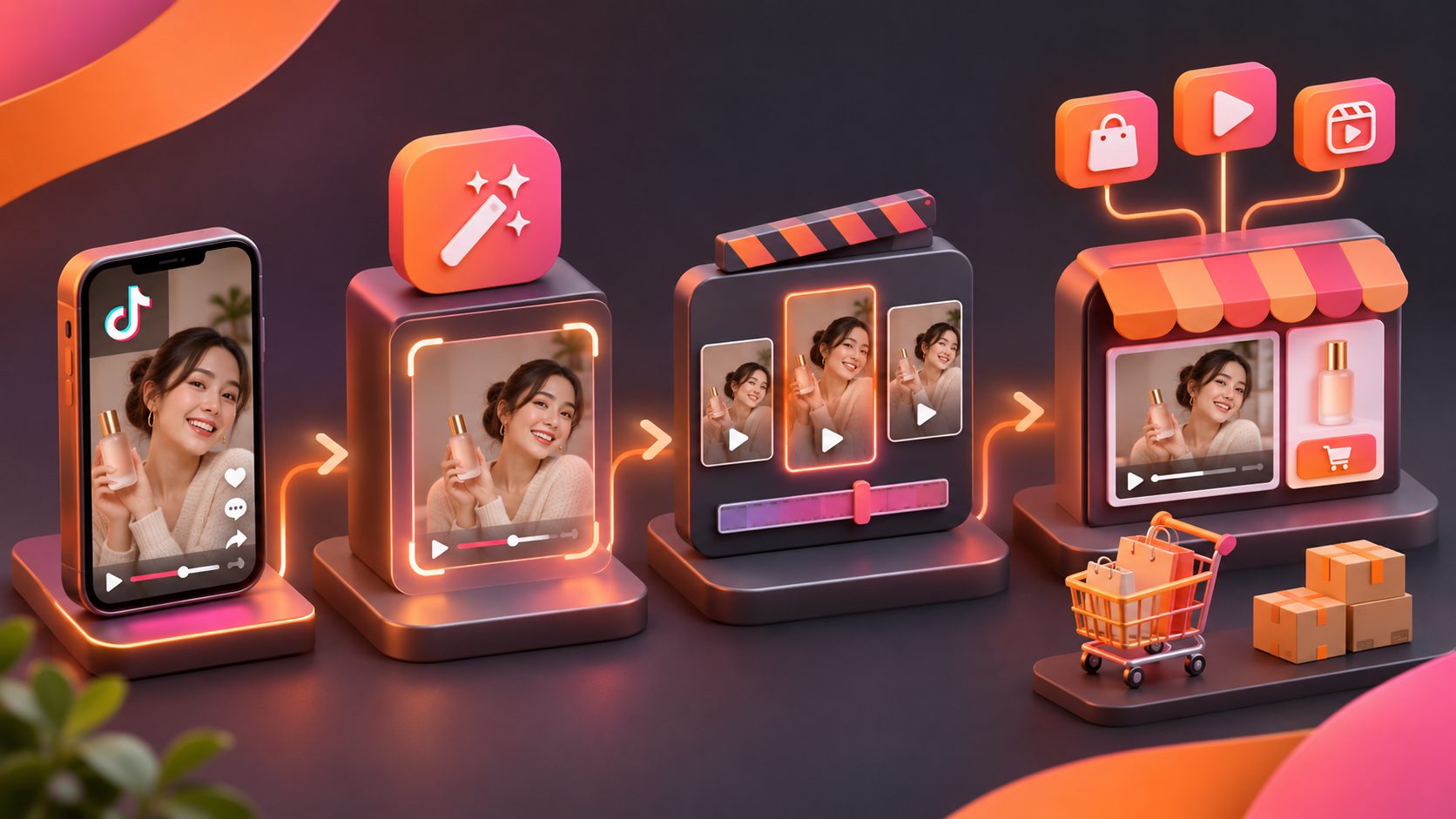
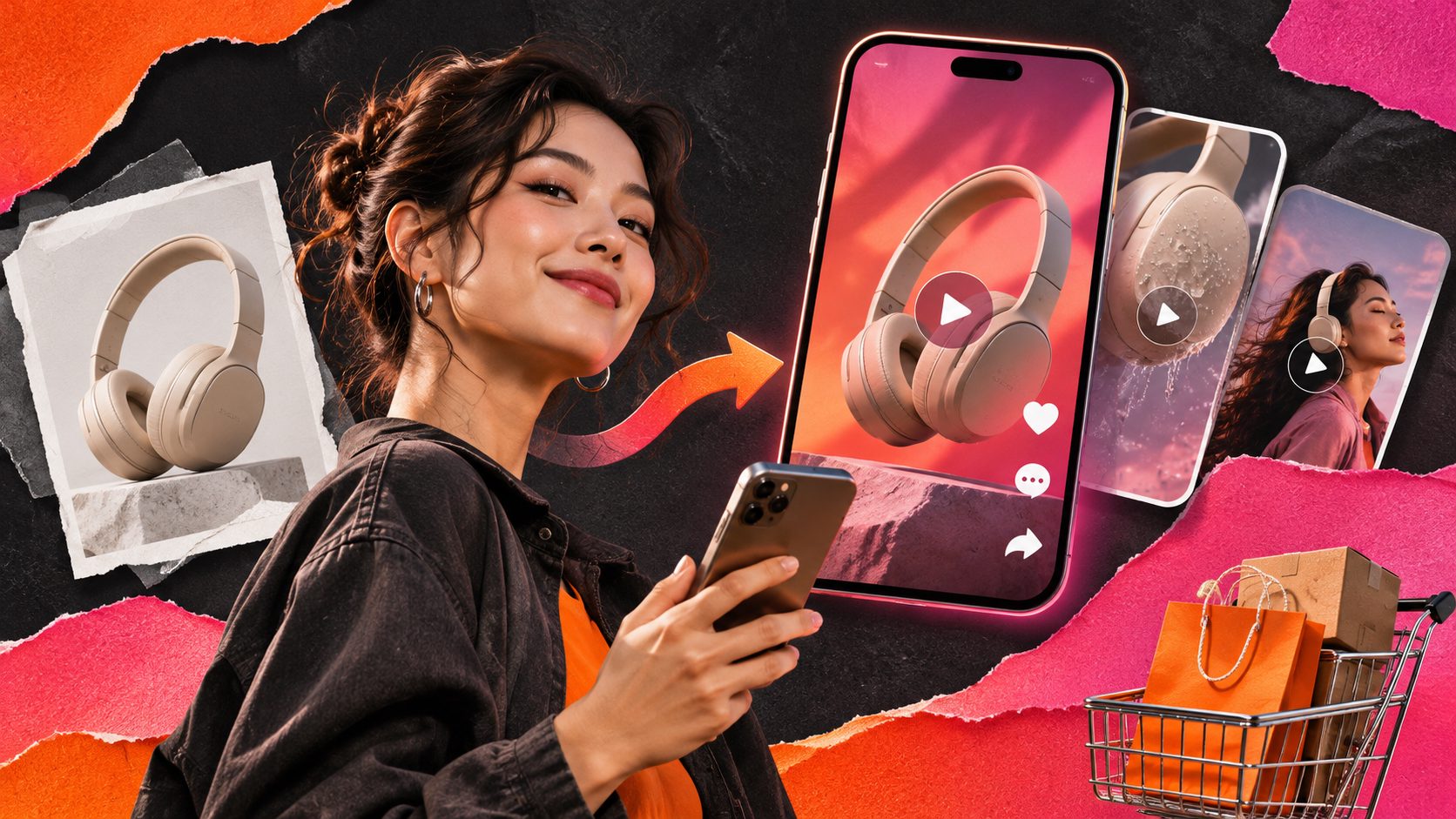
A TikTok style short video generator for ecommerce turns product images, selling points, and creative directions into vertical short-form ads. The strongest workflow is not simply “upload a photo and generate a video.” It is a repeatable system for creating a clear opening hook, showing the product quickly, adding readable captions, and producing multiple versions for testing.
What is a TikTok-style ecommerce video generator?
A TikTok-style ecommerce video generator creates short, vertical product videos designed to feel native to fast-scrolling feeds. It typically combines a product image, a script or selling point, visual scenes, voiceover, captions, and a call to action into a 9:16 video.
The important distinction is between video generation and creative production. A generator can produce a visually polished clip, but a useful ecommerce workflow must also answer:
- What happens in the first two seconds?
- Which customer problem does the video address?
- Is the product visible before the viewer scrolls?
- Can the same product be tested with different hooks?
- Are captions readable when the sound is off?
Current ranking pages and tool pages commonly emphasize product-photo input, 9:16 output, UGC-style presentation, script generation, captions, and rapid creative testing. (photoroom.com) The more useful approach is to connect these features into a creative testing loop, rather than treating each generated video as a finished masterpiece.
Why 9:16 alone does not make a TikTok-style ad
A vertical canvas is only the container. TikTok-style creative also depends on pacing, visual hierarchy, and the order in which information is revealed.
A practical 15-second structure is:
| Time | Job | What to show |
|---|---|---|
| 0–2 seconds | Stop the scroll | A problem, surprising result, or direct promise |
| 2–5 seconds | Establish relevance | The product in use or a close-up of the key feature |
| 5–10 seconds | Demonstrate value | One proof point, comparison, or use case |
| 10–13 seconds | Resolve hesitation | Size, material, compatibility, delivery, or offer detail |
| 13–15 seconds | Ask for action | Shop now, view the product, or learn more |
This structure is more reliable than filling every second with motion. One video should communicate one main buying idea. If a product has five benefits, create five angles instead of compressing all five into one crowded script.
A useful internal scoring model is to rate every concept from 1 to 5 on four dimensions:
- Hook clarity — Can the viewer understand the promise immediately?
- Product visibility — Is the item recognizable without narration?
- Proof strength — Does the video demonstrate rather than merely claim?
- CTA continuity — Does the ending follow naturally from the opening?
The score is not a prediction of performance. It is a way to remove weak concepts before spending time on generation and editing.
How to prepare product images for better video output
Start with a clean JPG or PNG product image. A sharp photo on a plain-color background gives the system a clearer subject boundary and makes it easier to build scenes around the item.
Prepare these inputs before generating:
- One primary product image with the full item visible
- One close-up showing texture, buttons, ingredients, or materials
- Two or three concrete selling points
- The target customer or use context
- The promotion, discount, or offer terms
- Any claims that require careful wording
Avoid giving the generator only broad instructions such as “make this viral.” Replace them with a specific creative direction:
“Show a compact desk lamp solving a dark workspace problem. Open with the lighting issue, demonstrate the adjustable neck, then end with a clear product-focused CTA.”
For ecommerce sellers, product accuracy is more important than visual novelty. The color, shape, proportions, and functional details should remain consistent across scenes. If the source image is soft or heavily compressed, an AI video enhancer can help improve the final visual presentation before export.
How to write hooks that fit short-form shopping behavior
The first line should create a reason to continue watching, not summarize the entire product listing. Strong hooks usually fall into one of five categories:
Problem-first hook
“Still dealing with cables all over your desk?”
This works when the product solves an obvious inconvenience.
Demonstration-first hook
“Watch what happens when this filter hits muddy water.”
This works when the product has a visible action or transformation.
Comparison hook
“Small kitchen, but you still want a full-size coffee setup?”
This frames the product against a familiar constraint.
Objection hook
“Does this actually fit under a low cabinet?”
This addresses a question that can stop a purchase.
Offer or urgency hook
“This week’s bundle includes the replacement head.”
This is useful when the promotion is real, specific, and easy to understand.
Do not write a hook that promises an unsupported result. For example, “The only product you will ever need” is difficult to substantiate and may reduce trust. A better hook identifies a concrete use case that the video can prove.
How to use captions without making the screen unreadable
Captions should reinforce the spoken message, not duplicate a long paragraph. Use short lines, strong contrast, and enough screen space around the product.
A simple caption system is:
- Opening caption: the hook in one short phrase
- Middle captions: one benefit or proof point per scene
- Final caption: the action and offer
Keep important text away from the top and bottom interface areas. Captions should also work when the viewer watches silently. AdsTurbo Video Subtitle can automatically transcribe speech, create time-synced subtitles, and export either a video with embedded captions or a separate subtitle file. This supports a workflow where the same script can be adapted for TikTok, Instagram Reels, and YouTube Shorts.
For multilingual stores, produce localized captions rather than translating word-for-word. A natural short sentence is usually better than a literal translation that becomes too long for the screen.
A repeatable batch workflow for creative testing
The biggest advantage of AI video production is not creating one video faster. It is creating a comparable batch without changing every variable at once.
Use this five-step workflow:
-
Choose one product and one buyer problem.
Keep the product and core offer constant. -
Create three hook variations.
Use problem, demonstration, and objection angles. -
Keep the middle section consistent.
Show the same product feature or proof point in each version. -
Change one additional variable at a time.
Test presenter style, voice, caption treatment, or CTA separately. -
Label each export clearly.
For example:lamp_problem_hook_ugc_01andlamp_demo_hook_product_02.
This creates a cleaner test matrix than generating ten unrelated videos. You can compare the opening angle first, then refine the winning concept with different presenters, languages, or offers.
AdsTurbo supports product video creation from JPG or PNG product images, as well as ad cloning, motion control, lip sync, video translation, subtitles, and other post-production controls. Its Ad Clone workflow can analyze a reference video of up to 12 seconds and generate advertising variations while preserving useful structural elements such as pacing, shot logic, and CTA placement. Use that capability for structural inspiration, not for copying another brand’s protected creative assets.
How to repurpose one long video into short ads
If you already have a livestream, product demonstration, or creator video, do not automatically publish the full recording. First identify moments that contain:
- A clear customer question
- A product demonstration
- A visible result
- A strong opinion or reaction
- A concise offer
Then cut these sections into independent clips. Each short video should still make sense without the original introduction. Add captions, remove dead air, translate when needed, and make the first frame understandable on its own.
For a deeper workflow, see this guide on turning product images into TikTok Shop video ads. The same product-first principle applies whether the source is a still image, a product page, or existing footage.
Common questions
What image format works best for ecommerce video generation?
Use a clear JPG or PNG product image. A plain-color background and visible product edges generally make it easier to create consistent scenes and close-ups.
How long should a TikTok-style ecommerce ad be?
There is no universal winning duration. Use a short version when one demonstration can communicate the value quickly, and a longer version when the buyer needs context or proof. The key is to remove scenes that do not advance the buying decision.
Should every video use an AI presenter?
No. A product-only demonstration may be clearer for devices, tools, home goods, and visual transformations. A presenter can help when the product depends on explanation, routine, styling, or personal recommendation.
How many variations should an ecommerce seller create?
Start with three distinct hooks for one product angle. Once one opening shows stronger engagement or click behavior, create additional variations around that same angle instead of generating random concepts.
Can one video be localized for multiple markets?
Yes. Adapt the voiceover, captions, offer wording, and cultural references for each market. AdsTurbo provides video translation and subtitle workflows for multilingual creative production, while the product visuals can remain consistent.
Final takeaway
A TikTok style short video generator for ecommerce is most valuable when it turns one product asset into a structured set of testable 9:16 creatives. Start with a clear product image, choose one buyer problem, write a hook that can be understood immediately, show proof, and keep captions readable. Then batch variations by changing one creative variable at a time.
The goal is not to make every generated video look different. The goal is to learn which message, opening, and presentation help shoppers understand the product fastest.