By adsturbo.ai | Published 2026-10-05 | Updated 2026-10-05
The TikTok TopView ad creative specs require more than exporting a vertical video. A compliant asset must survive two visual environments: a three-second full-screen opening and a subsequent in-feed layout containing captions, buttons, and profile elements. For ecommerce campaigns, the safest approach is to design both stages before producing localized or promotional variants.
What Are the Current TikTok TopView Video Specs?
TikTok TopView is a sound-on video placement shown when an eligible user opens TikTok. For uploaded Non-Spark Ads and Spark Ads Push, the video must be vertical 9:16, at least 540 × 960 pixels, 5–60 seconds long, no larger than 500 MB, and encoded at 2,500 kbps or higher.
As of October 5, 2026, TikTok recommends a 9–15-second duration and supports MP4, MOV, MPEG, and 3GP files. Spark Ads Pull can use organic TikTok videos without a separate TopView duration restriction, provided the original post can be published successfully.
| Creative element | Current requirement |
|---|---|
| Aspect ratio | Vertical 9:16 |
| Minimum resolution | 540 × 960 px |
| Video length | 5–60 seconds |
| Recommended length | 9–15 seconds |
| Maximum file size | 500 MB |
| Minimum bitrate | 2,500 kbps |
| Uploaded formats | MP4, MOV, MPEG, 3GP |
| Profile image | 98 × 98 px, JPG/JPEG/PNG, under 50 KB |
| Account name | Up to 20 English-language characters |
| Ad caption | Up to 100 characters |
These requirements come from TikTok’s official TopView ad specifications, last updated in June 2026. (ads-useast2a.tiktok.com)
Why Do the First Three Seconds Need a Separate Layout?
The first three seconds are a full-screen takeover, after which the creative transitions into TikTok’s native in-feed interface. Because the interface changes, text or products that look safe during the opening can become cropped, covered, or visually crowded after the transition.
TikTok provides separate templates for the opening-stage and in-feed safe zones. The in-feed safe zone is more restrictive, so permanent elements—such as a logo, product name, discount, and core claim—should fit inside it from the first frame onward. (ads-useast2a.tiktok.com)
Use this original three-layer placement model:
- Permanent core: Product, logo, and essential claim remain inside the in-feed safe zone for the entire video.
- Opening expansion: Supporting motion or scenery may extend beyond that core during seconds 0–3.
- Interface allowance: Keep the edges clear for TikTok’s logo, skip control, caption, username, engagement buttons, and CTA.
Plain white backgrounds are not permitted during the first three seconds because they reduce the visibility of the TikTok logo. Key messages must not overlap the logo, skip button, or swipe-up prompt.
How Should an Ecommerce TopView Ad Be Scripted?
A TopView script should treat seconds 0–3, 3–5, and 5–15 as three different jobs: stop attention, preserve continuity during the interface transition, and then convert interest into a product action. This structure avoids placing the entire promotion in the opening frame.
Here is a reusable 15-second sale-event timeline:
| Time | Creative job | Ecommerce example |
|---|---|---|
| 0.0–1.0 sec | Visual interruption | Show the product solving the problem immediately |
| 1.0–3.0 sec | Identify product and value | “Pack twice as much without checked baggage” |
| 3.0–5.0 sec | Bridge into the feed | Continue the same movement while revealing the offer |
| 5.0–9.0 sec | Demonstrate proof | Compression comparison, application, test, or close-up |
| 9.0–12.0 sec | State promotion | “20% off through Sunday” |
| 12.0–15.0 sec | Reinforce action | Product, offer reminder, and selected CTA |
TikTok’s CTA text appears after three seconds, while its background color appears after five seconds. Therefore, the video should communicate the product independently before the CTA arrives rather than pointing toward a button that is not yet visible. (ads-useast2a.tiktok.com)
For additional hook planning, use a three-second competitor ad script breakdown to separate transferable pacing from brand-specific claims.
Which Creative Elements Commonly Cause Rejection or Cropping?
The most common risks are interface overlap, silent or static openings, misleading controls, prohibited contact details, and last-minute asset changes. TopView creatives require pre-approval, and TikTok states that submitted assets are reviewed within two days.
Run this preflight check before submission:
- Keep text, logos, discounts, and product details within both safe-zone templates.
- Preview the creative across multiple device models.
- Use clear sound; a completely silent video is not accepted.
- Avoid harsh alarms, screams, explosions, or disruptive opening audio.
- Do not imitate play buttons, incoming calls, messages, or prize notifications.
- Remove QR codes, barcodes, phone numbers, and street addresses.
- Do not rely on still images as the opening narrative.
- Keep the caption concise even though the maximum is 100 characters.
- Confirm that the HTTPS landing page works on Android and iOS.
- Verify music rights through an appropriate commercial license.
Assets cannot be changed after preloading or launch. TikTok also prohibits reusing the same creative in another TikTok placement on the same day; additional restrictions apply around a 100% share-of-voice TopView booking. (ads-useast2a.tiktok.com)
Review commercial music licensing for TikTok ads before committing the final soundtrack.
How Can AI Speed Up TopView Creative Production?
AI is most useful after the layout, offer hierarchy, and compliance boundaries have been fixed. Build one protected master timeline first, then generate controlled variations in hooks, presenters, languages, proof scenes, and promotional messages.
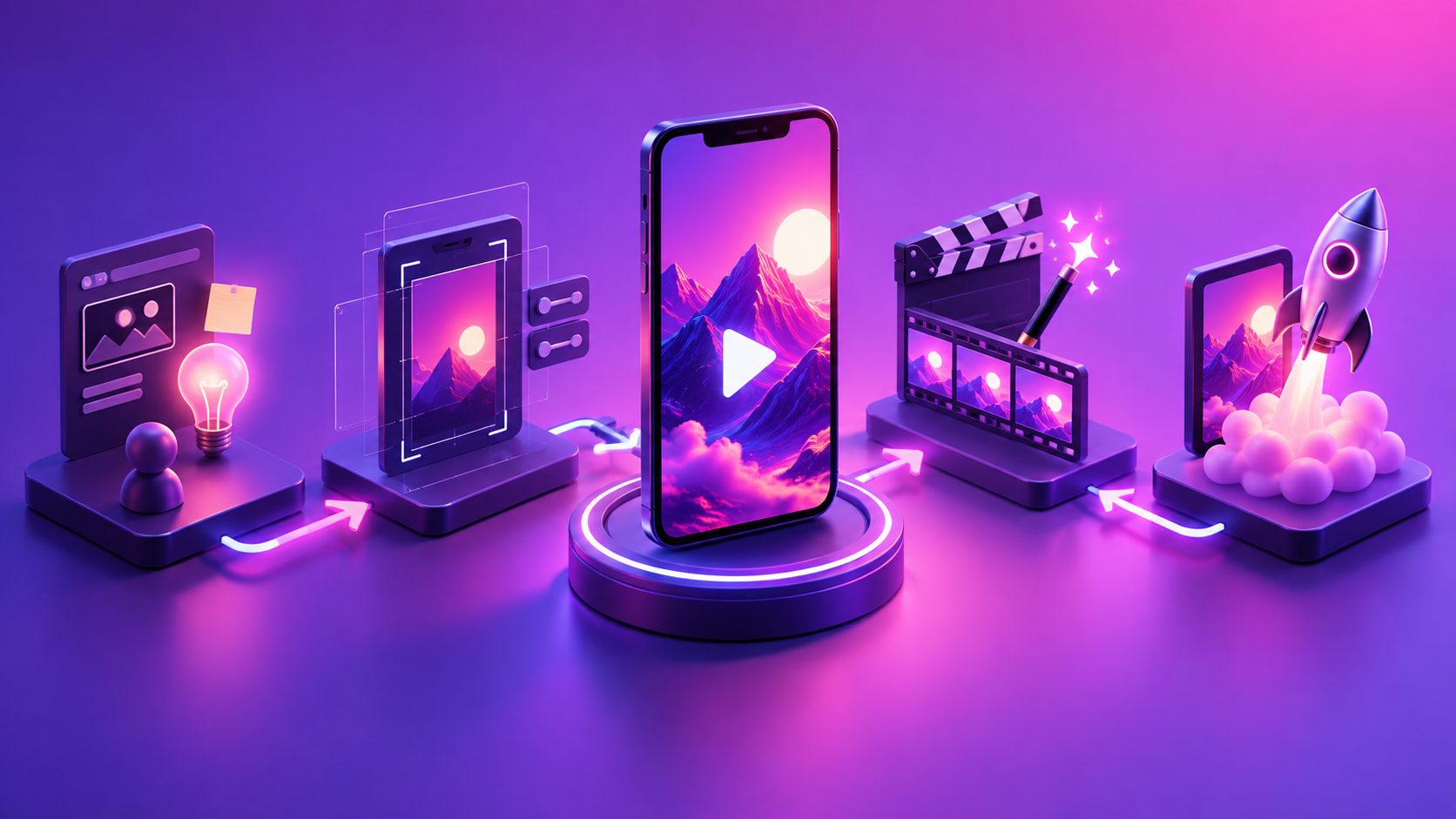
A practical AdsTurbo workflow is:
- Analyze the reference: Extract its opening structure, pacing, shot logic, and conversion points rather than copying branded content.
- Rebuild the hook: Use Ad Clone to restructure the concept around your own product, selling points, and CTA.
- Edit by segment: Lock the 0–3-second opening separately from the 3–15-second in-feed sequence with Clip by Clip editing.
- Create variants: Test different product demonstrations, AI actors, personas, or audience angles while keeping the safe layout unchanged.
- Localize: Apply video translation, Lip Sync, and subtitles for each target market.
- Finish and inspect: Upscale low-resolution source footage and preview every language version for text expansion or interface collisions.
AdsTurbo offers more than 300 AI actors and 100 product-ad templates, along with Ad Clone, Product Video, Character Swap, translation, subtitles, and resolution enhancement. Teams preparing regional campaigns can follow a cross-market video localization workflow and use AI video upscaling for ecommerce ads when source footage is heavily compressed.
What Is the Best TopView Variant Strategy for a Major Sale?
Use one structural master and separate creative variations by a single testing variable. Mixing a new hook, offer, presenter, soundtrack, and CTA in every export makes results difficult to interpret and increases approval risk.
A controlled launch matrix can contain:
- Three opening hooks: problem, demonstration, and outcome.
- Two proof modules: comparison and real-use demonstration.
- Two offer treatments: percentage discount and bundle value.
- One protected ending: consistent product, deadline, and CTA.
That creates 12 planned combinations without rebuilding the entire video. However, submit only the strongest options appropriate for the campaign; TikTok limits TopView campaigns to 20 ads per ad group. (ads-useast2a.tiktok.com)
For high-demand launch dates, coordinate inventory early. TikTok says TopView is available to qualified customers and recommends booking 100% impression campaigns at least 60 days ahead when possible. (ads.tiktok.com)
Frequently Asked Questions
Does TikTok TopView have to be 9:16?
Yes. Uploaded Non-Spark TopView ads and Spark Ads Push creatives must use a vertical 9:16 frame with a minimum resolution of 540 × 960 pixels.
Can a TopView ad be longer than 15 seconds?
Yes. The accepted range is 5–60 seconds, but TikTok recommends 9–15 seconds. Shorter edits generally make it easier to maintain a focused opening, demonstration, offer, and CTA.
Should text appear during the first three seconds?
Text can appear, but essential copy must remain inside the opening and in-feed safe zones. Do not overlap TikTok’s logo, skip control, or swipe prompt, and avoid depending on edge-positioned text.
Can the same TopView creative run as an in-feed ad?
Not on the same day. TikTok states that the same creative cannot be used in another placement, including in-feed, on the TopView delivery day.
When should the final creative be submitted?
Allow more than TikTok’s stated two-day review window. Delivery deadlines, revisions, localization checks, and preloading can make a minimum-window submission risky, especially before a fixed sale date.
The TikTok TopView ad creative specs are ultimately a continuity challenge: one video must work as a takeover and as an in-feed ad. Protect the product and offer inside the stricter safe zone, make the first three seconds understandable without interface support, and scale only after the master asset passes device-level review.