作者:adsturbo.ai|发布日期:2026-08-26|更新日期:2026-08-26
A White Background Image is a product photo placed on a clean, pure white canvas so shoppers can inspect the item without visual distractions. For ecommerce sellers, it is not only a design choice. It is often the baseline image format for marketplace compliance, catalog consistency, image SEO, and creative reuse.
This guide explains how to create one correctly, how to check whether it is truly ecommerce-ready, and how to turn a compliant product image into a larger ad production workflow.
What Is a White Background Image?
A white background image is a product image where the item is isolated against a white or pure white canvas, usually without props, text, borders, or decorative scenery. In ecommerce, the goal is clarity: show the actual product, preserve accurate color, and keep the product easy to recognize at thumbnail size.
The strictest version uses RGB 255, 255, 255, also written as #FFFFFF. That matters because a photo that looks white on a screen may still contain gray, blue, yellow, or shadowed pixels.
For Amazon main images, official Seller Central guidance says main images must use a pure white background with RGB values of 255, 255, 255, and must not include extra graphics or confusing props, according to Amazon Seller Central image guidance. Other stores may be less strict, but the same standard is a safe master file for multi-channel selling.
Why Ecommerce Sellers Still Need White Product Photos
White product photos work because they reduce decision noise. Shoppers can judge shape, scale, material, label text, and color faster when the background does not compete with the product.
They are especially useful for:
- Marketplace main images
- Shopify collection grids
- Product comparison pages
- Google image surfaces
- Catalog feeds
- Retargeting creatives
- AI product video generation inputs
Google also uses image context, including alt text and page content, to understand images, as explained in Google Search Central’s image SEO best practices. A clean product image paired with descriptive copy gives search systems and shoppers the same signal: this is the product.
The mistake is treating white background photos as the whole visual strategy. They are the compliance and clarity layer, not the complete persuasion layer. A good listing usually pairs the main white image with lifestyle images, detail shots, comparison graphics, UGC-style videos, and localized ads.
White Background vs Transparent Background vs Lifestyle Image
Each image type solves a different job. Use a white background for trust and compliance, a transparent background for design flexibility, and lifestyle imagery for persuasion.
| Image type | Best use | Strength | Risk |
|---|---|---|---|
| White background image | Marketplace main image, product grid, catalog feed | Clean, compliant, consistent | Can feel generic if used alone |
| Transparent PNG | Website design, banners, compositing | Flexible placement over any layout | Not always accepted as a marketplace main image |
| Lifestyle image | PDP gallery, ads, social content | Shows context and desire | May hide product details |
| Infographic image | Secondary marketplace images | Explains specs and benefits | Not suitable for strict main-image slots |
| UGC video frame | Paid social, TikTok Shop, Reels | Human proof and motion | Needs quality control for brand fit |
A practical ecommerce stack starts with a strict white master image, then expands into channel-specific assets. For example, a seller can use a product photo as the base for AI product video from URL workflows when turning a product page into ad concepts.
The Marketplace-Ready Standard: A 7-Point QA Checklist
A product photo is ready when it passes pixel, product, and platform checks. The background must be clean, but the product also needs enough detail, correct cropping, and accurate color.
Use this checklist before uploading:
-
Background value
Check edge and corner pixels. For strict marketplace main images, use pure white: RGB 255, 255, 255. -
Product-only composition
Remove props, badges, text overlays, watermarks, borders, and unrelated accessories unless the platform allows them for that exact slot. -
Frame fill
The product should be large enough to inspect. Amazon guidance commonly references the product filling at least 85% of the image area in main-image requirements. -
Sharp edges
Zoom to 200%. Look for fuzzy halos, jagged cutouts, missing handles, broken straps, hairline gaps, or transparent packaging errors. -
Accurate shadows
Keep only natural, subtle grounding shadows when allowed. Avoid gray gradients that make the background fail a pure-white check. -
Color accuracy
White backgrounds should not wash out white, cream, silver, glass, or translucent products. Preserve texture and edges. -
Export quality
Save a high-resolution JPG or PNG, depending on platform requirements. Keep a layered or high-quality master file for future cropping.
This QA layer prevents the most common seller problem: the image “looks white” visually but fails automated review because the actual pixel values are off.
The 3-Layer Method for Creating Better White Product Images
The best workflow separates capture, isolation, and reuse. Sellers who skip directly to background removal often create edge problems that become expensive later.
1. Capture a Clean Source Image
Start with a sharp JPG or PNG where the full product is visible. Use soft, even light and avoid extreme reflections. A plain background helps, but it does not need to be perfect if the subject edges are clear.
For AdsTurbo Product Image, JPG and PNG uploads are supported, and clear product photos on solid-color backgrounds get the best results. The cleaner the source, the better the output for product images, banners, close-ups, material detail images, usage visuals, and brand images.
2. Replace the Background Without Damaging the Product
Background replacement should protect the true product outline. That includes straps, glass edges, white-on-white packaging, transparent bottles, jewelry chains, and fabric texture.
AdsTurbo supports white background processing and background replacement. Its Background Replace tool automatically identifies subject edges and matches lighting, perspective, and color temperature, without requiring manual cutout work. That makes it more practical for ecommerce teams handling many SKUs, not just one hero product.
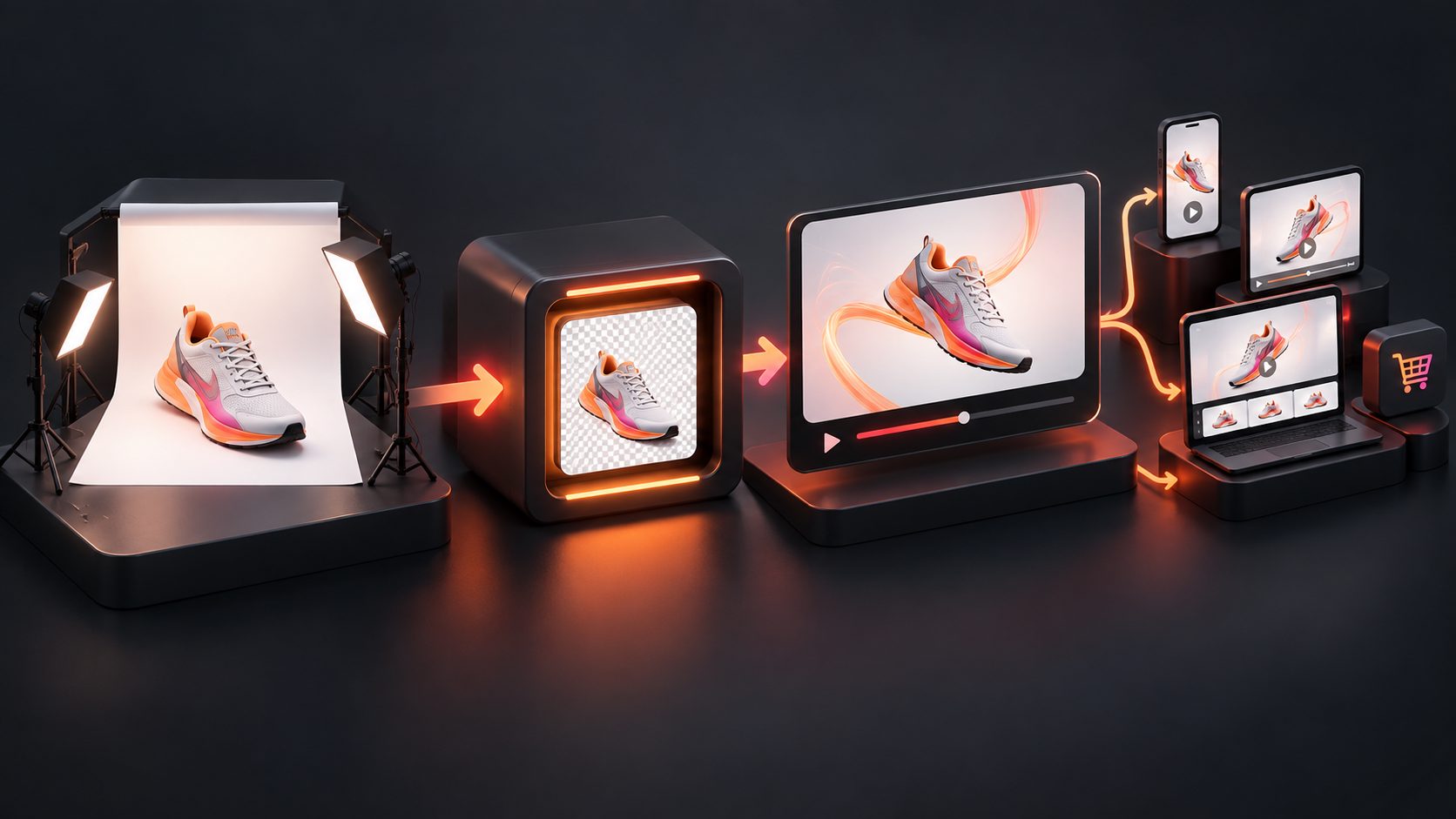
3. Turn the Master Image Into a Creative System
A white master image should become the starting point for more assets. It can feed marketplace images, product banners, promotional posters, localized product visuals, and short-form ads.
AdsTurbo Product Image can generate multiple ecommerce image types from one product photo and supports 9 aspect ratios for platforms such as Amazon, Shopify, TikTok Shop, and Instagram. It can also generate localized ecommerce image overlays in languages including English, Chinese, Japanese, and Korean.
That is where a white background image becomes more than a compliance asset. It becomes the clean input for a scalable creative pipeline.
A Practical “Image Readiness Score” for Ecommerce Teams
Most guides stop at “make the background white.” A better system scores whether the image can survive marketplace upload, mobile browsing, ad reuse, and localization.
Use this 100-point score before approving a SKU image set:
| Category | Points | What to check |
|---|---|---|
| Background compliance | 20 | Pure white where required, no gradient, no border |
| Product edge quality | 20 | No halos, missing parts, broken transparent edges |
| Detail visibility | 15 | Texture, labels, ports, stitching, or material remain clear |
| Mobile thumbnail clarity | 15 | Product is recognizable at small size |
| Color trust | 10 | Product color is not over-brightened or tinted |
| Multi-channel crop safety | 10 | Works in square, vertical, and horizontal formats |
| Creative reuse potential | 10 | Can become ads, posters, banners, and localized visuals |
Decision rule:
- 90–100: ready for marketplace and ad reuse
- 75–89: usable, but inspect edge/detail issues
- 60–74: acceptable only for internal drafts or low-risk channels
- Below 60: reshoot or regenerate from a better source image
This framework is especially useful for teams managing large catalogs. It turns image approval from subjective taste into a repeatable production standard.
How to Make a White Background Image Step by Step
The fastest reliable process is: prepare a clean source photo, isolate the product, apply pure white, inspect edges, export platform-specific versions, then reuse the master image for ads and secondary visuals.
-
Choose the best source photo
Use a clear, front-facing product photo with the full item visible. Avoid motion blur and heavy shadows. -
Clean the product area
Remove dust, stray packaging marks, old watermarks, or unwanted text if they are not part of the product. -
Apply a white or pure white background
For strict marketplaces, set the canvas to RGB 255, 255, 255. For brand websites, a near-white design background may be acceptable, but keep a pure-white version as the master. -
Check the edges manually
Inspect fine details: handles, hair, cords, lace, transparent plastic, metallic reflections, and white packaging. -
Preserve a natural product feel
Do not overcut the item until it looks pasted on. A clean ecommerce image should still feel real. -
Export multiple ratios
Create a square marketplace version, a vertical social version, and a horizontal banner-safe version when needed. -
Document the approved master
Save the final file with a clear naming system, such assku-color-main-white-2000px.jpg.
Category-Specific Tips: Not Every Product Needs the Same Treatment
White background rules are simple, but products are not. Jewelry, apparel, cosmetics, electronics, and home goods each fail in different ways.
Jewelry and metallic products need controlled reflections. Remove messy reflections, but keep enough shine to show material quality.
White or transparent products need edge contrast. Do not brighten until the item disappears into the canvas. Use subtle shadow or careful edge preservation where the platform allows it.
Apparel needs shape clarity. Flat lays can look lifeless if folds are erased. On-model secondary images often help shoppers understand fit after the main image satisfies compliance.
Beauty and skincare depend on label readability. Ensure bottle curves, cap edges, and printed text remain sharp.
Electronics need port and surface detail. Avoid over-smoothing black plastics, screens, cables, and small accessories.
Home goods need scale support. Use the white image for the main product view, then add lifestyle or comparison images in secondary slots.
From Product Photo to Video Ad: Where White Images Create Leverage
A clean product image makes AI ad generation easier because the model can identify the product shape, category, color, and visual details with less noise.
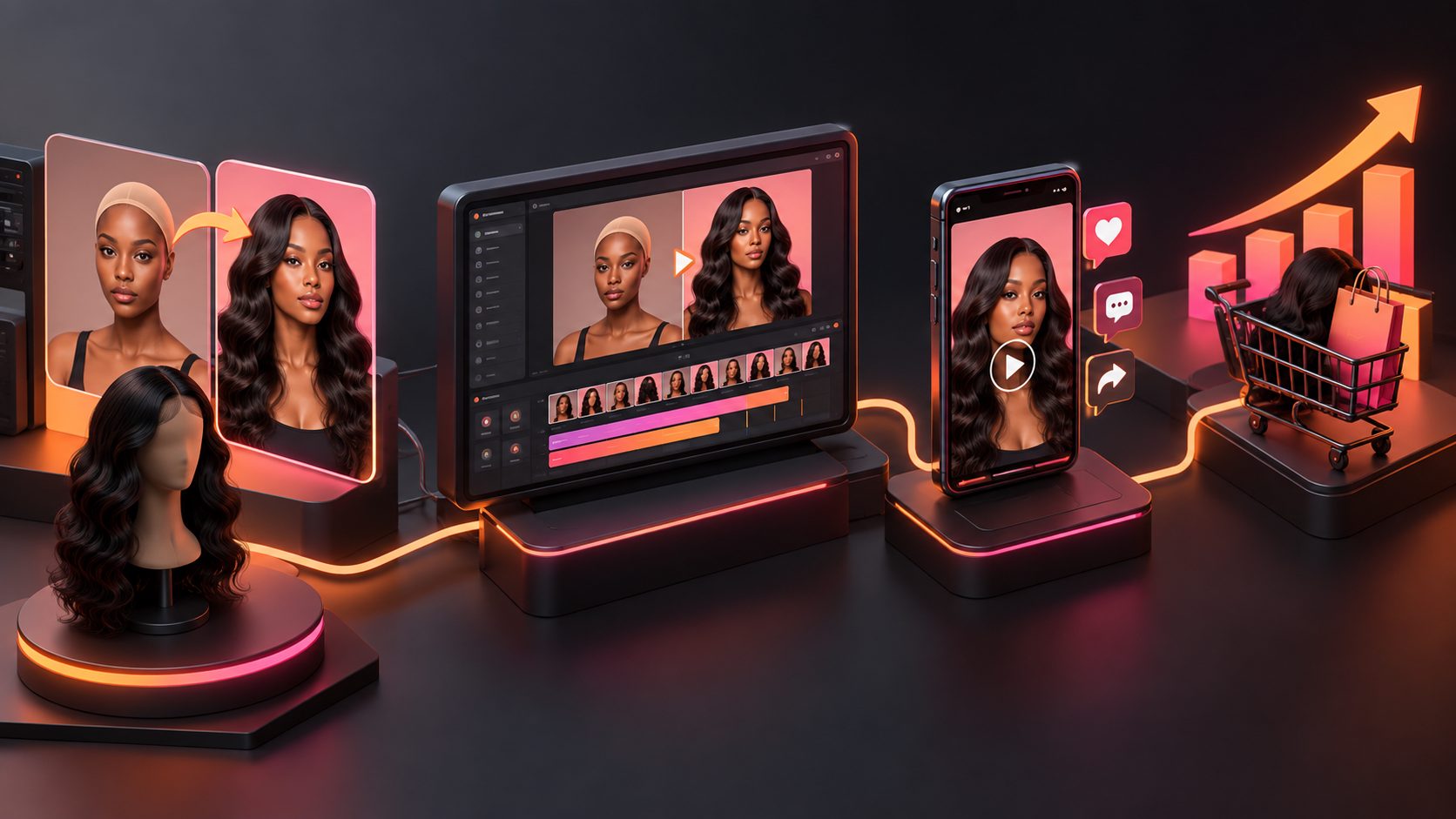
AdsTurbo supports product video creation, ad cloning, product image generation, video subtitles, background replacement, and API access. For ecommerce teams, this means one approved product image can support:
- Product review videos
- Product introduction videos
- Product demonstration videos
- UGC-style short ads
- Localized ad variants
- Event posters and promotional visuals
- TikTok, Reels, and Shorts subtitle-ready edits
Sellers can also use URL to Video AI for product page ad creatives when a listing page, product image, and selling points need to become ad variations. For character-led campaigns, a product image can later pair with AI character replacement for ecommerce video ads.
This is the core production advantage: the white image is not the final creative. It is the clean product source that keeps every later asset visually consistent.
Common Mistakes That Cause Rejections or Weak Conversions
Most failures come from treating image editing as a one-click task instead of a product presentation workflow.
Avoid these mistakes:
- Using a white wall photo and assuming it equals pure white
- Leaving gray shadows in the image corners
- Removing reflections from glossy products until they look fake
- Cropping too tightly for marketplaces that need full product visibility
- Uploading low-resolution supplier photos without enhancement
- Adding discount text, icons, or badges to a strict main image
- Using the same white-only image across every gallery slot
- Forgetting mobile thumbnail readability
- Ignoring filename, alt text, and surrounding page copy
- Regenerating images without checking product accuracy
A strong catalog balances compliance and persuasion. Use white images for clear identification, then use secondary visuals to answer buyer questions.
How AdsTurbo Fits Into a White Background Image Workflow
AdsTurbo is an AI video ad generation tool for ecommerce sellers that also supports product image creation, white background processing, background replacement, event posters, subtitles, and video localization.
For image workflows, AdsTurbo Product Image supports JPG and PNG product uploads, automatically analyzes product shape, color, and category, and supports single or batch downloads. It can generate multiple ecommerce image types, including main banners, lifestyle scenes, close-ups, material detail images, usage instruction images, and brand images.
For teams scaling beyond static assets, AdsTurbo also provides Ad Clone, Lip Sync, Product Video, AI Upscaling, Background Replace, Video Subtitle, and API services. API access is available on every plan, and advanced plans add team workflows and custom workflow support through the AdsTurbo AI video ad platform.
Frequently Asked Questions
What background color should a product image use for Amazon?
For Amazon main images, use a pure white background: RGB 255, 255, 255 or #FFFFFF. The image should show the actual product clearly and avoid props, text, logos, borders, watermarks, and unrelated graphics.
Is a white background always better than a lifestyle background?
No. A white background is best for clarity, compliance, and catalog consistency. Lifestyle images are better for showing scale, use cases, emotion, and buyer aspiration. Most ecommerce listings need both.
Can AI create a white background product photo from a regular image?
Yes, if the source image is clear. The best results come from sharp JPG or PNG product photos with visible edges, solid-color backgrounds, and minimal blur. Hard cases include glass, jewelry, hair, lace, and white products.
Should the background be white or transparent for Shopify?
Shopify does not require one universal background style. A white background keeps collection pages consistent, while transparent PNGs give designers more flexibility. Many teams keep a white master image and create transparent or lifestyle versions as needed.
What is the fastest way to scale product images for ads?
Start with a clean white master image, then generate platform-specific ratios, lifestyle visuals, product videos, and localized creative variants. This keeps product presentation consistent while increasing the number of usable ad assets.