Author: adsturbo.ai|Published: 2026-09-03|Updated: 2026-09-03
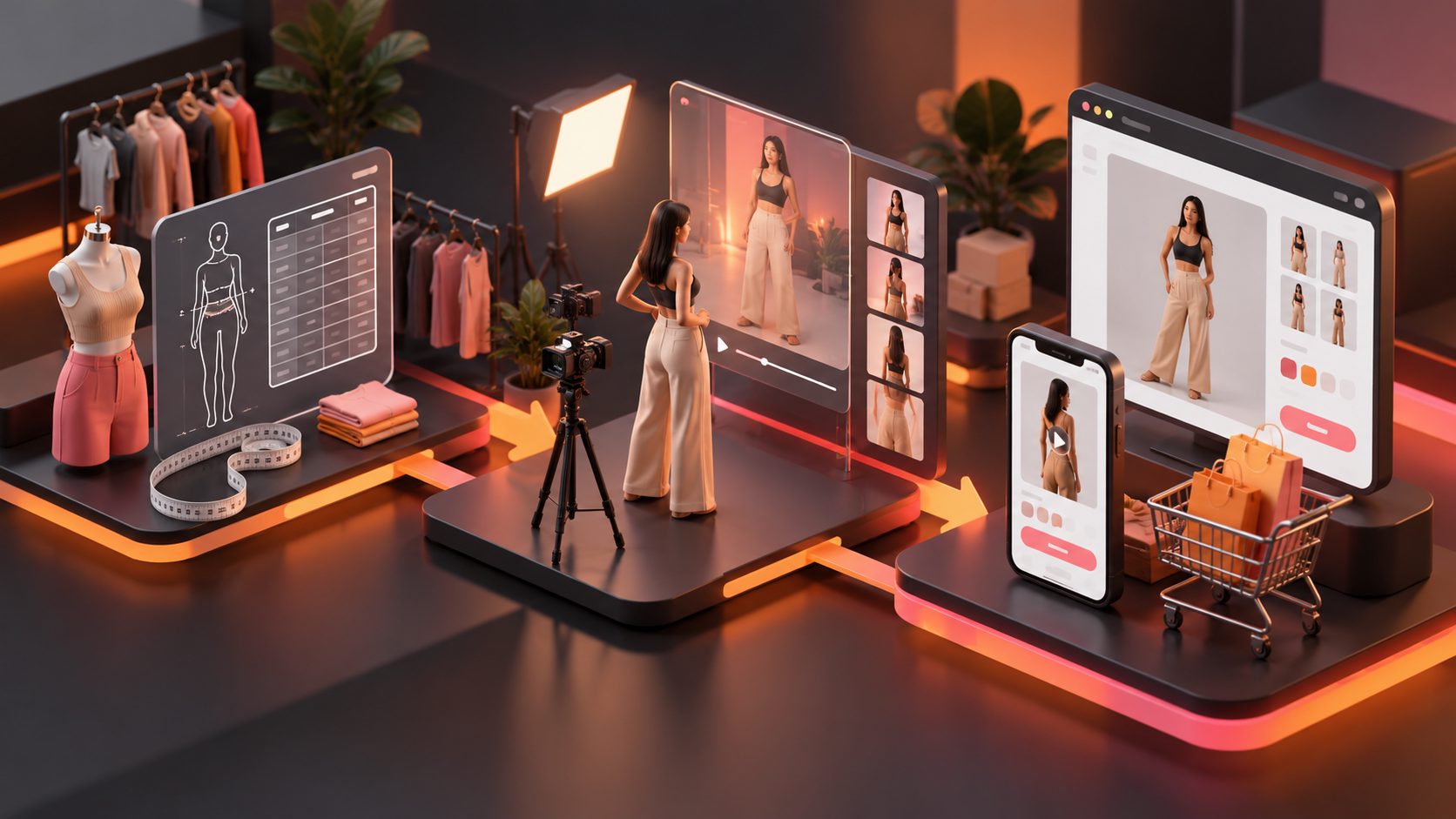
A short form video ad generator is most useful when it helps ecommerce teams create many testable ads, not just one polished clip. The real job is turning product images, reference ads, hooks, subtitles, actors, and localized versions into a repeatable creative pipeline.
For sellers on Shopify, Amazon, TikTok Shop, Meta, or YouTube Shorts, the winning workflow is usually simple: make more credible variants, test fast, keep what works, and rebuild the next batch around the best-performing structure.
What is a short form video ad generator?
A short form video ad generator is software that turns product inputs into short paid-social videos for placements such as TikTok, Instagram Reels, Facebook Reels, and YouTube Shorts. It typically creates scripts, scenes, captions, voiceovers, avatars, product shots, and format-ready exports.
For ecommerce, the important distinction is ad generation versus generic video generation. A generic AI video tool may produce a nice-looking clip. An ecommerce ad generator needs to support conversion elements: hook, product proof, objection handling, offer, CTA, subtitles, and platform-safe framing.
A practical tool should help you answer three questions:
- Can this product be understood in three seconds?
- Can one concept become multiple creative angles?
- Can the output be tested across vertical, square, and horizontal placements?
AdsTurbo is built around this ecommerce use case, with tools such as Ad Clone, Product Video, Lip Sync, Character Swap, Video Translation, AI Upscaling, Background Replace, Video Subtitle, and API access.
Why short-form ad generation is different from normal video editing
Short-form ads are performance assets, not brand films. They must earn attention immediately, communicate a product benefit quickly, and survive fast scrolling on mobile feeds.
Platform guidance points in the same direction. TikTok’s creative best practices recommend vertical 9:16 creative, sound, visible safe zones, captions or text overlays, and a strong hook in the first few seconds. YouTube Shorts ad guidance recommends 9:16 assets, 1080×1920 resolution, fast attention capture, early branding, and a clear CTA. Meta’s Reels ad guidance also emphasizes vertical video, audio, and keeping key messages in the safe zone.
That means a good ecommerce workflow should not begin with “make a video.” It should begin with a test plan: hook angle, product promise, proof type, offer, actor style, caption style, and output ratio.
The ecommerce creative loop: one product, many controlled variants
The highest-leverage use of AI is controlled variation. Instead of generating 20 unrelated videos, build a small matrix where each variant changes only one or two variables.
Here is a practical 4×4 framework for ecommerce teams:
| Test layer | Variant examples | Why it matters |
|---|---|---|
| Hook | Problem, curiosity, price shock, before/after | Determines thumb-stop potential |
| Persona | Founder, reviewer, expert, everyday buyer | Changes trust signal |
| Proof | Demo, comparison, use case, close-up | Reduces purchase uncertainty |
| CTA | Shop now, claim offer, see colors, bundle prompt | Tests buyer intent |
A first batch can be as small as 16 ads: four hooks × four proof styles. Once data comes in, keep the top hook and rebuild the next batch around persona and CTA.
This is where AdsTurbo’s Ad Clone workflow for video ad variants fits naturally. It can analyze the structure, rhythm, shot logic, and CTA structure of a reference ad, then help reconstruct new variations for your own product. The goal is not to copy another brand; it is to preserve proven pacing while replacing the product, message, and creative execution.
What features should ecommerce sellers look for?
The best short-form ad tools combine generation, editing, localization, and testing support. A clean feature checklist is more useful than a long list of AI buzzwords.
Look for these capabilities:
- Product input support: Upload JPG or PNG product images; clear photos on a plain background usually work best.
- UGC-style creation: Generate review, introduction, demonstration, and product showcase videos.
- Reference-based reconstruction: Use a reference video to capture pacing, opening rhythm, shot sequence, and CTA structure.
- Subtitles: Auto-transcribe speech and produce time-synced captions for TikTok, Reels, and Shorts.
- Localization: Translate videos for cross-border testing, including voice and subtitle workflows.
- Actor and character variation: Swap presenters or create different persona versions for audience testing.
- Format flexibility: Export creative in 9:16, 1:1, and 16:9 where needed.
- Post-production controls: Upscaling, background replacement, watermark removal where legally appropriate, and clip-by-clip edits.
- Team and API workflows: Useful when creative production moves from founder-led testing to weekly batch operations.
AdsTurbo provides more than 300 AI actors and 100 product ad templates, along with Face Swap, Lip Sync, AI Upscaling, Character Swap, Video Translation, Video Subtitle, Product Image, Event Poster, Background Replace, and API services. API access is available on every plan, and advanced plans add team workflows and custom workflow support.
A 30-minute workflow for creating a first test batch
A fast workflow should create useful test assets without over-editing. The first batch is for learning, so the structure matters more than cinematic perfection.
- Prepare the product source. Upload a clear JPG or PNG product image. For AdsTurbo Product Video, a JPG or PNG product image up to 10MB can be used to generate UGC short video ads.
- Define the buyer tension. Write one sentence: “This product helps [buyer] solve [problem] without [objection].”
- Choose four hooks. Use one problem hook, one demo hook, one comparison hook, and one offer hook.
- Generate product video variants. Use a workflow such as AdsTurbo’s AI product video from URL and product-input guide when building product-led short ads.
- Add captions. Use timed subtitles so the ad works with sound on or off. AdsTurbo Video Subtitle supports embedded caption downloads or separate subtitle files.
- Localize only the winners. Translate and adapt the top concepts after early results, instead of localizing every first-draft idea.
- Upscale or clean the final set. Use AI Upscaling or background replacement after the concept proves promising.
This workflow prevents a common mistake: spending too much time perfecting ads before any buyer behavior has been observed.
How AdsTurbo supports bulk creative production
AdsTurbo is designed for ecommerce sellers who need repeated creative output across products, audiences, and regions. It supports product video generation, ad cloning, AI actors, lip sync, character replacement, video translation, subtitles, product image generation, event posters, white background images, background replacement, and clip-by-clip editing.
For sellers who already have winning footage, AdsTurbo can help turn one reference into fresh variants. Ad Clone supports uploading a reference video or pasting a link, analyzing the video structure, and generating multilingual ad variants. It can also export a single reference into 9:16, 1:1, and 16:9 formats for TikTok, Meta, and Shorts-style distribution.
For more advanced ecommerce teams, AdsTurbo’s API uses a standard REST architecture with Bearer API Key authentication. Its composable API modules include image generation, Persona, AI actors, ad cloning, video generation, and task processing. Video generation tasks run asynchronously, with completion available through polling or Webhook callbacks.
Teams working on localization can combine video translation, lip sync, subtitles, and character variation. The Character Swap workflow for ecommerce ads is especially useful when a brand wants to test different presenters while keeping motion, lighting, and scene continuity.
How to judge output quality before spending on ads
Do not judge generated ads only by how realistic they look. Judge them by whether they are ready for a paid test.
Use this five-point preflight score:
| Quality check | Pass condition |
|---|---|
| First three seconds | Product, problem, or curiosity is immediately clear |
| Product visibility | The buyer can identify the item without pausing |
| Caption clarity | Text is readable inside platform safe zones |
| Message focus | One primary benefit, not five competing claims |
| CTA fit | CTA matches the funnel stage and offer |
A good-looking ad with a vague opening usually loses to a simpler ad with a sharper hook. For ecommerce, clarity beats production vanity.
Common mistakes when using AI video ad generators
The most common mistake is generating too many random outputs. Volume only helps when variants are structured.
Other mistakes include:
- Using horizontal assets for vertical placements without reframing.
- Putting price, discount, or CTA text too close to interface overlays.
- Testing different hooks, actors, offers, and captions all at once.
- Localizing word-for-word instead of adapting the buyer objection.
- Treating AI actors as a substitute for product proof.
- Running ads without subtitles, especially for demonstration-heavy products.
If your creative budget is limited, test hook and proof first. Then test persona, language, and CTA after you identify a message that buyers understand.
When should a seller use AdsTurbo instead of a general AI video tool?
Use AdsTurbo when the goal is ecommerce ad production at scale rather than one-off video creation. It is a better fit for sellers who need product videos, UGC-style variants, ad clone workflows, subtitles, localization, character replacement, and API-based production.
A general AI video generator can be useful for concept exploration. AdsTurbo is more appropriate when your team needs a repeatable ad system: upload product assets, create variants, translate winners, improve resolution, swap characters, extract scripts, and prepare creative for paid social testing.
Sellers who want a broader creative operating system can also use AdsTurbo’s bulk product video creator workflow to plan larger product batches and its UGC video ad generator playbook for creator-style ad structures.
Frequently asked questions
What is the best length for a short-form ecommerce video ad?
Most ecommerce teams should start with 15–35 seconds. This is long enough to show a hook, product proof, one benefit, and a CTA, but short enough for TikTok, Reels, and Shorts-style viewing behavior.
Can AI-generated short videos be used for paid ads?
Yes, if the creative follows platform policies, uses authorized product and brand assets, and avoids misleading claims. Always review the final script, visuals, rights, and disclosures before launching paid campaigns.
Do I need a reference video to use AdsTurbo?
No. AdsTurbo can support product video workflows from product images and selling points. A reference video becomes useful when you want to reconstruct a proven rhythm, hook structure, shot logic, or CTA pattern.
What product images work best?
Clear JPG or PNG product photos work best, especially when the product is well lit and placed on a plain or solid background. AdsTurbo Product Image can analyze product shape, color, and category, then generate ecommerce image outputs.
How many variants should a small store test first?
Start with 8–16 variants. Test four hooks against two to four proof styles before expanding into more actors, languages, or CTAs. Small structured batches create cleaner learning than large random batches.