TikTok Shop First Sale Video Ad Script: 15-Second Templates

Summarize with
Summary
Use a TikTok Shop first sale video ad script with timed hooks, proof, CTA lines, and an AI batch-testing workflow for new US sellers. Start testing today.
By adsturbo.ai | Published 2026-11-10 | Updated 2026-11-10
A TikTok Shop first sale video ad script should do one job quickly: make the right shopper stop, understand the product, see credible proof, and know where to buy. For a new US store, a 15-second video is often easier to produce and test than a polished brand commercial.
The strongest short-form structure is simple: hook, problem, demonstration, proof, and action. TikTok’s own Shop creative guidance also emphasizes showing the product in use, demonstrating the result, and making the shopping action visually clear. (p16-oec-university-file-ttp-sign.tiktokcdn-us.com)
What should a first-sale TikTok Shop video include?
A first-sale video should show the product working before spending time on brand introductions. The viewer should understand the product category within the first few seconds, see one specific benefit, and receive a low-friction reason to inspect the product link.
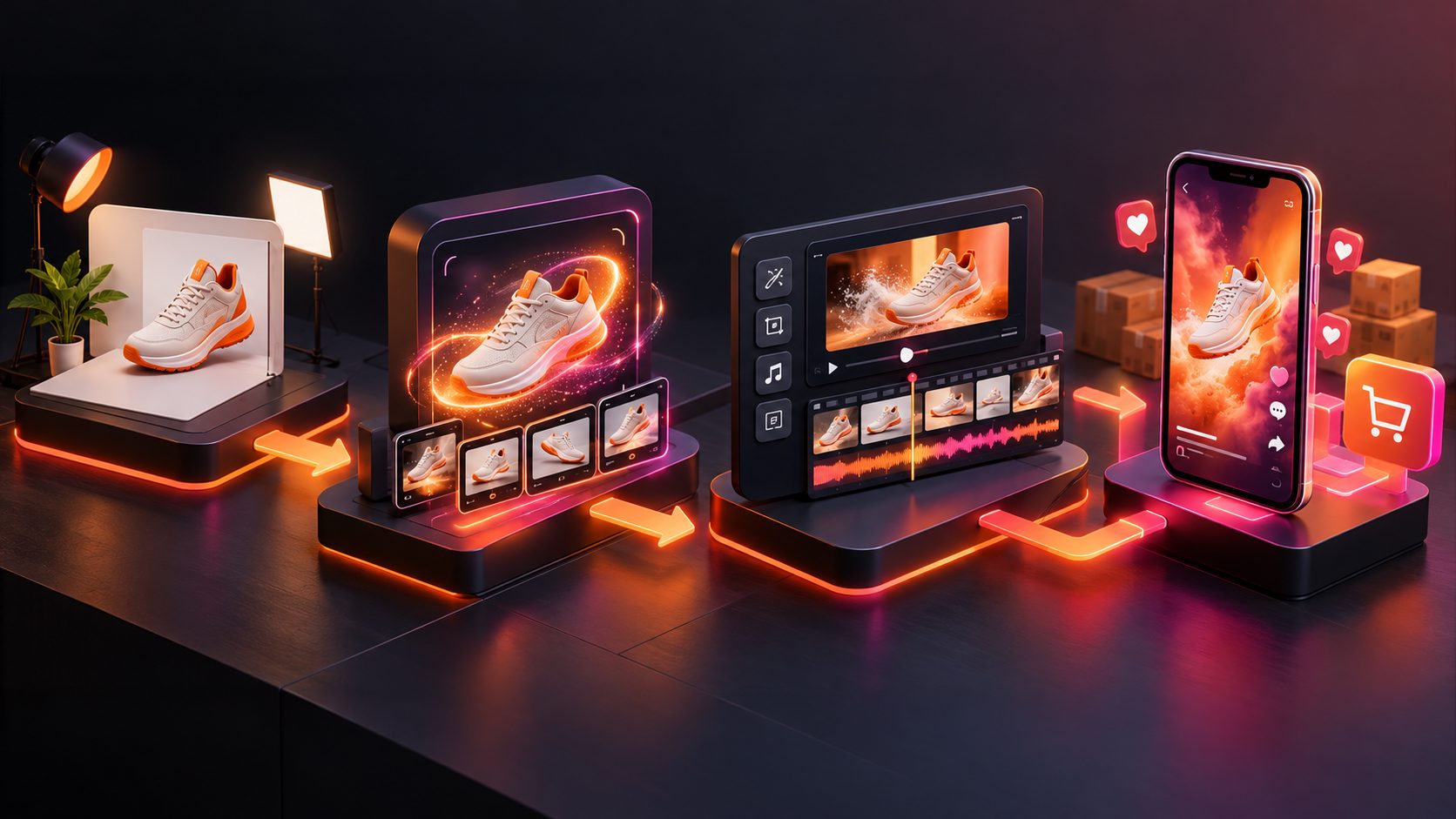
A practical 15-second structure is:
| Time | Purpose | What to show |
|---|---|---|
| 0–2 seconds | Stop the scroll | The product already solving a problem |
| 2–5 seconds | Name the pain point | A relatable frustration or question |
| 5–10 seconds | Demonstrate | One clear action, preferably close-up |
| 10–13 seconds | Prove the result | Before-and-after, comparison, or visible outcome |
| 13–15 seconds | Invite action | Point to the product link and state the next step |
This timing is a working framework, not a platform rule. A review of short no-face TikTok Shop examples found that many videos put the product and result on screen immediately, while calls to action appeared near the end rather than interrupting the demonstration. (tryplayhead.com)
A ready-to-film 15-second script template
Use this template for a general physical product. Replace the brackets with claims you can accurately support.
Shot 1 — 0–2 seconds: Visual hook
- Video: Show the product in use or reveal the problem.
- Voiceover: “I wish I found this before buying another [category].”
- On-screen text: “The easier way to [desired result]”
Shot 2 — 2–5 seconds: Problem
- Video: Show the old method, inconvenience, mess, or common mistake.
- Voiceover: “The annoying part was [specific problem].”
- On-screen text: “Still dealing with [pain point]?”
Shot 3 — 5–10 seconds: Demonstration
- Video: Use the product in one uninterrupted action.
- Voiceover: “You just [simple action], and it [accurate benefit].”
- On-screen text: “[One supported product benefit]”
Shot 4 — 10–13 seconds: Proof
- Video: Show the finished result close to the camera.
- Voiceover: “Here’s the difference after [use or step].”
- On-screen text: “Watch the result”
Shot 5 — 13–15 seconds: CTA
- Video: Hold the product beside the result and point toward the Shop link.
- Voiceover: “Check the product link if you want to try it.”
- On-screen text: “Tap the product link”
The important detail is not the exact wording. It is the visual sequence: problem first, product action second, result third. A feature list without a visible demonstration usually gives shoppers less information to judge.
Three script angles for a brand-new TikTok Shop
1. Demo-first script
This format works when the product has an obvious visual effect.
“This is what happens when you use [product] on [problem].
First, [quick setup].
Now watch [specific action].
That’s the result.
The product is in the Shop link.”
Use a close-up and avoid opening with packaging, a logo animation, or a long greeting. The viewer should see the product doing something useful immediately.
2. Old way versus new way
This angle is useful when your product replaces a slow, messy, or inconvenient process.
“I used to [old method], which took [realistic effort or step].
Now I use [product] instead.
One step, then [visible result].
If you want the simpler option, check the Shop link.”
Show both methods under similar conditions. The comparison does not need to be dramatic; it needs to be understandable.
3. Question-and-answer script
This approach makes the video feel like a response to a shopper objection.
“Does [product] actually help with [specific use case]?
Here’s the test.
I’m using it on [realistic situation].
The key detail is [supported fact].
You can find this exact product in the Shop link.”
Put the question in large on-screen text. It gives the video a clear purpose and helps the viewer decide whether the content applies to them.
How to build an AI batch-testing system
The first video is a hypothesis, not a verdict. A new seller should test several creative variables while keeping the product, offer, and landing experience as consistent as possible.
A useful first batch contains six videos:
- Demo-first hook
- Problem-first hook
- Old-way-versus-new-way comparison
- Unboxing plus first use
- Comment-style question and answer
- Creator-style personal recommendation
Keep the middle demonstration similar across the batch. Change only the opening, presenter style, pacing, or CTA. This makes the result easier to interpret than changing every element at once.
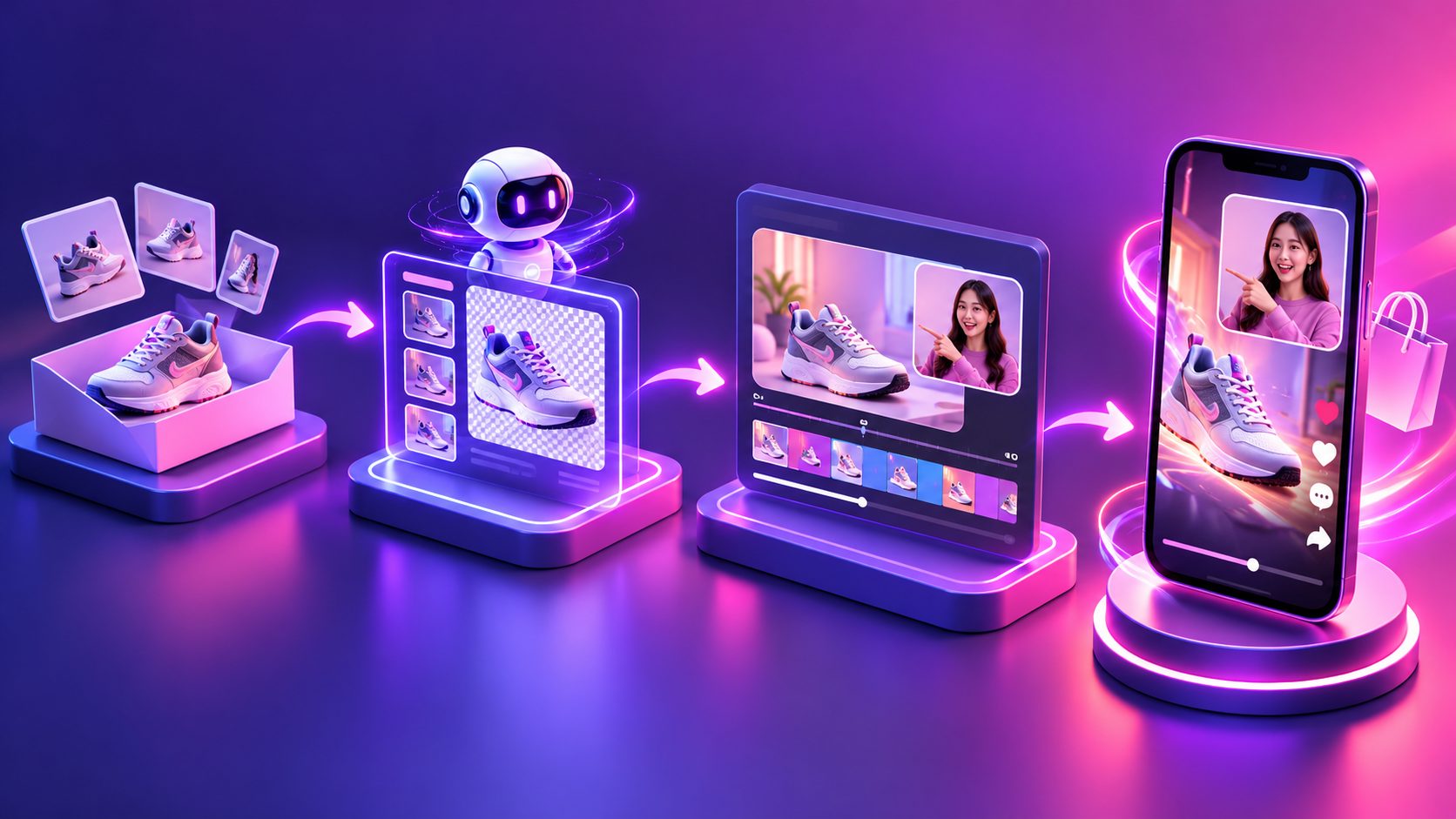
AdsTurbo supports product video generation from a JPG or PNG product image, with optional selling points and promotional information. Its product video workflow can create UGC-style product review, introduction, and demonstration videos. For sellers using existing reference ads, the Ad Clone workflow can analyze a reference video of up to 12 seconds and generate parallel advertising variations.
For production efficiency, create a simple testing matrix:
| Variable | Version A | Version B |
|---|---|---|
| Hook | “Still using [old method]?” | “Watch this solve [problem]” |
| Presenter | Face-to-camera | Hands-only demo |
| Proof | Before/after | Side-by-side test |
| CTA | “Check the Shop link” | “See the offer in the cart” |
A practical rule is to diagnose the earliest weak point. If viewers leave before the demonstration, revise the hook. If they watch but do not visit the product page, improve the proof or CTA. If product-page visits occur without sales, inspect the listing, price, shipping, reviews, and offer rather than endlessly changing the opening line.
For longer-form production guidance, see this TikTok Shop product showcase batch generation system.
Production details that protect conversion quality
Show the product, not just the presenter
The product should appear in the opening frame whenever possible. Use a tight crop for small details and a wider shot when scale, setup, or movement matters.
Match every spoken claim to visible evidence
If the script says a product is easy to use, show the complete action. If it says the product creates a specific result, show that result under believable conditions. Avoid unsupported guarantees, exaggerated timelines, or claims that the footage cannot demonstrate.
Keep text readable on mobile
Use short captions with high contrast. Put the most important phrase in the safe central area rather than near interface controls. Captions should reinforce the spoken message, not create a second script that viewers must read.
Improve weak source footage before testing
Low-resolution clips can make a good product look unreliable. AdsTurbo provides an AI video enhancer for increasing video resolution and previewing the enhancement before export. Upscaling cannot create missing proof, but it can make product details, packaging, and demonstrations easier to inspect.
How to evaluate the first batch
Do not select a winner based on views alone. Record these signals for every video:
- Three-second hold or early retention
- Average watch time
- Product-link clicks
- Add-to-cart activity
- Orders and conversion rate
- Comments that reveal objections
The most useful winner is not always the video with the highest reach. A smaller video with stronger product-page engagement may provide a better angle for paid amplification or creator briefing.
Run the next batch by preserving the strongest element and changing one weakness. For example, keep a winning demonstration but test three new hooks. Or keep the hook and result while replacing a vague CTA with a direct shopping instruction.
Common questions
How long should a first TikTok Shop product video be?
Start with 15 seconds when the product can be demonstrated quickly. Use a longer format when the buyer needs setup, comparison, sizing, or multiple proof steps.
Should the video use a face?
Not always. Face-to-camera videos can create context and trust, while hands-only videos can make the product the visual hero. Test both rather than assuming one format will work for every category.
What should the CTA say?
Use a clear, accurate instruction such as “Check the product link” or “See the item in the Shop.” Pair the words with a product shot or a visual pointer so the action is easy to understand.
How many versions should a new seller make?
A six-video first batch is a practical starting point. Keep the product and offer stable, then vary the hook, presenter, proof style, and CTA so the results produce useful learning.
Can AI replace product proof?
No. AI can help create variations, translate videos, generate product videos, and improve production speed, but the underlying product claims still need accurate footage and truthful wording.