By adsturbo.ai | Published 2026-09-24 | Updated 2026-09-24
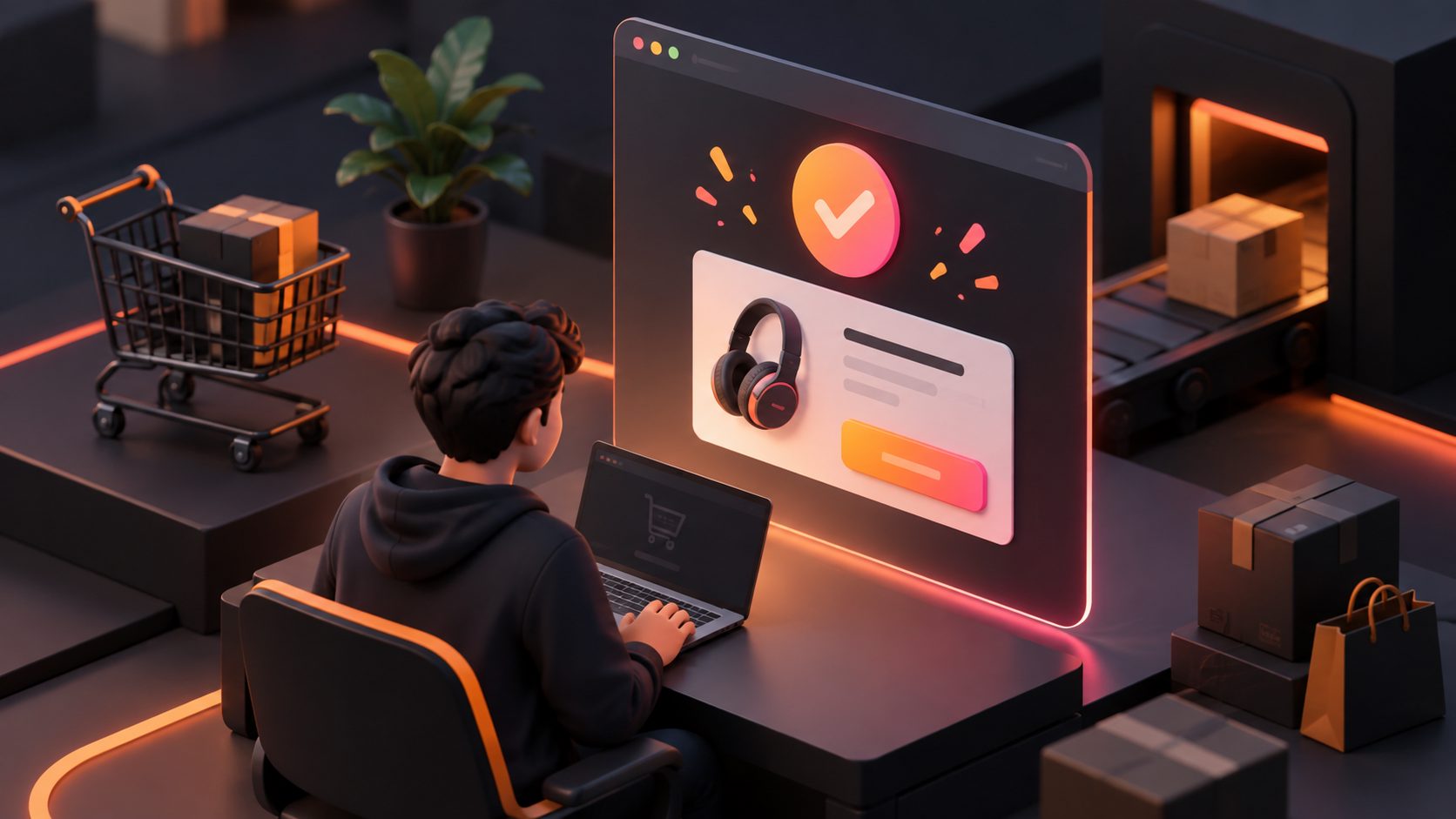
A post purchase upsell video ecommerce flow promotes one relevant add-on after the customer has completed an order. The most effective version is short, product-specific, mobile-first, and easy to accept or dismiss without disrupting the original purchase.
For Shopify and other direct-to-consumer stores, the opportunity is not simply “adding another product.” It is using the customer’s existing purchase context to present a useful next step: a refill, accessory, bundle upgrade, care product, or complementary item.
What is a post-purchase video upsell?
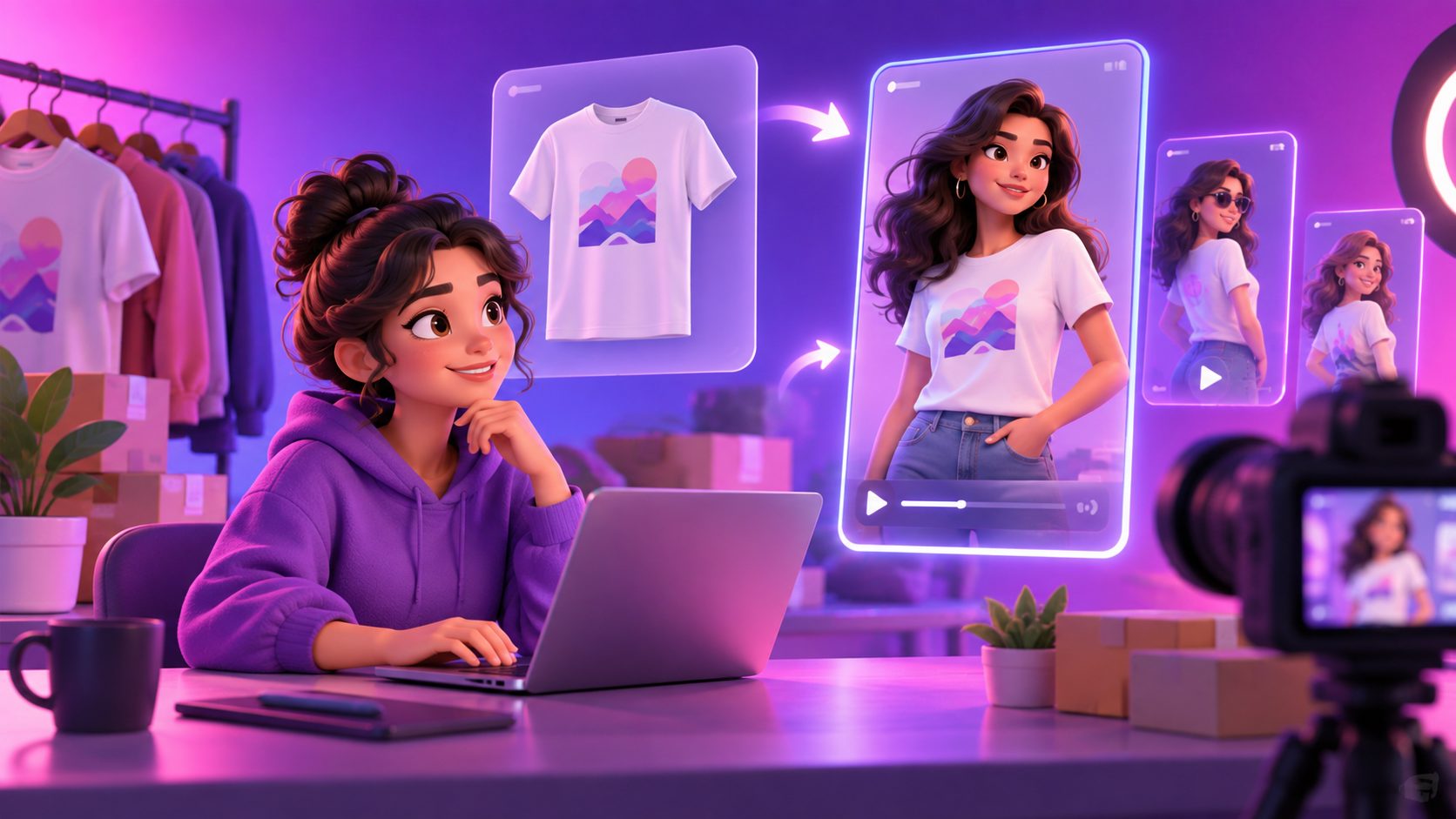
A post-purchase video upsell is a short promotional video shown after checkout or on a thank-you or order-status page to recommend an additional product. Its job is to explain relevance quickly, reduce uncertainty, and present one clear action.
The key distinction is where the offer appears:
| Placement | Customer state | Best use |
|---|---|---|
| Post-purchase page | Payment is complete, before the thank-you page | One-click add-ons or upgrades |
| Thank-you page | Initial order confirmation is displayed | Product education, cross-sells, loyalty, referrals |
| Order-status page | Customer returns to check order details | Follow-up offers, care products, replenishment |
| Email or SMS | Customer has left the checkout flow | Delayed cross-sells and repeat purchases |
Shopify describes the post-purchase page as a surface that appears after the order is confirmed but before the thank-you page. Shopify also supports checkout extensions on thank-you and order-status pages, where merchants can place recommendations, loyalty prompts, surveys, and follow-up content. (shopify.dev)
That difference matters. A video on a thank-you page may influence the next action, but it is not automatically a true one-click post-purchase upsell. The technical behavior depends on the app, page type, payment method, and order-editing workflow.
Why use video instead of a static upsell block?
A static product card can show price and product information. A video can demonstrate why the add-on belongs with the item just purchased.
For example:
- A coffee machine buyer sees a 15-second demonstration of compatible capsules.
- A skincare customer sees how a cleanser and moisturizer work together.
- A fitness equipment buyer sees a short clip showing the accessory in use.
- A clothing buyer sees a styling variation using a complementary item.
The video should not repeat the product page. It should answer one post-purchase question:
“What will make the product I just bought more useful, easier to use, or more complete?”
This creates a better match between the original purchase and the offer than a generic “You may also like” widget.
The 15-second script structure that fits a thank-you page
A practical post-purchase video should deliver its message in five beats. This framework is an editorial planning model, not a guaranteed conversion benchmark.
| Time | Script beat | Purpose |
|---|---|---|
| 0–2 seconds | Confirm the purchase context | Make the recommendation feel personal |
| 2–5 seconds | Show the product in use | Demonstrate the complement |
| 5–9 seconds | Explain the practical benefit | Answer “Why do I need this?” |
| 9–12 seconds | Present the offer | Show bundle value, discount, or convenience |
| 12–15 seconds | Give one clear CTA | Tell the buyer exactly what to do |
Example script
0–2 seconds: “Your order is confirmed.”
2–5 seconds: Show the purchased product beside the add-on.
5–9 seconds: “Add this filter to extend daily use and reduce replacement hassle.”
9–12 seconds: “Available today as a post-purchase add-on.”
12–15 seconds: “Add it to my order” or “Continue to order details.”
The first two seconds should reassure the buyer rather than immediately demanding another purchase. This is a useful difference between a thank-you-page video and a cold acquisition ad.
How to choose the right upsell product
The strongest offer is usually not the store’s most popular product. It is the product with the clearest relationship to the item already purchased.
Use this four-part relevance test:
- Usage relevance: Does the add-on help the buyer use the original product?
- Timing relevance: Does the buyer need it immediately, before delivery, or after first use?
- Price relevance: Is the decision small enough to make after the first purchase?
- Fulfillment relevance: Can it ship with the existing order without creating unnecessary complexity?
A simple scoring model can help prioritize candidates:
Upsell priority = usage relevance + timing relevance + fulfillment simplicity - decision friction
Score each factor from 1 to 5. A product with a strong margin but weak relevance should not automatically win. In practice, a lower-priced accessory that solves an immediate problem may be a better post-purchase offer than a larger but unrelated product.
Keep the offer focused. Shopify’s post-purchase guidance emphasizes relevance, urgency, and minimizing additional checkout friction rather than presenting a large selection of competing products. (shopify.com)
How to calculate the AOV opportunity
Use incremental revenue instead of focusing only on the video’s view rate.
Expected incremental revenue
= eligible orders × video offer acceptance rate × average upsell price
For example, if 2,000 monthly orders are eligible, 6% of buyers accept the offer, and the average add-on is $18:
2,000 × 0.06 × $18 = $2,160 incremental monthly revenue
This is an illustrative planning example, not a performance claim. Store owners should replace the assumptions with their own acceptance rate, gross margin, refunds, shipping cost, and fulfillment data.
A better test compares contribution margin, not just revenue:
Incremental contribution
= upsell revenue
- product cost
- fulfillment cost
- discount cost
- platform or payment fees
This prevents a high-acceptance offer from looking successful when it creates low-margin orders or split shipments.
A production workflow for ecommerce teams
The fastest workflow is to create one base video, then produce controlled variations for different product relationships.
AdsTurbo can support this process with product video generation, ad cloning, subtitles, video translation, background replacement, AI upscaling, and clip-by-clip editing. For product video creation, upload a JPG or PNG product image; clear product photos on a solid-color background are best suited to the workflow.
A practical sequence is:
- Select the purchased product and one complementary offer.
- Write the five-beat, 15-second script.
- Create a product demonstration or UGC-style product video.
- Add concise, time-synchronized subtitles.
- Generate versions for 9:16, 1:1, or 16:9 placements where needed.
- Test the opening line, offer framing, and CTA separately.
- Track acceptance, incremental margin, refund rate, and customer support issues.
For teams localizing offers, AdsTurbo Video Subtitle can automatically transcribe speech, generate synchronized captions, and export either a video with embedded subtitles or a separate subtitle file. Its video translation tools can also support localized versions for cross-border ecommerce campaigns.
The related ecommerce video translation workflow is useful when the same post-purchase offer needs different audio and subtitle versions for multiple markets.
How to place the video without harming confirmation clarity
The order confirmation must remain the primary task. Customers should be able to find the order number, delivery information, and support details before engaging with the offer.
Recommended page hierarchy:
- Order confirmation and reassurance
- Short video with one relevant offer
- Clear price and benefit
- Accept and decline actions
- Shipping, support, and order details
Avoid autoplay with sound, multiple competing videos, hidden decline links, or aggressive countdowns that make the buyer question whether the original order went through.
Shopify’s official documentation identifies thank-you-page areas for announcements, headers, blocks, order details, and footers. It also notes that the thank-you page and order-status page have different use cases, so the same upsell experience should not be copied blindly across both surfaces. (shopify.dev)
For production teams handling many offers, in-house ecommerce video ad production provides a useful model for organizing repeatable creative workflows rather than producing every variation from scratch.
What should you test first?
Test one variable at a time where possible:
- Product relevance: accessory versus replenishment
- Opening line: confirmation-led versus benefit-led
- Video length: 10 seconds versus 15 seconds
- Offer framing: convenience versus savings
- CTA: “Add to my order” versus “Complete my setup”
- Placement: above order details versus below order details
- Subtitles: large captions versus minimal text
Measure the full sequence:
Video impression → play or view → CTA click → offer acceptance → incremental margin
Do not treat video plays as the final KPI. A video that receives fewer plays but produces more profitable accepted offers may be the stronger creative.
Common questions
Is a thank-you-page video the same as a one-click upsell?
No. A thank-you-page video is a content or recommendation element. A one-click upsell is a transaction workflow that can add an offer after payment without requiring the buyer to repeat the full checkout process. The exact capability depends on the platform and app implementation. (shopify.dev)
What should the video promote?
Promote one product that improves the original purchase. Accessories, refills, bundles, warranties, and setup-related products are usually easier to explain than unrelated best sellers.
How long should a post-purchase upsell video be?
Start with 10–15 seconds. The video should communicate context, benefit, offer, and CTA without requiring the buyer to study a long demonstration.
Should the video include a discount?
Not always. Test relevance and convenience before assuming a discount is necessary. If a discount is used, make the saving and eligibility clear without making the original purchase feel incomplete.
Can AdsTurbo create the video variations?
AdsTurbo supports product video generation, ad cloning, subtitles, video translation, AI upscaling, background replacement, and clip-by-clip editing. Its asynchronous generation system supports status polling or Webhook callbacks for completed tasks, which is useful for batch creative workflows.