By adsturbo.ai | Published 2026-10-01 | Updated 2026-10-01
An Amazon BOGO video ad should make three facts understandable without sound: what shoppers buy, what they receive free, and how the two products work together. The most efficient structure is a 15-second sequence built around a split-screen comparison, a physical bundle reveal, and a clear next step.
This guide introduces a reusable Two-to-One BOGO framework for turning product images and short demonstrations into a focused promotional video—without burying the offer under excessive text.
What Should an Amazon BOGO Video Show?
A BOGO promotion video should show the qualifying product and free item as separate visual objects before bringing them together as one purchase outcome. This prevents the common ambiguity between “two items included” and “buy one, get another after checkout.”
Amazon’s promotion tools support buy-one-get-one-free offers, including promotions where the free unit is the same item or a different eligible product. Sellers configure the qualifying purchase, buyer benefit, budget, and participating products in Seller Central. (sellercentral.amazon.com)
Before production, write the offer as a four-part statement:
- Buy: the qualifying product and quantity
- Get: the free product and quantity
- Match: same SKU, variant, or complementary ASIN
- Condition: code, date, eligibility, or checkout requirement
If this statement cannot fit into two short on-screen lines, the promotion is probably too complicated for a 15-second creative.
How Does the 15-Second Split-Screen Framework Work?
The Two-to-One framework assigns one communication job to each three-second block. It follows the shopper’s decision sequence: identify the product, understand the offer, verify the bundle, see its value, and continue to the listing.
| Time | Visual direction | On-screen message | Purpose |
|---|---|---|---|
| 0–3 sec | Product in use or problem/solution shot | Primary product benefit | Stop the scroll |
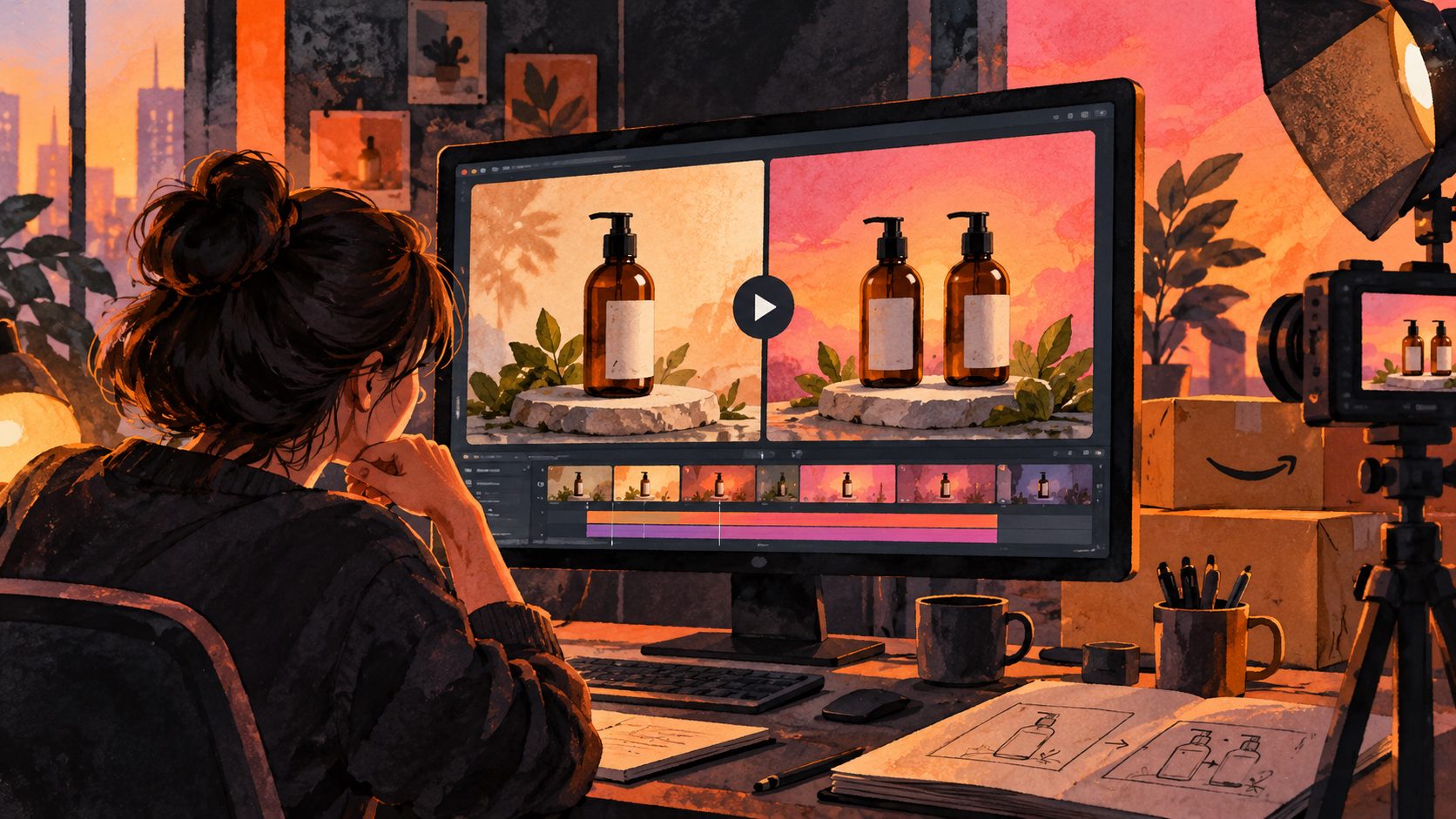
| 3–6 sec | Split screen: purchased item left, free item right | “Buy 1” / “Get 1 free” | Explain the mechanic |
| 6–9 sec | Products move together into one frame | “Two products. One qualifying purchase.” | Confirm the bundle |
| 9–12 sec | Demonstrate the pair in context | Combined use case or benefit | Add practical value |
| 12–15 sec | Clean pack shot and brand mark | “See promotion details” | Direct the next action |
The central creative rule is object permanence: both products should remain recognizable from the split-screen scene through the bundle reveal. Changing colors, package sizes, or variants mid-video can make the offer appear inconsistent.
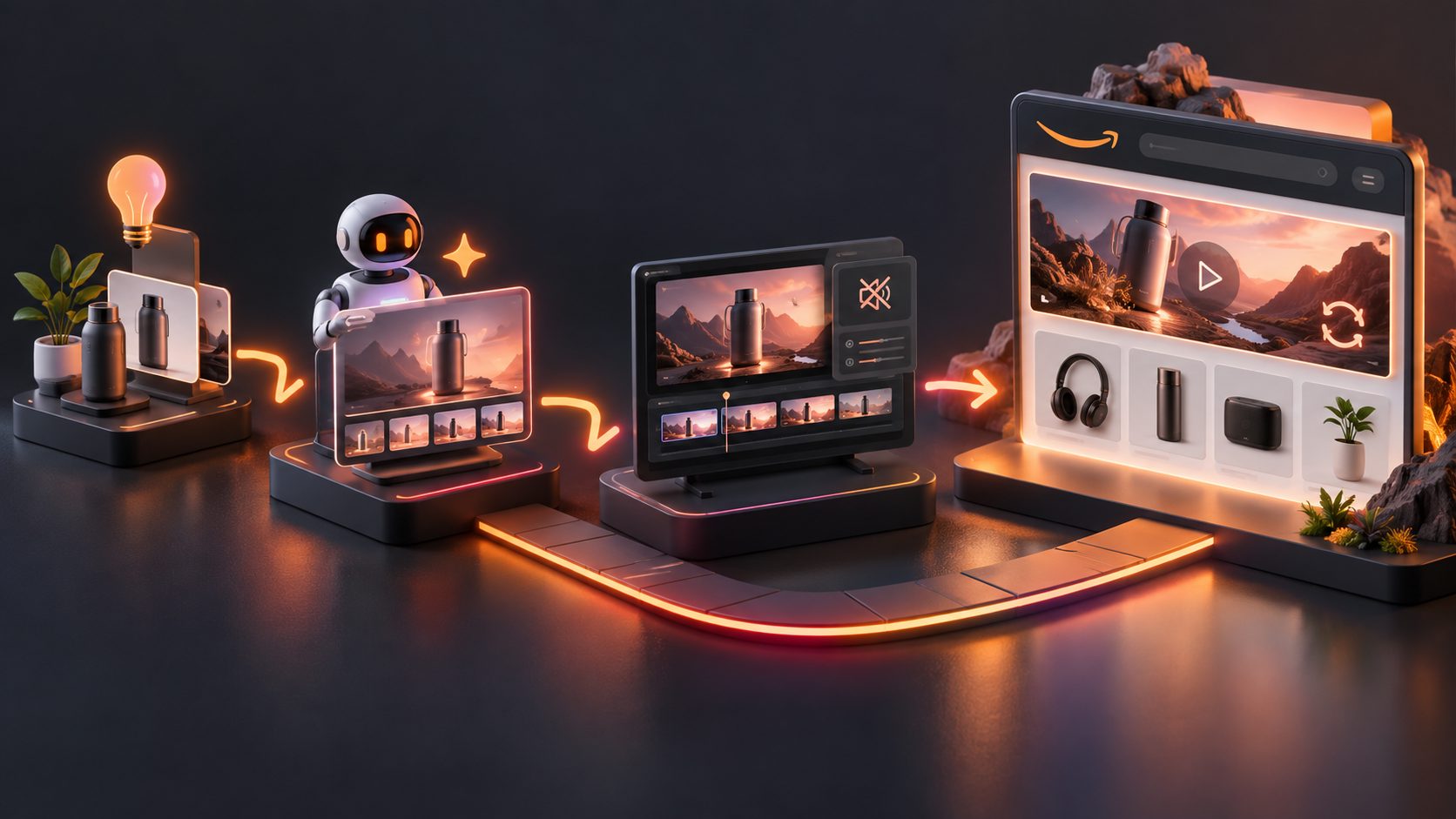
For sellers starting with static listing assets, the same sequence can be adapted from the workflow for turning Amazon product images into video ads.
Why Should the Creative Work Without Sound?
Amazon Sponsored Brands videos autoplay without sound, so the offer must remain understandable through product movement, labels, and captions alone. Amazon recommends showing the product within the first few seconds and keeping videos brief, with 20 seconds or less highly recommended. (advertising.amazon.com)
Use a three-layer hierarchy:
- Product layer: large, unobstructed packaging or product form.
- Offer layer: “Buy 1” and “Get 1 free” placed beside the correct items.
- Evidence layer: a usage demonstration proving why a second unit is useful.
Avoid treating voice-over as the primary explanation. Audio can reinforce the offer, but a muted viewer should still identify the qualifying item, free item, and combined outcome by the six-second mark.
AdsTurbo’s Video Subtitle tool can generate time-synchronized captions and export either a captioned video or a separate subtitle file. Clip-by-clip editing can then keep each message aligned with the correct product shot.
Which Format and Safe Zones Should You Use?
For Sponsored Brands video, prepare a full-frame 16:9 master between 6 and 45 seconds. Accepted dimensions include 1280×720, 1920×1080, and 3840×2160, while MP4 and MOV are supported formats. Important text should not occupy the lower-right area because Amazon places the mute control there. (advertising.amazon.com)
For a 15-second BOGO asset:
- Build the Amazon master at 1920×1080.
- Keep offer text near the center-left or upper third.
- Avoid black bars, blurred side panels, and tiny disclaimers.
- Hold each essential message long enough to read once.
- Review the export on a phone, not only a desktop monitor.
If the same campaign will run on social channels, create separate 9:16 and 1:1 derivatives rather than cropping the Amazon version automatically. The 15-second Amazon Lightning Deal framework provides additional guidance for adapting time-sensitive promotional creative.
Can the Video Directly Say “Buy One, Get One Free”?
The safest approach is to create two masters: a benefit-led Amazon version and a promotion-explicit off-Amazon version. This separates durable product storytelling from offer language that may expire or face placement-specific moderation.
Amazon’s US creative guidance advises advertisers to promote only active deals, align campaign dates with the offer, and avoid specific price-reduction claims in campaign copy. Its Sponsored Brands specifications also require compliance with current creative acceptance policies. (advertising.amazon.com)
Before submission, verify that:
- The promotion is active for every advertised ASIN.
- The product detail page reflects the shopper’s actual offer.
- Campaign dates do not exceed the promotion period.
- The wording does not imply that every variation qualifies.
- The free item shown matches the configured benefit.
- The creative avoids false urgency and unsupported claims.
Because policies and moderation can vary by placement, review the current requirements inside the advertising console before uploading a promotion-explicit video.
How Can One Creative Produce Better A/B Tests?
Do not test entirely different videos first. Hold the offer, product shots, timing, and landing page constant, then change one communication variable at a time.
A practical testing matrix is:
| Variant | Variable changed | Question answered |
|---|---|---|
| A | Product demonstration hook | Does utility attract attention? |
| B | Two-pack bundle shown immediately | Does offer visibility matter more? |
| C | Same-product split screen | Is quantity instantly clear? |
| D | Complementary-product split screen | Does the pairing need more explanation? |
| E | Benefit-led end card | Does value outperform promotion wording? |
This matrix creates interpretable results. If every version changes its hook, actor, background, text, and pacing, a higher click-through rate cannot be connected to one creative decision.
AdsTurbo can support this workflow with product video generation, product image creation, background replacement, captions, video upscaling, and clip-by-clip editing. For campaigns with traffic but weak sales, use the diagnostic approach in Amazon Sponsored Brands video conversion optimization before producing more variants.
What Is the Final Production Checklist?
A production-ready BOGO video communicates the complete offer before polishing effects. Review clarity, policy alignment, and mobile readability in that order.
- Confirm the qualifying and free products in Seller Central.
- Write the four-part offer statement.
- Select one hook based on the product’s main use case.
- Build the 15-second storyboard in five three-second blocks.
- Label both sides of the split screen.
- Preserve product color, size, and packaging continuity.
- Add captions that work without audio.
- Export a clean 16:9 Amazon master.
- Create separate social derivatives where needed.
- Check campaign dates, landing-page consistency, and current ad policies.
The result should feel less like a discount announcement and more like visual proof that the second item is real, relevant, and included under clearly defined conditions.
Frequently Asked Questions
How long should an Amazon BOGO video be?
Fifteen seconds is long enough to show the product, explain the two-part offer, demonstrate the bundle, and present a next step. Sponsored Brands video technically permits 6–45 seconds, with Amazon recommending 20 seconds or less. (advertising.amazon.com)
Should the free product appear in the opening shot?
Show it within the first six seconds. Lead with the main product benefit for three seconds, then reveal both items together so the offer becomes clear before attention declines.
Can a BOGO video use only product photos?
Yes. Use clean JPG or PNG product images, separate the products from their backgrounds, and animate them into a split-screen and bundle composition. AdsTurbo Product Image works best with clear product photos on solid-color backgrounds.
What CTA should the final frame use?
Use a neutral, accurate direction such as “See promotion details” or “View eligible products.” Avoid language that creates artificial urgency or suggests the offer applies more broadly than it does.