By adsturbo.ai | Published 2026-10-05 | Updated 2026-10-05
An effective OBD2 scanner demo video ad should prove two things within 15 seconds: the physical scanner connects and operates as shown, and its interface returns a useful diagnostic result. For Amazon and direct-to-consumer sellers, that dual evidence is more persuasive than a feature list or cinematic product montage.
This guide provides an original six-shot framework, a claim-validation checklist, and a controlled testing matrix. It is designed for handheld code readers, Bluetooth dongles, bidirectional scan tools, and other automotive diagnostic products.
What Makes an OBD2 Scanner Video Credible?
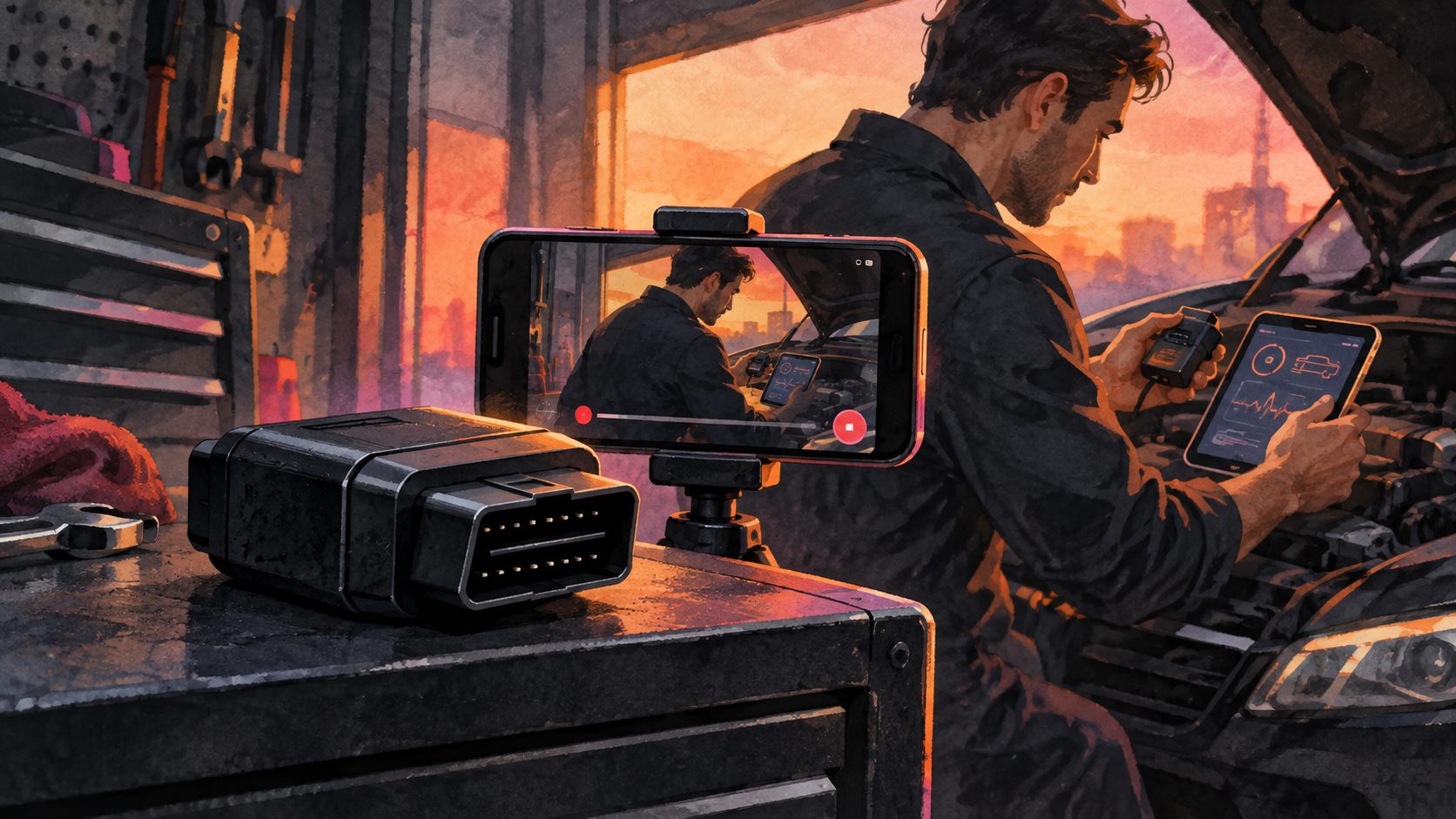
A credible OBD2 scanner video connects every product claim to visible evidence. The viewer should see the device, the vehicle connection, the operating sequence, and the resulting screen—not just animated icons claiming “fast diagnosis” or “full-system coverage.”
Most scanner demonstrations cover unboxing, menu navigation, code reading, live data, or service functions. Those details are useful, but long tutorials often delay the moment buyers care about: what happens after the scanner is plugged in?
Use a dual-evidence chain:
- Physical evidence: Show the real product entering the diagnostic port, powering on, and responding to user input.
- Digital evidence: Show the actual interface scanning the vehicle and displaying a supported result.
- Claim qualification: Identify the vehicle, app, subscription, or model restrictions that affect the demonstrated feature.
- Purchase relevance: Explain the outcome in plain language, such as “View the trouble code before choosing your next step.”
Do not imply that reading or clearing a code repairs the underlying problem. The scanner provides diagnostic information; it does not automatically fix the vehicle.
How Should the 15-Second Storyboard Work?
The strongest 15-second structure is problem, connection, scan, result, interpretation, CTA. It creates a complete cause-and-effect sequence while keeping each shot simple enough to understand without sound.
| Time | Visual | On-screen text | Evidence supplied |
|---|---|---|---|
| 0.0–2.0s | Check-engine light, then scanner enters frame | “Check engine light?” | Recognizable problem |
| 2.0–4.5s | Hand plugs scanner into the OBD-II port | “Plug in” | Real connection |
| 4.5–7.0s | Device powers on and scan begins | “Scan the vehicle” | Operating process |
| 7.0–10.0s | Real code or supported data appears | “See the detected code” | Digital result |
| 10.0–12.5s | Close-up of the description or report | “Understand the next step” | Practical value |
| 12.5–15.0s | Product hero shot with CTA | “Check compatibility” | Qualified action |
This OBD2 scanner demo video ad framework allocates eight seconds to observable proof, rather than spending most of the runtime on packaging, logos, or abstract animation. That “proof density” is the central planning metric: at least half of the video should show the real product performing the advertised task.
For a Bluetooth scanner, replace the handheld screen shot with a phone pairing sequence and app result. For a professional tablet, demonstrate one high-intent function rather than racing through every menu.
Which Claims Need Extra Validation?
Scanner advertising claims should match the exact model, vehicle, software version, and subscription state used in the demonstration. The FTC’s advertising guidance states that advertisers need evidence for express and implied objective claims before an ad runs. (ftc.gov)
Review these common risk areas before publishing:
- “Works with all cars”: Replace with the documented model-year, market, protocol, and vehicle coverage.
- “Diagnoses every system”: Specify whether the product reads engine codes only or supports ABS, SRS, transmission, body, or other modules.
- “Fixes the check-engine light”: Use “reads” or “clears supported codes” instead of implying mechanical repair.
- “Instant results”: Show an uncut or accurately timed scan if speed is a material claim.
- “No subscription”: Confirm whether updates, advanced reports, or app functions require payment.
- Bidirectional control: Show the commanded component and the scanner screen in the same sequence.
A disclosure should appear beside the relevant claim, not as unreadable text during the final frame. Examples include “Feature availability varies by vehicle” and “Demonstration vehicle: 2018 [make/model].”
How Should Amazon and DTC Versions Differ?
An Amazon version should prioritize silent product operation, while a DTC version can add narration, brand context, and a stronger problem-solution story. Build both from the same evidence footage, but change the opening, aspect ratio, overlays, and CTA.
Amazon’s Sponsored Products video guidance calls for real product use, clear feature demonstrations, and strong product visibility. Its current feature-video format accepts videos from seven seconds, recommends 1920 × 1080 horizontal footage, removes audio, and states that the product should occupy at least half the frame. (advertising.amazon.com)
For Amazon:
- Use large, self-contained text overlays.
- Keep the scanner and interface legible on mobile.
- Match the demonstrated product to the advertised ASIN.
- Avoid a talking-head explanation that is required to understand the feature.
- Consult this Amazon product video aspect-ratio guide when preparing marketplace assets.
For a Shopify or other DTC page, add a short voiceover, comparison context, compatibility prompt, and link to a model lookup page. Amazon also reports that introducing the product within the first five seconds and using readable on-screen text are associated with stronger video performance across its analyzed creatives. (advertising.amazon.com)
How Can AI Scale the Video Without Faking the Demo?
AI should scale presentation and variation—not manufacture diagnostic evidence. Capture the real connection and interface result once, then use AI-assisted workflows for editing, formatting, localization, cleanup, and controlled creative testing.
A practical AdsTurbo workflow is:
- Record two proof clips: Film the scanner connecting to the vehicle and the real screen or app returning a result.
- Build clip by clip: Combine proof footage with a product hero image, problem hook, text overlays, and final CTA.
- Improve weak source footage: Use video upscaling for compressed clips and background replacement for controlled product scenes.
- Create silent and narrated cuts: Generate time-synchronized subtitles and export either embedded captions or a separate subtitle file.
- Produce localized variants: Translate the spoken content and captions while retaining the same verified demonstration.
- Generate a testing batch: Change one variable at a time using a controlled AI ad variation matrix.
AdsTurbo Product Video supports JPG or PNG product images up to 10MB and can create product review, introduction, and demonstration-style videos. However, sellers should retain real footage for claims involving scan speed, vehicle compatibility, code results, or advanced controls.
What Should the Creative Testing Matrix Measure?
A useful test changes one communication variable while preserving the same product evidence. This prevents sellers from mistaking a different vehicle, offer, or demonstration result for a better creative hook.
Start with this four-cell matrix:
| Variant | Hook | Proof focus | CTA |
|---|---|---|---|
| A | Check-engine light | Read a trouble code | Check compatibility |
| B | “Know before the repair visit” | Code description | View product details |
| C | Scanner versus basic dongle | Supported module access | See supported vehicles |
| D | Used-car inspection | Live data or system scan | Review scanner coverage |
Track three stages separately: the three-second hold rate for the hook, completion or five-second view rate for proof engagement, and product-page conversion for purchase relevance. Do not declare a winner from click-through rate alone; a dramatic warning-light hook may earn clicks while attracting shoppers whose vehicles are incompatible.
For further creative research, use a competitor ad script breakdown workflow to study pacing and shot logic. Rebuild the structure around your own product and verified claims rather than copying another seller’s footage, branding, or promises.
Frequently Asked Questions
Should an OBD2 scanner ad show a real trouble code?
Yes. A real code or supported diagnostic result makes the cause-and-effect sequence credible. Identify the demonstration vehicle and avoid suggesting that the same code or feature will appear on every compatible vehicle.
Can the video show a code being cleared?
It can, provided the scanner supports that function and the ad does not imply the underlying mechanical fault has been repaired. Consider adding “Diagnose the cause before clearing codes.”
Is 15 seconds long enough for a scanner demonstration?
Yes, when the video covers one function. A 15-second video is too short for a complete feature tour, so create separate versions for code reading, live data, battery testing, service resets, or bidirectional controls.
Should sellers use generated interface footage?
Generated UI can illustrate navigation, but it should not be presented as proof of real diagnostic performance. Use an actual screen recording or clearly label conceptual interface animation.
What is the best CTA for an automotive scanner ad?
“Check vehicle compatibility” is usually more useful than “Buy now” because compatibility is a major purchase condition. The destination page should make model-year and feature coverage easy to verify.
A high-trust OBD2 scanner demo video ad does not need exaggerated claims. It needs a visible connection, a real result, an accurate qualification, and a CTA that helps the shopper confirm fit before purchasing.