

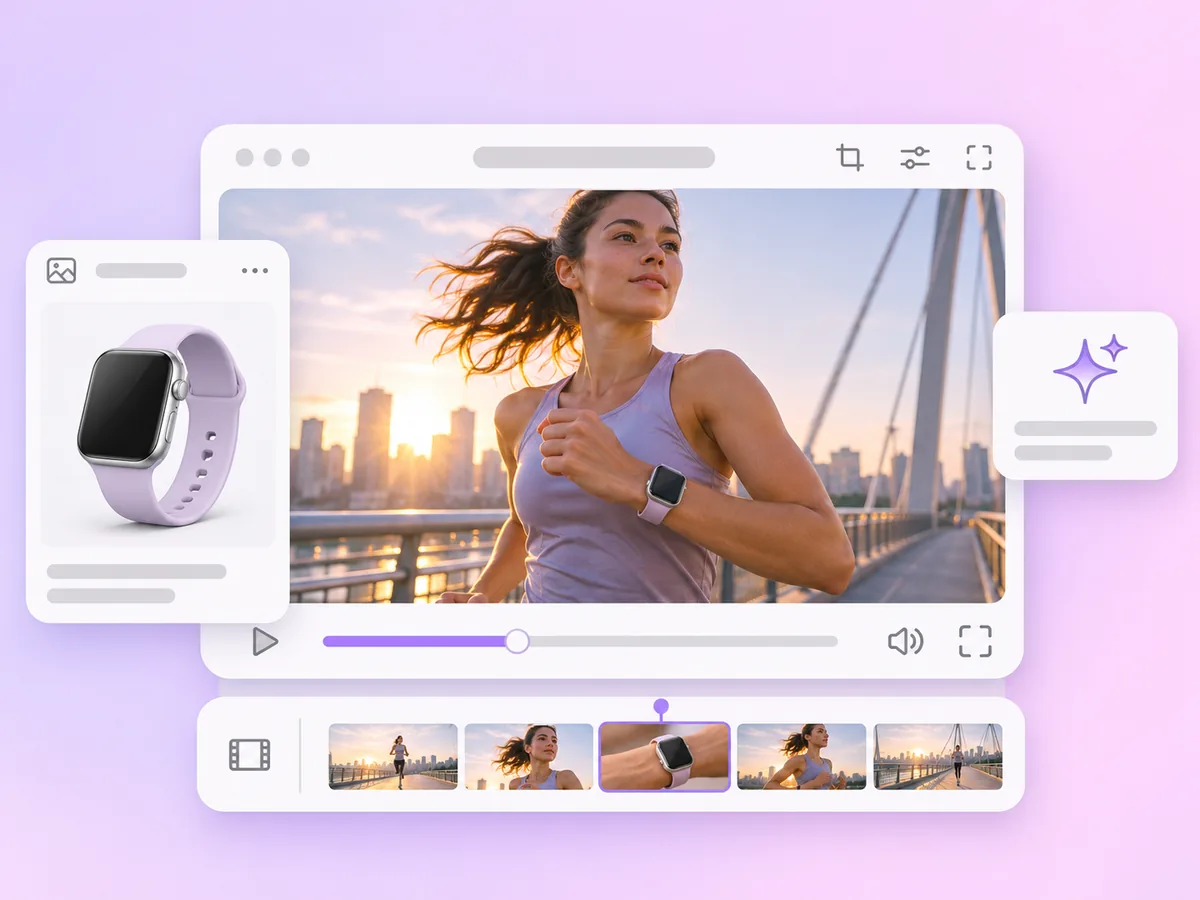
What an AI ad video generator does
A video ad needs a script, footage, a voice and an edit. An AI ad video generator produces those from inputs you already have, so a new ad does not start with a shoot. The useful question is what the generator starts from, because that decides what kind of ad you get.
AdsTurbo works as an AI video ad generator in two ways. Product Video starts from a single product image and builds a UGC-style short-form ad with an AI-written script and voiceover. Ad Clone starts from a reference ad you have the rights to use and generates new variations of it. This page opens Product Video, the quicker route when you have a product and no ad yet.
Route one: a video ad from one product image
- Input: one product image in JPG or PNG format, up to 10 MB, uploaded or picked from Assets.
- Message: up to three selling points that guide the script.
- Offer: turn on Promotional Info to add an original price, a promo price and promotion details.
- Language: choose a voiceover language, and the AI script is written in that language.
AdsTurbo writes the script from the image and your settings, then generates a UGC-style video in which the product is presented to camera. You do not film footage or record a voice. Product Video currently costs 216 credits per video, and pricing is subject to change.
How to generate a video ad with AdsTurbo
Upload the product image
Open Product Video and add a clear JPG or PNG of the product, or choose one from Assets.
Add selling points and the offer
Enter up to three selling points. If the ad promotes a deal, turn on Promotional Info and fill in the prices and promotion details.
Choose the voiceover language
Pick the language your audience speaks. The script and the voiceover follow that choice.
Generate and review
Click Start Generating. When the video is ready, check the product details, the claims in the script and the pronunciation before you use it as an ad.
Route two: new variations from a reference ad
If you already have an ad that performs, Ad Clone is the better starting point. Upload the video file or paste a supported link, select the segment to analyze, and AdsTurbo turns its content, style and structure into one editable prompt. You rewrite the prompt for your product, hook, on-screen text and call to action, add reference images of your own people, products or scenes, and generate.
- Aspect ratios: 21:9, 16:9, 4:3, 1:1, 3:4 and 9:16.
- Outputs: 1–3 videos per run from the same prompt.
- The result is a new AI-generated variation, not a copy of the reference.
- Use only reference videos, faces, voices and images you own or have permission to use.
What it does not do
- It does not connect to ad accounts. Publishing, targeting and budgets stay in the ad platform you use.
- It does not check claims for you. Review every script and video for accuracy and platform policy before it runs.
- AI output can contain errors or artifacts, especially in small text, logos and product details.
- Each generation uses credits, so settle the selling points and offer before you run several versions.
For testing, change one thing at a time. Run the same product image with a different first selling point, a different offer or a different voiceover language, and compare the versions in your ad platform.
Frequently asked questions
How do I make a video ad with AI?
In AdsTurbo Product Video, upload one product image as JPG or PNG up to 10 MB, add up to three selling points and any promotional details, choose a voiceover language and click Start Generating. AdsTurbo writes the script and generates the video ad with a voiceover.
What do I need to start?
One product image. Selling points, promotional info and the voiceover language are settings you add in the workspace. You do not need footage, a script or a recorded voice.
How much does one AI video ad cost?
Product Video currently costs 216 credits per video. Pricing is subject to change, so check the amount shown in the workspace before you generate.
Can I generate ads in different languages?
Yes. Choose the language with the Voiceover Language selector before you generate; the AI script is written in the language you select. Generate again with another language for another market.
Can I base a new ad on an existing video ad?
Yes, with Ad Clone. It analyzes a reference video you have the rights to use, creates an editable prompt, and generates 1–3 new variations per run in the aspect ratio you choose.


