Claude
 Cursor
AI Video Ad Generator for Ecommerce Product Listings


Summarize with
Summary
Learn how to turn ecommerce product listings into platform-ready video ads with AI, using a practical workflow for hooks, product proof, localization, and testing.
By adsturbo.ai | Published 2026-11-22 | Updated 2026-11-22
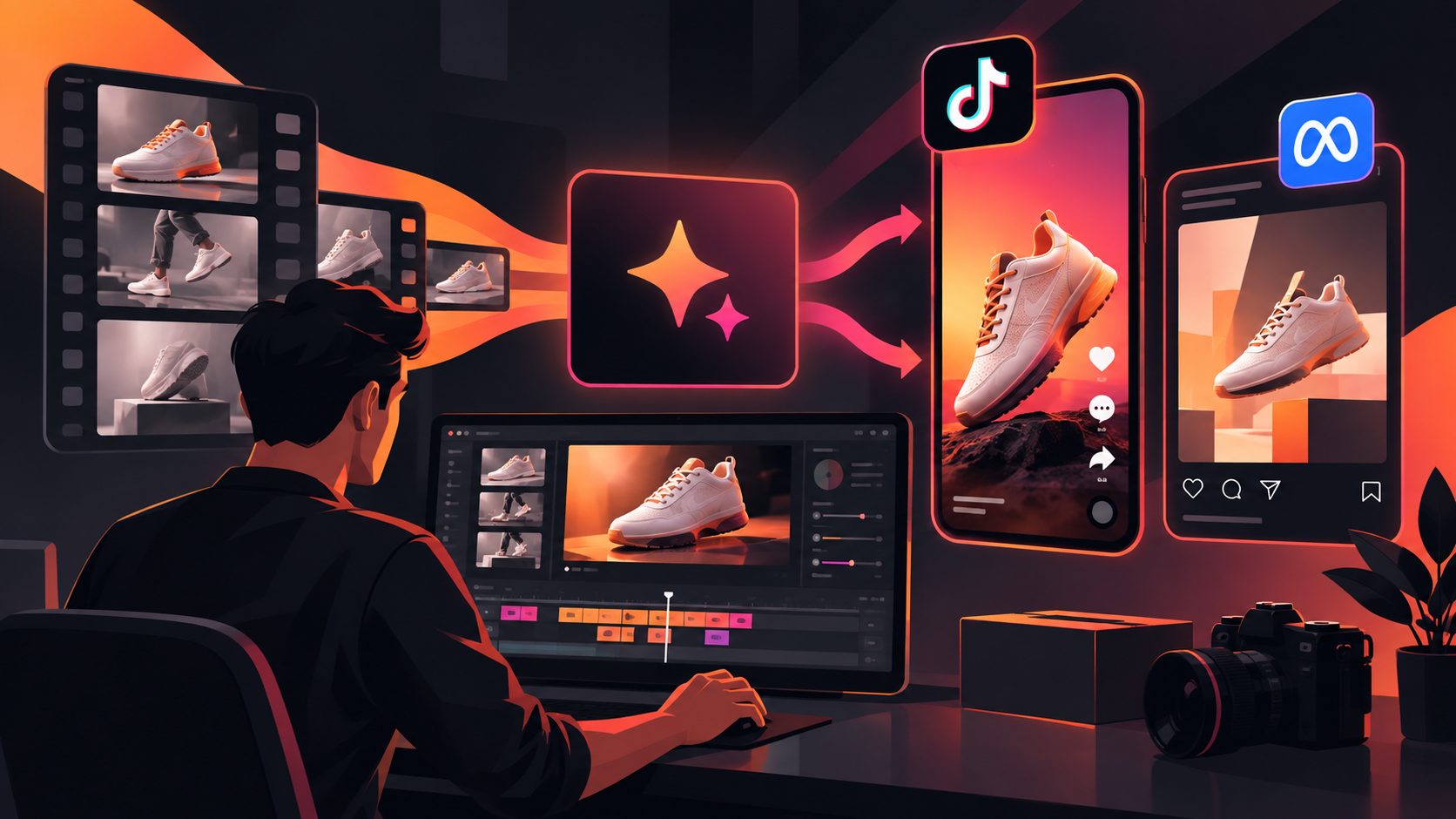
An AI video ad generator for ecommerce product listings turns product photos, listing information, selling points, and reference creatives into short videos for product pages and paid campaigns. The most useful workflow does more than animate a product image: it converts listing information into a clear hook, product demonstration, proof point, and call to action.
For ecommerce sellers, this creates a practical bridge between a static Amazon, Shopify, or TikTok Shop listing and video creative for TikTok, Instagram Reels, Meta, YouTube Shorts, and other channels.
What is an AI video ad generator for ecommerce listings?
An AI video ad generator for ecommerce listings is a tool that uses product assets and structured instructions to create short-form promotional videos. Inputs may include a product image, product description, selling points, discount details, a reference video, or a preferred audience.
The output should communicate four things quickly:
- What the product is
- Which problem it solves
- Why the viewer should believe the claim
- What action to take next
This is different from a basic slideshow maker. A slideshow may move between product images, while a product-focused ad uses pacing, visual hierarchy, captions, voiceover, and a specific conversion angle.
The best starting point is usually one product listing rather than an entire catalog. A single listing gives the workflow a clear subject, audience, benefit, and offer. That focus reduces vague scripts and makes each generated video easier to evaluate.
Why product listings are useful inputs for video ads
Product listings already contain much of the information needed for a creative brief. They often include the product name, feature bullets, use cases, specifications, customer objections, and image assets.
However, listing copy is usually written for shoppers who are already comparing products. Video ads must earn attention before the viewer has shown buying intent. This means the listing needs to be reorganized rather than copied word for word.
A useful conversion framework is:
| Listing information | Video creative role |
|---|---|
| Product name | Opening visual or spoken identification |
| Main feature | Demonstration or product close-up |
| Customer benefit | Hook or problem statement |
| Product specifications | Proof, comparison, or overlay |
| Promotion | Mid-video incentive or final CTA |
| Product images | Scene references and visual continuity |
This framework is an important distinction between listing-to-video production and generic text-to-video generation. The objective is not to make the most cinematic clip. It is to make the product understandable in a few seconds.
A practical listing-to-video workflow
1. Prepare a clean product input
Start with a clear JPG or PNG product image. A sharp photo on a plain or solid-color background generally gives the system a stronger visual reference because the product outline, color, and major details are easier to identify.
Add only claims that the product can support. Useful inputs include:
- The primary benefit
- Three important features
- The target customer
- A common objection
- The promotional offer
- The intended platform or aspect ratio
Avoid placing every product specification into one short video. One ad should usually communicate one dominant angle.
2. Choose one creative angle
A product can support several ads, but each individual video needs a clear reason to exist. Common ecommerce angles include:
- Problem and solution
- Product demonstration
- Before-and-after explanation
- Unboxing or first impression
- Comparison against a common alternative
- Gift or seasonal use
- Feature education
- Discount or limited-time promotion
For example, a reusable bottle might support a leak-proof demonstration, an insulation angle, a commuter use case, or a gift-focused concept. These are different ads even though they use the same product.
3. Build the first three seconds deliberately
The opening should make the product or problem recognizable immediately. A strong first frame may show the product in use, a close-up of the relevant feature, or a short statement that reflects the customer’s pain point.
A practical structure is:
- 0–2 seconds: Show the problem, result, or product
- 2–6 seconds: Demonstrate the main benefit
- 6–12 seconds: Add proof, detail, or social context
- Final seconds: Present the offer and next action
The exact duration depends on the placement, but the logic remains useful: identify, demonstrate, support, and direct.
4. Add captions and platform-safe formatting
Many viewers encounter short-form ads without sound. Captions should therefore carry the essential message rather than merely repeat the voiceover.
Keep important text away from areas covered by platform controls. Use short lines, high contrast, and a visual hierarchy that makes the product name, benefit, and CTA distinct.
AdsTurbo Video Subtitle can automatically transcribe speech and create time-synced subtitles. It also supports caption styling for formats such as TikTok, Instagram Reels, and YouTube Shorts, with options to download a video containing embedded subtitles or export a separate subtitle file.
5. Create variants instead of one “perfect” video
A single generated video cannot tell you which angle will perform best. A better testing system changes one major variable at a time:
- Hook
- Product benefit
- Presenter or voice
- Opening shot
- Offer
- CTA
- Caption style
- Aspect ratio
For an original testing framework, create a 3 × 3 listing matrix:
- 3 hooks: problem, result, curiosity
- 3 proof styles: demonstration, feature close-up, testimonial-style explanation
This produces nine structured concepts without creating nine unrelated ads. It also makes performance analysis clearer because each variation has a defined purpose.
How to turn one listing into multi-platform creative
Different channels reward different presentations, even when the underlying product is the same.
- TikTok and Reels: prioritize an immediate visual hook, conversational pacing, and prominent captions.
- Meta Feed: make the product and benefit understandable even when the video is viewed silently.
- YouTube Shorts: use a clear opening statement and a more complete narrative arc.
- Product pages: reduce promotional exaggeration and focus on demonstrations, specifications, and use cases.
AdsTurbo supports product video creation from JPG or PNG product images, with optional selling points and promotional information. It also provides more than 300 AI actors and over 100 product advertising templates, which can help sellers test different presentation styles without organizing a separate shoot for every concept.
For sellers repurposing existing assets, the platform supports clip-by-clip editing, video translation, subtitles, background replacement, motion control, and video analysis. Its Ad Clone workflow can analyze a reference advertisement and reconstruct its pacing, shot logic, and CTA structure for a new product concept.
When to enhance or rebuild an existing product video
Not every listing needs a completely new video. Sometimes the product footage is useful but too soft, compressed, poorly framed, or difficult to localize.
An AI video enhancer can improve the presentation of low-resolution or heavily compressed footage before it is placed into a new ad. This is especially useful when the original clip contains a valuable product demonstration that would be expensive to reshoot.
Use enhancement when the product details are fundamentally correct. Rebuild the creative when the problem is strategic—for example, the opening is slow, the benefit is unclear, or the CTA does not match the campaign objective.
How to judge whether the video is ready
Before publishing, review the creative against five practical checks:
- Product accuracy: Does the product look consistent with the listing?
- Message clarity: Can a viewer identify the benefit without reading the description?
- Visual proof: Does the video show the feature instead of only claiming it?
- Platform fit: Is the crop, caption placement, and pacing appropriate?
- Testing value: Does this version test a distinct angle or merely change colors?
A technically polished video can still be a weak ad if it does not communicate a specific reason to buy. The strongest listing-to-video workflow treats generation as the beginning of creative testing, not the end of production.
Frequently asked questions
Can an AI tool create a video from one product image?
Yes. A single product image can be used as the visual foundation for a short product video. The result improves when the image is clear, the background is simple, and the seller provides a specific benefit or use case.
Should product listing text be copied directly into the script?
Usually not. Listing text should be used as source material, then rewritten into a spoken hook, demonstration, proof point, and CTA. Short-form ads need conversational language and a faster information hierarchy.
What makes a product video different from a video ad?
A product video may explain or display an item. A video ad is built around a conversion objective, such as introducing a problem, demonstrating a benefit, overcoming an objection, or motivating a purchase.
Can one product video be used on every platform?
The core idea can be reused, but the export should be adapted to each placement. Cropping, captions, opening pace, safe zones, and CTA treatment may need to change for TikTok, Reels, Meta Feed, Shorts, or a product page.
How many variations should an ecommerce seller create?
Start with three distinct hooks and three proof styles, producing nine structured concepts. After initial results, keep the strongest angle and test smaller changes such as voice, caption treatment, offer, or opening shot.