By adsturbo.ai | Published 2026-10-07 | Updated 2026-10-07
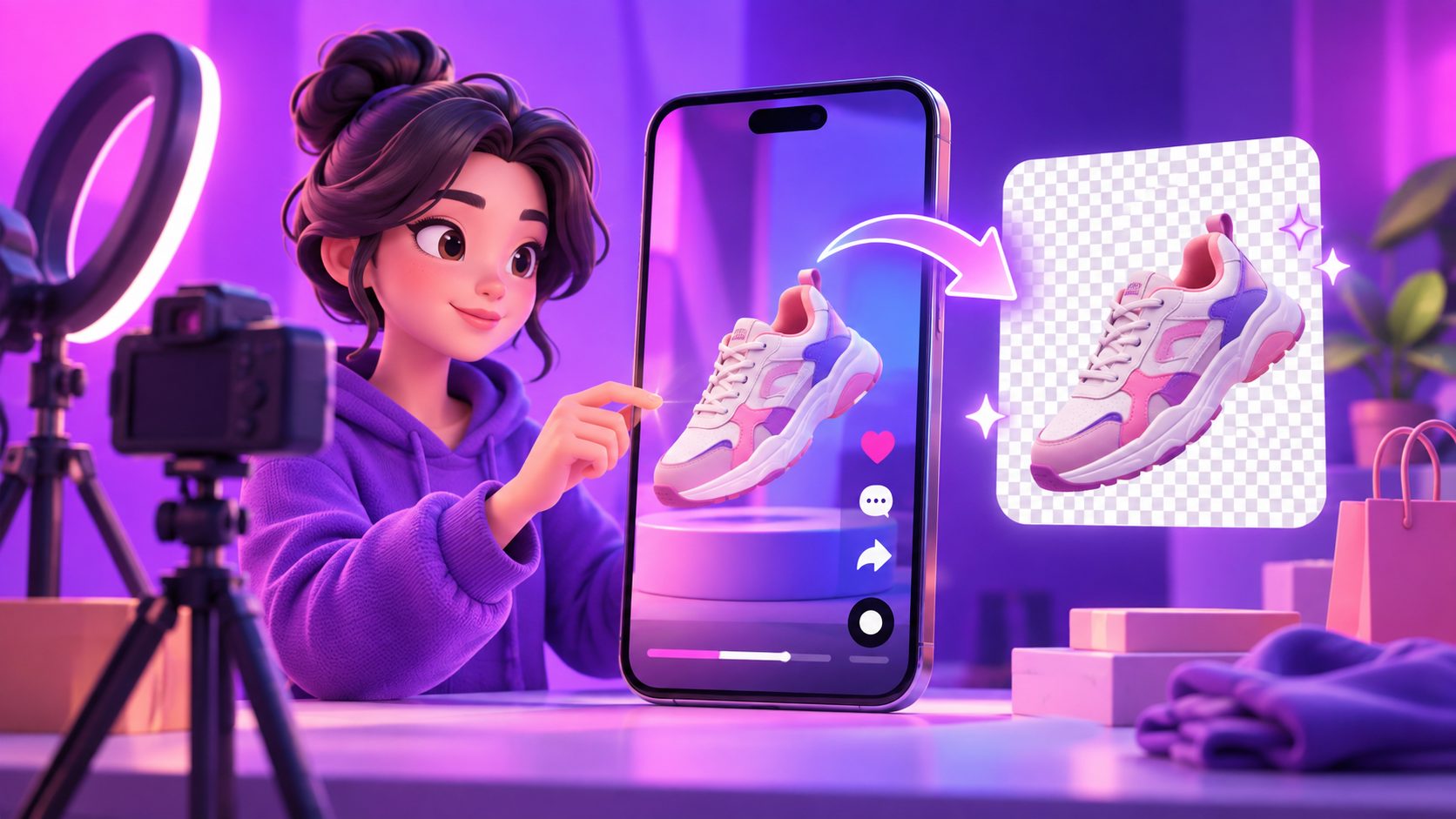
A remove background from TikTok video AI workflow isolates the presenter or product in each frame, removes visual clutter, and composites the subject onto a cleaner ecommerce scene. The best results come from combining automatic segmentation with deliberate lighting, edge inspection, and platform-safe positioning—not simply pressing “remove.”
For TikTok Shop sellers, this process can rescue otherwise useful UGC filmed in bedrooms, warehouses, kitchens, or crowded stores. It also makes one product demonstration reusable across seasonal campaigns, audience segments, and localized storefronts.
What Does AI Video Background Removal Actually Do?
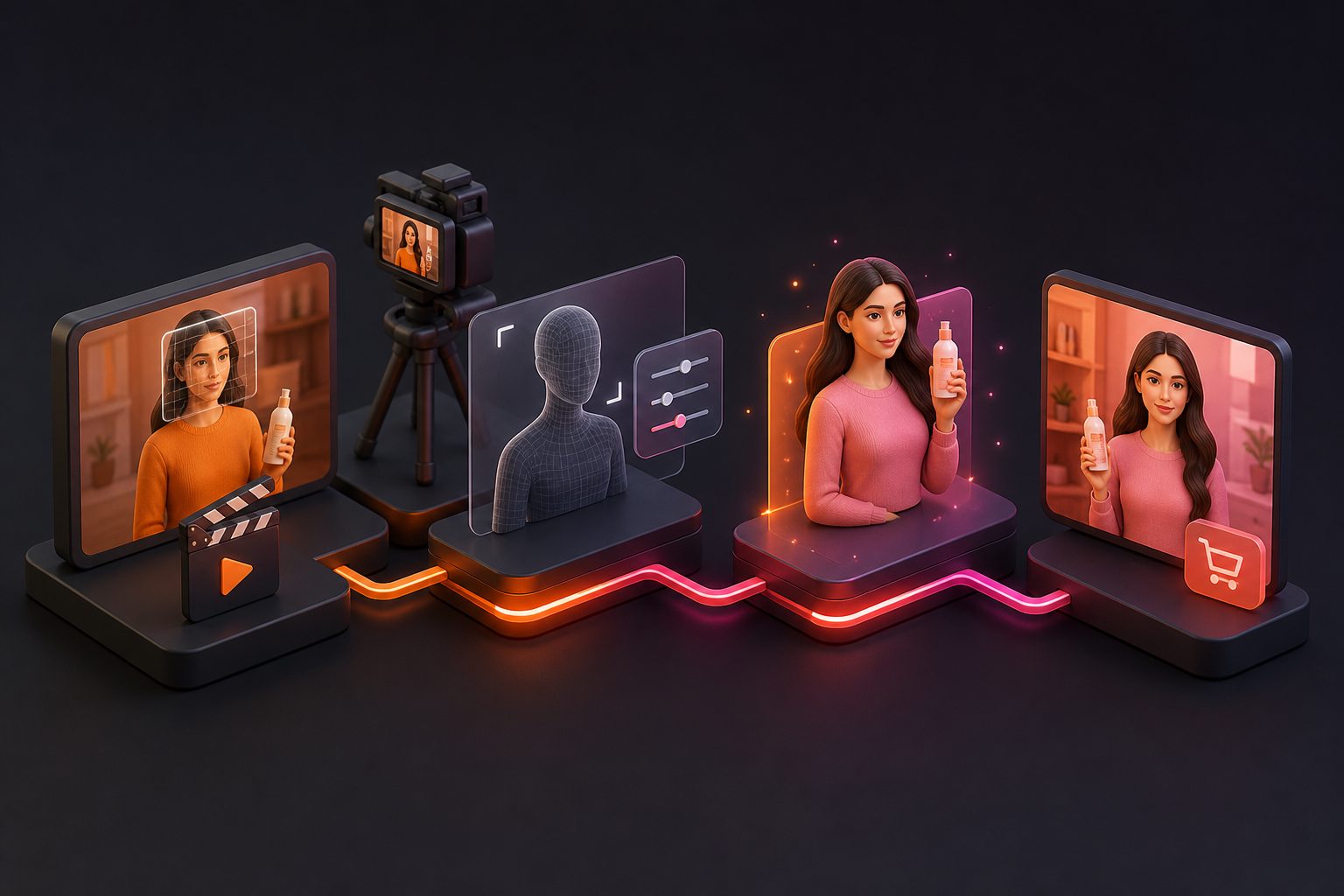
AI video background removal is a frame-by-frame segmentation process. The model identifies the primary person or object, creates a moving mask around it, and separates that foreground from walls, furniture, people, and other background elements.
Unlike a traditional chroma-key workflow, it does not require a green screen. Current tools generally follow the same upload, automatic cutout, background selection, and export sequence, although supported formats and transparent-video options vary. (fotor.com)
The difficult part is temporal consistency. A cutout may look clean in one frame but flicker around fingers, hair, transparent packaging, or a moving product in the next. Ecommerce footage adds another challenge: the AI must preserve the item accurately enough that its shape, color, and material do not appear misleading.
How Should You Prepare TikTok Shop Footage?
Better source footage produces a cleaner mask and reduces manual repair. Before processing an entire clip, inspect a representative two- or three-second section containing the fastest movement and the most difficult product interaction.
Use this preparation checklist:
- Choose visible separation: The presenter’s clothing and product should contrast with the original background.
- Reduce motion blur: Use brighter lighting or a faster shutter setting when filming hands, fabric, or demonstrations.
- Keep the product unobstructed: Avoid covering critical edges with fingers for long periods.
- Preserve resolution: Start with the original camera file rather than a repeatedly downloaded social-media copy.
- Confirm usage rights: Edit only footage, people, music, and brand assets you own or are authorized to use.
TikTok recommends full-screen 9:16 creative, strong lighting, visible product detail, and at least 720p resolution in its creative quality checklist. Its current video advertising guidance recommends exporting vertical creative at 1080 × 1920 or higher when possible. (ads.tiktok.com)
How Do You Remove and Replace the Background?
The reliable method separates technical cleanup from creative scene selection. Do not build captions, pricing, or calls to action until the subject mask has passed inspection.
- Import the original vertical clip. Use the highest-quality MP4 or MOV available and retain its original frame rate.
- Identify the foreground subject. Select the presenter, product, or both, depending on the tool’s masking controls.
- Run automatic background removal. Preview the result on a contrasting solid color so missing edges become obvious.
- Repair unstable sections. Check hair, fingers, product handles, reflective surfaces, and frames containing fast motion.
- Add the replacement scene. Match its camera angle, light direction, sharpness, and color temperature to the foreground.
- Rebuild the TikTok layout. Add captions, proof points, offer details, and a CTA inside safe viewing areas.
- Export and review on a phone. Watch the complete video at normal speed and once frame by frame.
For broader production planning, pair this cleanup process with a structured AI UGC video advertising workflow rather than treating background replacement as an isolated visual effect.
Which Ecommerce Background Should Replace the Original?
The replacement should strengthen the product claim, not merely look attractive. A polished studio may suit a beauty close-up, while a realistic kitchen is more persuasive for cookware because it supplies usage context.
| Selling objective | Recommended background | Avoid |
|---|---|---|
| Explain product features | Soft neutral studio or subtle gradient | Busy shelves and animated scenery |
| Demonstrate real-world use | Relevant kitchen, bathroom, office, or outdoor scene | Environments where the product would not naturally appear |
| Emphasize premium design | Controlled shadows, restrained colors, clean materials | Oversaturated luxury props that compete with the item |
| Promote a discount | Simple branded color field with space for offer text | Detailed scenery behind prices and coupon codes |
| Show small details | Low-contrast background with shallow depth cues | Patterns crossing the product outline |
A useful rule is one scene, one sales job. If the hook promises stain resistance, the setting should make the demonstration credible. If the video explains sizing, preserve visual space for measurements or fit guidance rather than adding decorative objects.
What Is the 12-Point Background Readiness Score?
The Background Readiness Score is an original pre-edit framework for deciding whether footage should be processed, repaired, or reshot. Score each factor from 0 to 2 before spending time on a complete render.
| Factor | 0 points | 1 point | 2 points |
|---|---|---|---|
| Subject contrast | Blends into background | Partial separation | Clear separation |
| Edge complexity | Transparent or highly reflective | Hair, fur, or fine details | Clean, solid edges |
| Motion | Heavy blur | Moderate movement | Sharp movement |
| Occlusion | Product frequently covered | Brief overlaps | Product remains visible |
| Lighting | Mixed or strongly uneven | Repairable mismatch | Consistent light |
| Camera stability | Shaking or reframing | Minor movement | Stable composition |
Interpretation:
- 0–5: Reshoot when possible.
- 6–9: Use AI removal, then inspect and repair difficult moments.
- 10–12: Suitable for efficient automatic processing.
This score prevents a common mistake: trying to repair footage whose poor contrast or motion blur has already destroyed the boundary information the model needs.
How Can You Prevent Fake-Looking Results?
Realism depends on whether the foreground and background appear to share the same physical space. Edge accuracy matters, but inconsistent light, scale, or camera perspective can expose an edit even when the mask is technically clean.
Check these five failure points:
- Halo edges: Reduce excessive feathering around shoulders and products.
- Floating feet or objects: Add a contact shadow where the subject meets a floor or surface.
- Mismatched sharpness: Blur an overly detailed background to match smartphone depth of field.
- Incorrect light direction: Choose a scene whose highlights and shadows align with the original footage.
- Distracting background motion: Keep moving scenery slower than the product demonstration.
AdsTurbo provides Background Replace, Clip by Clip editing, AI Upscaling, and Video Subtitle tools that can be combined into this cleanup workflow. Sellers producing multiple concepts can also use a controlled AI ad creative variation matrix to test backgrounds without changing every other element simultaneously.
How Should the Final TikTok Video Be Exported?
Export a vertical 9:16 master, preferably at 1080 × 1920, and keep the presenter, product, captions, and CTA away from interface overlays. TikTok’s business guidance specifically recommends vertical creative and safe-zone placement for text. (ads.tiktok.com)
Review the exported MP4 on an actual phone. Compression can make thin edges, hair detail, and small text look worse than they did in the editor. If the source is soft or heavily compressed, AdsTurbo’s AI Upscaling can be used before the final delivery stage.
Background replacement can also become part of a modular production system. For example, a seller can retain the same demonstration while testing a clean studio, real-use environment, and promotional offer scene. Keep the hook, product claim, duration, and CTA unchanged so the background remains the primary test variable. The same modular principle is explained in this 15-second ecommerce video conversion playbook.
Frequently Asked Questions
Can AI remove a TikTok video background without a green screen?
Yes. An AI video background remover can identify and isolate a person or product without chroma-key footage. Clean lighting, strong subject contrast, limited motion blur, and visible edges improve the result.
Can I use a downloaded TikTok video?
Technically, some tools accept uploaded files or pasted links. You should only modify and republish footage when you own it or have permission from the creator and other rights holders.
Why does the removed background flicker?
Flicker occurs when the segmentation mask changes between frames. Hair, fingers, reflections, motion blur, and temporary obstructions are common causes. Inspect the difficult sections frame by frame or divide the video into shorter clips.
Should the new background be an image or a video?
A still image is usually safer for product explanations because it keeps attention on the item. Use background video only when its movement supplies meaningful context and does not compete with the demonstration.
Does AI background replacement require disclosure on TikTok?
TikTok encourages disclosure for content that is completely generated or significantly edited with AI and requires labeling for certain realistic AI-generated content. Simple background cleanup may differ from substantially altering a person or event, so review the current policy and label realistically transformed content when required. (support.tiktok.com)