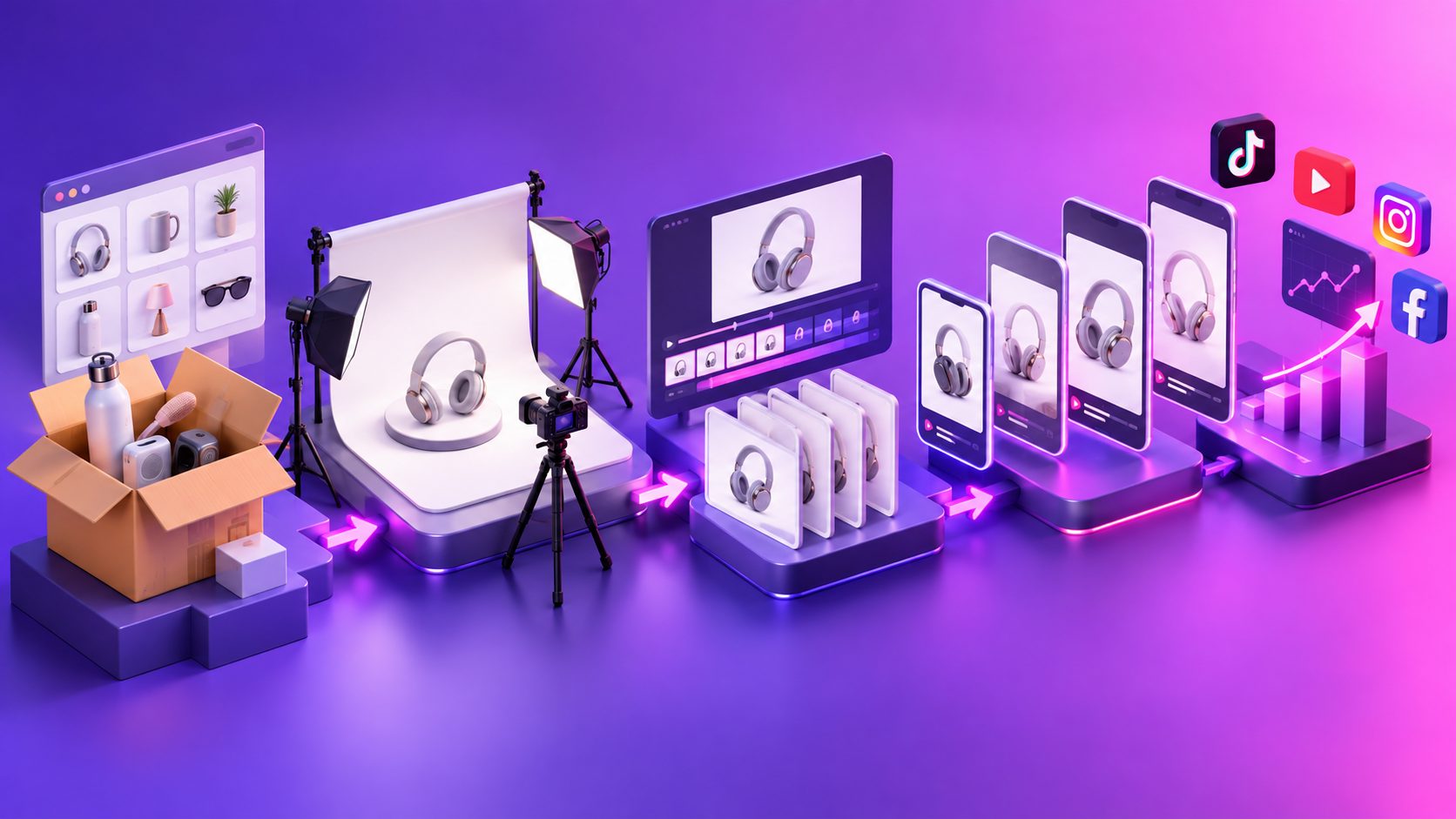
By adsturbo.ai | Published 2026-10-08 | Updated 2026-10-08
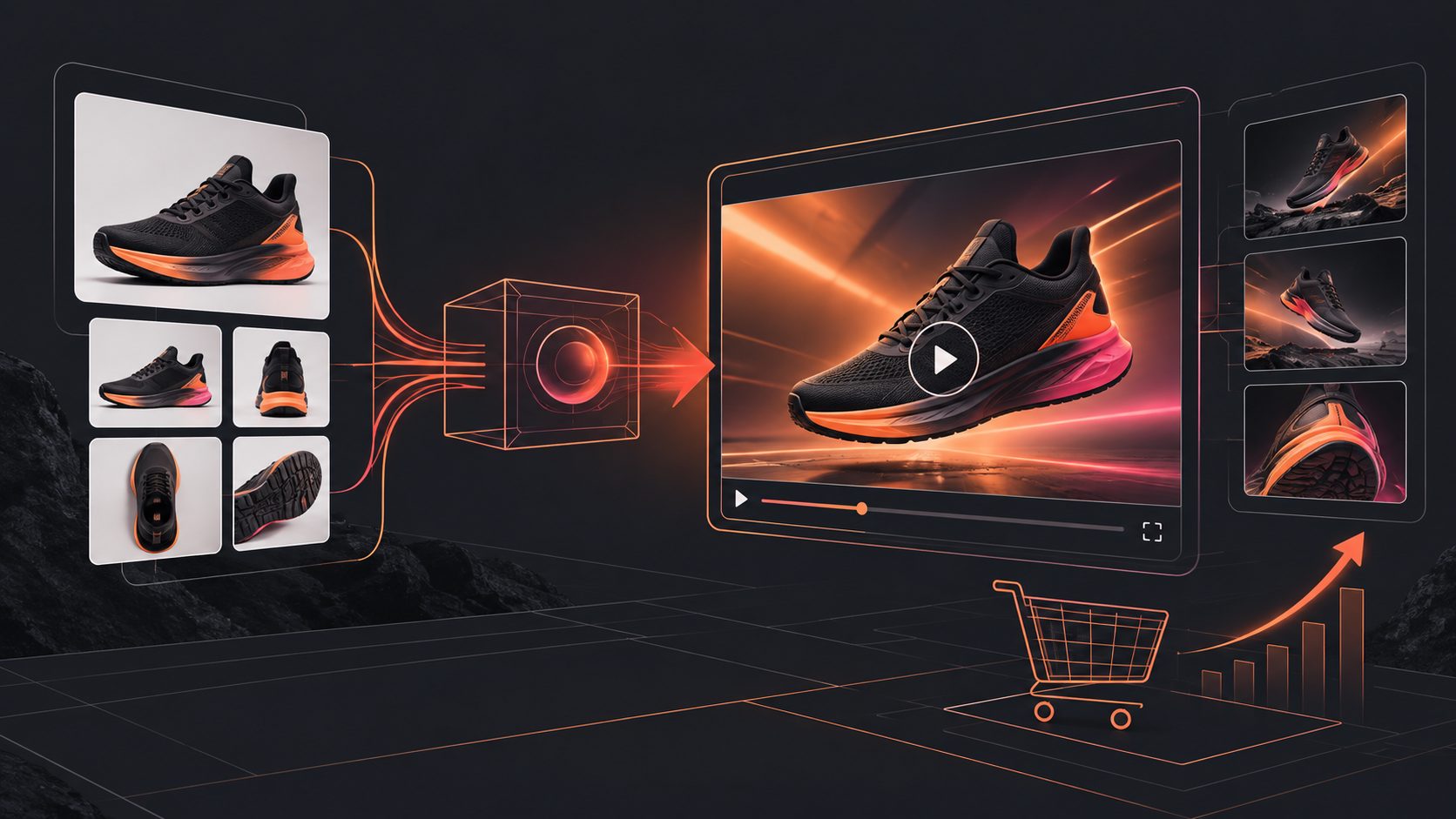
A Temu product GIF to video ad tool should do more than convert a looping file to MP4. It should identify the GIF’s strongest product action, rebuild it into a 15-second narrative, add verified benefits, captions, audio, and a clear CTA, then export a placement-ready vertical video.
The goal is not more motion. It is a stronger sales argument built from the product evidence already visible in the GIF.
What Should the Tool Do With a Temu GIF?
The tool should treat the GIF as raw evidence rather than a finished advertisement. A listing GIF may reveal rotation, assembly, texture, size, or a before-and-after action, but it rarely explains why that motion matters to the customer.
A useful workflow separates four elements:
- Visual hook: The most surprising or immediately understandable frame.
- Product proof: The action showing how the item works.
- Buyer benefit: The practical outcome supported by that action.
- Conversion cue: A truthful offer, product detail, or CTA.
Simple GIF conversion repeats the same movement for 15 seconds. Ad reconstruction gives each scene a distinct job, preserving useful motion while removing dead frames, unreadable listing text, and repetitive loops.
How Do You Turn the GIF Into a 15-Second Video Ad?
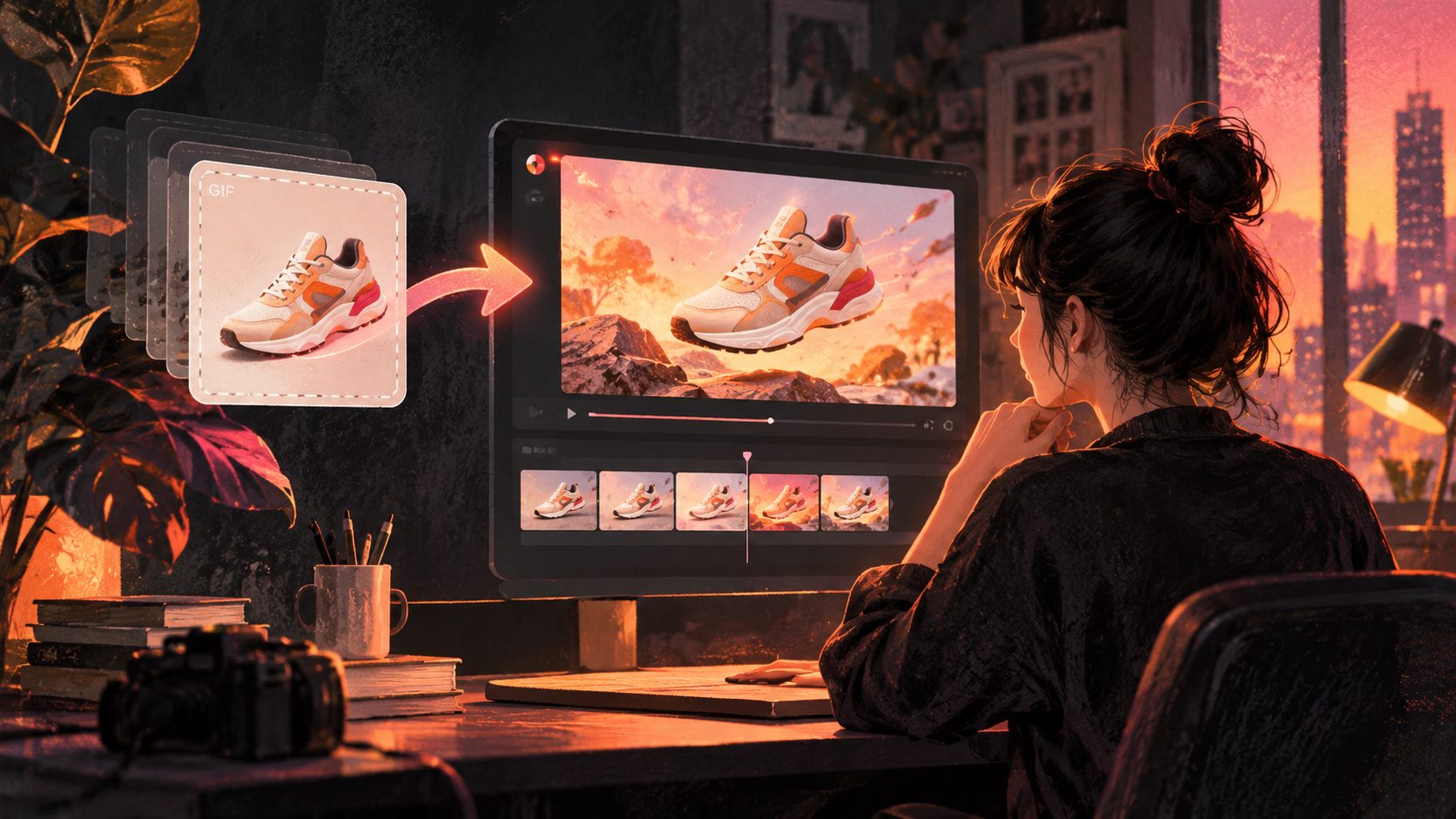
Start by auditing the source, not by generating extra scenes. The safest workflow extracts what the GIF genuinely proves, combines it with clean product images and verified listing details, and only then builds the script and visual sequence.
- Extract three to six key frames. Keep the opening state, product action, close-up detail, and visible result.
- Write one factual benefit. Translate the action into a buyer outcome without adding unsupported claims.
- Choose one audience problem. A 15-second ad cannot explain every feature.
- Build the hook around contrast. Show “before versus after,” “messy versus organized,” or “slow versus simple” only when the visuals support it.
- Add audio and captions. The voiceover provides context; captions preserve comprehension when sound is unavailable.
- Export controlled variants. Change the hook, proof order, or CTA separately so test results remain interpretable.
If the GIF came from a listing you do not control, confirm that you have permission to reuse it. Remove marketplace interface elements and replace listing-specific text with your own reviewed copy.
What Is the Best 15-Second Storyboard?
A practical 15-second structure is hook, identification, demonstration, payoff, and action. This sequence introduces the product quickly while reserving enough time for visible proof instead of filling the ad with generic claims.
| Time | Scene purpose | Visual direction | Example copy |
|---|---|---|---|
| 0–2 sec | Stop the scroll | Start on the GIF’s clearest action | “Still doing this the hard way?” |
| 2–5 sec | Identify the product | Clean hero shot plus product name | “This compact tool handles it in seconds.” |
| 5–9 sec | Demonstrate | Rebuild the key GIF motion at readable speed | “Position, press, and release.” |
| 9–12 sec | Show the payoff | Close-up result or real use context | “Less mess. Easier storage.” |
| 12–15 sec | Prompt action | Product, offer, and direct CTA | “See today’s product details.” |
Avoid placing the price in the first frame unless price is the deliberate test variable. Product prices, discounts, and shipping terms can change, so they should be checked against the landing page before every campaign launch.
Which Export Specs Keep the Ad Reusable?
A 15-second, 1080 × 1920, 9:16 video with audio, captions, and safely positioned text is a practical master file for short-form campaigns. It should still be reviewed against the exact placement and advertising policy before publication.
| Destination | Practical preparation |
|---|---|
| TikTok | Use vertical 9:16, clear audio, legible visuals, and genuine motion rather than a mostly static slideshow. |
| Instagram and Facebook Reels | Use 9:16 video with audio and keep product names, benefits, and CTAs inside the interface-safe area. |
| YouTube Shorts | Export 9:16 at 1080 × 1920; a 15-second version fits Google’s commonly recommended short-video format. |
| Square placements | Create a separate 1:1 composition rather than automatically cropping the vertical master. |
TikTok’s current ad-format policy accepts standard vertical, square, and horizontal sizes and requires dynamic, high-resolution creative with audio for the covered placements. Meta recommends 9:16 Reels ads with audio and key messages in the safe zone, while Google documents 1080 × 1920 as its recommended vertical HD resolution. (ads.tiktok.com)
Official details are available in the TikTok ad format policy, Meta Reels advertising guidance, and Google video specifications.
How Can AdsTurbo Fit Into the Workflow?
AdsTurbo can turn clean product inputs into a structured ecommerce video without implying direct GIF support. Export the strongest GIF frame as JPG or PNG, then combine it with verified selling points, promotion details, and a clearly defined advertising angle.
AdsTurbo Product Video supports JPG and PNG product images and can create product review, introduction, and demonstration videos. Its Clip by Clip, Video Subtitle, background replacement, and AI upscaling tools can then refine scene order, caption timing, surroundings, and visual clarity.
For a related pacing example, review this 15-second Temu fast-shipping proof script. Sellers starting with multiple listing images can also use the carousel-to-video workflow before building a controlled creative variation matrix.
How Do You Measure Whether the GIF Contains Enough Proof?
Use the original Proof Density Score below before generating the ad. Award one point for each question answered “yes”; a source scoring at least four out of five is usually easier to reconstruct without inventing unsupported scenes.
- Recognition: Is the product identifiable within one second?
- Action: Does the GIF show a meaningful product movement?
- Detail: Is one material, control, mechanism, or finish clearly visible?
- Outcome: Can viewers see what changed after the action?
- Continuity: Can the motion connect naturally to a separate hero image or CTA?
A score of two or less indicates that the GIF should be supporting footage, not the creative foundation. Add original product images or authorized demonstration footage rather than asking generation tools to guess how the product operates.
What Common Mistakes Weaken the Final Ad?
The most common mistake is stretching a short loop instead of rebuilding its message. Other avoidable problems include:
- Showing the product too late.
- Using tiny text copied from the listing.
- Adding benefits the source does not demonstrate.
- Cropping hands, controls, or product edges in vertical formats.
- Changing the hook, audience, offer, and CTA in the same test.
- Publishing AI-generated labels or packaging without checking them.
- Using watermarks, faces, music, or reference footage without authorization.
If a platform rejects the output, use a layered review of the creative, claims, landing page, and campaign setup. This rejected video ad troubleshooting workflow explains that process.
Frequently Asked Questions
Can I upload a Temu GIF directly to AdsTurbo?
The documented Product Video input is a JPG or PNG product image. For this workflow, export a clean key frame from the GIF, upload that image, and use the original motion as storyboard guidance rather than assuming direct GIF ingestion.
Why use a 15-second ad instead of the original short loop?
Fifteen seconds provides room for a hook, product identification, demonstration, outcome, and CTA. It is short enough for mobile viewing while allowing the viewer to understand why the product action matters.
What should I look for in a Temu product GIF to video ad tool?
Prioritize frame selection, editable scripts, caption control, multiple aspect ratios, claim review, and controlled variation generation. Avoid tools that merely repeat the GIF, invent product behavior, or place critical text beneath platform interface elements.
How many versions should I create?
Begin with three variants: one hook-led, one demonstration-led, and one benefit-led. Keep the product, offer, duration, and CTA stable so you can identify which opening argument changes the response.