Run xAI's Grok Imagine Image 2.0 from the AdsTurbo workspace. Write a prompt, or add up to 3 reference photos to edit, and get up to 10 photoreal images at 1K or 2K, in 15 aspect ratios including full-screen phone sizes like 19.5:9 and 20:9.
Demo preview. Open the workspace to pick Grok Imagine Image 2.0, add your photo and generate.
Grok Imagine is the image and video generator from xAI, the company behind Grok. AdsTurbo gives you its image model, Grok Imagine Image 2.0, in the image mode of its workspace, next to GPT Image, Nano-Banana, Seedream and more.
Grok Imagine Image 2.0 is known for natural, photoreal output, a good fit for lifestyle scenes and social posts.
Besides 1:1, 16:9 and 9:16, it offers tall full-screen sizes like 9:19.5 and 9:20, plus 2:1, 5:2 and 21:9 banners.
Attach up to 3 photos and describe the change. With references, the output follows the shape of your photo.
AdsTurbo is not affiliated with xAI, and this is not the Grok app or X. It is a workspace that connects you to Grok Imagine Image 2.0 and other models, and images are generated within the platform's content policy.
From prompt or photo to Grok Imagine images in three steps in the AdsTurbo workspace.
On the workspace home page, switch to Image and choose Grok Imagine Image 2.0 from the model list. Set the aspect ratio, 1K or 2K, and how many images you want, up to 10.
Describe what is in the picture, where it is, the light and the style. To edit a product or a person, attach up to 3 reference photos and say what to change and what to keep.
Sign in and start the task. Each image is charged separately, and credits are returned if a generation fails. Pick the best images and download them.
With reference photos, the aspect ratio follows the photo and cannot be set by hand. Without references, choose Auto or one of 15 ratios.
What xAI's image model can do in the workspace, with the limits that apply.
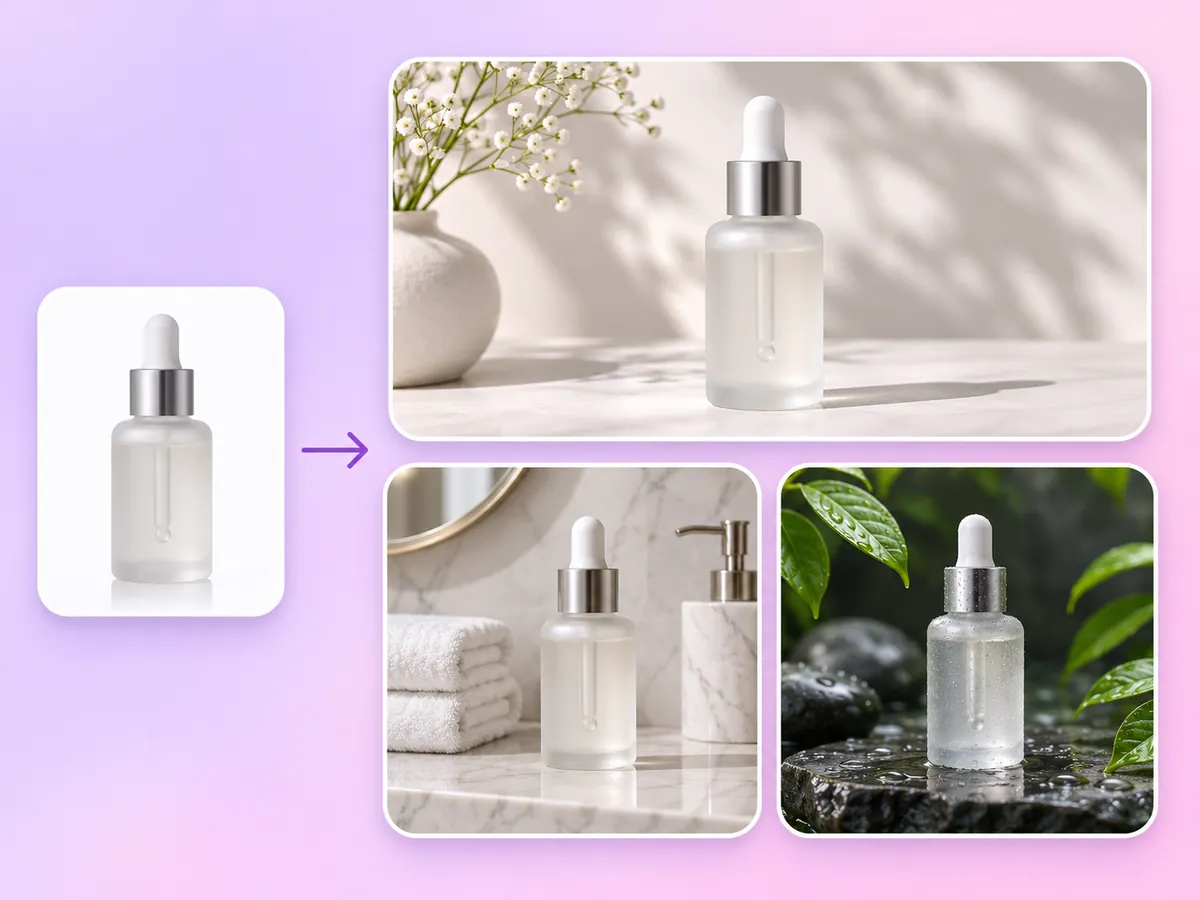
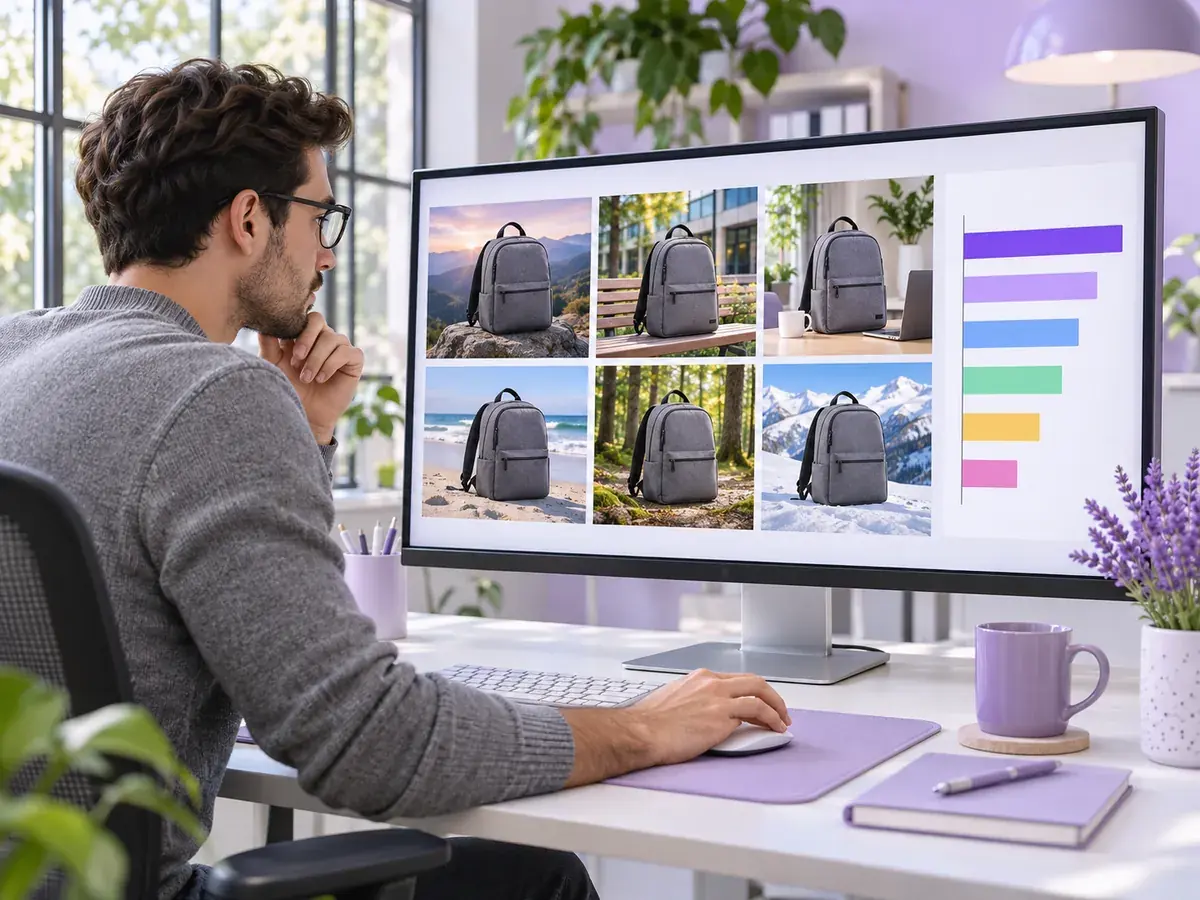
Attach a product photo and describe a new setting. Grok Imagine keeps the product and builds a photoreal scene around it.
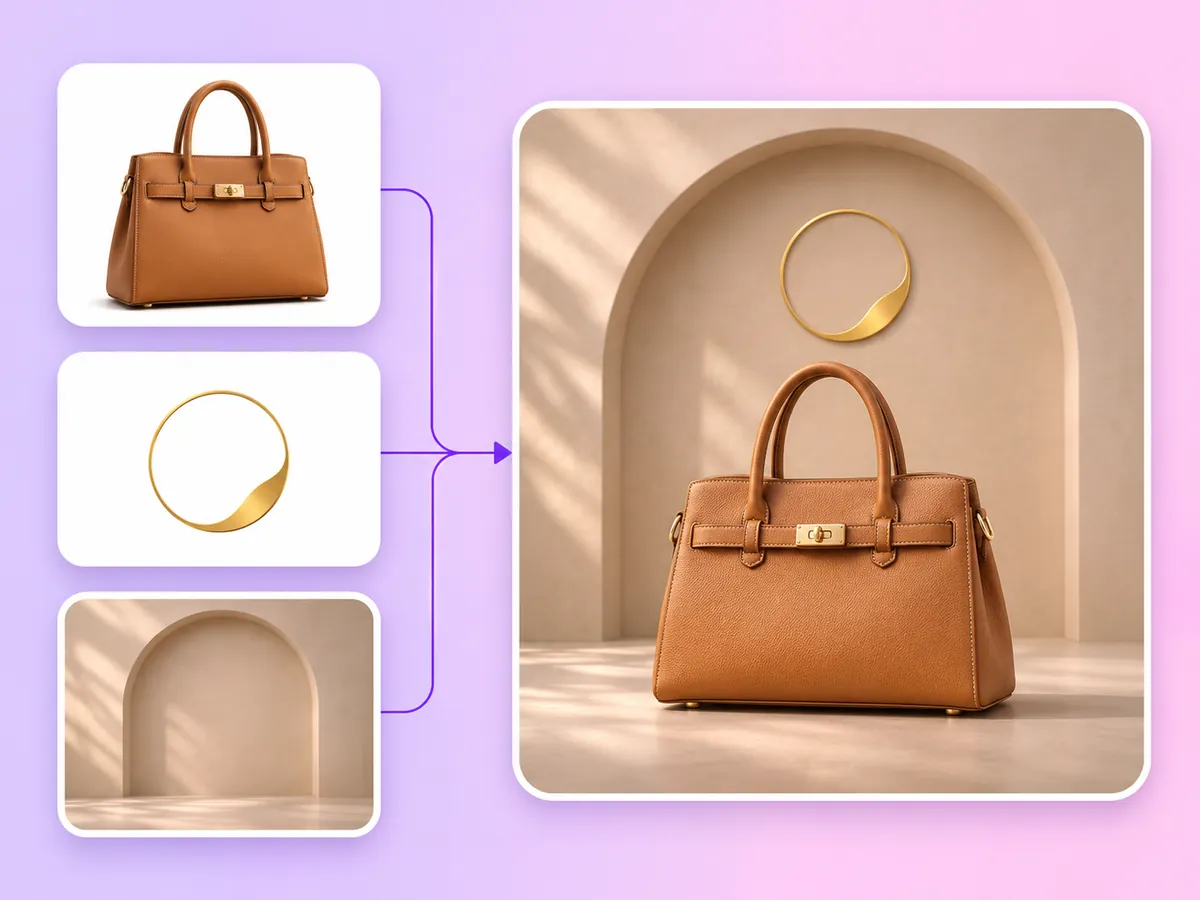
Use a product, a logo and a backdrop together, and describe how they fit in one image.
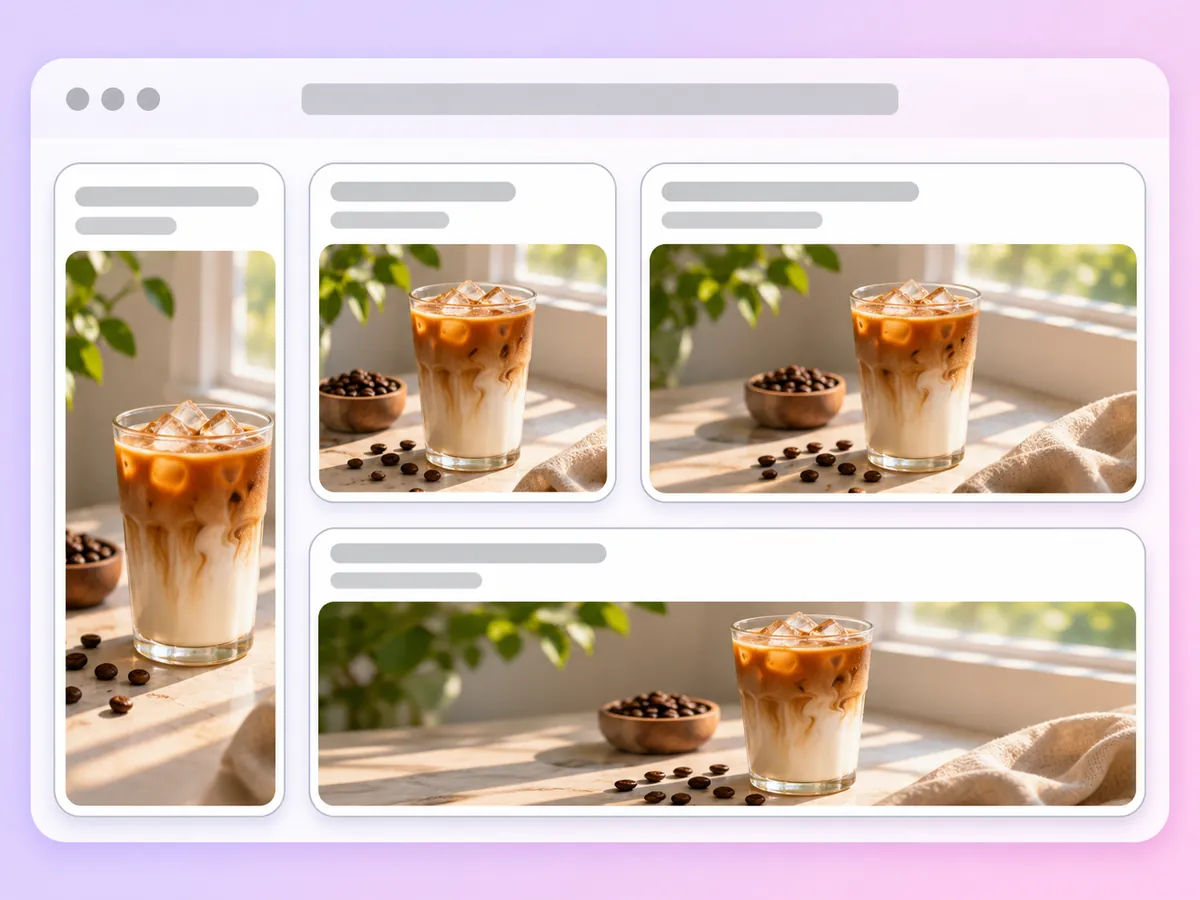
Pick from 15 ratios, including 9:19.5 and 9:20 for full-screen phone ads and 21:9 or 5:2 for banners.
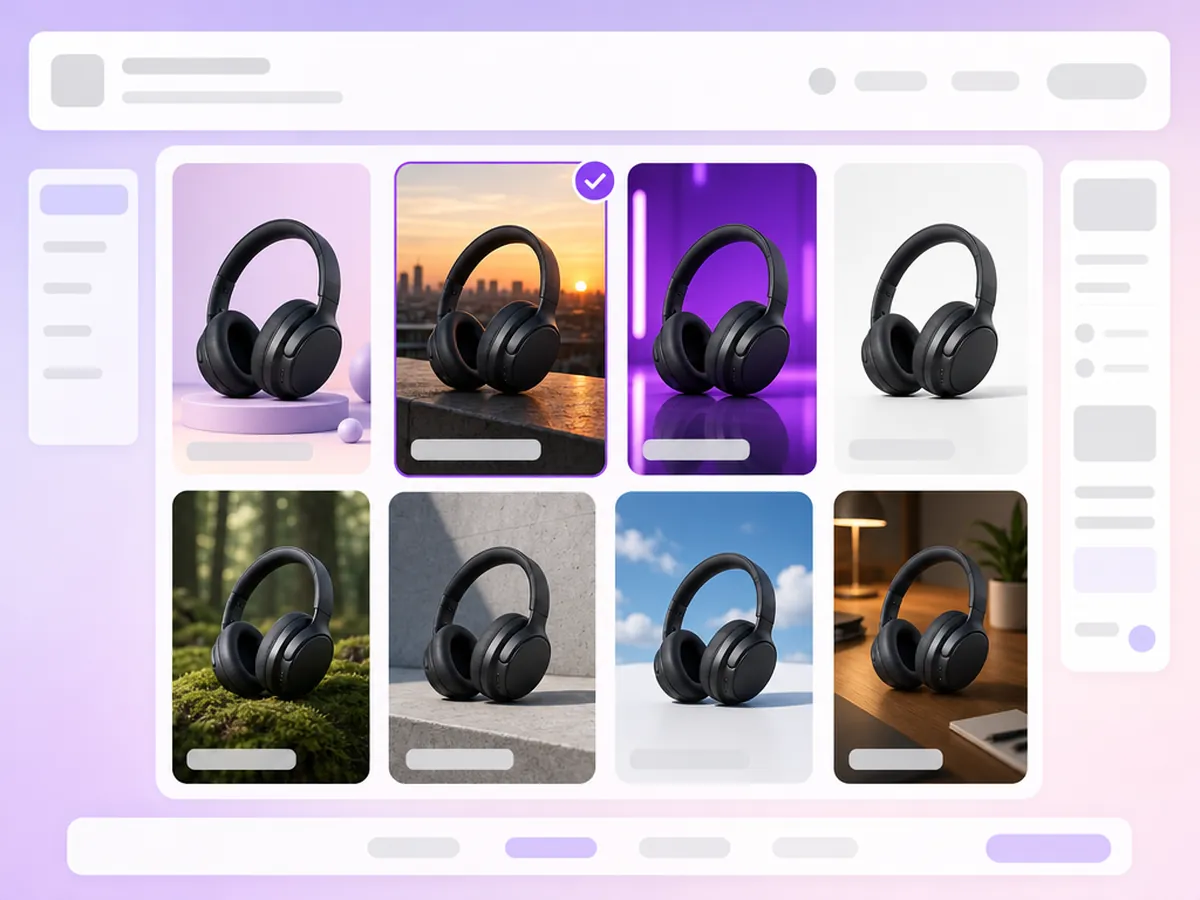
Generate up to 10 variations from one prompt and pick the best ones to test.
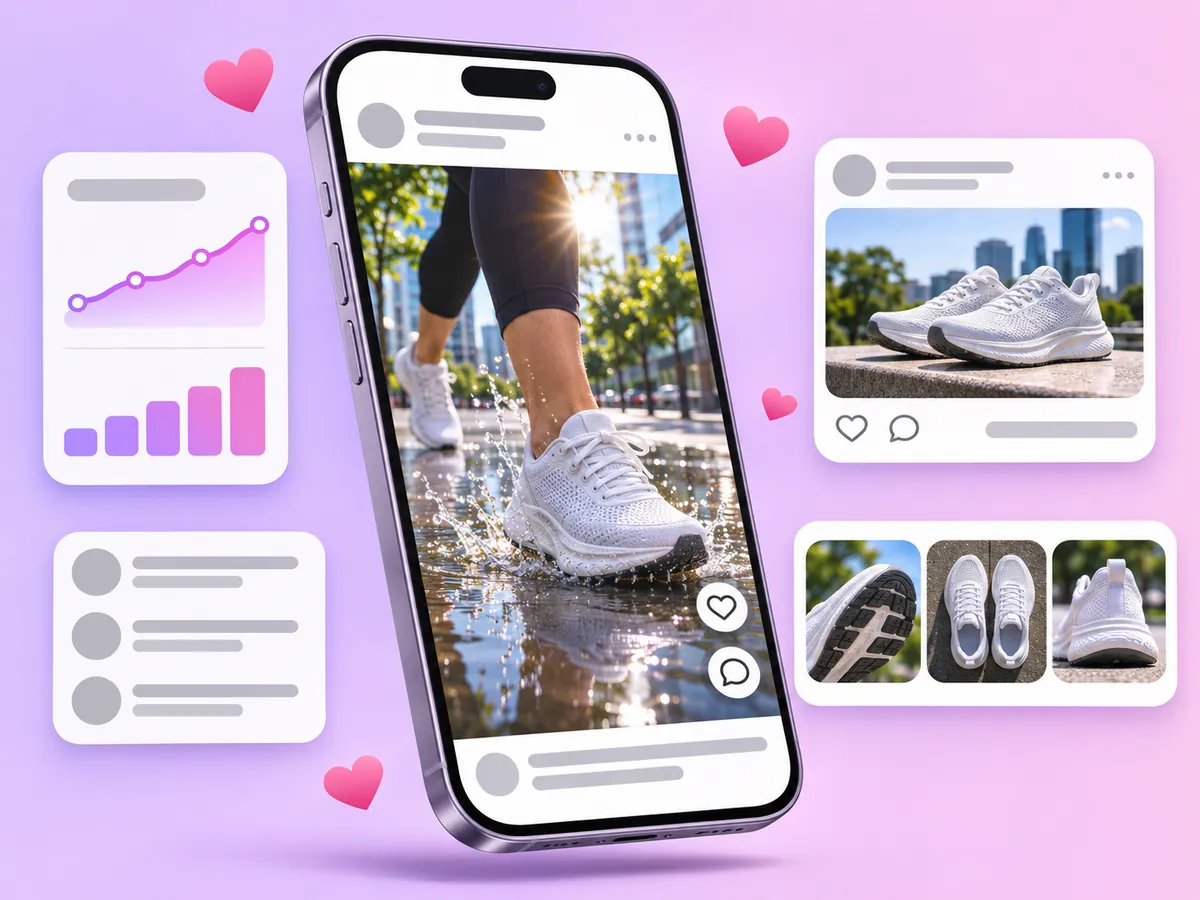
Photoreal people, products and places for paid social and organic posts.
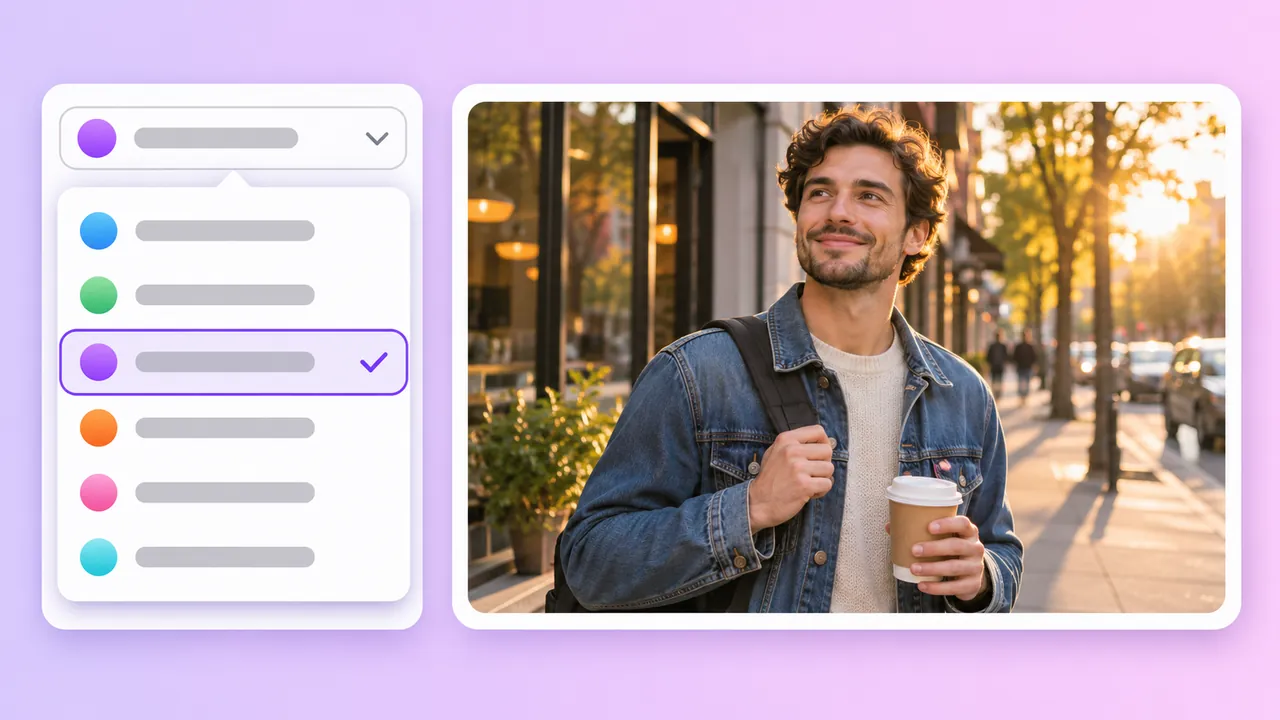
Model choice
Comparing it with other models? See the AI Image Generator page.
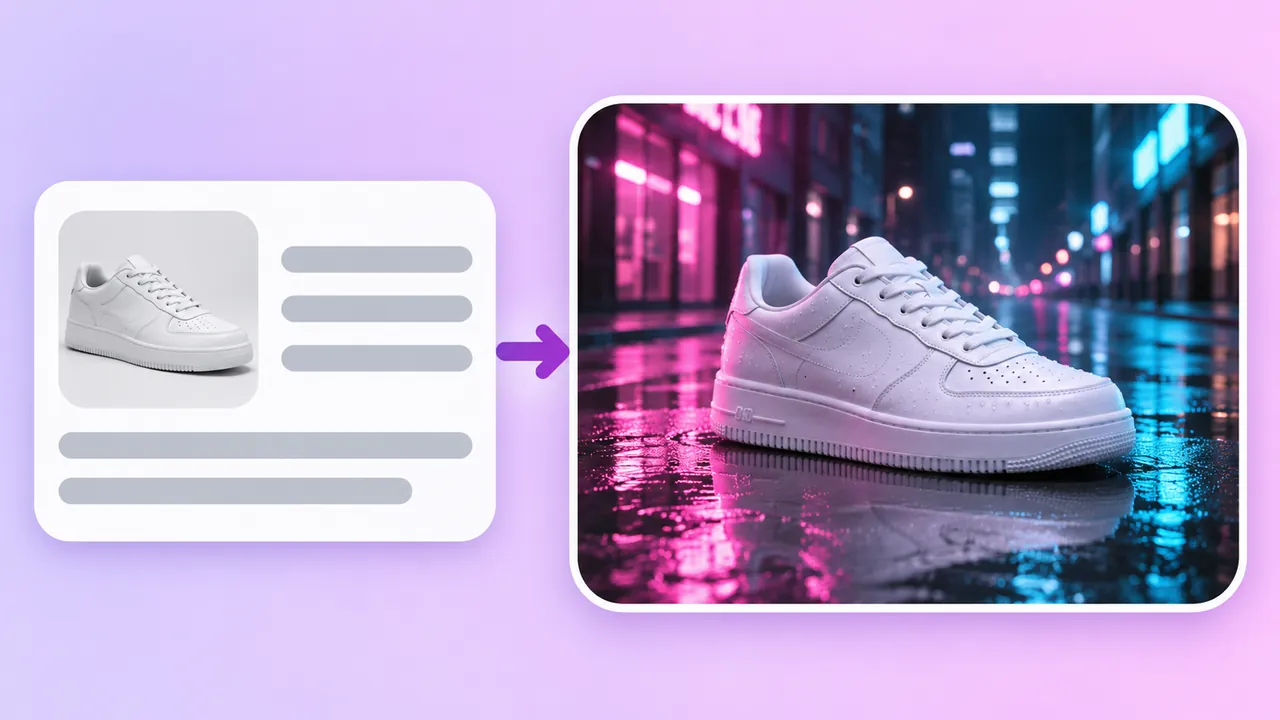
Prompt
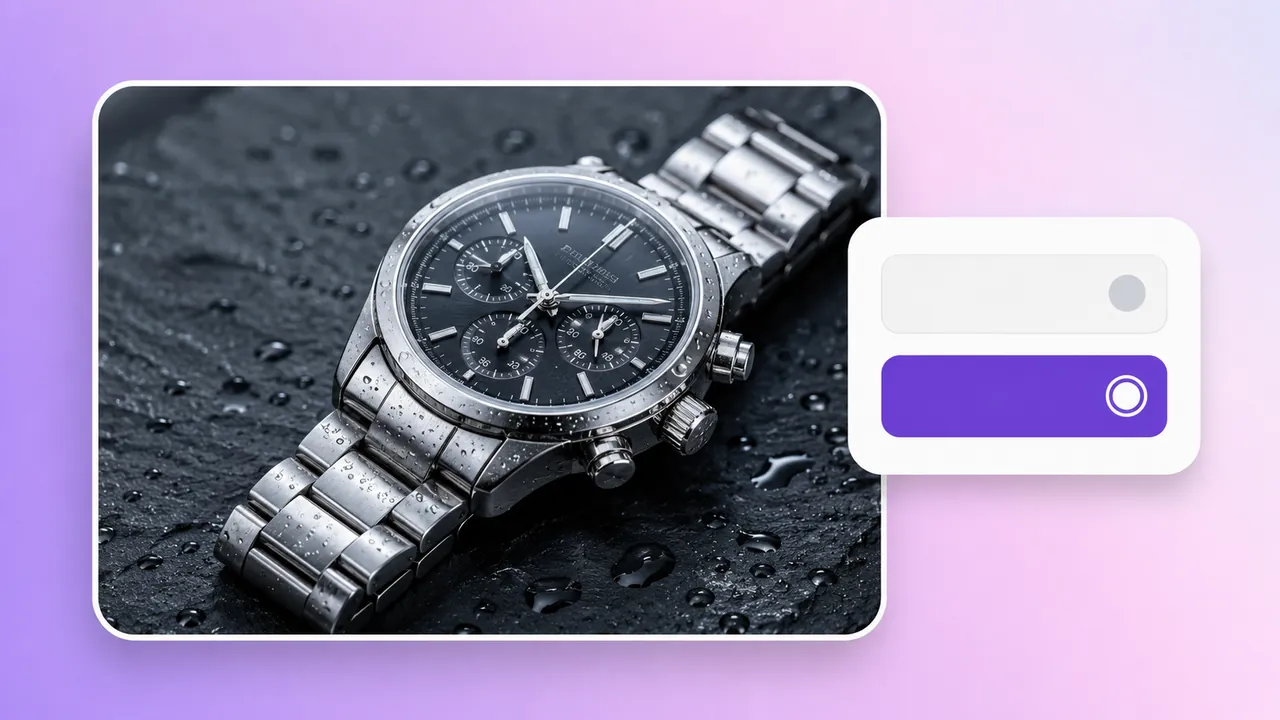
Size
How Grok Imagine Image 2.0 compares with other image models in the AdsTurbo workspace
Based on the AdsTurbo workspace and price list as of November 2026; models, limits and rates may change. Grok Imagine is made by xAI, GPT Image by OpenAI, Nano-Banana by Google and Seedream by ByteDance. 4K needs a subscription plan.
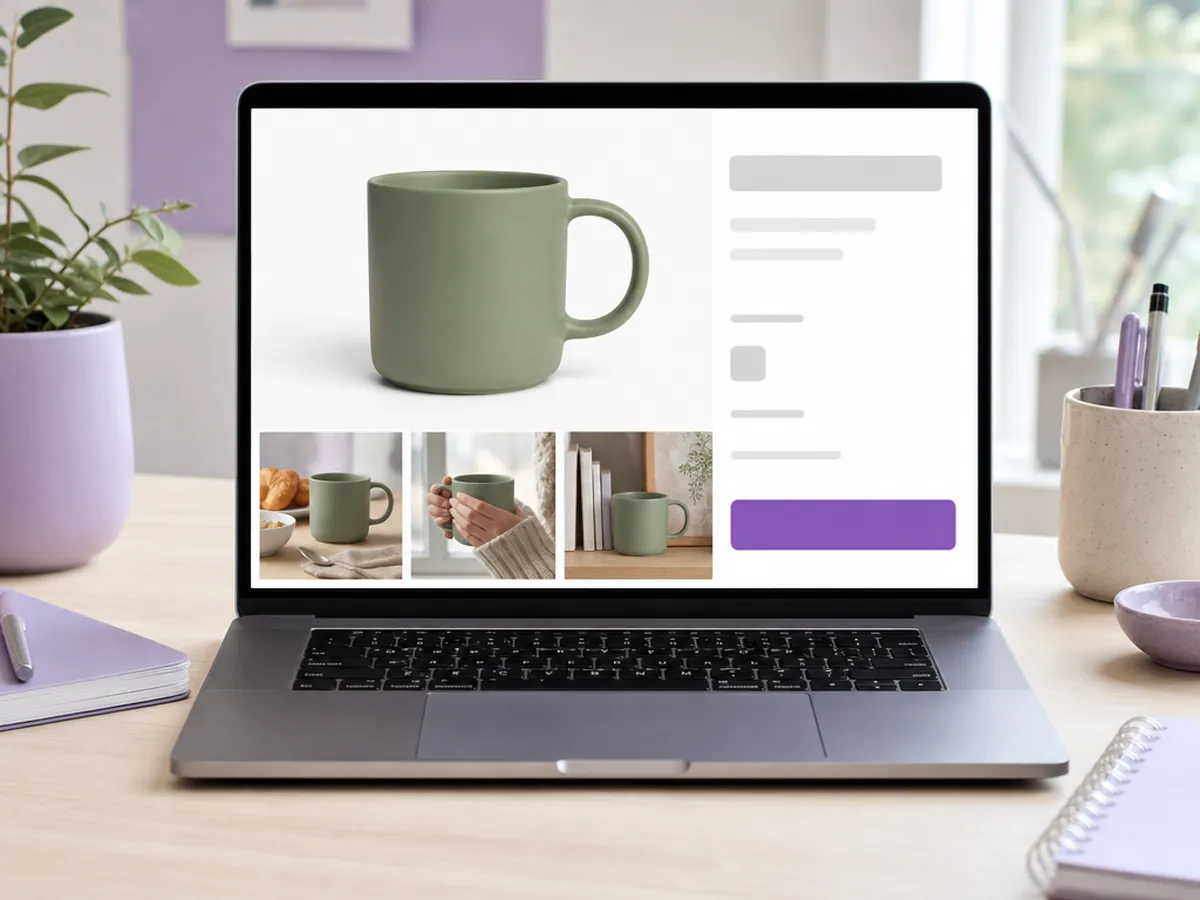
Main images and lifestyle shots of your product from one reference photo.
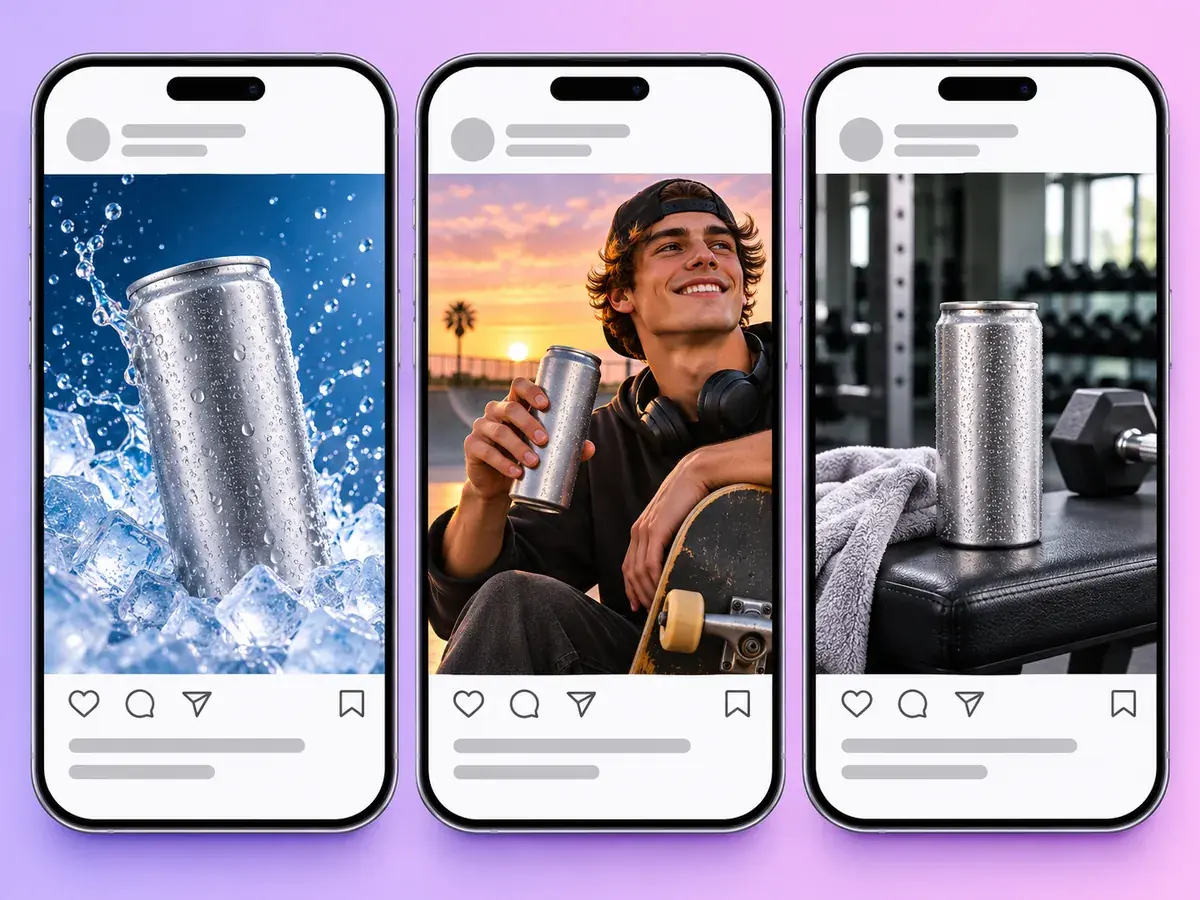
Photoreal vertical images for Reels, Stories and TikTok, with several versions to test.
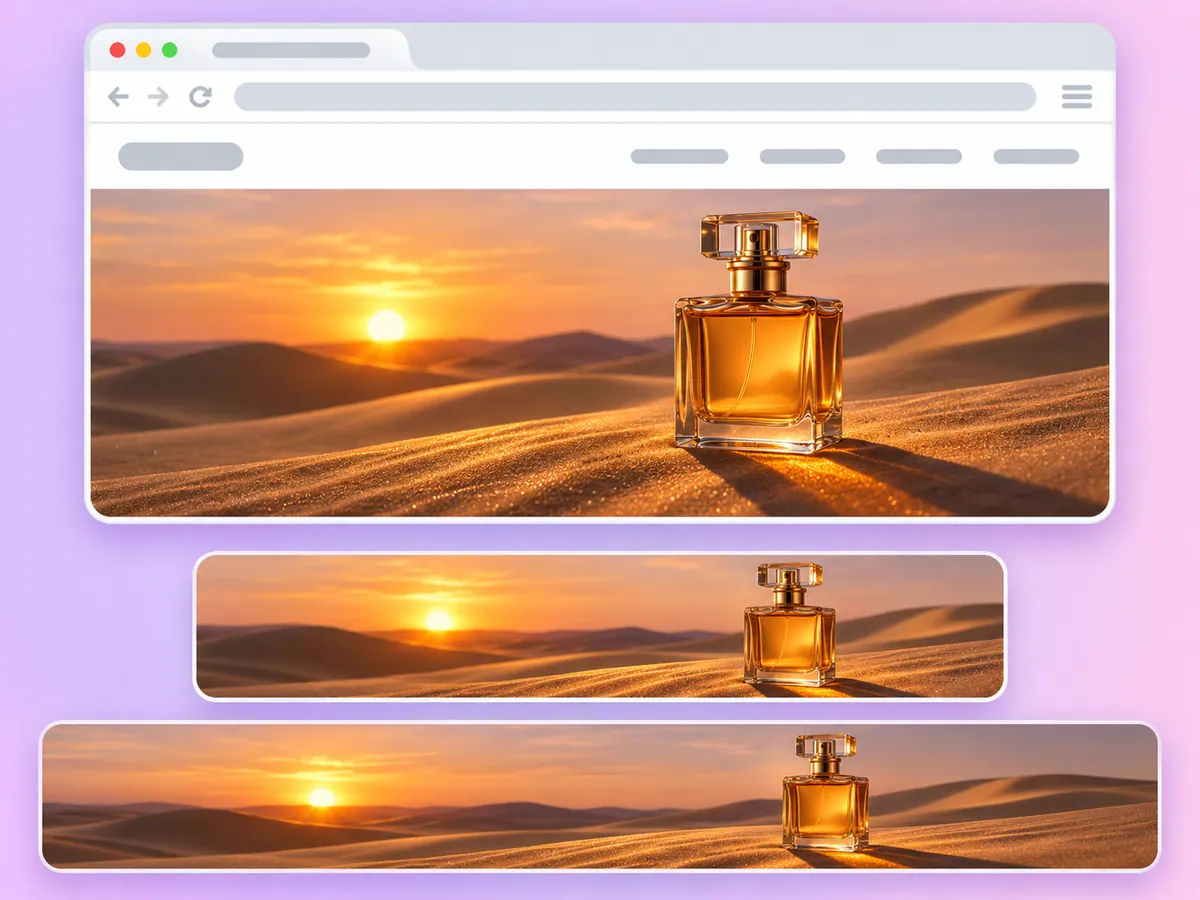
Wide 16:9, 21:9 or 5:2 images for websites, headers and campaigns.
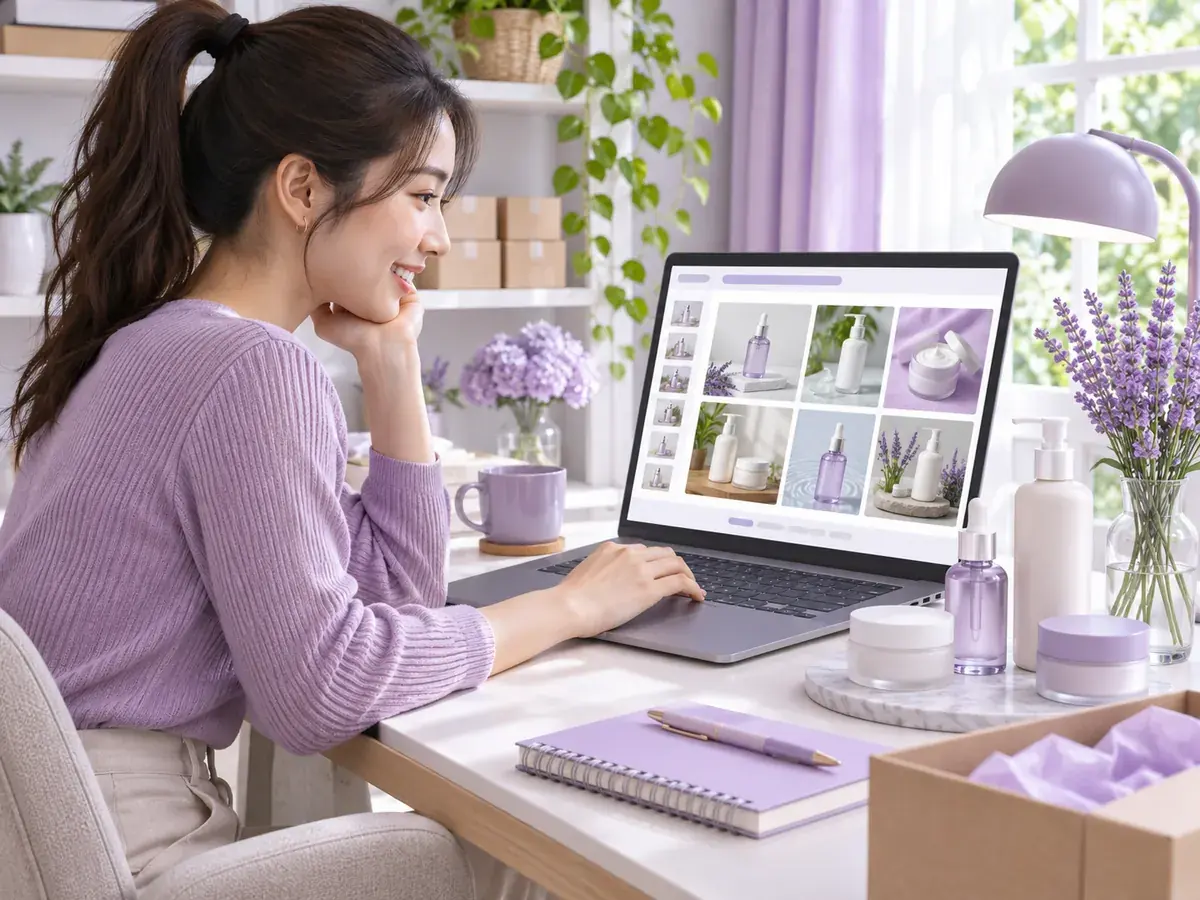
AdsTurbo has no free plan: Grok Imagine Image 2.0 uses credits from a subscription plan or a credit pack. Credit packs are available to all users and stay valid for 2 years, and a Creator plan includes 1,200 credits a month. Each image is charged separately, credits are returned if a generation fails, and the workspace shows the total before you generate.
Both 1K and 2K work with a credit pack alone.
Open the workspace home, switch to Image, pick Grok Imagine Image 2.0, set the aspect ratio, resolution and number of images, then write the prompt. Describe the photo you want: the subject, the setting, the light, the camera angle and the mood. With reference photos, say what to change and what to keep.
Prompts to start from:
Grok Imagine AI Image Generator
Grok Imagine is the image and video generator from xAI, the company behind Grok. AdsTurbo offers its image model, Grok Imagine Image 2.0, which makes photoreal images at 1K or 2K from a prompt or up to 3 reference photos. AdsTurbo is not affiliated with xAI; it gives you access to the model in its workspace.
Open the AdsTurbo workspace home, switch to Image and pick Grok Imagine Image 2.0 from the model list. Choose the aspect ratio, 1K or 2K and up to 10 images, write a prompt, and optionally attach up to 3 reference photos. Sign in and generate, then download the images.
No. AdsTurbo has no free plan: Grok Imagine uses credits from a subscription plan or a credit pack, and credits are returned if a generation fails. Credit packs are available to all users, and both 1K and 2K work without a subscription.
8 credits per image at 1K and 10 at 2K, so 4 images at 2K use 40 credits. The workspace shows the total before you generate. See Pricing for plans and credit packs.
1K or 2K, in Auto or 15 ratios: 1:1, 16:9, 9:16, 4:3, 3:4, 3:2, 2:3, 2:1, 1:2, 21:9, 5:2, 19.5:9, 9:19.5, 20:9 and 9:20. With reference photos, the ratio follows the photo.
No. AdsTurbo offers Grok Imagine for images only. For video, use Seedance, Kling, Veo, MiniMax H3 or Wan 3.0 in the video mode. See the AI Video Generator for the video models.
Ad creatives, product images, lifestyle scenes, social posts and banners. Images are generated within the platform's content policy, and AdsTurbo is built for commercial work such as ads and listings.
Use Grok Imagine Image 2.0 for photoreal scenes and full-screen phone ratios at up to 2K. Use GPT Image 2.6 when the image needs readable text, up to 16 references, 4K, or GIF and SVG output. See GPT Image 2 for GPT Image details.
Pick Grok Imagine Image 2.0, describe the photo and choose your ratio. Your first images are a few clicks away.
 AdsTurbo

























 Claude
 Cursor