Run Wan 3.0, the latest Wan video model from Alibaba, from the AdsTurbo workspace. Write a prompt, animate a photo from a start frame, set the first and last frames, or add image, video and audio references, and get a 2 to 30 second clip at up to 1080p with native audio.
Demo preview. Open the workspace to pick Wan 3.0, add your photo and generate.
Wan is a family of video models from Alibaba, and Wan 3.0 is the latest version, after Wan 2.2 and 2.5. AdsTurbo gives you access to Wan 3.0 in the video mode of its workspace, next to Seedance, Kling, Veo and MiniMax H3.
Pick any length from 2 to 30 seconds at 480p, 720p or 1080p, among the longest clips the video models in AdsTurbo make.
Wan 3.0 generates native audio with the video, so ambient sound and effects come with the clip.
Start from a prompt, a start frame, or start and end frames. Or add up to 10 images, 5 videos and 5 audio clips as references, in any mix.
AdsTurbo is not affiliated with Alibaba, and this is not Alibaba's own Wan app. It is a workspace that connects you to Wan 3.0 and other models, with credits, task history and downloads in one place.
From prompt or photo to a Wan 3.0 clip in three steps in the AdsTurbo workspace.
On the workspace home page, switch to Video and choose Wan 3.0 from the model list. Set the aspect ratio, a length from 2 to 30 seconds, and 480p, 720p or 1080p.
Describe the subject, the action, the camera move and the sound. Upload a start frame, or start and end frames, to animate a photo, or attach images, videos and audio as references to keep a product or person consistent.
Sign in and start the task. Wan 3.0 is billed per second of video, and credits are returned if a task fails. When the clip is ready, review it and download it.
One task uses either frames or references, not both, and frames cannot be combined with audio. Reference videos can total up to 15 seconds, and their length plus the clip length must stay within 30 seconds.
What Alibaba's Wan 3.0 can do in the workspace, with the limits that apply.

Describe one shot or a short sequence and Wan 3.0 turns it into a clip with motion, light and sound.

Upload a photo as the opening shot and describe the motion. Add an end frame when the clip has to land on a set image.
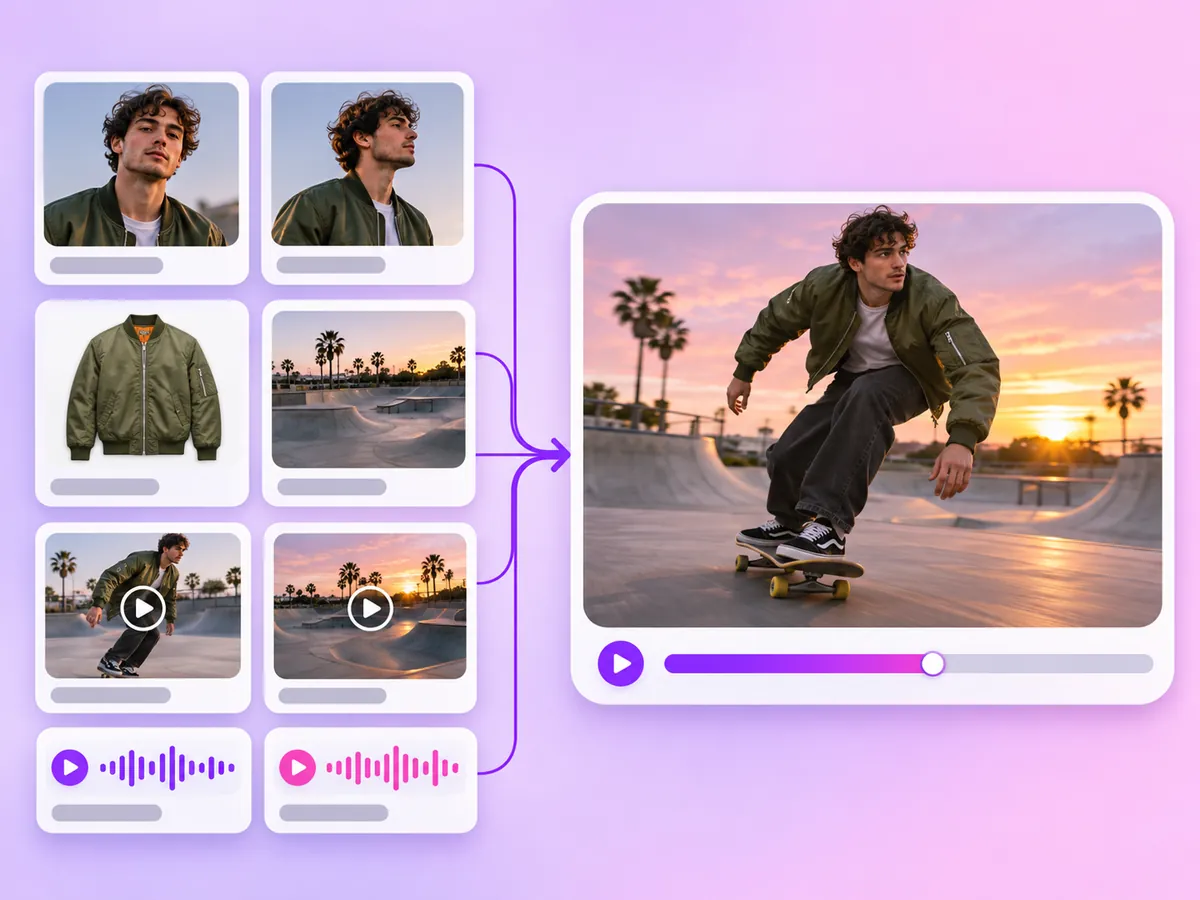
Attach up to 10 images, 5 videos and 5 audio clips, 20 in total, so a product, a person, a motion or a voice carries into the clip.
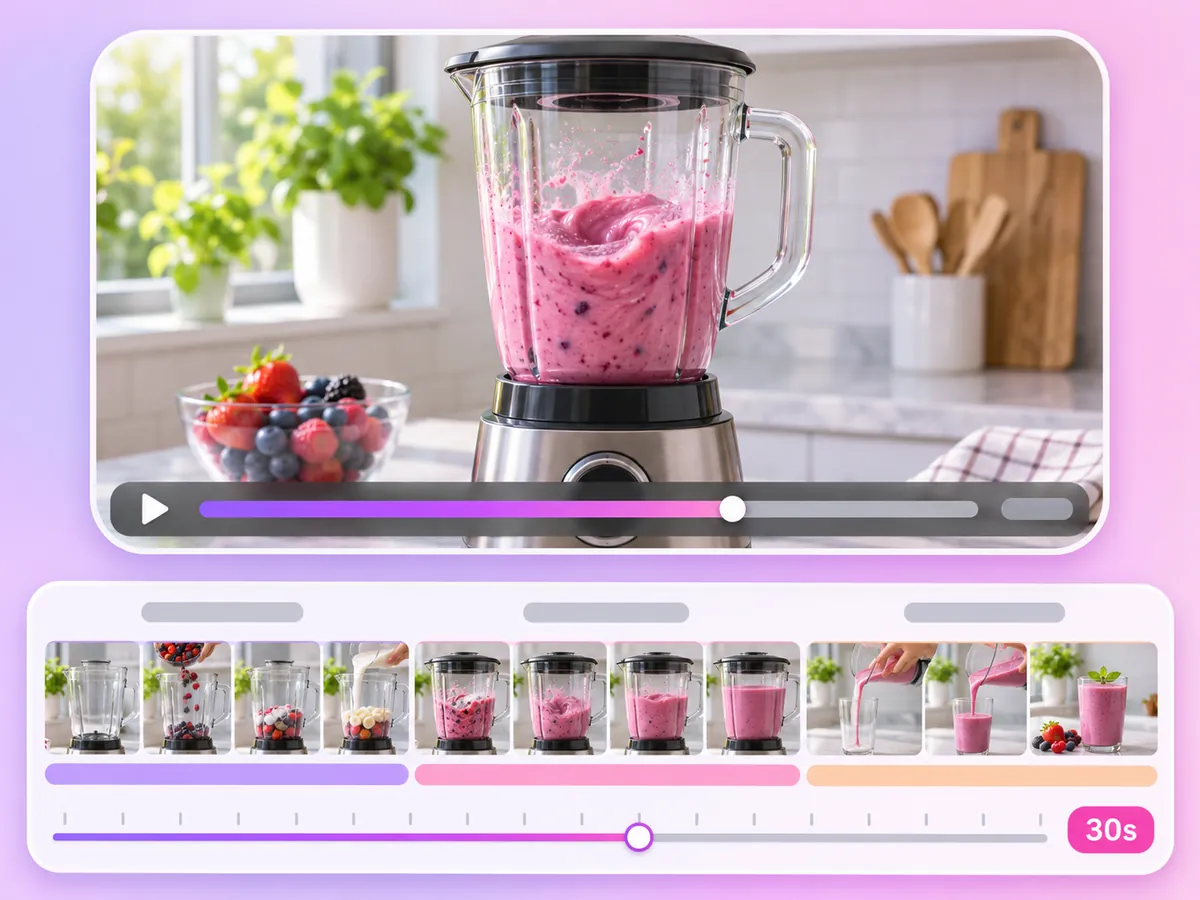
Set any length from 2 to 30 seconds, enough for a full hook, demo and call to action in one clip.

Wan 3.0 generates sound with the picture. Name the sounds you want in the prompt, such as rain, traffic or sizzling.
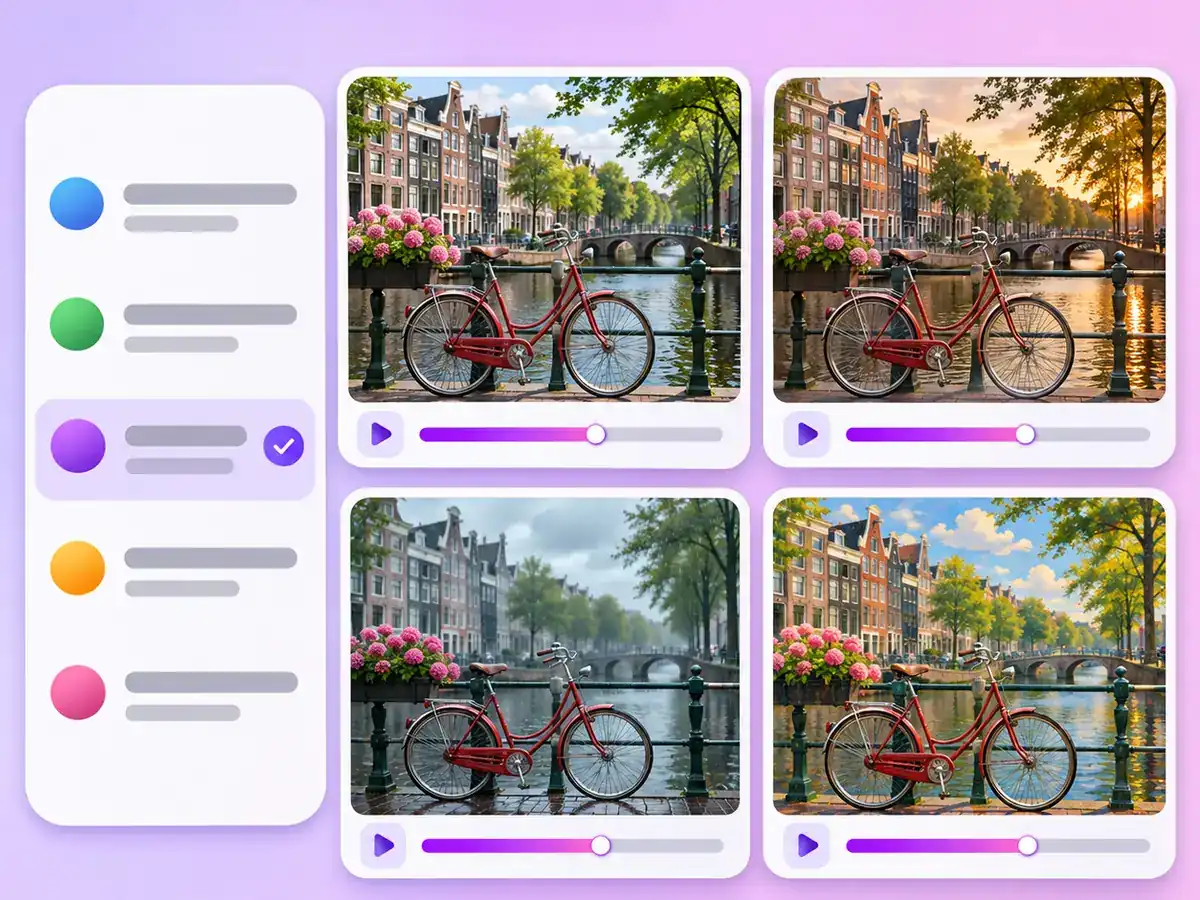
Wan 3.0 sits in the same model list as Seedance, Kling, Veo and MiniMax H3, so you can run one prompt on several models.
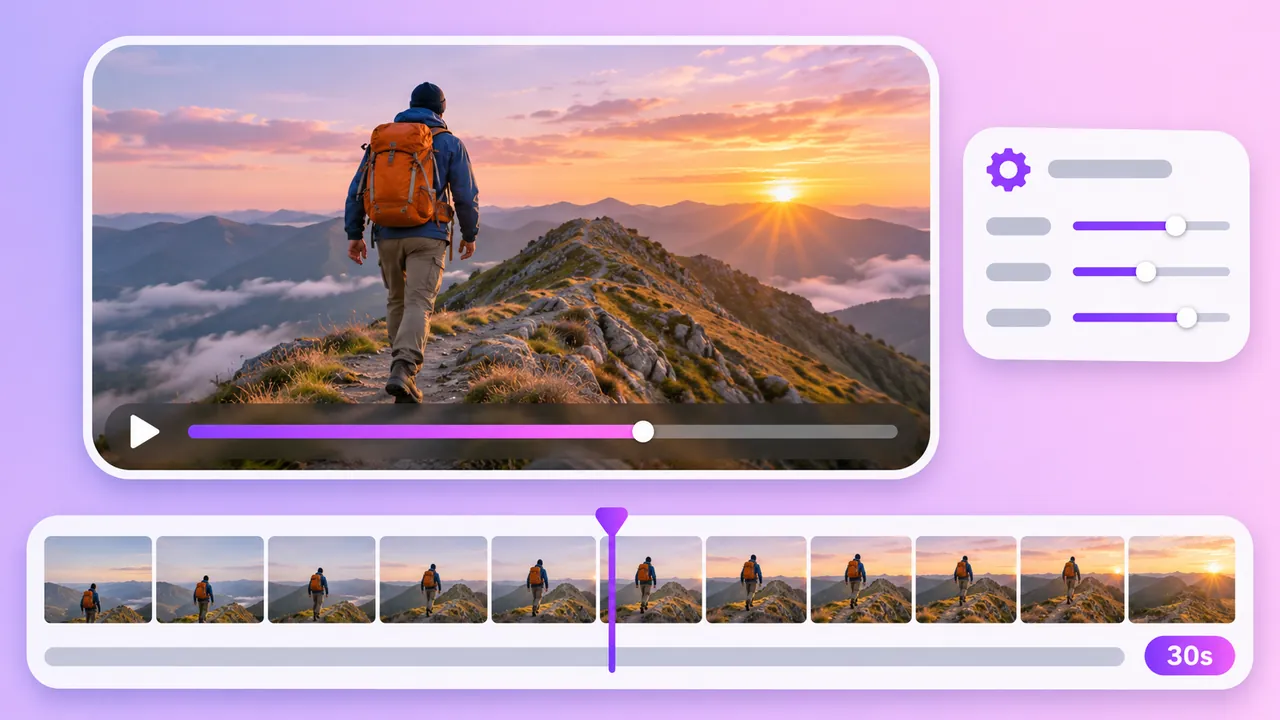
Length
Comparing it with other models? See the AI Video Generator page.

Prompt
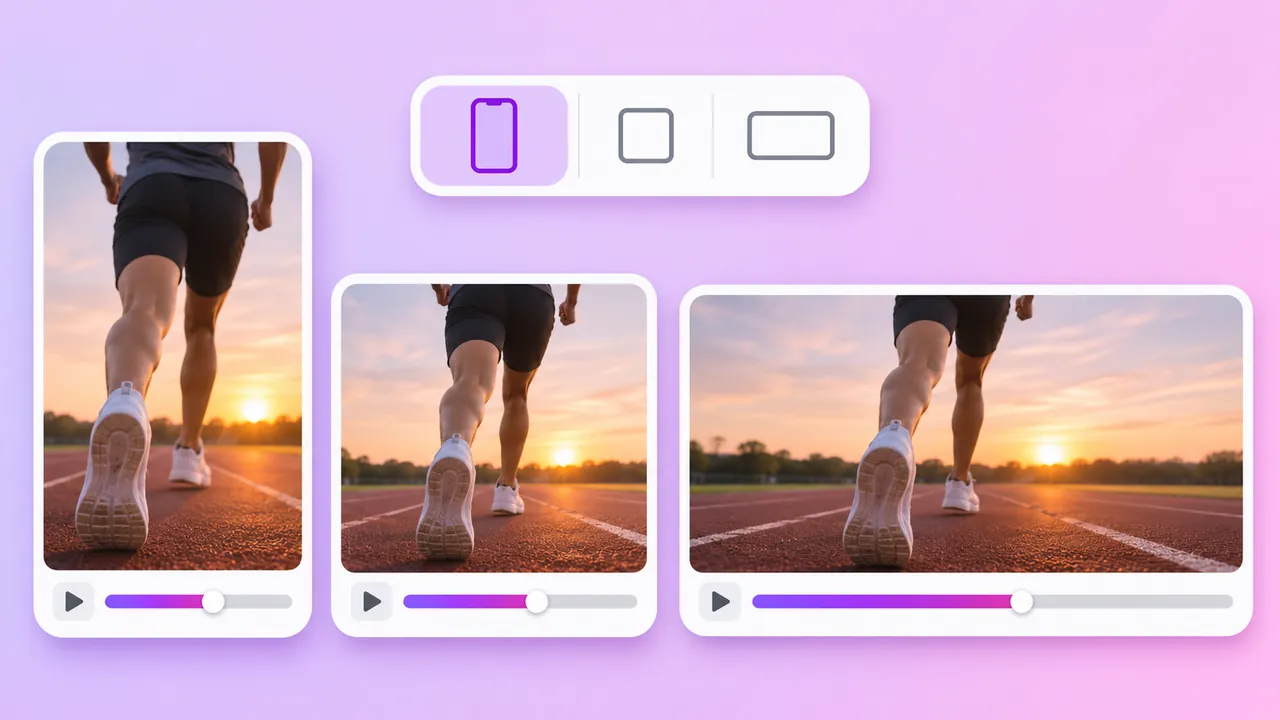
Format
Want to animate photos with other models too? See Image to Video.
How Wan 3.0 compares with other video models in the AdsTurbo workspace
Based on the AdsTurbo workspace and price list as of November 2026; models, limits and rates may change. Wan is made by Alibaba, MiniMax H3 by MiniMax, Seedance by ByteDance and Kling by Kuaishou. Video at 1080p and above requires a subscription plan.
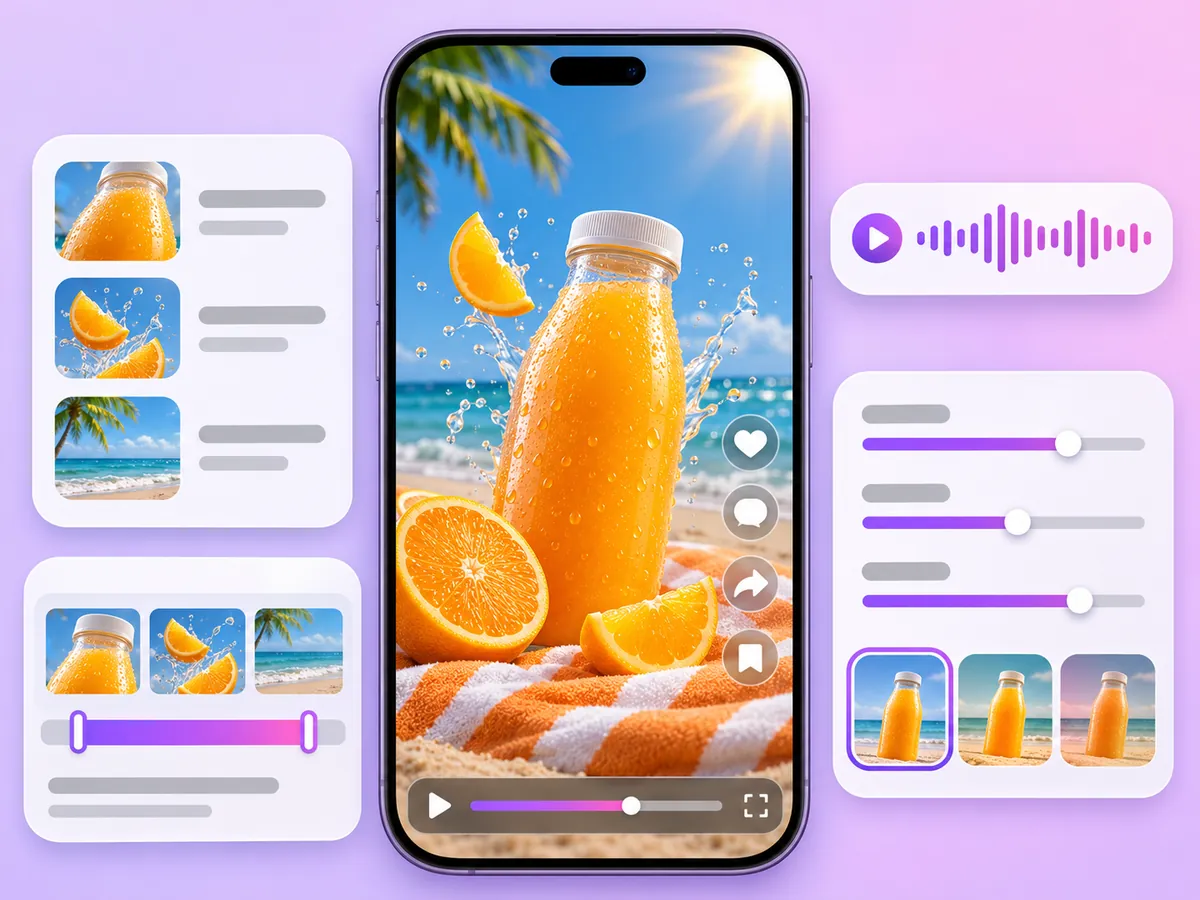
Vertical 9:16 ads of up to 30 seconds with sound, for Reels, TikTok and Shorts.

Short scenes to cut into longer edits: pours, streets, unboxings and textures.

Widescreen 16:9 shots at 1080p for YouTube, websites and launches.

AdsTurbo has no free plan: Wan 3.0 uses credits from a subscription plan or a credit pack. Credit packs are available to all users and stay valid for 2 years, and a Creator plan includes 1,200 credits a month. Credits are returned automatically if a task fails, and the workspace shows the credit estimate before you generate.
Wan 3.0 is billed per second of video, so the total is the rate times the length. 480p and 720p work with a credit pack alone; 1080p needs a subscription plan.
Open the workspace home, switch to Video, pick Wan 3.0, set the aspect ratio, length and resolution, then write the prompt. For longer clips, describe the shots in order: the subject and setting, the action, the camera move, the light and the sounds you want to hear.
Copy one of these prompts and swap in your own product:
Wan AI Video Generator (Wan 3.0)
Wan is a family of AI video models from Alibaba. The latest is Wan 3.0, after Wan 2.2 and 2.5, and that is the version AdsTurbo offers. It turns a prompt, a start frame, start and end frames, or image, video and audio references into a 2 to 30 second clip at up to 1080p with native audio. AdsTurbo is not affiliated with Alibaba; it gives you access to the model in its workspace.
Open the AdsTurbo workspace home, switch to Video and pick Wan 3.0 from the model list. Choose the aspect ratio, a length from 2 to 30 seconds and 480p, 720p or 1080p, write a prompt, and optionally add frames or references. Sign in and generate, then download the clip.
No. AdsTurbo has no free plan: Wan 3.0 uses credits from a subscription plan or a credit pack, and credits are returned if a task fails. Credit packs are available to all users, so you can use Wan 3.0 at 480p or 720p without a subscription.
9 credits per second at 480p, 16 at 720p and 32 at 1080p, so a 10-second clip at 720p uses 160 credits. The workspace shows the estimate before you generate. See Pricing for plans and credit packs.
Each clip is 2 to 30 seconds long, at 480p, 720p or 1080p, in 9:16, 16:9, 1:1, 4:3, 3:4 or an adaptive ratio that follows your input. 1080p needs a subscription plan.
No. AdsTurbo offers Wan 3.0, the latest Wan video model. Prompts written for earlier Wan versions work with Wan 3.0 too.
Use Wan 3.0 for clips longer than 15 seconds, up to 30, at up to 1080p. Use MiniMax H3 for clips of up to 15 seconds that need 2K. See the Hailuo AI Video Generator for MiniMax H3 details.
Seedance 2.5, Seedance 2.5 Flash, Seedance 2.0, Kling 4.0, Kling 3.0, Veo 3.1, MiniMax H3, Wan 3.0 and HappyHorse 1.0, plus Auto, which picks a model for you. Compare them on the AI Video Generator page.
Pick Wan 3.0, write the shot and choose up to 30 seconds. Your first Wan clip is a few clicks away.
 AdsTurbo

























 Claude
 Cursor