Claude
 Cursor
AI Promotional Poster Generator for Ecommerce Sales


Summarize with
Summary
Learn how to create ecommerce sale posters with an AI promotional poster generator, choose the right formats, and connect static visuals to video ads. Start planning campaigns.
By adsturbo.ai | Published 2026-11-27 | Updated 2026-11-27
An AI promotional poster generator turns a product image, campaign offer, and creative direction into a ready-to-use sales visual. For ecommerce sellers, the best workflow is not simply “make a pretty poster.” It is to create a coordinated set of assets for product pages, social feeds, email campaigns, and short-form video ads.
What is an AI promotional poster generator?
An AI promotional poster generator is a design tool that combines product imagery, promotional copy, layout, background styling, and output dimensions into a campaign poster. Instead of starting with a blank canvas, sellers provide inputs such as the product, discount, dates, brand style, and call to action.
Most tools appearing in current US search results emphasize four common capabilities:
- Uploading a product image or brand visual
- Generating sale, launch, event, or seasonal layouts
- Producing portrait, square, and landscape formats
- Downloading a social-ready or print-ready image
Some tools focus on text-to-poster generation, while others are built around product-photo placement. For ecommerce, the second approach is usually more practical because the product must remain recognizable and commercially accurate. Search results commonly highlight product references, promotion templates, aspect-ratio controls, and quick downloads as the core workflow. (deepege.com)
Why ecommerce sellers use AI for promotional posters
Promotional posters solve a different problem from product listings. A product listing explains what an item is; a campaign poster explains why someone should act now.
A useful poster makes these elements immediately visible:
- The product — what is being sold
- The offer — discount, bundle, free shipping, or limited release
- The timing — campaign dates or urgency
- The next step — shop now, claim the offer, or learn more
This makes posters useful for flash sales, new-product launches, holiday campaigns, retargeting ads, email headers, marketplace promotions, and social posts.
The practical advantage is speed. A seller can test several combinations of headline, product arrangement, background, and offer emphasis without arranging a new photoshoot for every campaign. However, speed only creates value when the output remains clear, on-brand, and accurate.
What to prepare before generating a poster
The quality of the input brief often matters more than the complexity of the tool. Prepare these five items before starting:
1. A clean product image
Use a sharp JPG or PNG image with the product clearly separated from distracting surroundings. AdsTurbo Product Image supports JPG and PNG uploads, with clear product photos on a solid-color background producing the best results.
Avoid images where the product is partially hidden, heavily cropped, or covered by unrelated text. If the product shape, label, or packaging is important, use a front-facing reference image.
2. One primary offer
Do not make the poster compete between five promotions. Choose one main message, such as:
- 20% off selected items
- Buy one, get one free
- New seasonal drop
- Free shipping over $50
- Limited weekend release
Supporting details can appear smaller, but the main offer should be understandable within a quick glance.
3. A defined audience
“Make it attractive” is too vague. Specify whether the poster is for first-time shoppers, existing customers, gift buyers, or mobile viewers scrolling through a social feed.
4. A visual direction
Useful directions include “minimal premium,” “bright summer sale,” “clean beauty,” “bold streetwear,” or “warm holiday gifting.” Pair the style with two or three color suggestions rather than describing every design detail.
5. The destination format
A poster for an Instagram Story is not the same as a website banner or printed insert. AdsTurbo Event Poster supports nine aspect ratios, including 9:16, 4:5, 1:1, 4:3, and 16:9, helping sellers adapt one campaign idea to different placements. (adsturbo.ai)
A practical poster brief template
Use this structure to produce more consistent results:
Create a promotional poster for [product].
Campaign: [sale, launch, or seasonal event].
Main offer: [discount or benefit].
Dates: [start and end date].
Audience: [target shopper].
Style: [three visual adjectives].
Product treatment: keep the product recognizable and dominant.
Text hierarchy: offer first, product benefit second, CTA third.
Format: [9:16, 1:1, 4:5, or 16:9].
Language: [target market language].
The important improvement is the text hierarchy. Many AI poster workflows focus on background style but fail to define which words deserve the strongest visual emphasis. For conversion-oriented ecommerce creative, the order should usually be:
Offer → Product benefit → Product image → CTA → Terms
This is an original working framework for reducing visual competition inside a sale poster. It is more actionable than simply asking for a “professional promotional design.”
How to connect a poster with video advertising
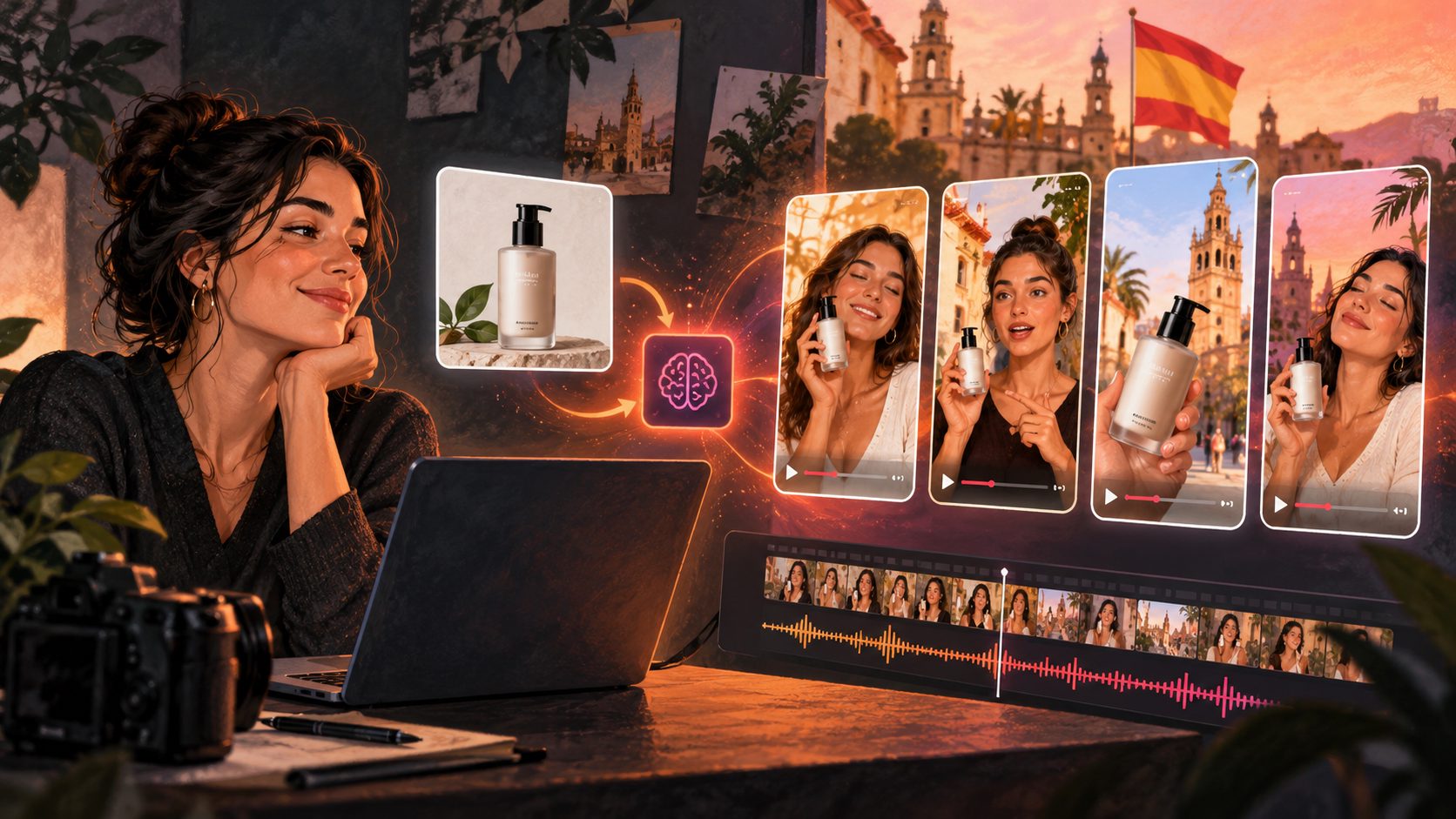
A static poster should not be treated as an isolated design. It can become the visual anchor for a larger creative system.
For example:
- Use the poster headline as the opening frame of a short video.
- Match the poster’s color palette to the video background.
- Reuse the same offer wording in subtitles.
- Turn the product close-up into a product demonstration scene.
- Use the campaign CTA consistently across image and video variants.
A strong workflow may look like this:
- Create the promotional poster around the product and offer.
- Produce a short product or UGC-style video using the same campaign message.
- Add subtitles for silent viewing.
- Translate the video and poster copy for regional campaigns.
- Export platform-specific versions for testing.
- Compare creative performance by offer, hook, and visual treatment.
AdsTurbo supports event posters, product images, product videos, video subtitles, translation, background replacement, and ad-cloning workflows. Its Event Poster tool can generate promotional visuals in seven languages and nine aspect ratios, while its video tools help extend the same campaign idea into short-form advertising. (adsturbo.ai)
For older footage or compressed product videos, an AI video enhancer can help prepare a clearer source before the video is reused in a campaign.
Poster design rules that improve clarity
Keep the product larger than the decoration
Decorative elements should support the product, not overpower it. If a shopper cannot identify the product quickly, the poster is functioning more like abstract artwork than an ecommerce ad.
Use one dominant headline
Short headlines are easier to scan on mobile. “Summer Essentials: 20% Off” is usually more useful than a long paragraph describing the entire collection.
Reserve space around important text
Edges, app interfaces, and social overlays can cover content. For vertical video and social placements, leave comfortable margins around the headline, price, and CTA. AdsTurbo’s guide to TikTok video ad safe zones provides a useful reference for planning text placement across short-form formats.
Verify every commercial detail
AI-generated visuals should be checked for:
- Correct discount percentage
- Correct product packaging
- Accurate dates
- Readable prices
- Correct spelling
- Visible legal or promotional terms
- Consistent logo treatment
Never assume that a generated image has preserved every character or number correctly. A human review is especially important when the poster includes prices, coupon codes, or limited-time conditions.
Common mistakes to avoid
Making the poster too generic
A vague prompt often produces a visually polished but commercially weak result. Include the product category, audience, offer, and desired action.
Adding too much copy
Posters are not product-detail pages. Move secondary information to the landing page, listing, or caption.
Using inconsistent campaign assets
Changing the headline, color system, and product treatment between the poster and video can weaken recognition. Treat the poster as the campaign’s visual reference point.
Designing only one variation
One design is a concept, not a testing system. Create controlled variations by changing one factor at a time:
- Offer emphasis
- Background style
- Product crop
- Headline angle
- CTA wording
- Social format
This makes performance comparisons more meaningful than changing everything at once.
Frequently asked questions
What is the best image format for an AI promotional poster?
Use a clear JPG or PNG product image. A simple, solid-color background is often the most reliable starting point because the product shape and color are easier to analyze.
Can one poster be used on every platform?
The campaign concept can be reused, but the layout should be adapted. Vertical formats work well for Stories and short-form video, square formats suit many social feeds, and landscape formats are better for banners or some email placements.
Should the discount be included in the image?
Yes, when the discount is the main campaign hook. Keep it short, prominent, and easy to verify. Details such as exclusions or redemption rules can appear in smaller supporting text or on the destination page.
Can posters support multilingual campaigns?
Yes. A multilingual workflow should preserve the same product, offer, and visual hierarchy while adapting the text to each market. AdsTurbo Event Poster supports output in seven languages.
How do posters and video ads work together?
Use the poster to establish the offer, visual identity, and product focus. Then reuse those elements in video openings, subtitles, thumbnails, and end cards so shoppers recognize the same campaign across placements.
Final takeaway
An AI promotional poster generator is most valuable when it becomes part of an ecommerce creative workflow rather than a one-off design shortcut. Start with a clean product image, one clear offer, a defined audience, and a specific output format. Then connect the poster to product images, short-form video, subtitles, and localized campaign variations.
The strongest result is not simply a more attractive poster. It is a repeatable system for turning one promotion into a consistent set of testable marketing assets.