How to Make Product Demo Videos Look Real

Summarize with
Summary
Learn how to make product demo videos look real with practical guidance on lighting, hand movement, lifestyle scenes, product proof, and AI-assisted editing.
By adsturbo.ai | Published 2026-11-19 | Updated 2026-11-19
A realistic product demo video does more than show a product in motion. It makes the viewer believe that the product exists in the scene, behaves consistently, and solves a specific problem. The most reliable approach combines believable light, continuous hand movement, a natural environment, and visible product evidence.
For ecommerce sellers, AI can speed up ideation and variation production, but it should support product truth rather than replace it. A useful demo shows what the item really looks like, how it is handled, and what the buyer can reasonably expect.
What makes a product demo video look realistic?
A realistic product demo video maintains visual consistency across four layers: light, motion, context, and evidence. If one layer breaks, viewers may notice that the product has been generated, composited, or edited too heavily.
A polished video can still feel artificial when the shadow points in the wrong direction, fingers change shape between frames, or the product performs an action that has not been demonstrated. Current AI video guidance makes a similar distinction between footage grounded in real product performance and visuals that merely illustrate an intended function. (runway.com)
Use this simple test before publishing:
- Could the light exist in the physical scene?
- Do hands and objects move through a continuous sequence?
- Does the setting match the product’s actual use?
- Does the video prove a feature instead of only describing it?
The goal is not to remove every imperfection. Small, controlled imperfections often make a product demo more believable than a perfectly smooth commercial.
How should lighting be designed for a realistic product demo?
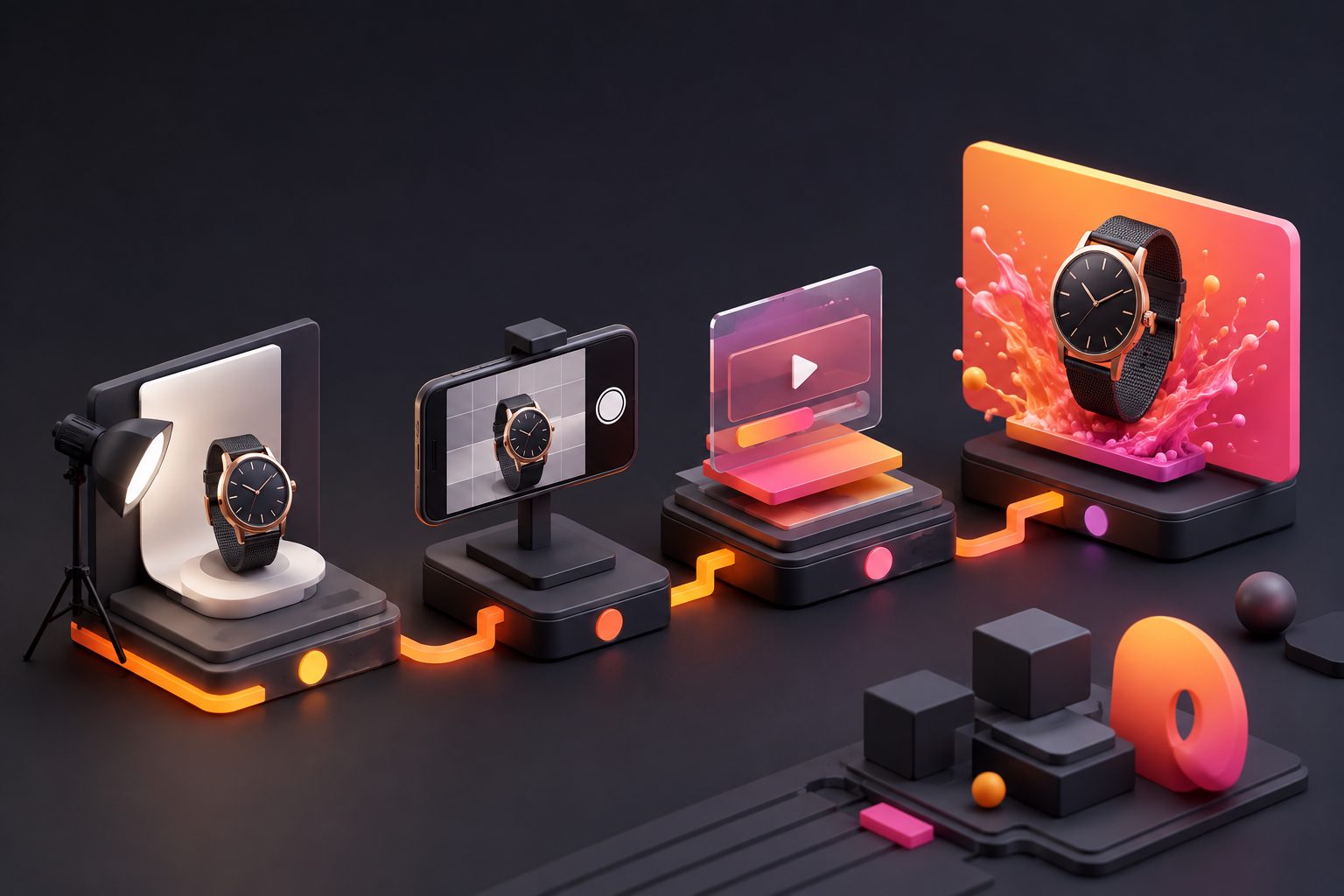
Lighting looks realistic when the direction, softness, color, and reflections remain consistent from shot to shot. Start with one dominant light source, then add only the fill needed to keep important product details visible.
For a simple ecommerce setup:
- Place the key light at roughly a 45-degree angle from the product.
- Keep the shadow direction consistent when the camera moves.
- Use a softer source for reflective, glossy, or curved products.
- Match the background brightness to the product’s environment.
- Avoid changing color temperature between adjacent shots.
- Add a subtle contact shadow where the product touches a table or hand.
Reflections are especially important for glass, metal, plastic, and glossy packaging. A product can have correct colors but still look fake if its highlight does not respond to the camera or surrounding light.
For AI-assisted footage, describe the light as a physical setup rather than an abstract style. “Soft window light from camera left, mild shadow under the bottle, warm kitchen background” gives stronger visual constraints than “cinematic lighting.”
If the source footage is soft or compressed, an AI video enhancer can help recover clarity before adding captions, crops, or platform-specific exports. Upscaling should improve existing detail, not invent proof of a product result.
How do you make hand movements look natural?
Natural hand movement depends on continuity. The hand should approach, grip, rotate, use, and release the product in a sequence that a real person could physically perform.
The most common errors include:
- Fingers appearing or disappearing between frames
- A thumb changing position without a transition
- The product rotating while the wrist stays fixed
- Hands passing through packaging or handles
- A grip that does not match the product’s weight or shape
- A button being pressed without visible resistance or response
Break the demonstration into short actions instead of requesting one complex movement. For example:
- The hand reaches toward the product.
- The fingers establish a grip.
- The product is lifted or opened.
- The user performs one clear action.
- The result appears in the same scene.
This “one physical action per shot” rule is one of the most useful ways to make AI-generated product demos look real. It also makes errors easier to identify and replace.
When filming real footage, record the complete action several times before cutting. When generating or editing footage, use a clear reference image of the product and avoid changing its camera angle unnecessarily. A stable product silhouette is more valuable than an ambitious camera move.
Which lifestyle scenes make product demos feel believable?
A lifestyle scene feels real when it explains why the product is being used. It should contain enough environmental detail to establish context, but not so much that the product becomes difficult to inspect.
Choose a setting based on the buyer’s actual moment of use:
| Product type | Useful setting | Evidence to show |
|---|---|---|
| Kitchen accessory | Countertop or cooking area | Setup, grip, contact with food or surfaces |
| Desk accessory | Home office or work desk | Installation, controls, before-and-after arrangement |
| Travel product | Entryway, luggage, or hotel room | Packing, portability, storage |
| Beauty accessory | Bathroom or vanity | Texture, application, close-up handling |
| Home organization item | Closet, shelf, or drawer | Capacity, fit, and visible organization |
Avoid adding props that imply unsupported benefits. A supplement-like package beside a smiling person does not prove an outcome. A cleaning product beside a spotless room does not prove performance unless the cleaning action and result are shown.
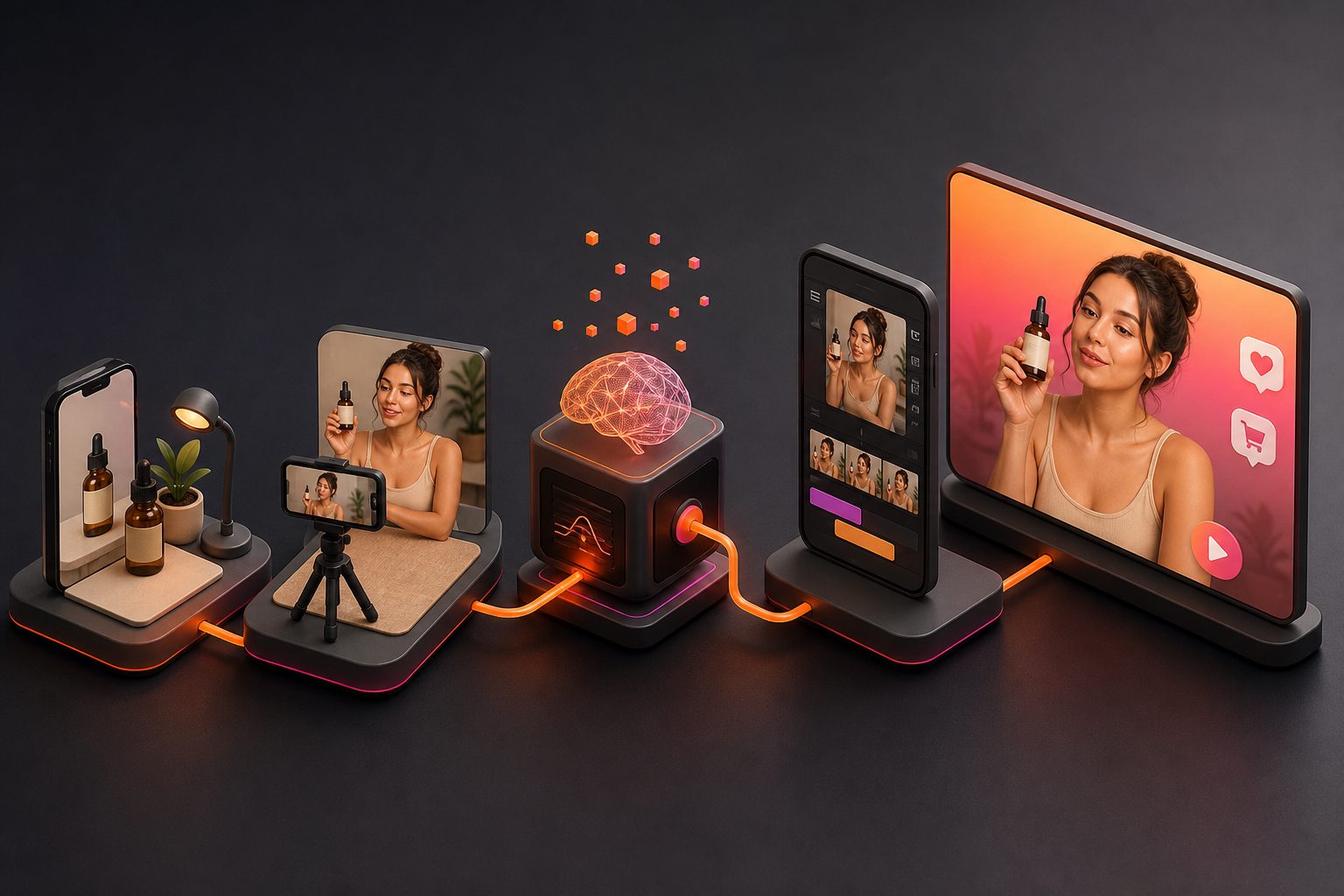
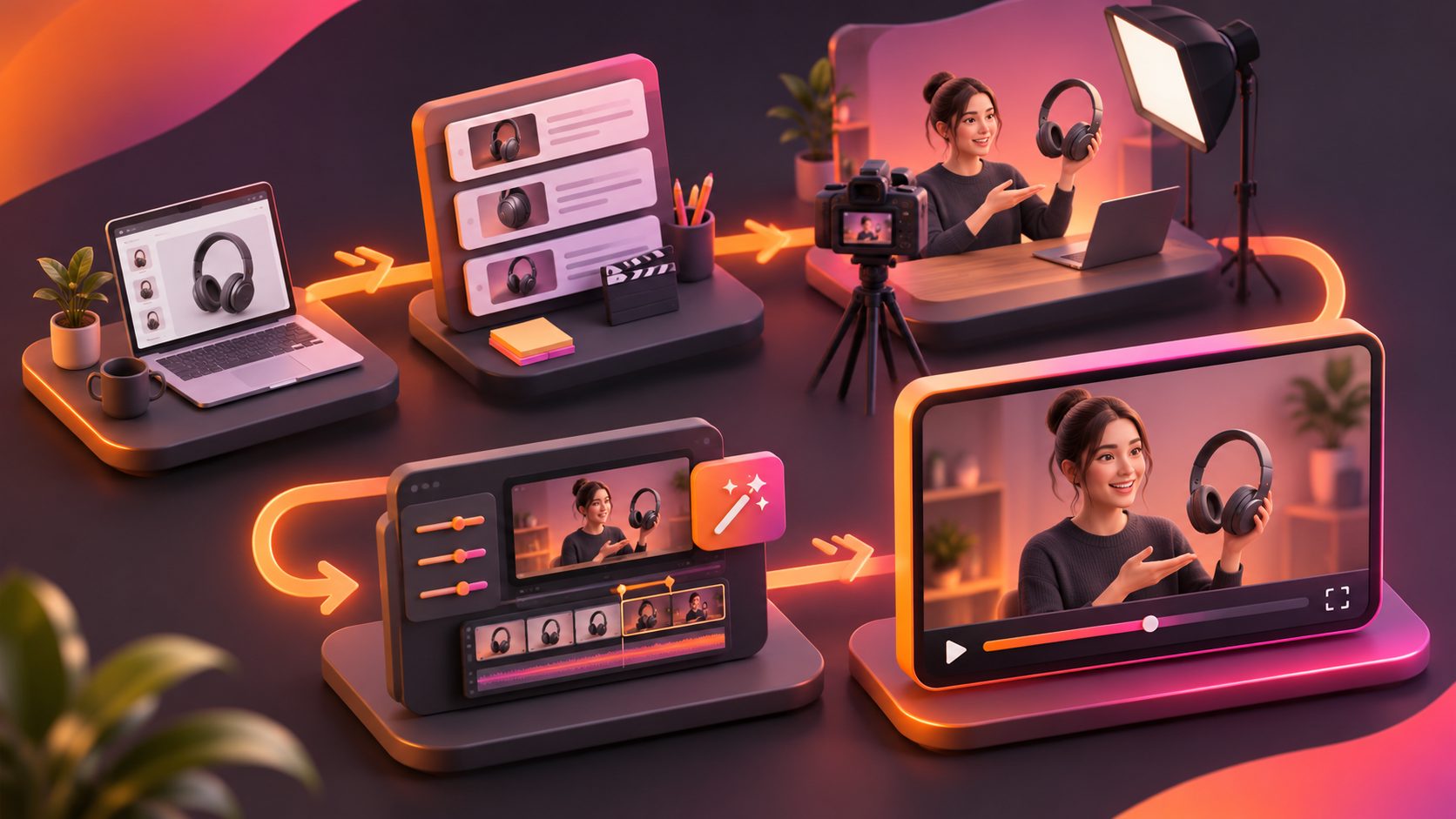
A practical hybrid workflow is often strongest: use real product footage for functional proof, then use AI-generated or AI-assisted scenes for hooks, transitions, alternate settings, and audience variations. This preserves credibility while reducing the amount of footage that must be reshot.
How can you show product proof instead of making vague claims?
Product proof is the visual answer to the buyer’s main question. A demo should make clear what changed, how the product caused the change, and what remains outside the claim.
Use proof patterns such as:
- Before and after: show the original state, the action, and the resulting state.
- Close-up evidence: show texture, fit, connection, controls, or material detail.
- Process demonstration: show the product being opened, installed, applied, folded, or operated.
- Scale reference: place the item beside a familiar object or show it in a real hand.
- Constraint disclosure: show where the product works best and what it does not do.
A strong 15-second ecommerce demo might follow this structure:
- 0–3 seconds: show the problem or desired use case.
- 3–7 seconds: show one physical action with the product.
- 7–11 seconds: show a close-up of the relevant feature.
- 11–15 seconds: show the result, product identity, and next step.
This is more persuasive than filling every second with fast cuts. Product demo guidance commonly recommends focusing on one use case, keeping the explanation concise, and ending with a clear next step. (runway.com)
What is the best AI and live-action workflow?
The most dependable workflow is not “generate everything.” It is to assign each shot to the production method that can represent it most honestly.
Use real footage for:
- Product operation
- Exact fit or compatibility
- Liquid, texture, or material behavior
- Safety-related handling
- Before-and-after performance claims
- Any feature that depends on physical resistance or contact
Use AI-assisted production for:
- Hook variations
- Lifestyle backgrounds
- Alternate presenters or voiceovers
- Localized versions
- Caption generation
- Cropping for different placements
- Upscaling and visual cleanup
- Creative concepts before a full reshoot
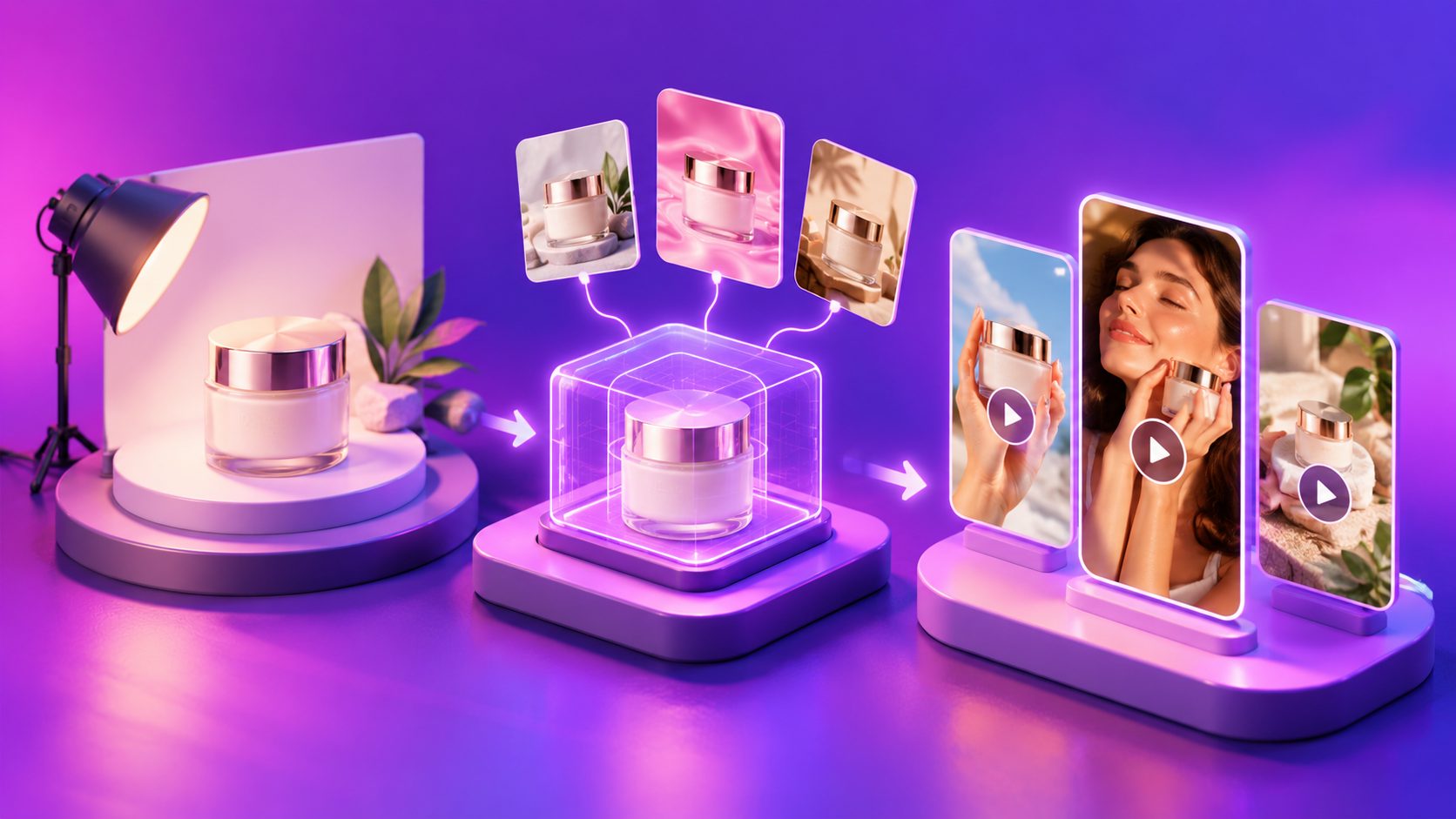
AdsTurbo supports product video creation from JPG or PNG product images, along with advertising workflows such as ad cloning, motion control, lip sync, video translation, subtitles, and image enhancement. For a product image workflow, a clear photo on a plain background gives the system a stronger visual reference.
For localization, maintain the same product shot and change only the voice, subtitles, or surrounding context where possible. This makes regional variations easier to compare and reduces the risk of the product changing between versions.
How can you audit realism before publishing?
Use a frame-by-frame quality check, not only a quick full-screen preview. Pause at the moments where the product is picked up, rotated, opened, used, or placed down.
Check these five areas:
- Product identity: logo, color, proportions, packaging, and key details remain stable.
- Hand continuity: fingers, grip, and contact points make physical sense.
- Shadow logic: shadows remain attached to objects and follow the light source.
- Scene continuity: backgrounds, surfaces, and reflections do not jump between cuts.
- Claim accuracy: every spoken or visual promise is supported by what the video shows.
A useful internal scoring method is to rate each area from 0 to 2:
- 0: clearly broken or misleading
- 1: acceptable but needs review
- 2: consistent and convincing
Do not publish a demo if product identity or claim accuracy scores zero, even when the video looks visually impressive. Realism is not only an aesthetic quality; it is also a trust and conversion quality.
Common questions about realistic product demo videos
Can AI make a product demo look completely real?
AI can create convincing scenes, variations, and edits, but it should not be treated as automatic proof of physical performance. Use real footage or verified product references for the features that buyers must trust.
Why do AI product videos often look fake?
The usual causes are inconsistent lighting, overly complex movement, unstable product geometry, unnatural hands, and scenes that do not match the product’s real use. Shorter shots with one clear action are easier to control.
Should I use a lifestyle scene or a plain background?
Use both. A plain background is useful for product identity and detail. A lifestyle scene explains context and helps viewers imagine using the item. Switching between the two creates a stronger demo than relying on either alone.
How long should an ecommerce product demo be?
Use the shortest length that proves one buyer question. A 15-second version can work for paid social, while a longer version may be appropriate for a product page when the buyer needs more setup or usage detail.
What should I do when a generated shot looks almost right?
Do not keep polishing a fundamentally incorrect shot. Replace the shot, simplify the movement, provide a clearer product reference, or use real footage for that specific action. Controlled replacement is usually faster than trying to repair a broken sequence.