Claude
 Cursor
TikTok Video Ad File Size Limit: Specs, Compression Tips, and Export Settings


Summarize with
Summary
The TikTok video ad file size limit is 500MB for most video ad formats. Learn the accepted formats, bitrate targets, compression workflow, and upload-safe settings.
By adsturbo.ai | Published 2026-11-28 | Updated 2026-11-28
The TikTok video ad file size limit is generally 500 MB or less for standard TikTok video ad uploads. TikTok’s published specifications also list MP4, MOV, MPEG, 3GP, and AVI as supported formats, with different bitrate, duration, and resolution requirements depending on the ad placement. (ads.tiktok.com)
For ecommerce sellers, staying under 500 MB is only the first step. A file can meet the size requirement and still upload poorly, look soft after processing, or place important text under TikTok’s interface. This guide explains the practical export settings that reduce those risks.
What is the TikTok video ad file size limit?
For most standard video ads, the maximum file size is 500 MB. This applies to common In-Feed and TopView video specifications published by TikTok. However, the limit is not universal across every TikTok advertising product: for example, TikTok Reservation Takeover videos have a much smaller 5 MB limit, while Instant Page videos support up to 100 MB. (ads.tiktok.com)
| TikTok asset or placement | Maximum file size | Common formats |
|---|---|---|
| Standard video ad / In-Feed | 500 MB | MP4, MOV, MPEG, 3GP, AVI |
| TopView video | 500 MB | MP4, MOV, MPEG, 3GP |
| TikTok Ad Network video | 500 MB | MP4, MOV, MPEG, AVI |
| Instant Page video | 100 MB | MP4, MOV |
| Reservation Takeover video | 5 MB | MP4 |
The safest interpretation is simple: use the 500 MB limit only when you are uploading a standard video ad in Ads Manager. Check the specific placement before exporting a specialized campaign asset.
Standard TikTok video ad specifications
A compliant file should also match the following baseline requirements:
- Vertical 9:16: at least 540 × 960 pixels
- Square 1:1: at least 640 × 640 pixels
- Horizontal 16:9: at least 960 × 540 pixels
- Standard file types: MP4, MOV, MPEG, 3GP, or AVI
- Typical standard ad duration: 5–60 seconds for many video ad formats
- Standard In-Feed bitrate: at least approximately 516 kbps
- TopView bitrate: at least approximately 2,500 kbps
TikTok’s pages contain placement-specific differences, so the campaign objective and buying type matter more than a single generic checklist. (ads.tiktok.com)
How large should a TikTok ad file actually be?
The practical target is usually much smaller than 500 MB. A 15–30 second ecommerce ad exported as a 1080 × 1920 H.264 MP4 will often remain comfortably below the platform ceiling while preserving enough detail for product shots and on-screen text.
A useful planning formula is:
Approximate file size in megabytes = bitrate in Mbps × duration in seconds ÷ 8
For example:
| Video length | Video bitrate | Approximate video data |
|---|---|---|
| 15 seconds | 8 Mbps | 15 MB |
| 30 seconds | 8 Mbps | 30 MB |
| 45 seconds | 8 Mbps | 45 MB |
| 60 seconds | 8 Mbps | 60 MB |
These are estimates before audio and container overhead. They illustrate an important point: a well-encoded 30-second ad does not need to approach 500 MB. Oversized files are often caused by unnecessary 4K exports, very high bitrates, image sequences, or editing-app presets designed for archival masters rather than social delivery.
This bitrate-duration method is an original planning framework for ecommerce teams: estimate the file before export, then leave a generous margin below the platform maximum.
Which export settings are safest for TikTok?
For most ecommerce In-Feed ads, this is a dependable starting preset:
- Canvas: 1080 × 1920 pixels
- Aspect ratio: 9:16
- Container: MP4
- Video codec: H.264
- Frame rate: Match the source, commonly 24, 25, or 30 fps
- Video bitrate: roughly 6–12 Mbps for 1080p vertical ads
- Audio: AAC, stereo, 128–192 kbps
- Keyframe interval: approximately 2 seconds when the editor provides the option
- Color: standard SDR rather than an unusual HDR workflow unless the campaign specifically requires it
These settings are not a guarantee of approval because TikTok reviews more than file size. They are designed to produce a manageable file with enough detail for product packaging, faces, captions, and motion.
For low-resolution or heavily compressed source footage, exporting at 4K will not recreate missing detail. In that case, an AI video enhancer can help improve the source before the final TikTok export. The final delivery file should still be encoded for the platform rather than uploaded as a large production master.
How do you compress a TikTok ad without making it blurry?
Compression works best when it removes waste rather than aggressively lowering quality. Use this five-step workflow:
- Trim unused footage first. Removing five seconds is usually better than reducing bitrate across the entire video.
- Crop to the intended placement. Export a true 9:16 version instead of placing a horizontal video inside a vertical canvas.
- Resize oversized footage. For most feed ads, 1080 × 1920 is a practical delivery size.
- Use a modern social codec. H.264 MP4 is a broadly practical choice for compatibility.
- Check the exported file visually. Inspect small product text, skin tones, fast movement, and dark scenes before uploading.
If your source is already compressed, repeated exports can create blocky edges and muddy text. Keep a high-quality master, make one platform-specific export, and avoid compressing the same file multiple times.
For a deeper workflow, see this guide to video compressor settings for ecommerce ads.
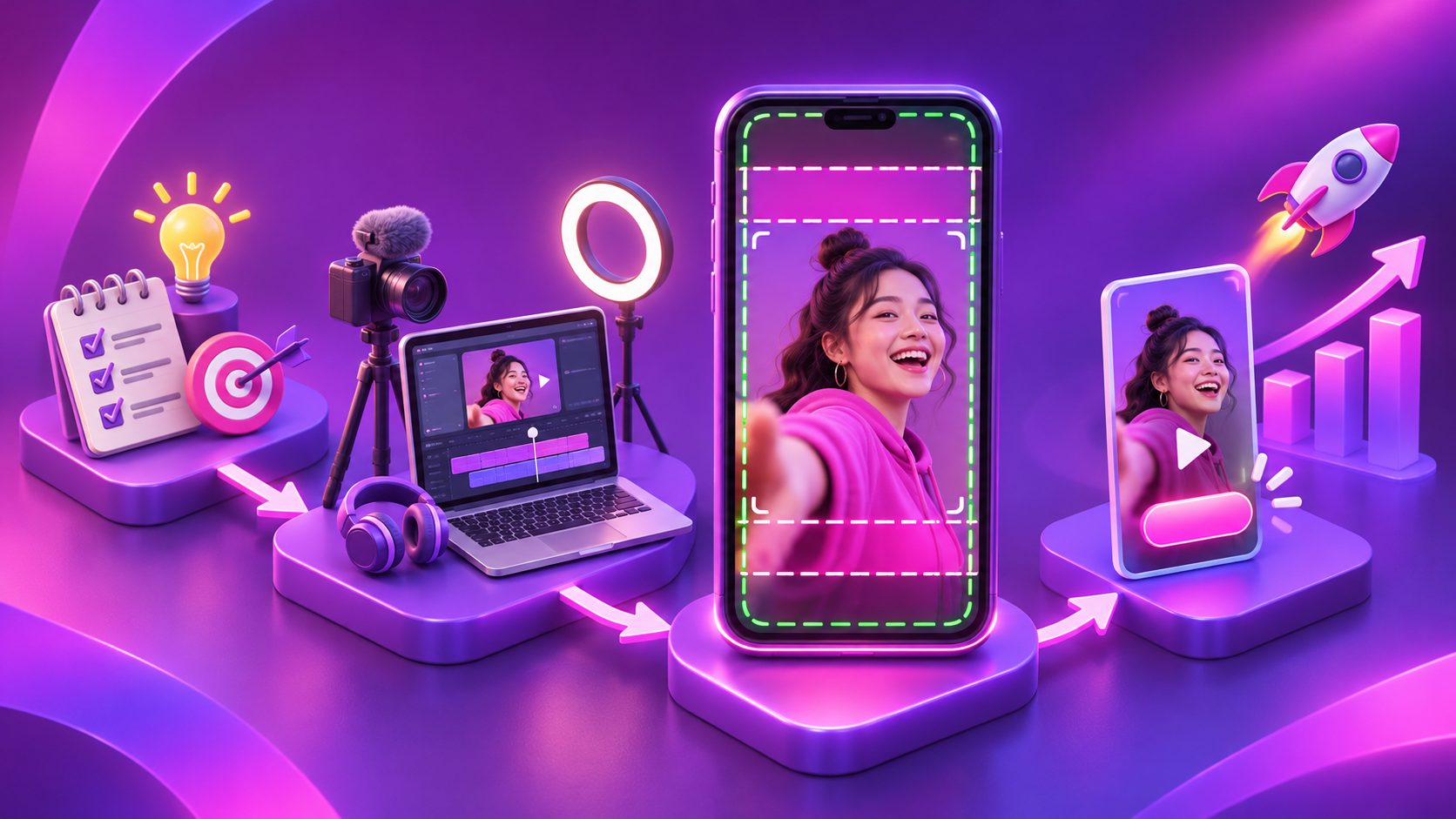
File size is not the same as TikTok safe-zone compliance
A video can be under 500 MB and still perform poorly because the product name, price, or call to action is hidden by TikTok’s interface. Text placement depends on the video dimensions, captions, and other interface elements; TikTok provides downloadable safe-zone templates for different formats. (performancemarketinghub.com)
Use these layout principles:
- Keep the main hook in the upper-middle or central area.
- Avoid placing essential text at the very bottom.
- Leave room for the caption, profile information, and interaction controls.
- Preview the ad on a phone, not only in a desktop editor.
- Create separate layouts for 9:16, 1:1, and 16:9 rather than simply stretching one composition.
The TikTok ad safe zone dimensions guide is useful when turning a compliant export into a readable one.
Why does TikTok reject a video under 500 MB?
A file below the TikTok video ad file size limit may still fail because of an unsupported format, insufficient resolution, incorrect duration, bitrate problems, or placement-specific restrictions. Spark Ads can also inherit characteristics from the underlying organic post, so their requirements should not be treated as identical to a standard uploaded In-Feed ad. (performancemarketinghub.com)
Before uploading, run this checklist:
- Is the file 500 MB or smaller for the selected placement?
- Is the extension MP4, MOV, MPEG, 3GP, or AVI where supported?
- Is the resolution high enough for the chosen aspect ratio?
- Is the video between 5 and 60 seconds when using a format with that duration rule?
- Does the bitrate meet the placement minimum?
- Is the audio track present when the format requires it?
- Are important visual elements inside the safe area?
- Has the file been exported once from a clean master?
If the upload succeeds but the ad appears soft, compare the original export with TikTok’s preview. The problem may be source quality, aggressive compression, motion blur, or text that is too small—not the maximum file size itself.
Frequently asked questions
Is 1 GB allowed for a TikTok video ad?
Usually no for standard video ad uploads. The commonly published maximum is 500 MB, so a 1 GB file should be compressed or re-exported before upload. Specialized placements can have lower limits. (ads.tiktok.com)
What is the best file format for TikTok ads?
MP4 with H.264 video and AAC audio is a practical default for compatibility, even though TikTok lists additional supported containers such as MOV, MPEG, 3GP, and AVI.
Does a longer video always create a larger file?
No. File size depends mainly on bitrate, duration, resolution, codec, and audio settings. A short 4K video can be larger than a longer 1080p video exported at a moderate bitrate.
Should ecommerce sellers export in 4K?
Only when the source and workflow justify it. For many TikTok feed ads, a 1080 × 1920 export provides a better balance of detail, upload speed, and file size than an unnecessarily large 4K file.
What is the safest target below the limit?
For a typical 15–60 second vertical ecommerce ad, targeting under 100 MB creates a comfortable buffer while leaving room for clear product visuals. Treat this as an operational target, not an official TikTok requirement.