Claude
 Cursor
URL to Video Converter: Turn Product Pages Into Ad Creatives

Summarize with
Summary
Learn how a URL to video converter turns product pages into ad creatives, what assets to prepare, and how to review AI-generated videos before launch.
By adsturbo.ai | Published 2026-11-18 | Updated 2026-11-18
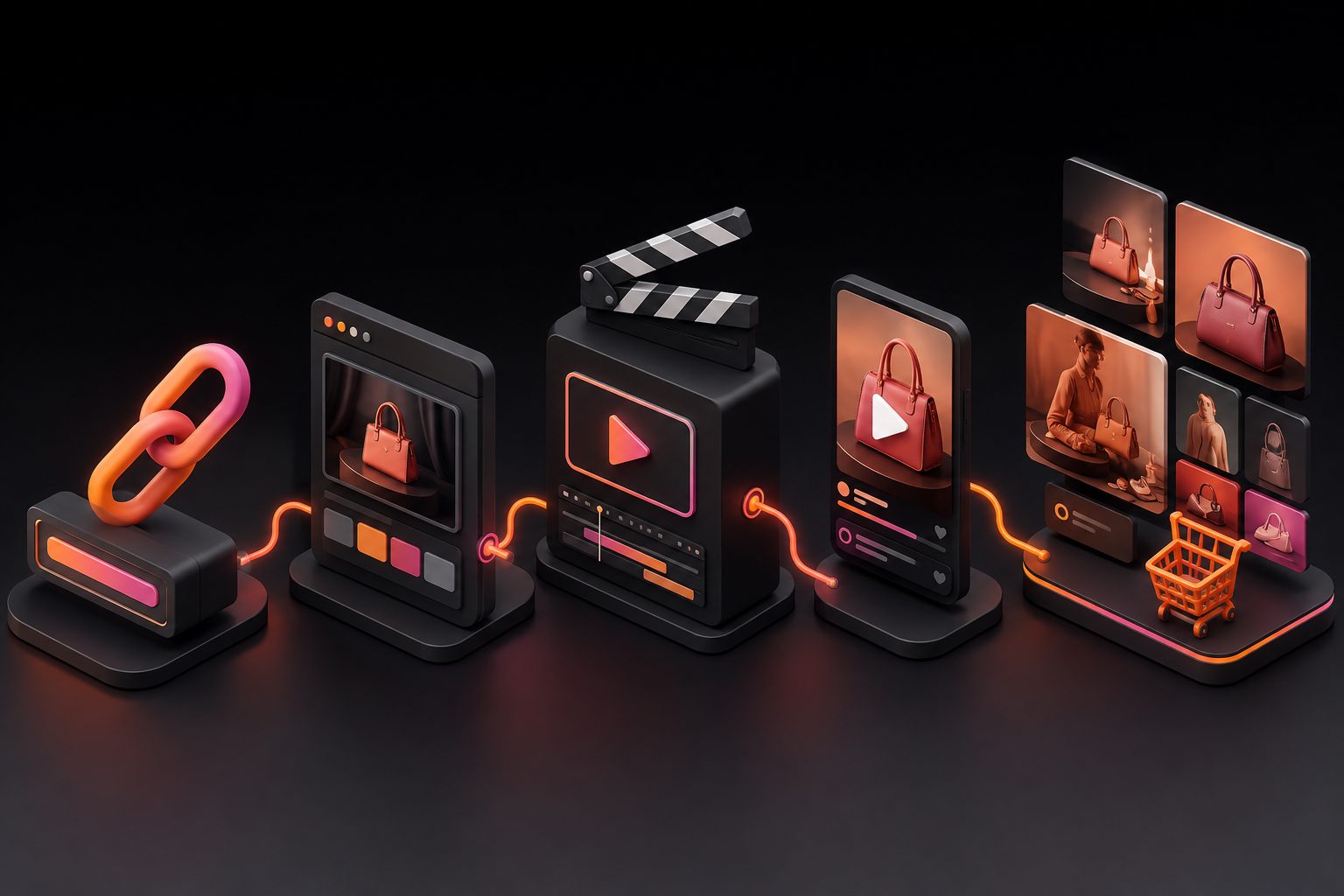
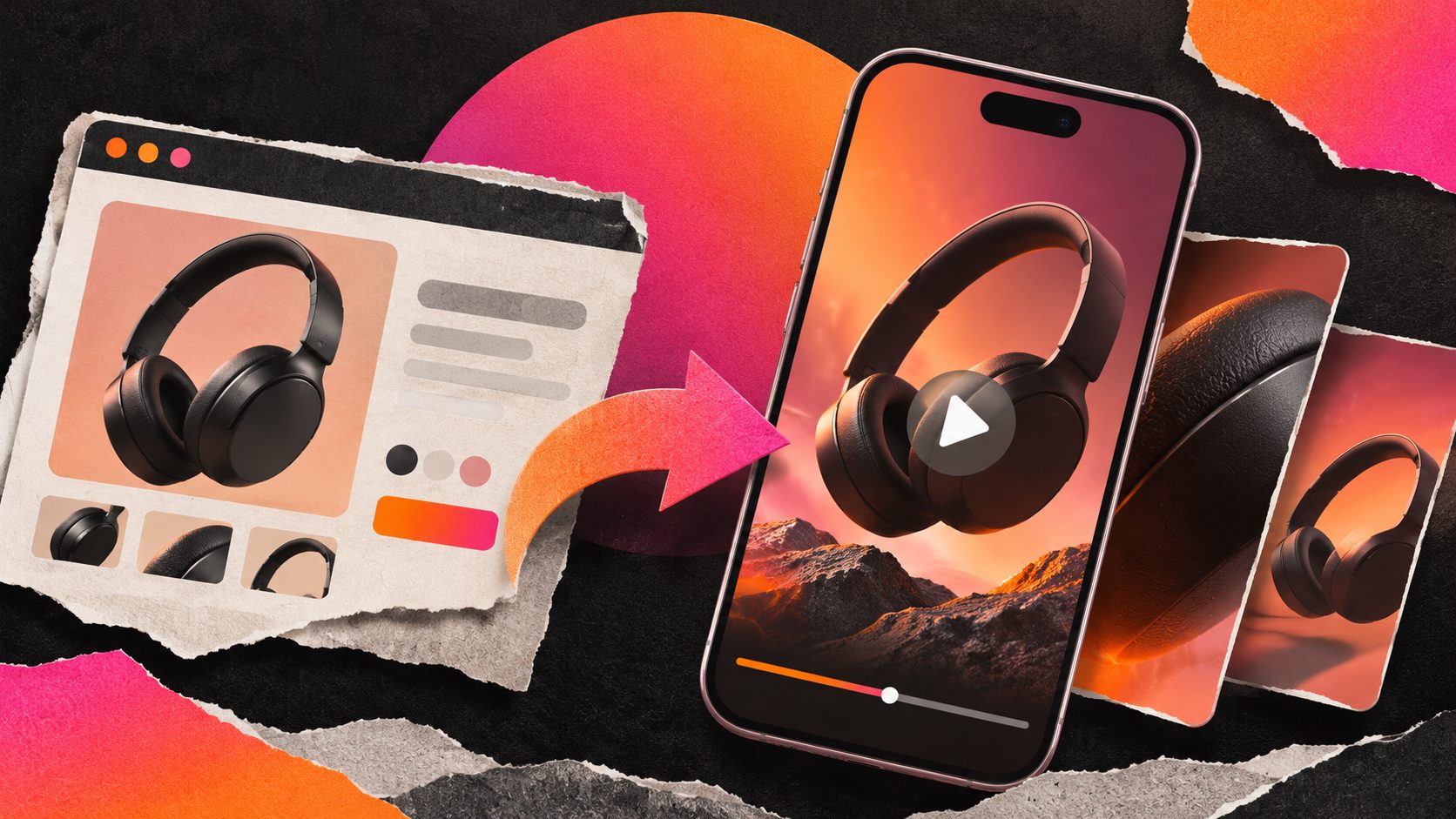
A URL to video converter turns a public product page into a structured video concept, script, and ad creative. Instead of starting with a blank timeline, the workflow extracts product information, images, benefits, and promotional details from a URL, then reshapes them for short-form advertising.
For ecommerce sellers, the important question is not whether a tool can make a video from a link. It is whether the output uses the right product facts, the strongest visual proof, and a clear reason to buy.
What is a URL to video converter?
A URL to video converter is an AI workflow that reads a webpage and creates a new video based on its content. It is different from a video downloader: the goal is to produce an original product presentation, not save a video already embedded on the page.
Most tools follow three stages:
- Read the page: Extract the product name, description, images, benefits, offer details, and relevant context.
- Build the creative brief: Select an advertising angle, write a hook, organize scenes, and propose a call to action.
- Render the video: Combine product visuals, voiceover or captions, motion, music, and an export format such as 9:16.
This category commonly supports product pages from online stores, marketplaces, and direct-to-consumer websites. Current search results also show a useful distinction: some tools create editable scripts and storyboards first, while others move directly from URL input to a finished ad. (postraid.com)
How does product URL to video work?
The most reliable workflow treats the URL as a source of structured evidence, not as a complete creative brief.
Step 1: Submit a focused product URL
Use the exact product detail page rather than a homepage, collection page, or promotional landing page containing multiple products. A focused URL gives the system fewer competing titles, images, prices, and claims to interpret.
Before submitting the link, check that:
- The product title is specific and readable.
- The main product image shows the item clearly.
- The description explains benefits rather than only technical specifications.
- The page contains the correct price, offer, or promotion.
- Important claims are supported by the visible product information.
If a page requires a login, relies heavily on JavaScript, or hides product information behind interactive elements, URL extraction may be incomplete. In that case, upload a clean product image and provide the key selling points manually.
Step 2: Review the extracted product facts
Do not approve the first script automatically. Compare the extracted brief against the product page and correct:
- Product name and model
- Color, size, quantity, and compatibility
- Customer problem or use case
- Main benefit
- Discount, coupon, or delivery information
- Brand terminology and pronunciation
A practical editorial rule is to divide claims into three groups:
| Claim type | Example | Video treatment |
|---|---|---|
| Demonstrable | “Folds into a compact shape” | Show the action |
| Descriptive | “Made with lightweight material” | Pair with a close-up |
| Promotional | “20% off this week” | Display only when verified |
This prevents a common failure: a polished video that makes a stronger promise than the product page supports.
Step 3: Choose one advertising angle
A product page often contains enough information for several ads, but each individual video should have one dominant angle.
Useful ecommerce angles include:
- Problem and solution: Show the inconvenience first, then introduce the product.
- Product demonstration: Focus on how the item works.
- Before and after: Contrast the previous situation with the improved result.
- Feature spotlight: Explain one differentiating feature.
- Gift or seasonal angle: Connect the product to an occasion or promotion.
- Social-proof style: Present the product as a practical recommendation, without inventing reviews.
The strongest angle is usually the one that can be shown visually within the first few seconds. A specification that cannot be demonstrated may work better as supporting text than as the main hook.
What assets should you prepare before converting a URL?
The URL supplies context, but better source assets usually produce a more usable ad. Prepare this checklist before generation:
Essential assets
- A clear JPG or PNG product image
- One front or hero view
- One close-up of an important feature
- One lifestyle or in-use image, if available
- Accurate product name and short description
- One primary selling point
- A confirmed offer, discount, or call to action
- Brand logo and preferred colors
For product-image generation, a clear photo on a plain background is especially useful. AdsTurbo Product Image supports JPG and PNG uploads, analyzes product shape, color, and category, and can create multiple image formats for ecommerce channels.
Optional assets that improve control
- A reference video showing the desired pacing
- A preferred script or hook
- Voice and language requirements
- Target audience or market
- Required aspect ratios
- Legal disclaimers or mandatory promotional terms
- A target landing page for the final CTA
If the original page contains weak or inconsistent images, use an AI video enhancer to improve usable footage before building the final ad. Upscaling can improve clarity, but it cannot repair an incorrect product image or prove an unsupported claim.
How do you turn one product URL into several ad variations?
The most efficient approach is to vary one creative variable at a time. Changing the hook, presenter, product angle, language, and CTA all at once makes performance difficult to interpret.
A simple variation matrix can look like this:
| Variable | Version A | Version B | Version C |
|---|---|---|---|
| Hook | “Still dealing with…” | “Here is how it works” | “Three reasons to try…” |
| Visual focus | Product close-up | Demonstration | Lifestyle scene |
| Presenter | No presenter | AI actor | Voiceover only |
| CTA | Shop now | See details | Claim the offer |
This creates a controlled testing set. If one version performs better, you have a clearer hypothesis about why.
A reference advertisement can also guide pacing and scene order. AdsTurbo Ad Clone is designed to analyze a reference video’s structure, rhythm, shot logic, and CTA pattern, then reconstruct a new variation around a different product. Use the reference for creative structure, not for copying another brand’s wording, identity, or protected assets.
When the ad needs a different presenter or localized audience, use the character swap workflow only with appropriate rights and source materials. The product, offer, and claims should still be checked independently after the transformation.
What should you check before publishing the video?
A URL-generated video should pass a five-part review:
- Product accuracy: The item shown matches the product page, including color, size, and configuration.
- Claim accuracy: The voiceover and on-screen text do not add unsupported benefits.
- Visual continuity: The product does not change shape, logo placement, or important details between scenes.
- Mobile readability: Captions and prices remain readable without sound and on a small screen.
- CTA clarity: The viewer knows what action to take and where the action leads.
A useful internal scoring method is the 3-2-1 readiness check:
- 3 facts: Confirm the product, benefit, and offer.
- 2 proofs: Show two visual demonstrations or product details.
- 1 action: End with one clear CTA.
If a draft fails any part of this check, revise the brief before adding more effects. More motion rarely fixes a weak claim or an unclear offer.
Common questions about URL-to-video tools
Can a product URL create a complete video ad?
Yes, a product URL can provide the starting information for a script, storyboard, and rendered ad. The result still needs review because page structure, image quality, and product descriptions vary.
Is URL to video the same as downloading a webpage video?
No. A URL-to-video workflow creates a new video from webpage information. Downloading an existing video is a separate task and may require permission from the rights holder.
What if the product page has poor images?
Upload a clean JPG or PNG product image and provide the key selling points manually. A strong product photo is often more useful than a large number of inconsistent page images.
Can one URL produce ads for multiple platforms?
Yes, provided the workflow supports different output formats. Create separate versions for vertical short-form placements, square feeds, and landscape placements rather than stretching one composition everywhere.
Should the URL-generated ad be published without editing?
Usually not. Review the product facts, claims, captions, pronunciation, visual continuity, and CTA before publishing. Automation reduces production work; it does not replace brand or compliance review.
Final takeaway
A URL to video converter is most useful when it turns reliable product information into a focused advertising idea. The best process is simple: submit a precise product page, verify the extracted facts, choose one angle, prepare clean assets, generate controlled variations, and review every claim before launch.