By adsturbo.ai | Published 2026-09-30 | Updated 2026-09-30
B2B custom machinery 3D video generation CAD is a workflow that converts engineering information into visual sales content before a complete machine, prototype, or factory installation is available. The most effective process is not “upload a CAD file and press generate.” It separates engineering visualization from video production, then connects them through a clear buyer-focused storyboard.
For custom equipment manufacturers, this makes it possible to explain machine layouts, internal mechanisms, production flow, installation logic, and commercial value without shipping heavy equipment to a studio.
What is CAD-to-video for custom machinery?
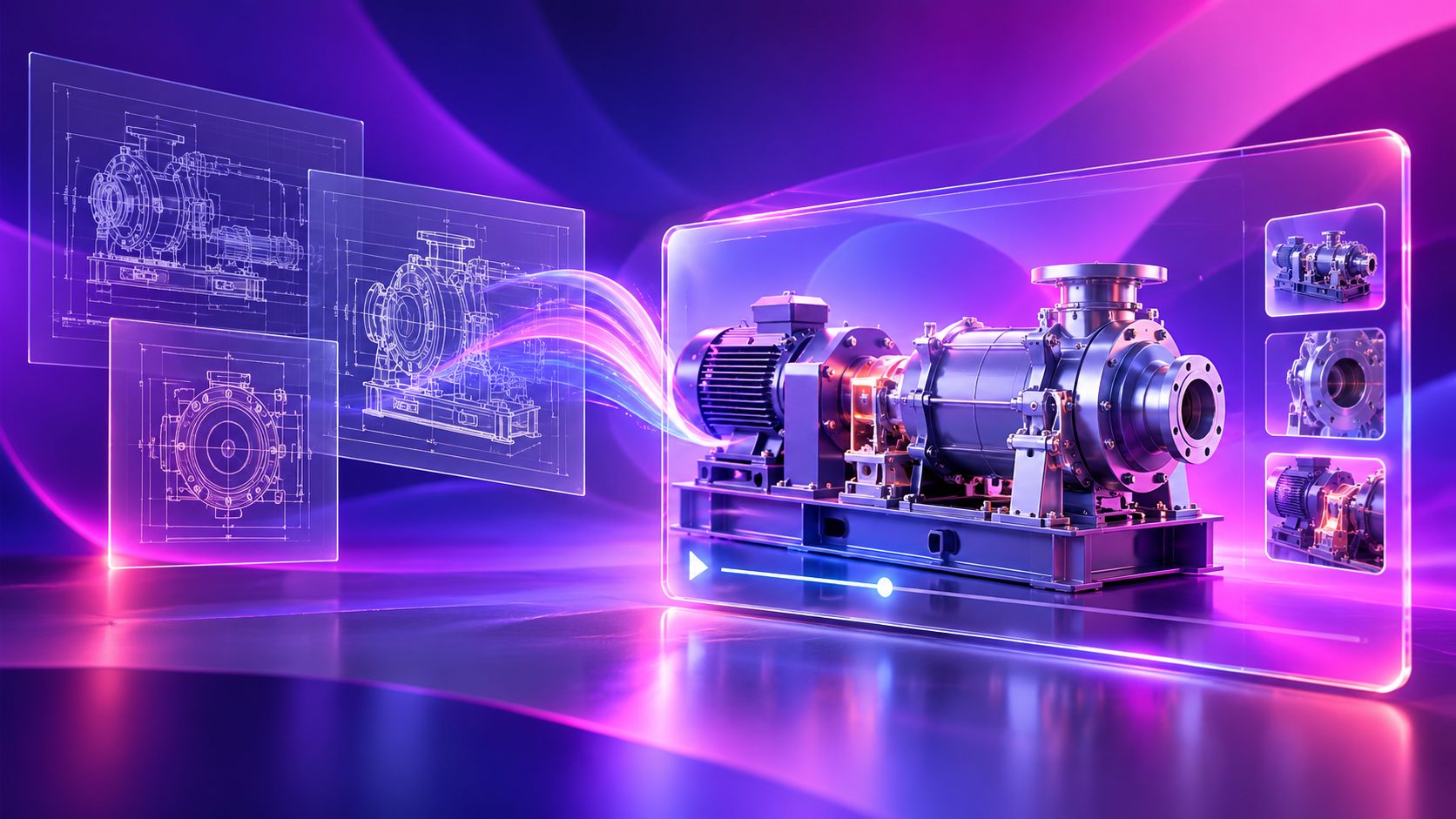
CAD-to-video is the process of using a computer-aided design model as the visual foundation for a 3D product demonstration. The model can be rendered as a complete machine, exploded view, cutaway, process animation, or configurable product presentation.
The strongest use case is a machine that is too large, too expensive, not yet built, sealed, or difficult to film. Industrial animation providers commonly position CAD-based content for sales presentations, trade shows, training, installation guidance, and technical communication because it can show areas that a conventional camera cannot reach. (orplecg.com)
For AdsTurbo users, the practical distinction is important: CAD rendering is the upstream visualization stage. AdsTurbo can then support the downstream video workflow, including ad cloning, subtitles, translation, upscaling, character replacement, lip sync, background replacement, and editing controls. The CAD model itself should first be exported into usable images or video shots by a CAD, rendering, or 3D animation tool.
Why custom machinery needs a different video strategy
A consumer product video can often focus on appearance, lifestyle, and a single benefit. A custom machinery video must answer several buyer questions at once:
- What problem does the equipment solve?
- How does the machine operate?
- Which components create the performance advantage?
- How will the machine fit into an existing production line?
- What does the buyer need to configure, install, or maintain?
- Why should the buyer request a quote now?
A generic rotating product model rarely answers these questions. It proves that the machine exists, but not why it deserves a technical meeting.
Top industrial animation pages consistently emphasize internal cutaways, hidden processes, mechanical movement, pre-prototype visualization, and multi-purpose delivery. The common weakness is that many workflows stop at “make a realistic animation” without explaining how to convert that animation into an inquiry-producing sales asset. (rendemy.com)
The buyer-question storyboard
A more useful structure is to map every shot to one commercial question:
| Buyer question | Recommended visual | Sales purpose |
|---|---|---|
| What is it? | Full machine reveal with labeled modules | Establish category and configuration |
| How does it work? | Motion sequence or process flow | Reduce technical confusion |
| What is different? | Cutaway, exploded view, or comparison | Make the engineering advantage visible |
| Where does it fit? | Factory-line or facility context | Help stakeholders imagine deployment |
| Can it be customized? | Variant panels or modular components | Support specification discussions |
| What should I do next? | Benefit summary and CTA | Create an inquiry or demo request |
This framework is an original commercial layer between CAD visualization and video production. It prevents the common failure of producing a visually impressive video that still leaves procurement, engineering, or operations teams without a clear next step.
How to turn CAD into a B2B machinery sales video
1. Start with the commercial brief, not the model
Before animating, define the audience and decision stage. A distributor may need a short product overview. A plant engineer may need operating logic. A procurement team may need proof of capacity, configuration flexibility, and integration.
Write one sentence such as:
“This video helps packaging-line buyers understand how the custom feeder integrates with their existing system and why it reduces manual handling.”
That sentence should control the shot list.
2. Prepare the CAD-derived visual assets
Export only the geometry required for the story. A complete assembly may contain thousands of parts that create visual noise and slow production.
Prepare:
- A clean full-machine view
- Key component close-ups
- Exploded or separated assemblies
- Transparent or cutaway views
- Moving parts and operating states
- Optional facility, product-flow, or operator context
Check that dimensions, component names, colors, and movement sequences match the latest engineering revision. Industrial animation studios frequently highlight the value of working from native or exchange CAD formats, but accuracy still depends on revision control and technical review. (widerender.com)
3. Build a short “proof of operation” sequence
For most custom machinery, the most persuasive section is not the opening beauty shot. It is a 10–20 second proof sequence showing:
- Material or product enters.
- The machine performs its key operation.
- A measurable or visible output appears.
- The result connects to the buyer’s production goal.
Keep the sequence causal. Show what moves, what triggers the next action, and what changes because of the machine.
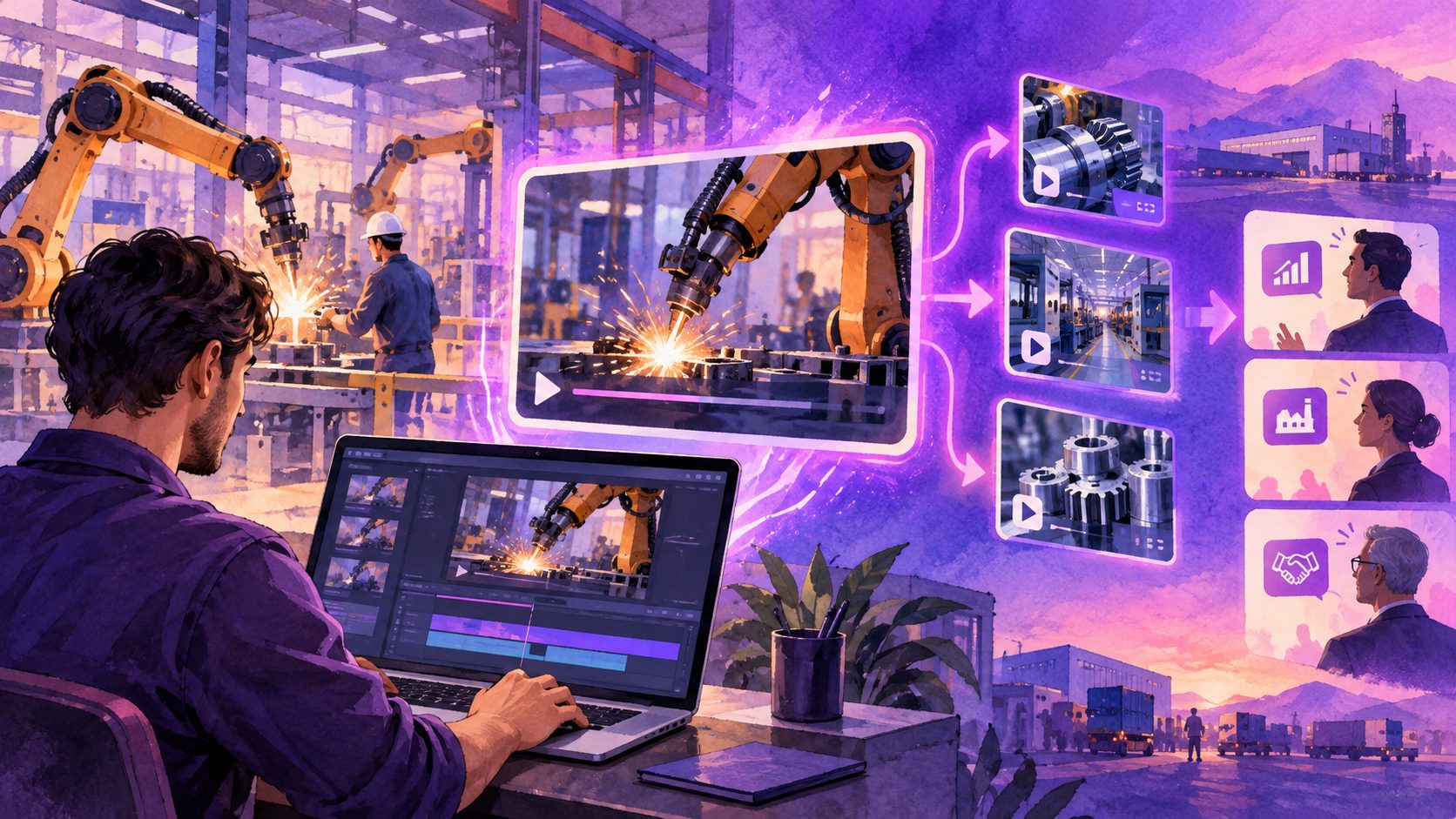
4. Convert the master animation into sales variants
One master 3D sequence can be adapted for several audiences:
- Technical version: component labels, process logic, and operating details
- Executive version: business benefit, deployment context, and short duration
- Distributor version: product category, differentiators, and inquiry CTA
- Trade-show version: readable text, looping structure, and minimal narration
- Localized version: translated voice, subtitles, and region-specific messaging
This is where AdsTurbo becomes useful. Its video tools support translation, subtitle generation, lip sync, character replacement, video upscaling, and ad cloning. Its Video Subtitle workflow can create time-synchronized captions and export either a captioned video or separate subtitle files.
For a related example of structuring a complex industrial demonstration, see the industrial parts product demo video generator workflow.
How AdsTurbo fits into the production stack
AdsTurbo should be positioned as a creative production and post-production layer rather than a replacement for mechanical CAD software.
A practical stack looks like this:
- Engineering system: create or revise the machine model.
- 3D visualization tool: produce rendered shots, motion sequences, or still frames.
- AdsTurbo: edit clips, generate subtitles, translate narration, upscale footage, replace backgrounds, or create campaign variants.
- Sales enablement: publish versions for the website, trade shows, email, distributor outreach, and paid campaigns.
AdsTurbo also supports ad cloning, allowing a reference advertisement’s opening structure, pacing, scene logic, and CTA pattern to be reworked for a different product. That is useful when a machinery company has already identified an effective B2B video format but needs new versions for different machines, industries, or markets.
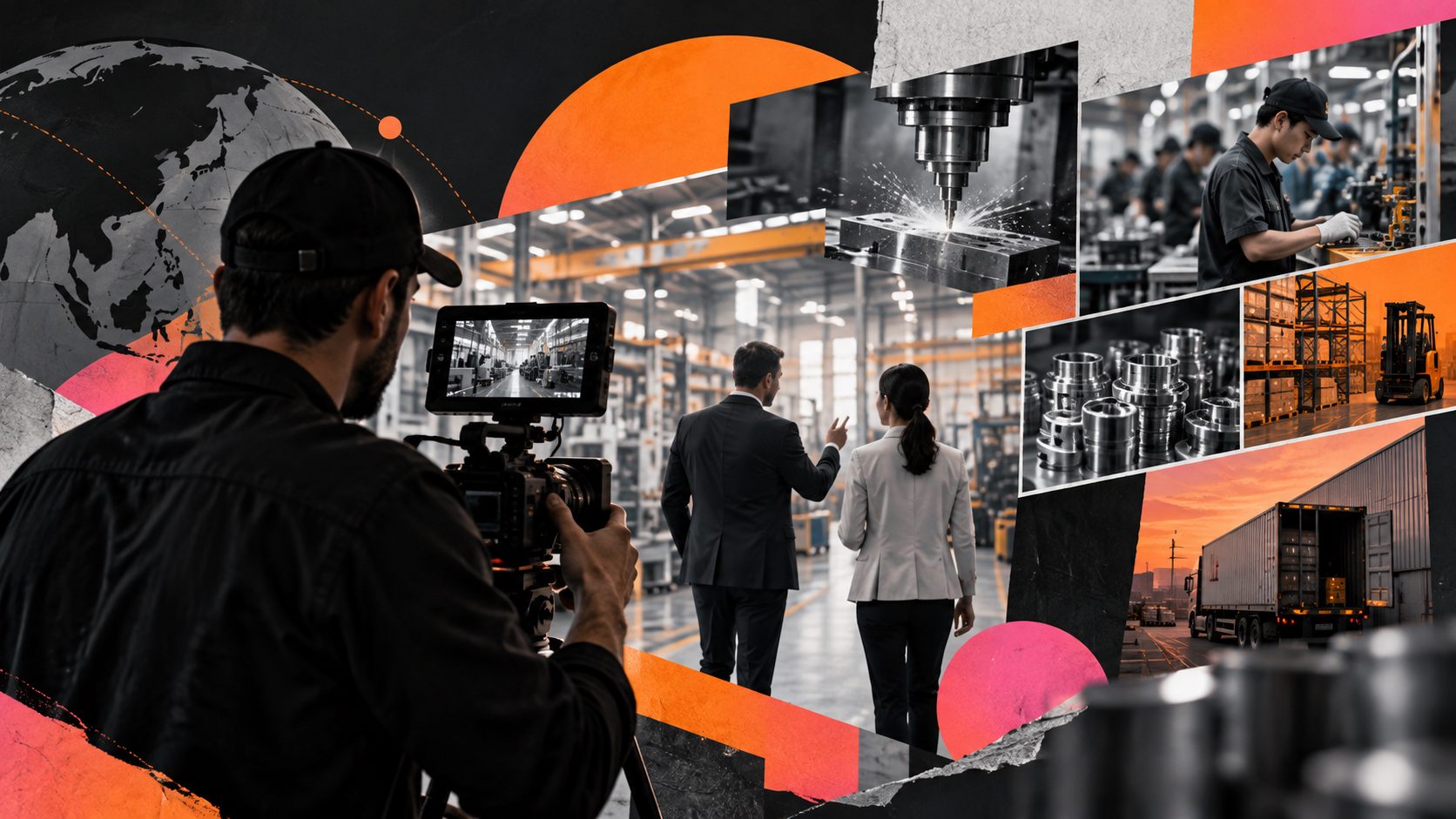
For plant-level storytelling, the B2B factory tour video framework can help connect the machine animation with facility credibility, production capability, and buyer trust.
Quality checks before publishing
A CAD-based sales video should pass three reviews:
Engineering review
Confirm that the model, operating sequence, component names, and safety claims match the approved design. Do not animate a capability that the machine does not deliver.
Buyer review
Ask someone outside the engineering team to explain what the machine does after watching once. If they can describe the appearance but not the process or benefit, the story needs revision.
Channel review
Prepare different exports for different contexts:
- Horizontal video for presentations and websites
- Square or vertical cuts for social distribution
- Captioned versions for silent viewing
- Short loops for trade-show screens
- Localized versions for export markets
AdsTurbo’s subtitle formatting and video editing functions can support these variations. Its asynchronous generation model also means production systems should use task-status polling or webhooks to receive completion events rather than assuming an immediate result.
Common questions
Can a CAD file directly become a finished sales video?
Usually, no. CAD provides geometry and assembly information, but a sales video still needs camera direction, motion logic, lighting, text, narration, editing, and a CTA. A CAD or 3D visualization tool should generate the initial scenes before a video platform handles editing and localization.
What if the machine has not been built yet?
That is one of the strongest reasons to use 3D visualization. A pre-production animation can explain the proposed configuration, demonstrate the operating concept, support distributor conversations, and help stakeholders review the design before physical installation.
Should the video show every component?
No. Show the components that explain the buyer’s decision. Excessive detail can make a technically correct video difficult to understand. Use close-ups and cutaways selectively, then provide a technical appendix or separate engineering version when necessary.
How long should a custom machinery video be?
Use the shortest version that proves the commercial point. A 20–45 second version may work for prospecting or paid distribution, while a 60–120 second version can explain a complete operating sequence. Trade-show loops and technical presentations may require longer edits.
How can one animation support international sales?
Create a master visual sequence first, then localize the voiceover, subtitles, on-screen text, and CTA. AdsTurbo supports video translation and multilingual subtitle workflows, helping teams adapt the same visual asset for multiple markets without rebuilding every shot.
Final takeaway
The best b2b custom machinery 3d video generation cad workflow is not defined by realism alone. It succeeds when engineering geometry is translated into buyer answers, then adapted into short, localized, inquiry-ready assets.
Use CAD to establish what the machine is and how it works. Use a buyer-question storyboard to decide what deserves screen time. Then use AdsTurbo for the scalable editing, subtitle, translation, ad variation, and enhancement work required to distribute the story across markets.