Claude
 Cursor
AI Fashion Model Video Generator for Clothing Ads

Summarize with
Summary
Learn how to turn flat-lay and product photos into AI fashion model video ads, including plus-size creative testing, motion planning, captions, and export checks. Start building better apparel ads.
By adsturbo.ai | Published 2026-11-24 | Updated 2026-11-24
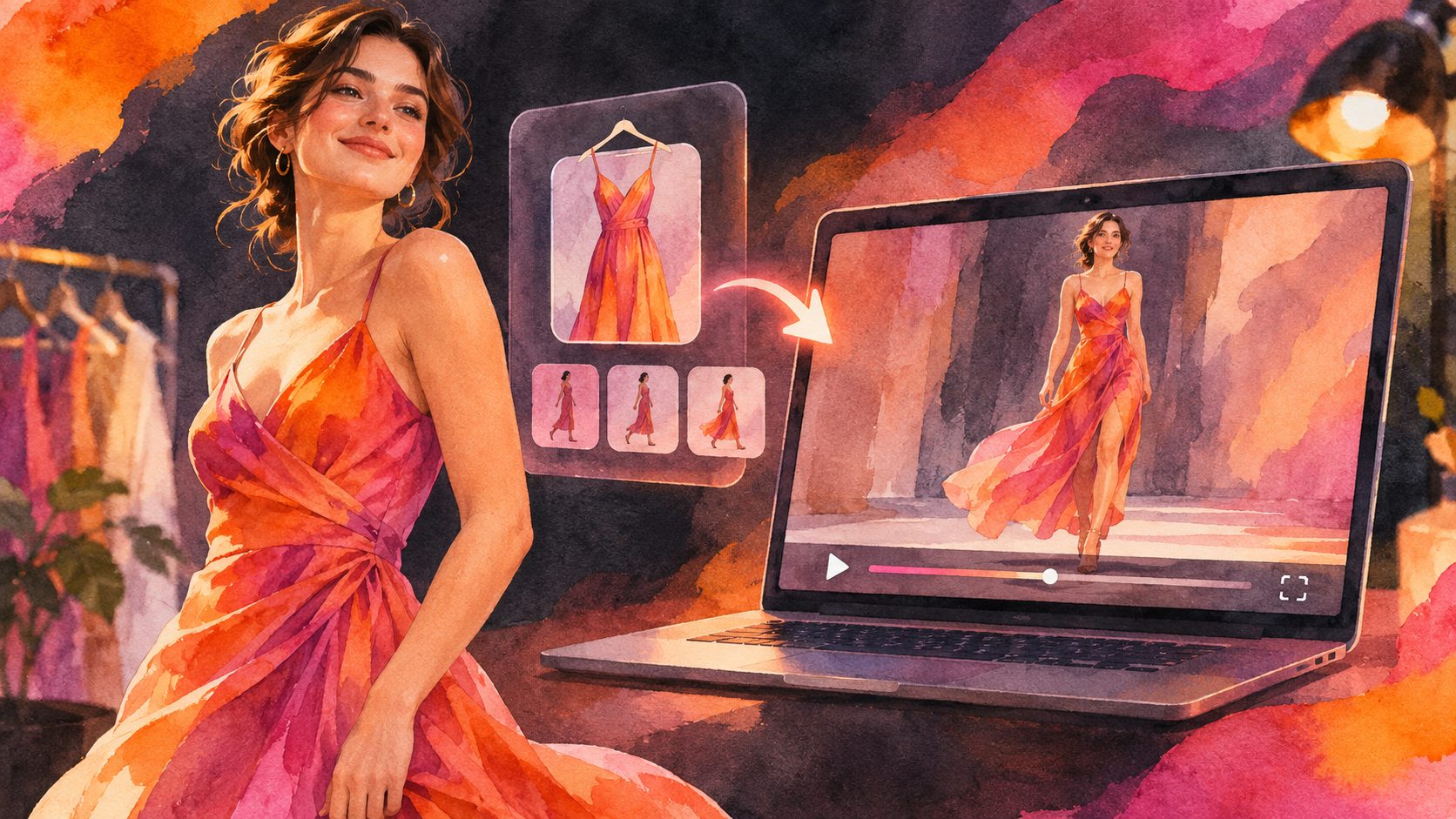
An AI fashion model video generator for clothing ads turns a flat-lay, mannequin, hanger, or product image into short-form fashion content featuring an AI model. For apparel sellers, the value is not simply making a person appear on screen—it is producing multiple useful ad angles while preserving the garment’s key visual details.
The strongest workflow combines product accuracy, model diversity, controlled movement, and platform-ready editing. This guide explains how to build that workflow for TikTok, Instagram Reels, product pages, and paid social campaigns.
What is an AI fashion model video generator for clothing ads?
An AI fashion model video generator creates short videos from clothing imagery by placing the product on a generated model or animating an existing fashion image. The output may show a walk, try-on, outfit reveal, fabric close-up, mirror-style presentation, or product-detail sequence.
Current fashion-focused tools commonly position flat-lay photos as a starting point for on-model imagery and video. For example, fashion video platforms describe workflows that move from a product photo to lookbooks, street-style motion, multiple model variations, and fabric close-ups. (provamoda.ai)
For ecommerce advertising, the important distinction is between visual generation and ad production:
- Visual generation creates the model, setting, pose, and movement.
- Ad production adds the hook, product benefit, proof, captions, offer, and call to action.
- Creative testing requires several controlled variations rather than one polished video.
That distinction prevents a common mistake: generating attractive fashion footage that never clearly explains why someone should buy the garment.
What inputs produce the most reliable clothing videos?
A clear product image on a simple background is usually the strongest starting point. AdsTurbo Product Image accepts JPG and PNG product images, and clean photos against a solid background are suited to product analysis and generation.
Prepare the input with these checks:
- Show the complete garment. Avoid cropped hems, sleeves, collars, or waistlines.
- Use even lighting. Harsh shadows can be mistaken for folds, seams, or color changes.
- Keep the garment flat or naturally positioned. Extreme twisting makes construction details harder to preserve.
- Capture texture at a useful resolution. Knits, ribbing, embroidery, and prints need enough detail to survive motion.
- Separate similar colors. A pale beige garment against a cream background gives the model less visual contrast.
The product photo should be treated as a source of truth. The AI model, location, pose, and camera movement can change; the garment’s silhouette, print placement, and color should not.
How should clothing sellers structure a fashion ad?
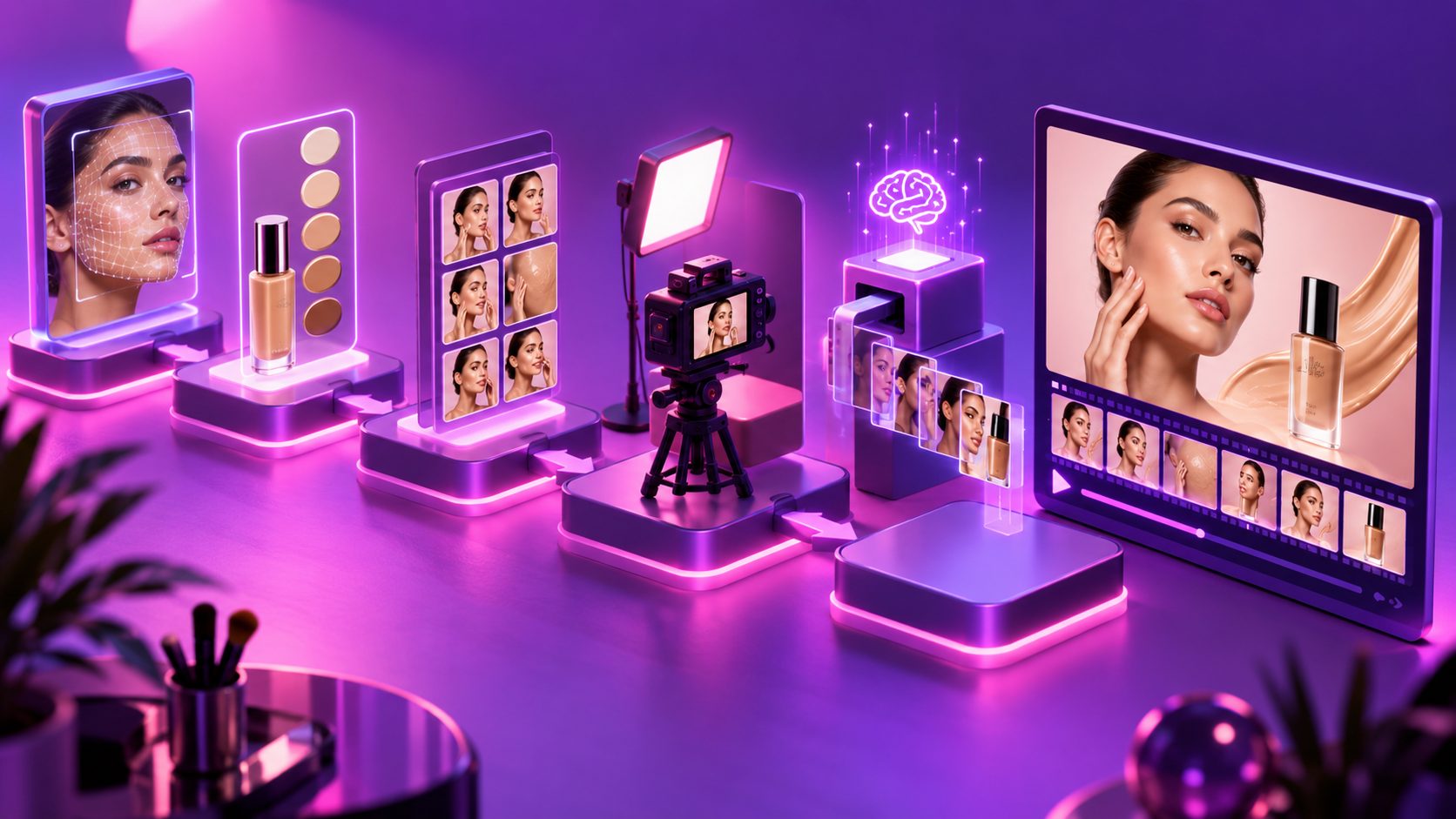
A reliable short clothing ad can be planned as a five-part sequence:
- Hook, 0–2 seconds: Show the strongest visual difference, such as a dramatic silhouette, color, texture, or styling transformation.
- Full look, 2–5 seconds: Use a stable walking or turning shot so viewers can understand the garment’s shape.
- Detail proof, 5–8 seconds: Show a collar, pocket, stretch, print, closure, lining, or fabric texture.
- Use case, 8–11 seconds: Place the model in a setting that matches the product’s intended context.
- CTA, 11–15 seconds: Add the offer, collection name, discount, or shopping instruction.
This structure is more useful than asking for “a cinematic fashion video.” It gives each second a job and makes variants easier to compare. A 15-second vertical draft can then be adapted into shorter cuts for Reels, TikTok, and Shorts.
For a broader production system, the AI video ad generator for ecommerce workflow explains how product information, creative angles, and video assets can fit into one testing process.
How can plus-size fashion ads avoid generic representation?
Plus-size creative should not be treated as a simple model-size substitution. The ad needs to communicate fit, proportion, comfort, and styling in ways that are meaningful for the intended customer.
Use prompts and creative direction that specify:
- The desired size range or body shape without reducing the person to a label.
- A natural stance rather than an exaggerated slimming pose.
- Camera angles that show the garment’s actual drape and length.
- Movement that demonstrates stretch, volume, sleeve shape, or waistband placement.
- Styling relevant to the product, such as layering, workwear, travel, or occasion dressing.
- Multiple body representations when the campaign is intended for a broad customer base.
A useful original framework is the FIT test:
| Check | Question |
|---|---|
| F — Form | Does the garment keep its real silhouette across frames? |
| I — Inclusion | Does the casting reflect the audience without tokenizing it? |
| T — Truth | Can shoppers see believable details about fit, fabric, and use? |
A video that passes the FIT test is more valuable than one that merely looks photorealistic. It gives the viewer information that can reduce uncertainty before clicking.
You can also pair model-led ads with product-only visuals. AdsTurbo Product Image can generate multiple product image types, including banners, lifestyle scenes, close-ups, material details, instruction images, and brand visuals. This creates a practical sequence: model video for attention, detail image for consideration, and product page assets for conversion.
How do you make AI fashion model videos look less artificial?
The most realistic results usually come from controlled motion, not excessive motion. Ask for one primary action per clip: walking toward the camera, turning once, adjusting a sleeve, sitting naturally, or showing a close-up of a detail.
Avoid combining all of these in one generation:
- Fast walking
- Rapid camera movement
- Multiple outfit changes
- Complex hand gestures
- Heavy text overlays
- Dramatic lighting changes
Instead, generate short clips with one clear purpose and assemble them during editing. If the source footage is soft or compressed, an AI video enhancer can improve visual clarity before export. AdsTurbo also provides video subtitles, translation, motion control, and clip-by-clip editing options for polishing ad variations.
A quality-control pass should inspect:
- Logo and print consistency
- Sleeve, hem, and neckline continuity
- Hands and fingers
- Jewelry and accessories
- Walking direction and body proportions
- Text legibility on mobile screens
- Whether the final frame contains a clear CTA
How can sellers create more ad variants from one garment?
The most efficient approach is to vary one major factor at a time. From one product photo, create a test matrix such as:
| Variable | Example versions |
|---|---|
| Model presentation | Petite, midsize, plus-size, mature |
| Setting | Street, studio, office, weekend |
| Hook | Fit benefit, fabric detail, styling idea |
| Motion | Walk, turn, close-up, mirror reveal |
| Offer | New arrival, limited drop, seasonal sale |
| Format | 9:16, 1:1, 16:9 |
This produces a more useful learning system than making ten unrelated videos. If one version performs better, you can identify whether the improvement came from the model, hook, setting, or offer.
AdsTurbo Ad Clone can analyze a reference video’s structure, pacing, shot logic, and CTA pattern, then help reconstruct brand-specific variants. The practical use is not copying another advertiser’s identity; it is studying the sequence that makes an ad understandable and rebuilding it around your own product.
Common questions
Can a flat-lay photo be used to make a fashion video?
Yes. A clear JPG or PNG flat-lay image can serve as the product reference. The cleaner the garment outline, lighting, and background, the easier it is to generate a believable on-model result.
Should clothing ads use AI models or real creators?
AI models are useful for rapid concept testing, multiple body representations, and repeated product variations. Real creators may be preferable when personal testimony, authentic usage, or creator licensing is central to the campaign. Many brands can use both.
What video length works for apparel ads?
Start with a 10–15 second master version and create shorter cuts from it. The correct length depends on the hook, product complexity, audience, and placement. A simple accessory may need only a few seconds, while a structured garment benefits from a full-look and detail sequence.
How do sellers show fabric quality in an AI video?
Use a dedicated close-up shot for weave, ribbing, stitching, buttons, or texture. Do not rely only on a distant walking shot. Pair the motion clip with a product-detail image or macro-style video so shoppers can inspect the material.
Can the same clothing ad be localized?
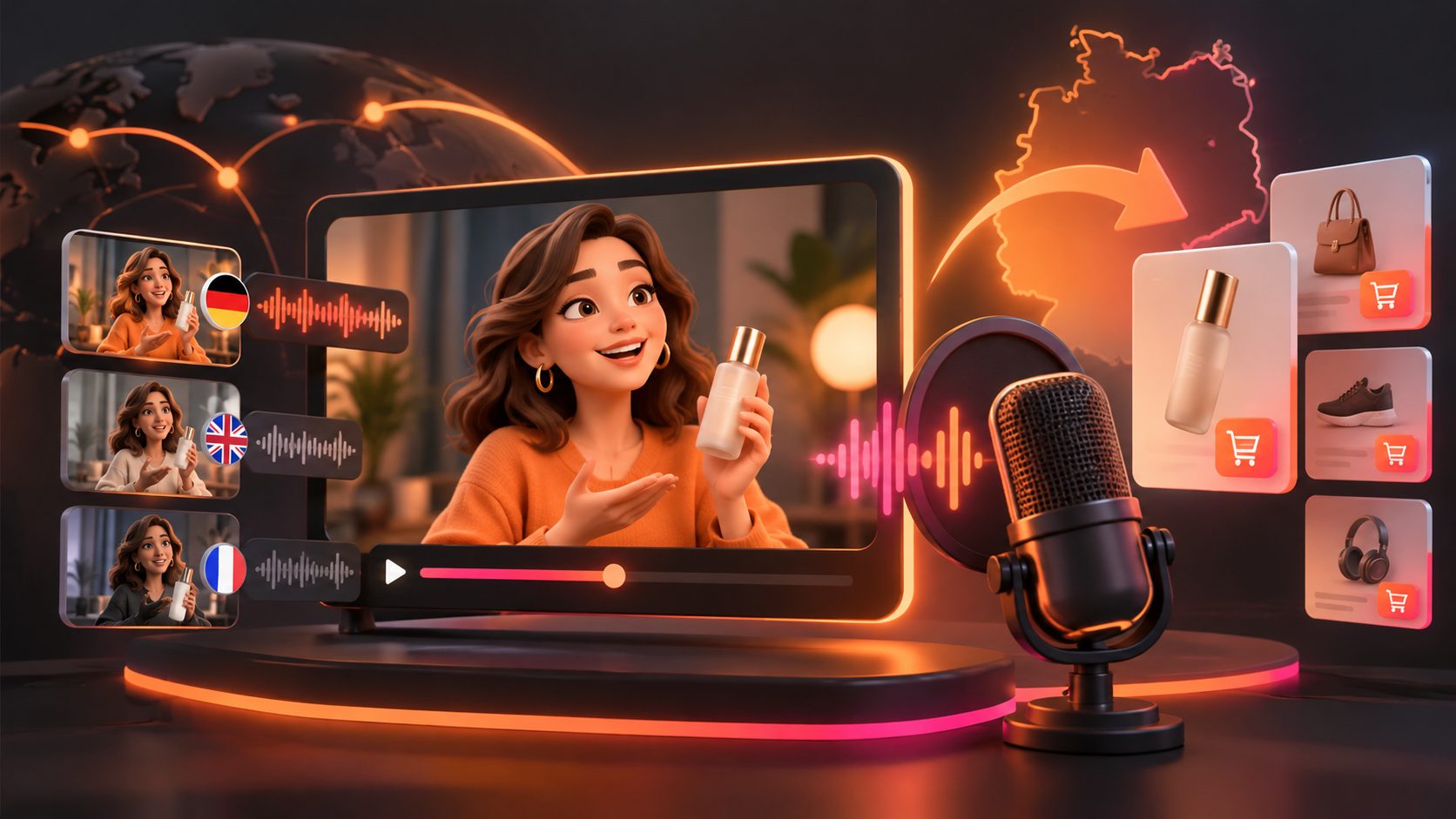
Yes. A single concept can be adapted with different languages, subtitles, voice tracks, model presentations, and CTA text. AdsTurbo supports video translation and subtitle generation, helping sellers prepare localized versions for different markets.
Final checklist for publishing
Before launching an AI clothing ad, confirm that:
- The garment matches the original product image.
- The first two seconds communicate a clear reason to watch.
- The model and setting fit the intended customer.
- At least one shot proves fit, texture, or construction.
- Captions remain readable inside platform safe zones.
- The CTA is visible without covering the garment.
- Variants change one major test variable at a time.
- The exported video is sharp enough for mobile viewing.
The best AI fashion model video workflow is not about replacing every photoshoot. It is about turning one accurate product asset into a structured set of useful creative tests—especially when a clothing seller needs more representation, more formats, and more product education without rebuilding every ad from scratch.