By adsturbo.ai | Published 2026-09-28 | Updated 2026-09-28
Temu local seller product video requirements are not presented as one complete public specification page. For US sellers, the safest approach is to verify the upload fields and rejection messages inside Temu Seller Center, then prepare a short, product-focused video that matches the listing, category, and fulfillment promise.
This guide separates confirmed platform guidance, working production standards, and items that should not be treated as official rules. That distinction matters because marketplace interfaces and review policies can change.
What are Temu local seller product video requirements?
Temu local seller product video requirements are the technical and content conditions a product video must satisfy before it can be attached to a listing and reviewed. Public Temu materials explain seller registration, product management, logistics, and seller support, but they do not provide a complete public table covering every video field such as frame size, duration, bitrate, or file limit. (seller.temu.com)
For that reason, treat the following as a verification hierarchy:
| Requirement area | What to rely on |
|---|---|
| Accepted file type, size, duration, and ratio | The current upload panel in Seller Center |
| Product claims and restricted content | Temu policies, category rules, and rejection notices |
| Product identity | The actual item, packaging, features, and included accessories |
| Local-seller fulfillment claims | Your real inventory location, handling time, and shipping setup |
| Creative quality | Clear demonstrations, readable captions, and an obvious product benefit |
Temu’s terms also state that policies and guidelines may change, so sellers should regularly review the current platform rules rather than rely on a static checklist. (temu.com)
What is confirmed, and what is only a working standard?
A useful distinction is that “recommended for production” is not the same as “required by Temu.” Third-party guides commonly suggest short vertical or square marketplace videos, but publicly available sources do not establish every number as an official Temu seller rule. One recent specification review explicitly labels common values such as 1:1, 3:4, approximately 30 seconds, and an 8% safe margin as experience-based rather than officially published. (getpreshoot.com)
Use those values as a creative starting point only. Before uploading, confirm the exact limits displayed in your US Seller Center account.
What should a Temu listing video show?
A Temu product video should answer three shopping questions quickly: What is it? How does it work? Why should the buyer care? Product visibility and proof usually matter more than cinematic editing.
A practical structure is:
- Opening: Show the product in use within the first visual beat.
- Problem: Demonstrate the inconvenience, need, or use case.
- Proof: Show the product’s mechanism, size, texture, capacity, compatibility, or result.
- Offer context: Mention a legitimate benefit without creating an unsupported claim.
- Close: End with the product clearly visible and consistent with the listing.
For local sellers, add operational trust through the listing itself rather than making risky promises inside the video. Do not claim “ships today,” “made in the USA,” or “next-day delivery” unless those statements are accurate for the specific SKU and fulfillment workflow.
This approach also aligns with the broader purpose of Temu’s Local Seller Program: connecting sellers with onboarding, product management, logistics, and seller support for their applicable market. (seller.temu.com)
How do you make a video that passes a practical pre-review check?
Use this five-step workflow before attaching the asset to a listing.
1. Verify the listing first
Confirm the product title, images, variants, category, dimensions, included parts, and shipping information. The video should not introduce a color, bundle, size, or accessory that the listing does not offer.
2. Use real product evidence
A clean product photo can help create a draft, but the final video should communicate the actual item accurately. Avoid exaggerated transformations, impossible results, misleading before-and-after scenes, or visual effects that change the product’s apparent size.
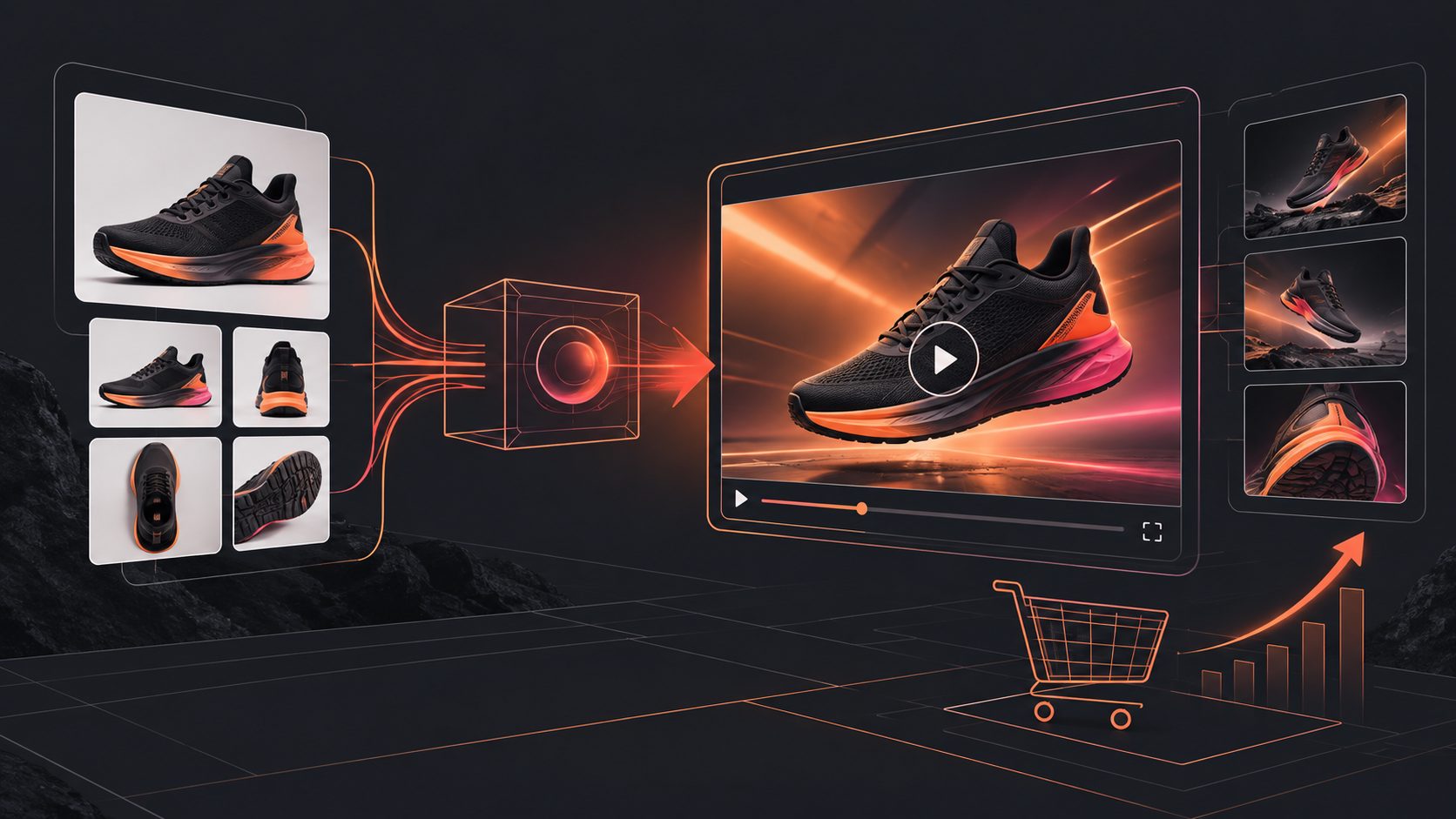
For sellers starting from a product image, AdsTurbo’s Temu product video generator workflow can help organize the product, selling points, and short-form structure. The generated output still needs a human comparison against the live SKU.
3. Keep text inside safe viewing areas
Marketplace interfaces can cover parts of a video with buttons, product information, or captions. Keep important claims away from the outer edges, use high-contrast text, and avoid placing the only explanation in tiny captions.
A good internal test is to view the video on a phone at normal brightness with sound muted. If the product benefit is unclear in the first few seconds, revise the opening.
4. Check every claim
Claims involving safety, health, performance, compatibility, certifications, discounts, or delivery need special care. Product safety and certification obligations can vary by category and market; Temu has recently expanded seller education with organizations including Bureau Veritas, QIMA, and TÜV SÜD. (temu.com)
Do not use a video to imply certification that your product has not received. Do not add a discount, coupon, or deadline that does not match the active offer.
5. Compare the video with the product page
Run a final “listing-video consistency check”:
- Is the same product shown in the title, thumbnail, and video?
- Are the color, size, quantity, and accessories identical?
- Are subtitles readable without audio?
- Does the video avoid unrelated logos, watermarks, or competitor branding?
- Are all claims supportable by the product information?
- Does the video make sense for the selected category?
This six-point check is a practical information-gain layer that many generic Temu video guides omit: review risk often comes from inconsistency, not only from file format.
Which video format should US local sellers produce first?
Start with one master video designed for the product page, then create controlled variants rather than changing everything at once.
| Variant | Change one variable | Best use |
|---|---|---|
| Demonstration | Product action or use case | Functional products |
| UGC-style | Presenter, voice, or testimonial framing | Lifestyle and impulse products |
| Detail-focused | Texture, close-up, components | Beauty, apparel, accessories |
| Offer-led | Promotion or seasonal message | Campaign periods |
| Problem-solution | Opening hook and use-case order | Products with obvious pain points |
A sensible pilot is 10 listings or 10 creative variants: keep the product footage consistent while testing the opening, caption style, presenter, or explanation order. Record approval status, edit requests, click-through rate, add-to-cart rate, and conversion separately. This prevents a seller from mistaking a better product for a better video.
For broader creative testing, AdsTurbo’s Temu video ads workflow covers short-form product advertising concepts, while its video subtitle tool can support captioned versions for silent viewing. Use only assets that accurately represent the product and comply with the destination placement.
How can sellers speed up approval without over-editing?
The fastest review path is usually a simple, evidence-first video, not a heavily stylized one. Show the product early, keep the message narrow, remove unsupported claims, and ensure the listing data matches the footage.
For sellers producing multiple SKUs, create a reusable production template with:
- A consistent opening frame
- A product-specific demonstration section
- A replaceable benefits block
- Captions with adjustable language
- A final product-and-offer frame
- A review checklist before submission
AdsTurbo supports product image generation, product video creation, subtitles, video translation, background replacement, AI upscaling, and API-based workflows. Its asynchronous generation model supports status polling or Webhook completion events, which can be useful when processing multiple creative jobs. Treat these tools as production support—not as a substitute for checking Temu’s current upload interface.
Frequently asked questions
Does Temu publish one public page with all seller video specifications?
Not consistently. The public Seller Center explains the selling process, but a complete public video-specification table may not be available without entering the seller workflow. Confirm the limits shown in your account before final export. (seller.temu.com)
Is video mandatory for every Temu product listing?
Do not assume that video is mandatory across every category or seller account. The requirement can depend on the listing workflow, category, campaign, and current interface. Check whether the upload field is required for the specific SKU.
Should a local seller mention US inventory in the video?
Only when the statement is accurate and relevant to the actual fulfillment setup. “Ships from a US warehouse” and similar claims should match your inventory location and operational capability.
What is the safest first video length?
Use the shortest version that clearly demonstrates the product. A concise demonstration is easier to review, localize, caption, and adapt. Any maximum duration shown in Seller Center takes priority over a general industry recommendation.
Can AI-generated video be used for a Temu listing?
AI-assisted production can help create drafts, variants, subtitles, and product demonstrations. The final asset must still represent the real item accurately and comply with Temu’s current policies, category requirements, and upload rules.