Claude
 Cursor
TikTok Shop Image to Video Ad Maker: Batch Creative Workflow


Summarize with
Summary
Learn how to turn TikTok Shop product images into batch-ready video ads with the right formats, motion, captions, and testing workflow. Start creating.
By adsturbo.ai | Published 2026-11-21 | Updated 2026-11-21
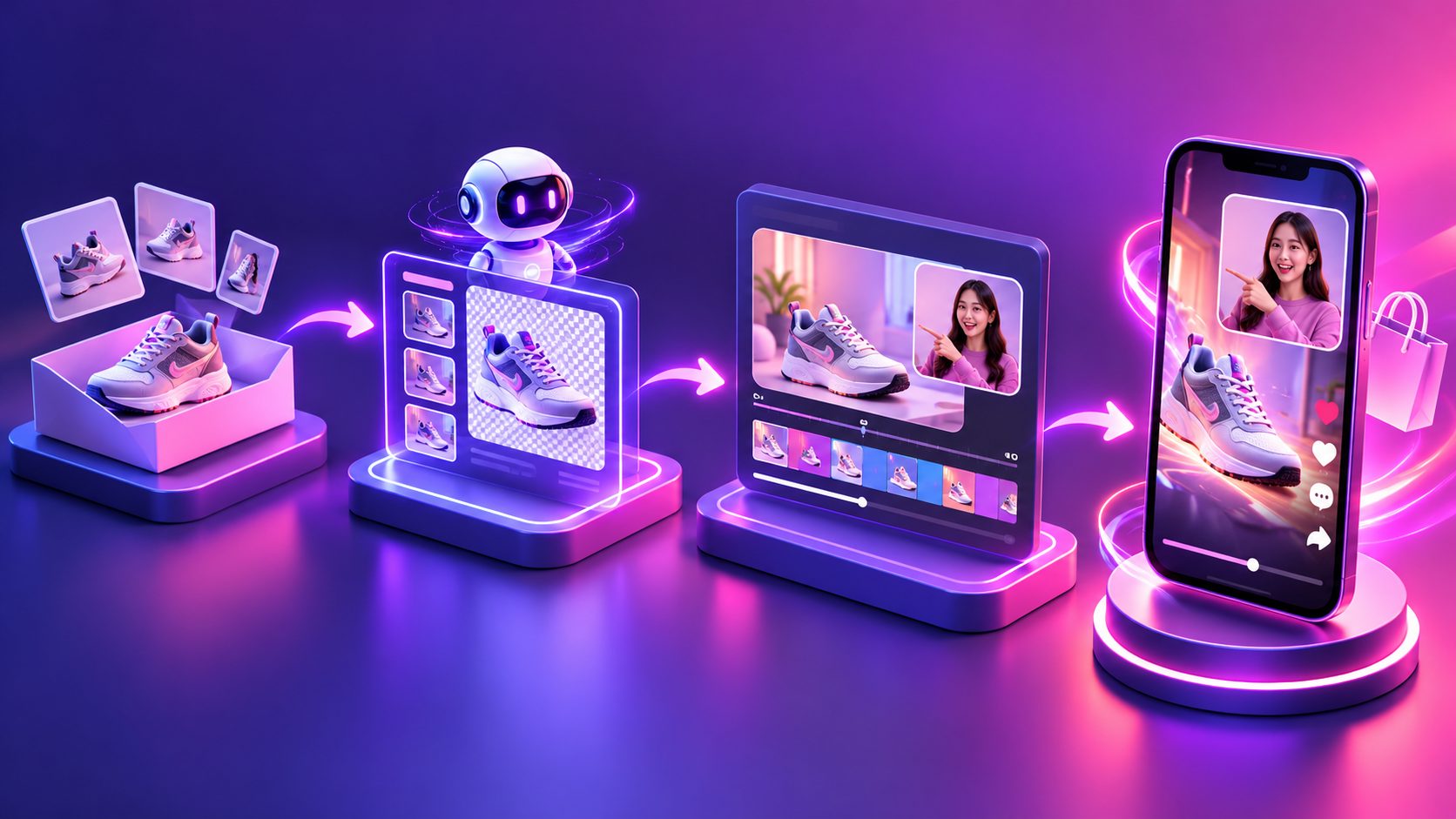
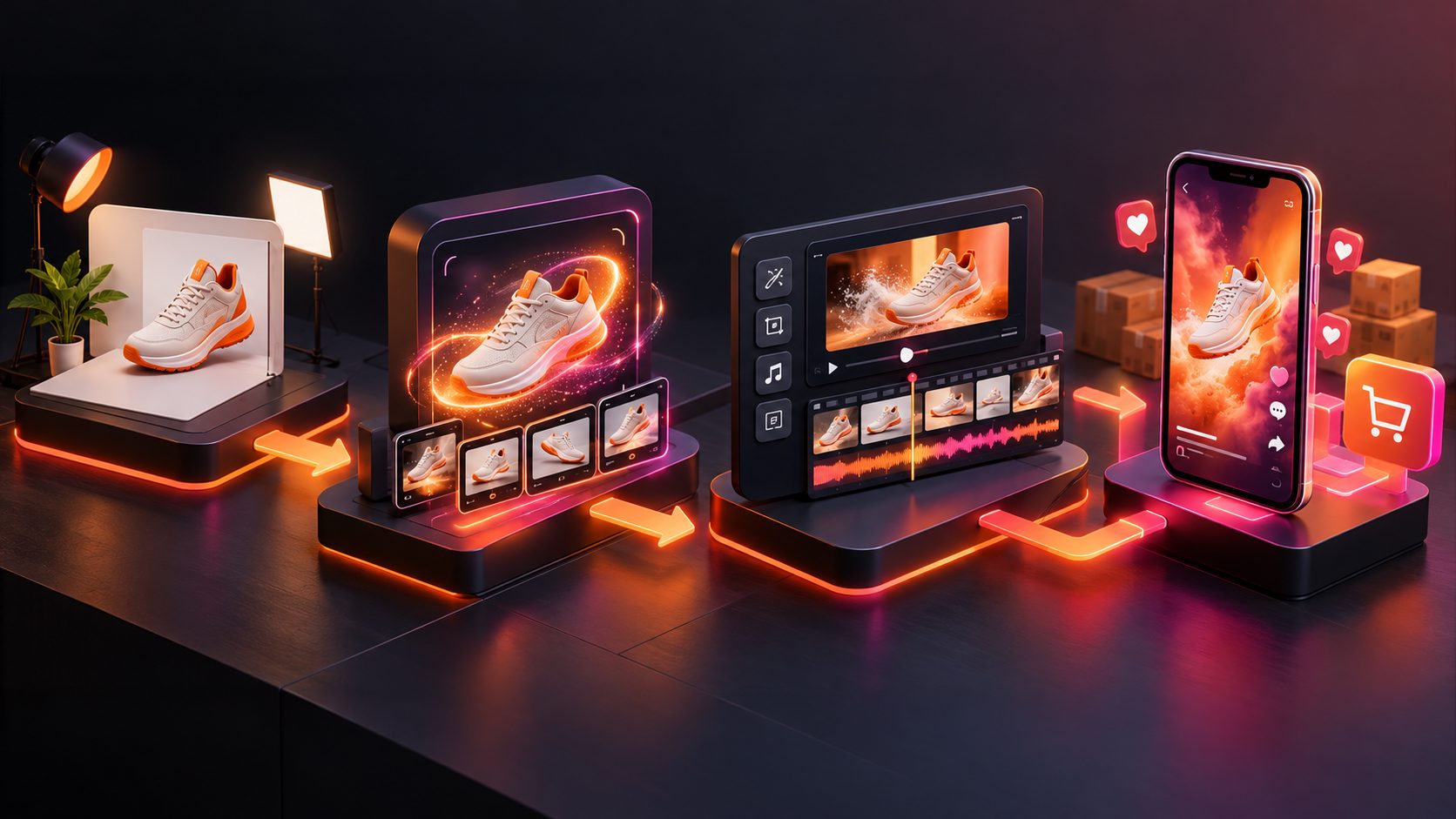
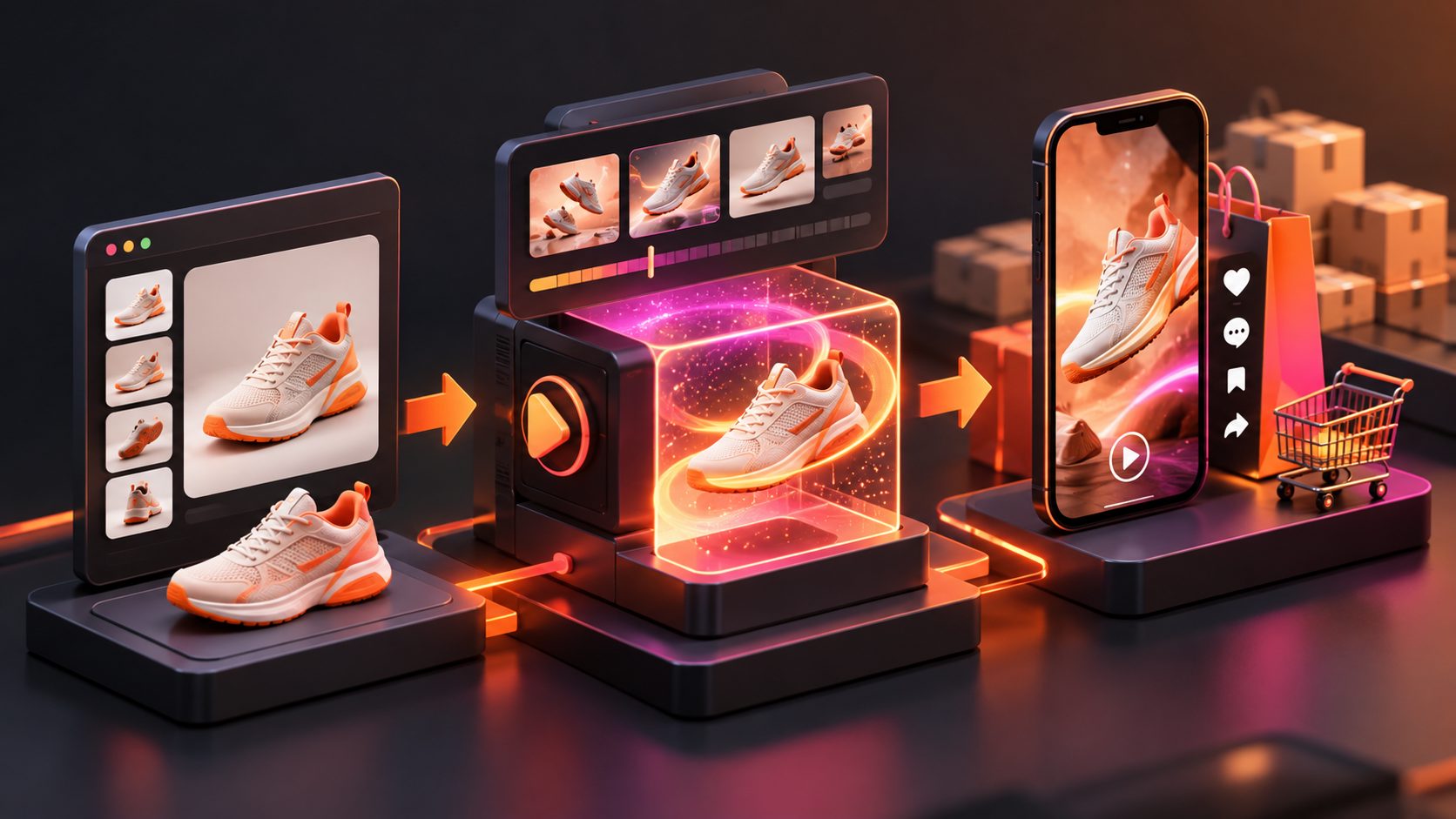
A TikTok Shop image to video ad maker turns product photos into short-form creative with motion, captions, voiceover, and a shopping-focused call to action. For sellers, the real value is not making one video from one image. It is producing enough controlled variations to test different hooks, benefits, formats, and audiences without arranging a new photoshoot for every idea.
TikTok’s Seller Center now includes AI video creation tools that let sellers select products, upload assets, generate variations, review them, and publish from the same workflow. (seller-us.tiktok.com)
What is a TikTok Shop image to video ad maker?
A TikTok Shop image to video ad maker is an AI-assisted production workflow that converts static product images into short, vertical videos designed for product discovery and shopping. A useful output should do more than apply a slow zoom: it should introduce the product, visualize a benefit, show a use case, and direct the viewer toward the product page.
The strongest image-to-video workflows usually combine five elements:
- A clear product image
- A specific customer problem or use case
- Meaningful movement rather than decorative animation
- Readable captions and a concise script
- A product-focused CTA
TikTok’s own guidance emphasizes reviewing AI-generated videos for product accuracy, policy compliance, and third-party rights before publishing. (seller-us.tiktok.com)
What product images work best?
The best input is a clean JPG or PNG that shows the complete product with enough detail for the model to identify its shape, color, and category. Product photos on a plain or solid-color background are especially useful because they give the system a clear visual subject.
Prepare at least three image roles when possible:
| Image role | What it should show | Best use in the video |
|---|---|---|
| Hero image | Full product and packaging | Opening shot or product reveal |
| Detail image | Texture, mechanism, ingredients, or material | Proof and feature explanation |
| Use-case image | Product in a realistic context | Demonstration or lifestyle scene |
| Variant image | Color, size, or bundle differences | Comparison or offer section |
Avoid using screenshots with crowded text, heavily compressed images, collages, or photos where the product is partly hidden. If the source image does not clearly communicate the product, adding motion will not fix the underlying creative problem.
AdsTurbo Product Image accepts JPG and PNG product images and can generate multiple ecommerce image types, including banners, lifestyle images, close-ups, material details, instruction images, and brand visuals. It also supports output ratios for platforms such as TikTok Shop, Shopify, Amazon, and Instagram.
How should one product photo become a testable ad?
A practical structure is to assign each scene one job instead of turning the entire video into a slideshow.
A five-part storyboard
- Hook: Show the product immediately and state the buyer problem.
- Recognition: Present the product from a useful angle.
- Proof: Highlight a feature, material, result, or use case.
- Offer: Introduce a promotion, bundle, or reason to buy now.
- CTA: Tell viewers what to do next, such as viewing the product in TikTok Shop.
For example, a kitchen organizer could use the same product image set for several angles:
- “Running out of counter space?”
- Show the product opening or expanding.
- Highlight capacity and placement.
- Present a bundle or limited promotion.
- End with “See it in TikTok Shop.”
This structure is more reliable than asking an image-to-video tool to “make a viral ad.” The prompt describes the production style; the storyboard controls the commercial logic.
How can sellers create batch variations?
Batch production works best when you change one creative variable at a time. If every version has a different hook, script, actor, visual style, and offer, it becomes difficult to understand why one performs better.
Use a simple variation matrix:
| Variable | Example options |
|---|---|
| Hook | Problem-led, curiosity-led, benefit-led |
| Presenter | Product-only, AI actor, voiceover |
| Proof | Demonstration, close-up, comparison |
| Tone | Practical, energetic, premium |
| CTA | Shop now, see the details, explore the bundle |
| Format | 9:16, 1:1, 16:9 |
A useful first batch contains six to twelve variations: three hooks, two presentation styles, and two CTA treatments. This is an operating framework, not a performance guarantee, but it gives sellers enough contrast to learn from early results without creating an unmanageable asset library.
AdsTurbo supports product video creation from JPG or PNG product images, optional selling points and promotions, AI actors, ad templates, subtitles, translations, and batch-oriented creative workflows. Its library includes more than 300 AI actors and over 100 product advertising templates.
For larger teams, advanced AdsTurbo plans support team workflows, API access, and custom workflows. All generation tasks run asynchronously, with completion available through status polling or webhooks. That makes it possible to connect image-to-video production with an internal catalog, approval queue, or campaign management system.
Which formats should a TikTok Shop seller export?
Start with 9:16 vertical video because it matches the full-screen mobile viewing environment. Keep the product large enough to recognize on a small screen, place captions inside safe margins, and avoid putting essential text too close to interface areas.
A batch can also include:
- 1:1 for feed placements and repurposing
- 16:9 for broader video distribution
- Short and extended edits for different placements
- Captioned and clean versions for testing
AdsTurbo Ad Clone can analyze a reference video up to 12 seconds, extract its structure, and generate advertising variations. It can also export reference-based variations in 9:16, 1:1, and 16:9 formats. The important distinction is to borrow structural lessons—hook timing, pacing, proof sequence, and CTA logic—without copying another brand’s protected assets or claims.
For quality-sensitive footage, an AI video enhancer can help improve low-resolution or highly compressed source video before it is reused in a campaign.
How do captions and localization improve the creative?
Captions should communicate the main idea even when the viewer watches without sound. Use short lines, strong contrast, and one message per scene. Avoid placing five product claims on screen at once.
A practical caption hierarchy is:
- Line 1: Buyer problem
- Line 2: Product benefit
- Line 3: Supporting detail
- Final frame: CTA
AdsTurbo Video Subtitle can automatically transcribe speech, synchronize captions, and export either a video with embedded subtitles or a separate subtitle file. Subtitle styling can be adapted for TikTok, Instagram Reels, and YouTube Shorts. AdsTurbo also supports video translation for localized versions, allowing the same creative concept to be adapted across markets.
Localization should change more than the language. Review units, offers, cultural references, voice style, and the order of benefits for each audience.
What should sellers check before publishing?
Use this review checklist:
- Does the video show the actual product accurately?
- Are colors, dimensions, packaging, and included items correct?
- Does every claim match the product listing?
- Are captions readable on a mobile screen?
- Is the product visible during the key selling moment?
- Is the CTA clear without sounding misleading?
- Are music, images, actors, and reference footage properly licensed?
- Does the final video meet TikTok’s advertising and commerce requirements?
TikTok specifically places responsibility on sellers to review AI-generated outputs for accuracy, legality, policy compliance, and third-party rights. (seller-us.tiktok.com)
Common questions
Can I make a TikTok Shop video from one product image?
Yes. One clear product image can support a short product-focused video, but several angles or detail images usually provide stronger visual evidence and more varied scenes.
Is an image-to-video ad just a slideshow?
It can be, but that is usually a weak implementation. A better result uses purposeful camera movement, product reveals, close-ups, captions, and a clear sequence of problem, proof, and CTA.
What is the difference between face swap and character replacement?
Face swap changes facial identity while preserving much of the original scene. Character replacement can replace the broader person or character while retaining motion, lighting, and scene context. For ecommerce localization or audience testing, use character swap when the goal is to change the on-screen character rather than only the face.
How many variations should a seller create?
Begin with six to twelve versions built from controlled changes to hooks, presentation styles, proof points, or CTAs. Increase production only after the first batch reveals which creative variables deserve further testing.
Can image-to-video production be automated?
Yes. A scalable workflow can connect product assets, generation jobs, review states, and publishing preparation through an API. AdsTurbo provides REST API access with Bearer API Key authentication, and its video generation API includes endpoints for shot analysis, lip sync, watermark removal, translation, upscaling, face swap, motion control, and subtitles.