Claude
 Cursor
Flat Lay Photo to Video Ad Maker: Turn Product Images Into Ads


Summarize with
Summary
Learn how to turn a flat lay product photo into a platform-ready video ad with better motion, hooks, captions, and testing workflows. Build stronger ecommerce creatives with AdsTurbo.
By adsturbo.ai | Published 2026-11-24 | Updated 2026-11-24
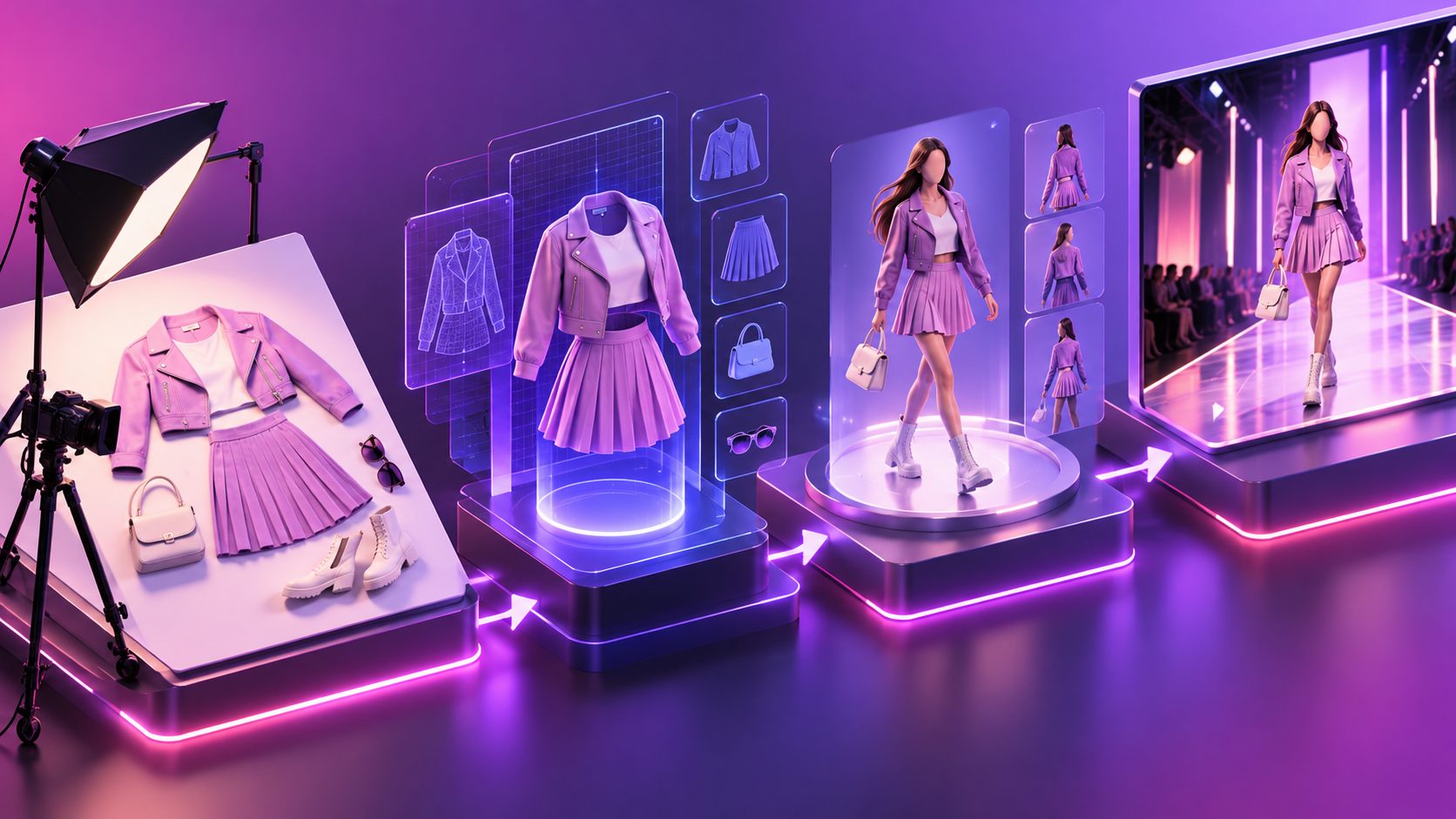
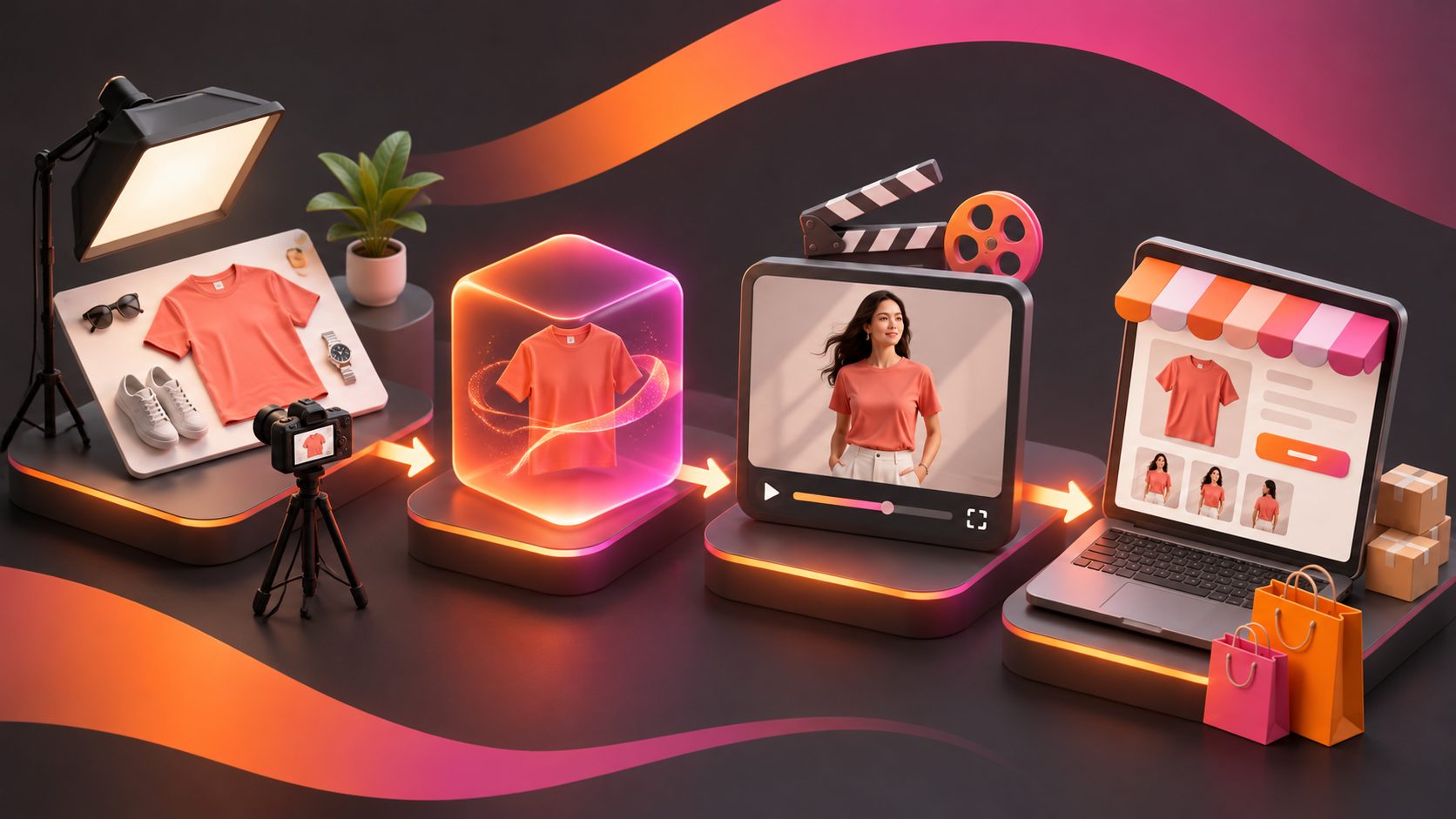
A flat lay photo to video ad maker turns a static overhead product image into a short advertising video with motion, messaging, captions, and a call to action. For ecommerce sellers, the best workflow is not simply “animate the photo.” It is to preserve product accuracy while adding a clear hook, visual progression, and platform-specific editing.
A flat lay image already gives shoppers a clean view of the product. The challenge is making that image feel active enough for TikTok, Instagram Reels, YouTube Shorts, or paid social campaigns.
What is a flat lay photo to video ad maker?
A flat lay photo to video ad maker is an image-to-video workflow designed for product photos captured from above. It can create movement through camera zooms, pans, object reveals, animated text, transitions, voiceover, subtitles, or product-focused scenes.
The most useful output is not always a cinematic commercial. For ecommerce testing, a practical product video should quickly communicate:
- What the product is
- Which problem it solves
- Why the shopper should care
- What action to take next
Current search results show that many image-to-video tools focus on generating a short animated clip from one image, while broader ad makers add scripts, presenters, captions, formats, and campaign variations. (descriptra.com) The important distinction is whether the tool creates a moving visual or a complete ad concept.
Why flat lay photos work well for video ads
Flat lay photography is useful because it starts with a controlled composition. The product is usually centered, visible, and separated from distracting backgrounds. That gives an AI workflow a cleaner reference for product-focused animation.
A strong flat lay image can support several ad directions:
- Feature reveal: Begin with the full product, then zoom toward a key detail.
- Problem-and-solution sequence: Use text overlays to frame a shopper pain point before revealing the product.
- Bundle showcase: Animate several items appearing one by one.
- Offer announcement: Add a discount, launch date, or promotional message.
- Unboxing-style layout: Reorganize the flat lay into a visual sequence that suggests what comes in the package.
The overlooked advantage is reuse. One well-prepared image can become several creative variations by changing the opening hook, motion path, caption style, voiceover, or offer.
How to turn a flat lay photo into a video ad
The following workflow is designed for ecommerce sellers who want to move from one product image to multiple testable creatives.
1. Prepare the product image
Use a clear JPG or PNG image with the product fully visible. A plain or clean background generally gives the system more reliable information about the product’s shape, color, and category.
Before generating, check four details:
- The product is not cropped at the edges.
- Important labels and packaging text are readable.
- Shadows do not hide key features.
- The camera angle matches the intended ad concept.
If the source image is blurry or heavily compressed, improve it before animation. AdsTurbo’s AI video enhancer can be used to improve low-resolution or highly compressed footage before final editing.
2. Choose one advertising angle
Do not ask one short video to explain every benefit. Select one primary angle, such as:
- “A faster way to organize your desk”
- “A compact product for small spaces”
- “Three essentials in one bundle”
- “A limited-time seasonal offer”
This makes the first three seconds easier to structure and reduces visual clutter.
3. Build a simple scene sequence
A reliable ecommerce structure is:
- Hook: Show the product immediately with a short problem or benefit.
- Proof: Highlight a feature, material, use case, or included item.
- Action: End with the offer, product name, or shopping instruction.
For a 12-second ad, a practical timing plan is:
| Section | Suggested duration | Purpose |
|---|---|---|
| Hook | 0–3 seconds | Stop the scroll and identify the product |
| Product detail | 3–8 seconds | Show the main reason to buy |
| CTA | 8–12 seconds | Tell the viewer what to do next |
This is an editorial framework rather than a platform rule. The right duration depends on the product, audience, placement, and testing objective.
4. Add controlled motion
Use motion that supports the product rather than distracting from it. Useful choices include:
- Slow push-in toward a product detail
- Side-to-side camera movement
- Animated item reveal
- Gentle rotation or parallax
- Text appearing beside the product
- Before-and-after layout changes
Avoid excessive movement when packaging accuracy matters. Fast camera changes can make labels harder to read and may cause the product to look inconsistent between frames.
5. Add captions and a clear CTA
Many viewers encounter short-form ads without sound. Captions should communicate the core promise even when the audio is muted.
AdsTurbo Video Subtitle can automatically transcribe speech and generate time-synced captions. It also supports embedded subtitle video downloads or separate subtitle-file exports, with styling suited to TikTok, Instagram Reels, and YouTube Shorts.
Keep the final CTA specific:
- “Shop the new collection”
- “See the full bundle”
- “Try it today”
- “Explore the limited offer”
Avoid vague endings such as “Learn more” unless the landing page clearly explains the next step.
How to adapt one flat lay video for different platforms
The same creative idea can require different edits for different placements.
TikTok and Instagram Reels
Use a vertical 9:16 composition with large captions and a fast opening. Keep the product and key text away from interface areas near the top and bottom of the screen.
YouTube Shorts
Prioritize immediate product recognition and a clean ending. The final frame should remain understandable if the viewer sees only the last moment of the video.
Product pages and marketplaces
Use a more informative edit. Show the product clearly, reduce decorative transitions, and focus on features, materials, dimensions, or use cases.
Paid social testing
Create variations that change one major element at a time:
- Hook
- First frame
- Caption wording
- Product angle
- Voiceover
- Offer
- CTA
This makes performance differences easier to interpret than producing several videos that change everything at once.
For a broader workflow, see this guide to AI video ad generation for ecommerce product listings.
An original testing framework: the F-M-C method
A useful way to evaluate flat lay product videos is the F-M-C method:
- F — Findability: Can the viewer identify the product in the first two seconds?
- M — Meaning: Does the video explain why the product matters?
- C — Conversion: Is the next action visible and specific?
Score each category from 1 to 5 after reviewing the finished video. A creative scoring 5 for motion but 2 for meaning may look polished without communicating a buying reason. A creative scoring 4, 4, and 4 is often a stronger testing candidate than one with impressive effects but weak product clarity.
This framework adds a practical decision layer that many image-to-video tutorials omit: the goal is not merely to create motion, but to connect motion with a measurable advertising purpose.
Common mistakes to avoid
Starting with a decorative animation
A slow product spin may look attractive, but it does not necessarily answer the shopper’s first question. Lead with the product benefit or use case.
Using too much text
A crowded screen reduces readability, especially on mobile. One short headline and one supporting line are usually easier to process than a paragraph.
Ignoring source-image quality
AI cannot reliably recover every missing label, edge, or product detail. Start with the clearest product photo available.
Making every variation identical
Changing only the background is not always a meaningful creative test. Vary the hook, message, or visual sequence so each version explores a different buying motivation.
Treating the video as finished before review
Check product shape, text accuracy, subtitle timing, cropping, and CTA visibility before publishing. Product-focused ads require a final accuracy pass even when the production workflow is automated.
Frequently asked questions
Can one flat lay photo become a complete video ad?
Yes. A single product image can serve as the visual foundation for a short ad with motion, captions, narration, transitions, and a CTA. The result is strongest when the image is clear and the ad has one focused message.
What image format should I use?
A clear JPG or PNG product image is suitable for AdsTurbo Product Image workflows. A plain background and visible product edges generally help the system interpret the item more consistently.
Should I add a person or AI actor?
Only when a presenter improves the message. A product-only ad is often better for packaging, accessories, bundles, and visual feature demonstrations. A presenter-led version may help when the product requires explanation or social proof.
How many versions should I create?
Start with several variations that change the hook, caption, or CTA while keeping the product and offer consistent. This produces more useful learning than generating many nearly identical videos.
Can I reuse the same video everywhere?
You can reuse the central concept, but the edit should be adapted to each placement. Aspect ratio, caption position, pacing, and safe zones can affect readability and performance.
Conclusion
A flat lay photo to video ad maker is most valuable when it turns one clean product image into a structured testing system—not just a moving picture. Prepare the source image carefully, choose one buying angle, use controlled motion, add readable captions, and create variations that reveal which message works best.
For ecommerce sellers, the winning workflow combines product accuracy with repeatable creative testing. That is how a single flat lay photo can become a practical library of short-form video ads.